If you’ve ever faced a ban on Roblox, one of the first questions that might cross your mind is: does Roblox ban bypass by timezone? Some players believe that changing their device’s clock or switching to a different timezone could reduce the length of their suspension.
While you wait out a suspension or troubleshoot performance issues, here’s a practical guide on how to fix Roblox lag on a slow phone so gameplay is smoother when you’re back.
The short answer: ❌ No, changing your timezone does not bypass a Roblox ban. The countdown for any suspension is handled entirely on Roblox’s servers, not by your PC, console, or phone. Whether your ban lasts 24 hours, 7 days, or longer, the system enforces it based on server time.
In this guide, we’ll break down how Roblox bans actually work, why timezone tricks don’t affect them, and how ban evasion is defined and punished. Understanding these points can help you avoid bigger consequences and return to Roblox safely.
How Do Bans Work in Roblox?
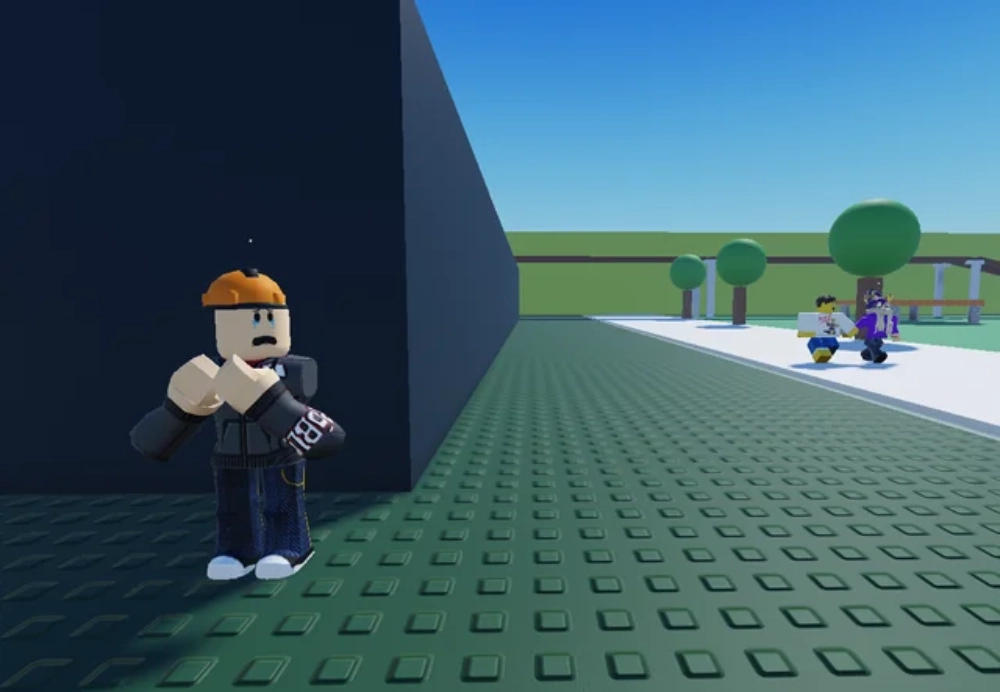
Roblox uses a tiered moderation system to deal with misconduct. Depending on the type and frequency of the violation, players may face temporary or permanent penalties.
Common Types of Roblox Bans
- Warning: For minor issues, the player is notified but can still log in.
- Temporary bans: Usually last 1, 3, or 7 days. Serious but not permanent.
- Account bans: The account is permanently removed for breaking Roblox’s Terms of Service.
- IP or hardware bans: In severe cases, Roblox blocks a device or IP address, preventing new accounts from being created.
Why Your Device Clock Doesn’t Matter
All Roblox bans are enforced server-side, meaning the system tracks your suspension time on Roblox’s central servers. These servers use UTC (Coordinated Universal Time), a global time standard, to calculate duration.
This means that:
- Changing your system clock will not shorten a suspension.
- Switching to another timezone will not change the countdown.
- Even reinstalling Roblox or resetting your device won’t reset the ban.
Roblox’s enforcement is independent of local devices. Your console, PC, or phone simply checks in with the Roblox servers — and those servers decide whether your account can log in.
Does Changing Timezone Bypass a Roblox Ban?
Let’s answer the core question directly: No, changing your timezone will not bypass a Roblox ban.
Many players have tried to:
- Move their system clock forward by a few days
- Switch timezones in Windows or macOS
- Adjust console or mobile device clocks
…but none of these tricks actually affect the internal Roblox ban timer.
That’s because Roblox doesn’t rely on your device’s settings. Instead, the platform logs bans by account ID, IP, and device fingerprinting. When you try to log back in, Roblox verifies against its own centralized timer — not your local time.
In some cases, messing with your device time can even cause login errors or suspicious activity alerts, which may make moderation teams more likely to extend or escalate your ban.
What Is Ban Evasion in Roblox?
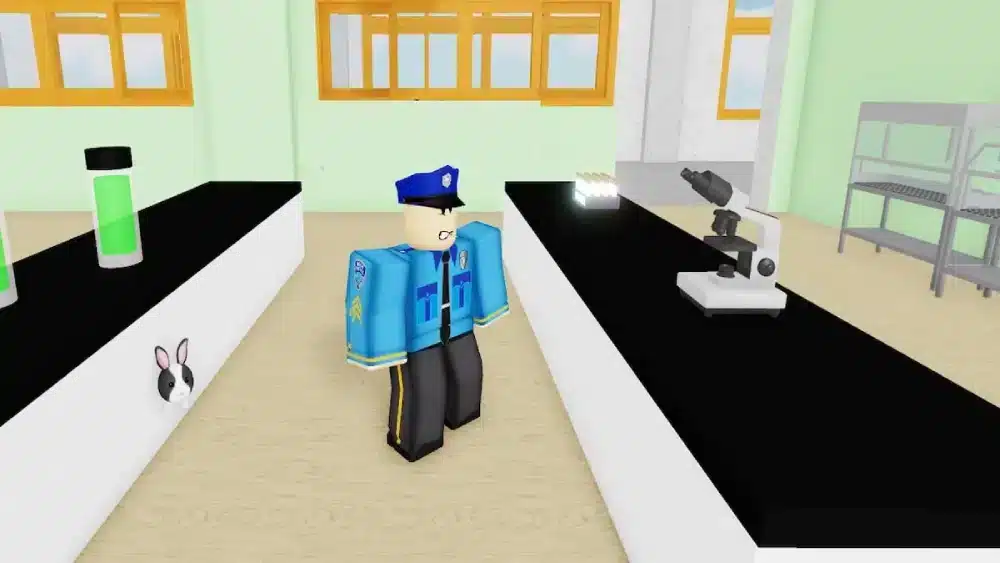
Roblox calls any attempt to bypass or ignore a suspension “ban evasion.” This goes beyond timezone changes and includes a wide range of tactics players sometimes try.
If you’ve seen chatter about executors or exploits, read this awareness piece that explains the Roblox Rivals script and how it works so you understand why such tools lead to bans and why evasion attempts backfire.
Examples of Ban Evasion
- Creating a new account to continue playing during a ban
- Logging in from a different IP or device to avoid detection
- Using VPNs to mask location
- Changing system timezone or device clock to trick timers
- Rejoining the same game or group that triggered the original ban
Why Roblox Treats Evasion Seriously
Ban evasion is not seen as a mistake — it’s considered intentional misconduct. Roblox’s moderation team classifies it as a repeat violation, and punishments are usually escalated.
For example:
- A temporary ban can become a permanent account ban.
- All linked accounts on the same IP or device may be suspended.
- A flagged history of evasion can prevent successful appeals.
In other words, instead of reducing your punishment, ban evasion almost always makes things worse.
IP & Hardware Bans: How Roblox Escalates Enforcement
When Roblox detects serious or repeated policy violations it can escalate enforcement beyond a single-account suspension. Two common escalations are IP bans and hardware (device) bans.
IP bans block traffic from a specific IP address range. They’re typically used when multiple accounts from the same home/office network are abused, or when a player repeatedly creates new accounts to avoid punishment. IP bans may be limited (temporary) or broad (long-duration) depending on the severity.
Hardware bans use device fingerprinting to identify a particular machine (or set of hardware characteristics: motherboard ID, GPU signature, etc.). This is more invasive and harder to evade than a simple account ban because switching accounts won’t help if the same device is recognized and blocked.
Important technical notes (high level)
- Roblox combines multiple signals — account ID, IP address, cookie/device tokens, and device fingerprinting — so it can correlate new accounts with previously banned behavior.
- Using simple measures (changing local timezone, reinstalling the app) does not alter these server-side signals.
- Some players believe VPNs or proxy services can bypass bans. While a VPN may temporarily change your apparent IP, Roblox also flags anomalous behavior consistent with evasion and may escalate enforcement to include the VPN IP or related accounts.
Why Attempting to Bypass a Ban Backfires
If you’re wondering what happens if you try to bypass a ban, here are typical outcomes and their downstream consequences:
- Detection and escalation — Attempted evasion is itself a violation and can convert a temporary ban into a permanent suspension.
- Wider account restrictions — Roblox may link and suspend associated accounts (email addresses, linked social logins, or sibling accounts).
- Loss of purchases — Robux balances, purchased items, and in-game progress can be forfeited permanently on suspended accounts.
- Reputation hit — Repeated evaders get flagged in moderation systems; future appeals are less likely to succeed.
- Legal/ToS risk — Using unauthorized third-party tools (cheats, injectors, executors) not only causes bans but can expose you to malware or legal claims by software vendors.
Short version: trying to evade a ban almost always makes things worse. The right approach is to appeal or wait out the suspension while following Roblox’s official process.
What To Do If You’ve Been Banned (Safe, Official Steps)
If you find yourself banned, here’s a calm, effective, and policy-compliant workflow to follow:
1. Check your email
Roblox typically sends an email to the account’s registered address explaining the ban—duration, reason, and any appeal instructions. Read it carefully.
2. Don’t create another account to “get around” the ban
This is ban evasion. Resist the urge. Attempts will only escalate penalties.
3. Gather relevant info
Collect the account username, approximate time(s) and date(s) of the incident, and screenshots (if any) that might support your appeal.
4. Use Roblox’s official appeals form / Support portal
Go to the Roblox Support page and submit a ticket / appeal. Be clear, concise, and respectful. Explain what happened and why you believe the ban should be reconsidered.For clarity, here’s a walkthrough on how to use the Roblox support form correctly step by step so you don’t miss required details.
5. Wait patiently and follow up politely
Moderation teams handle many reports. If you receive an automated response, follow the guidance it includes. Repeatedly creating tickets or being abusive toward support can harm your case.
6. If mistakenly banned (false positive)
Provide evidence: timestamps, chat logs, screenshots. Be factual—evidence speeds reviews.
7. If banned for cheating or exploit usage
If you used cheats, be honest in your appeal. Some platforms are more lenient for first-time admissions + assurances not to repeat the behavior, but this is not guaranteed.
8. When the ban is temporary
Use the time to read Community Standards and learn what triggered the ban. Come back after the suspension with better habits.
Key principle: follow Roblox’s official channels. Appeals and good behavior are the only legitimate paths back.
How to Avoid Getting Banned in the First Place (Practical Preventive Tips)
Prevention is far simpler than recovery. Follow these practical habits to reduce your risk of moderation actions:
- Read and follow Roblox’s Community Standards and Terms of Use. Many bans occur from simple violations that are avoidable.
- Avoid third-party cheats, injectors, or “executor” tools. These are the leading cause of permanent bans and malware infections.
- Don’t share accounts. Shared access can lead to rule circumventions and makes appeals complicated.
- Be mindful in chat and voice. Harassment, hate speech, or targeted abuse triggers action quickly—moderators and automated filters catch this fast.
- Don’t engage in coordinated abuse. Mass-reporting, DDoS claims, or organized cheating will produce heavier penalties.
- Keep account security strong. Use a unique, strong password and enable any available 2FA to prevent account takeover that could result in policy violations.
- If you stream or post videos, avoid showing exploits or ways to abuse the game. Publicly demonstrating cheats gets you banned faster.
For official rules, features, and updates, you can always refer to the official Roblox website before you jump back into play.
Roblox enforcement exists to protect the community. Playing fairly benefits you and everyone else.
Technical Myths Debunked (Quick Answers)
- “If I change my device timezone, the ban timer moves.” No. Timers are server-side and use UTC; local clocks don’t matter.
- “Using a VPN will definitely unban me.” Not reliably. VPNs alter IP but don’t change device or account signals; they can also trigger additional suspicion.
- “Logging in from a different device will avoid detection.” Possibly temporarily, but device fingerprinting and linked behaviors often expose evasion quickly.
- “I can buy new accounts and keep playing.” This is ban evasion and risks permanent banning of all associated accounts and devices.
When You’re Unsure: Signs of a False Positive
Occasionally, legitimate accounts get suspended in error. Typical signs include:
- You received no notice or the email was generic/automated without a clear reason.
- The behavior flagged doesn’t match anything you did (e.g., banned for chat when you never chatted).
- You suddenly cannot access your account yet see no infractions in your recent history.
If you suspect a false positive:
- Capture evidence (screenshots of the ban message, email).
- Submit an appeal explaining the discrepancy.
- Be patient and supply any requested info to support the review.
FAQ — Quick Answers (Snippet-Friendly)
No. Roblox uses server-side timers (UTC). Changing your local timezone or device clock does not reduce or remove a ban.
Yes. Roblox can ban IP addresses when violations are severe or repeated. IP bans are one tool among several (account, device fingerprint) used for enforcement.
Not reliably. VPNs may hide your IP but won’t mask other signals (device fingerprint, account links). Using a VPN to avoid a ban is considered evasion and risks harsher penalties.
Creating a new account to continue playing while a ban is active is ban evasion. Roblox prohibits this and will take action against linked accounts or devices.
Check the ban email sent to your account, then submit an appeal via Roblox Support. Provide factual information and any evidence to support your case.
No. ExitLag improves network routing and reduces ping; it does not remove bans. Use ExitLag only to stabilize your connection for legitimate play.
Conclusion: Timezone Tweaks Won’t Help — Use Official Channels
To answer the original query plainly: does Roblox ban bypass by timezone? No. Changing your device clock or timezone does not affect Roblox’s server-side ban timers and attempting to manipulate client-side settings can create suspicion that leads to escalated penalties.
If you’ve been banned, follow Roblox’s support and appeals process. Resist workarounds like creating alt accounts or using VPNs to play while suspended—those are classic forms of ban evasion and will usually make the situation worse.
When you’re ready to resume legitimate play, check new experiences on the Roblox Discover page for Dress to Impress or your usual favorites—and keep things fair.
If your problem involves connection issues (disconnects while loading an appeal, lag when reconnecting, or region routing problems), consider performance tools like ExitLag to stabilize your network. Important: ExitLag is a connection optimizer, not a ban-evasion tool. Use it to improve ping and reduce disconnects — never to hide your identity or circumvent moderation.
Got questions or want to connect with other players? Join the conversation at the ExitLag Forum!