Leonida is huge, and a drive from the Keys to Port Gellhorn eats a real chunk of a play session. Knowing How To Auto Drive GTA 6 turns that dead time into a scenic break, or a chance to grab a snack.
The feature is tucked inside the camera controls, not the vehicle menu, so a lot of players finish Chapter 1 without ever finding it. How To Auto Drive GTA 6 comes down to one setting, one waypoint and two button presses.
Here's the direct answer. Set a waypoint, get in a vehicle, hold Down on the D-pad and press Options (PS5) or Menu (Xbox) to enter Cinematic Mode, then hold Circle or B. Jason or Lucia takes over and drives to the marker on their own.
Before that works everywhere, though, you'll want to change one option in the settings. Most "it doesn't work" complaints come from skipping it.
How To Auto Drive GTA 6 Step By Step
The whole process takes seconds once you've done it once. Order counts here, because the auto drive prompt only appears in Cinematic Mode with an active route.
Change The Auto Drive Setting First
Go to Settings, then Gameplay, then Auto Drive, and switch it to Unrestricted. With the default option, the feature won't be available in every situation.
- Open the pause menu and pick Settings.
- Go to the Gameplay tab.
- Find the Auto Drive option.
- Set it to Unrestricted and back out.
Start The Drive
With the setting sorted, the actual sequence is short. We'd practice it on an empty road the first time so the camera switch doesn't surprise you in traffic.
- Open the map and place a waypoint or pick a mission marker.
- Get into a vehicle with Triangle (PS5) or Y (Xbox).
- Start driving forward for a moment.
- Hold Down on the D-pad and press Options (PS5) or Menu (Xbox) to switch to Cinematic Mode.
- When the auto drive prompt shows up in the bottom-right corner, hold Circle (PS5) or B (Xbox).
- Let go of the sticks and enjoy the ride.
If the prompt doesn't appear, tap the accelerator gently while in Cinematic Mode. Some players report it only pops up once the car is rolling.
GTA 6 Auto Drive Controls On PS5 And Xbox
Learning How To Auto Drive GTA 6 also means learning the controls once the car is driving itself. You can't steer, but you can change pace and bail out whenever you want.
Full Controls Table
| Action | PS5 | Xbox Series X|S |
|---|---|---|
| Enter vehicle | Triangle | Y |
| Enter Cinematic Mode | Hold D-pad Down + Options | Hold D-pad Down + Menu |
| Start auto drive | Hold Circle | Hold B |
| Speed up | R2 | RT |
| Slow down | L2 | LT |
| Exit Cinematic Mode | Hold D-pad Down | Hold D-pad Down |
Taking Back Control
Just grab the wheel. That's it. Steering or exiting Cinematic Mode hands control back to you immediately, which is handy when a cop car suddenly starts tailing you.
- Exit before a chase starts, not during it.
- Retake control near the destination if you want to park in a specific spot.
- Drop the speed with L2 or LT on narrow Vice City streets.
How Does GTA 6 Auto Drive Behave On The Road?
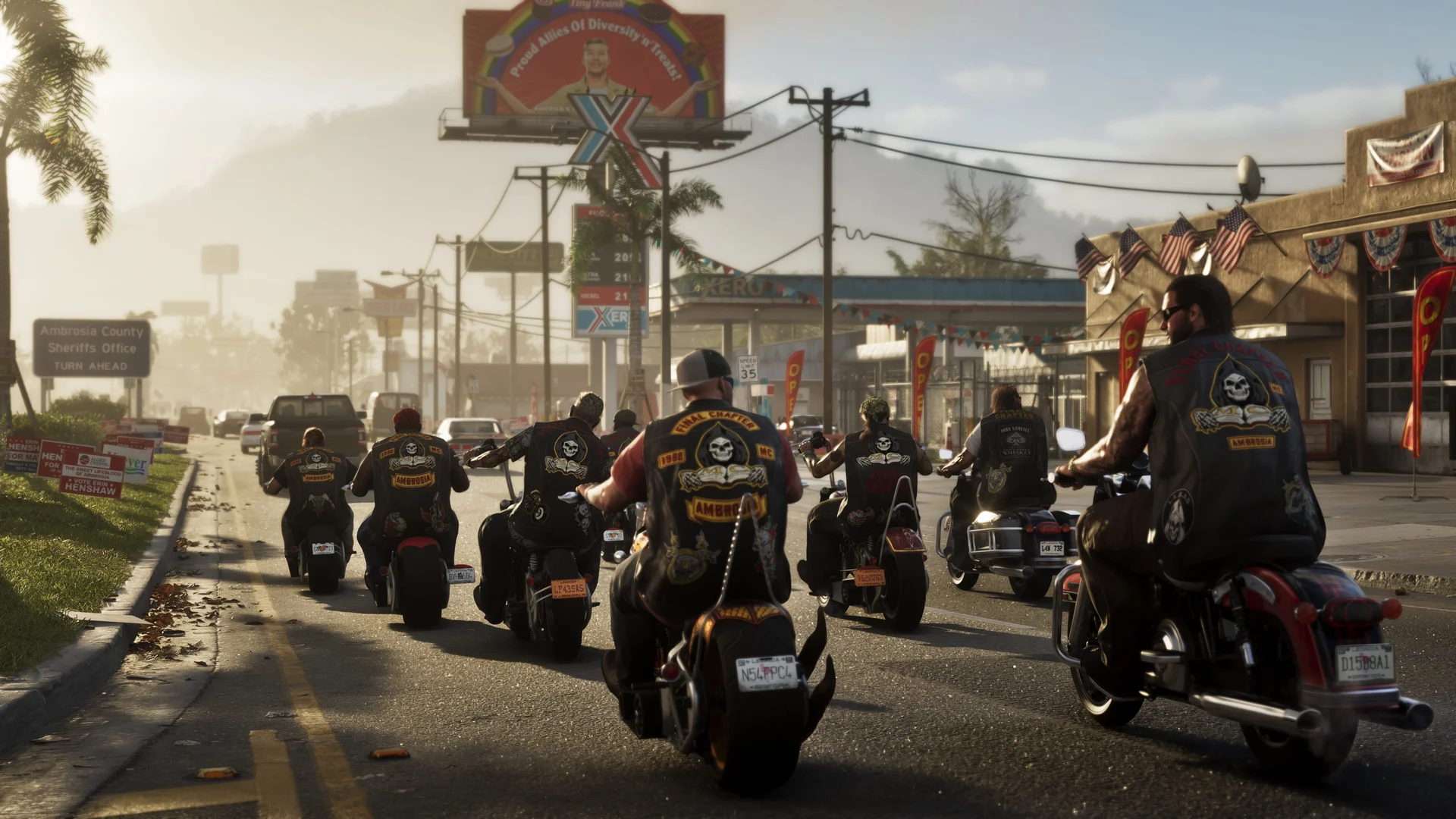
This part of How To Auto Drive GTA 6 catches people off guard. The AI drives like a careful local, not like a getaway driver, so it won't get you anywhere faster than you could manage yourself.
It Follows Traffic Rules
Auto drive stops at lights and slows for traffic. Expect pauses at intersections and the odd detour around a jam.
That's the trade-off. You get a hands-free trip, but it's slower than driving yourself, sometimes by a lot when you cross downtown Vice City at rush hour with every light turning red right as you arrive. If you're in a rush, honestly, just drive.
- It obeys red lights and stop signs.
- Following distance stays sensible, even on highways.
- Speed changes with R2 and L2 still respect traffic.
- Dense downtown traffic makes trips noticeably longer.
It Works On Water Too
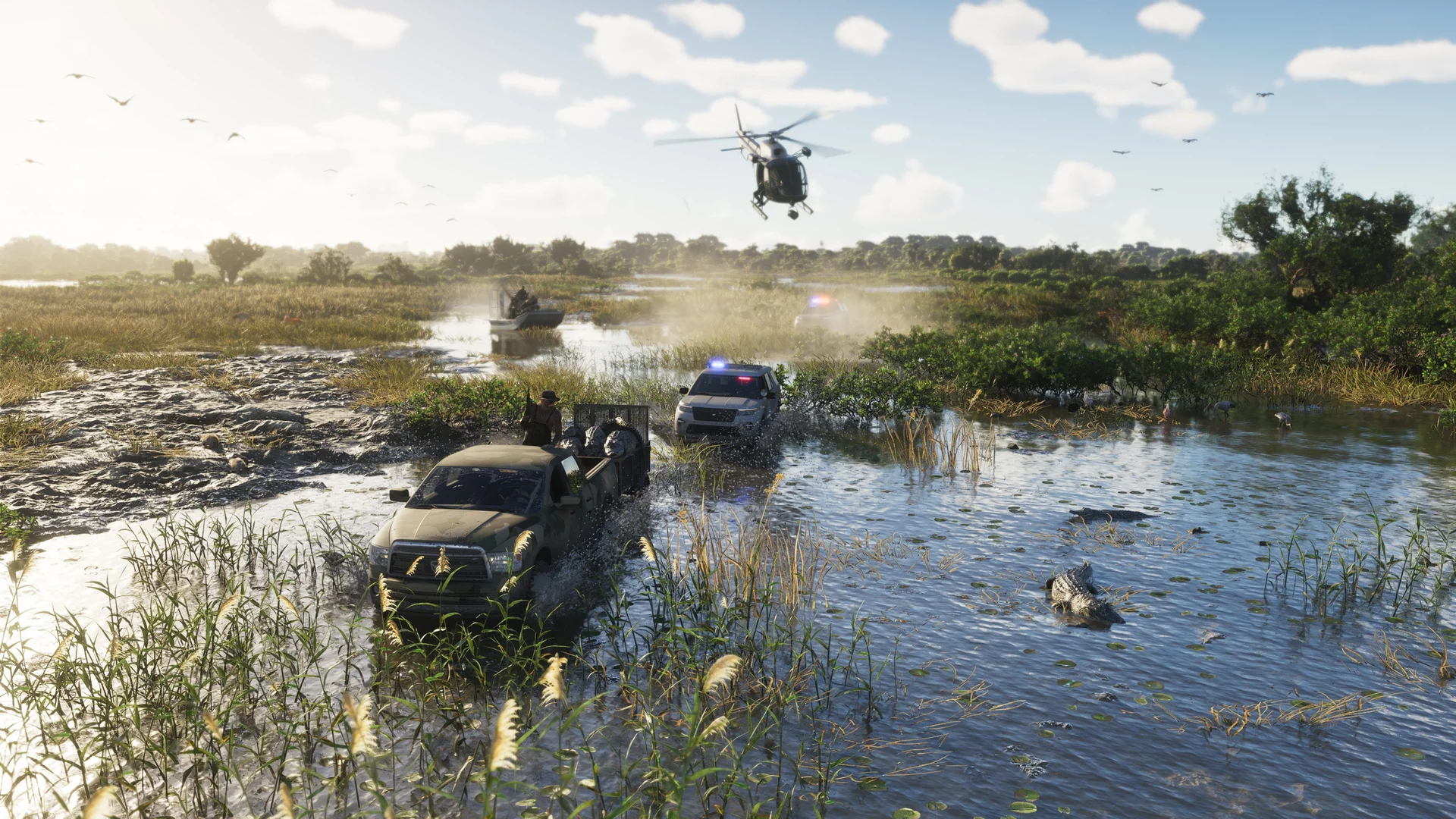
Boats support auto drive as long as your destination can be reached by water. Cruising the canals or the Keys this way is one of the nicer things to do between missions.
The route has to make sense for a boat. Obviously. A waypoint in the middle of Ambrosia won't work from a dinghy.
GTA 6 GPS And Waypoints Explained
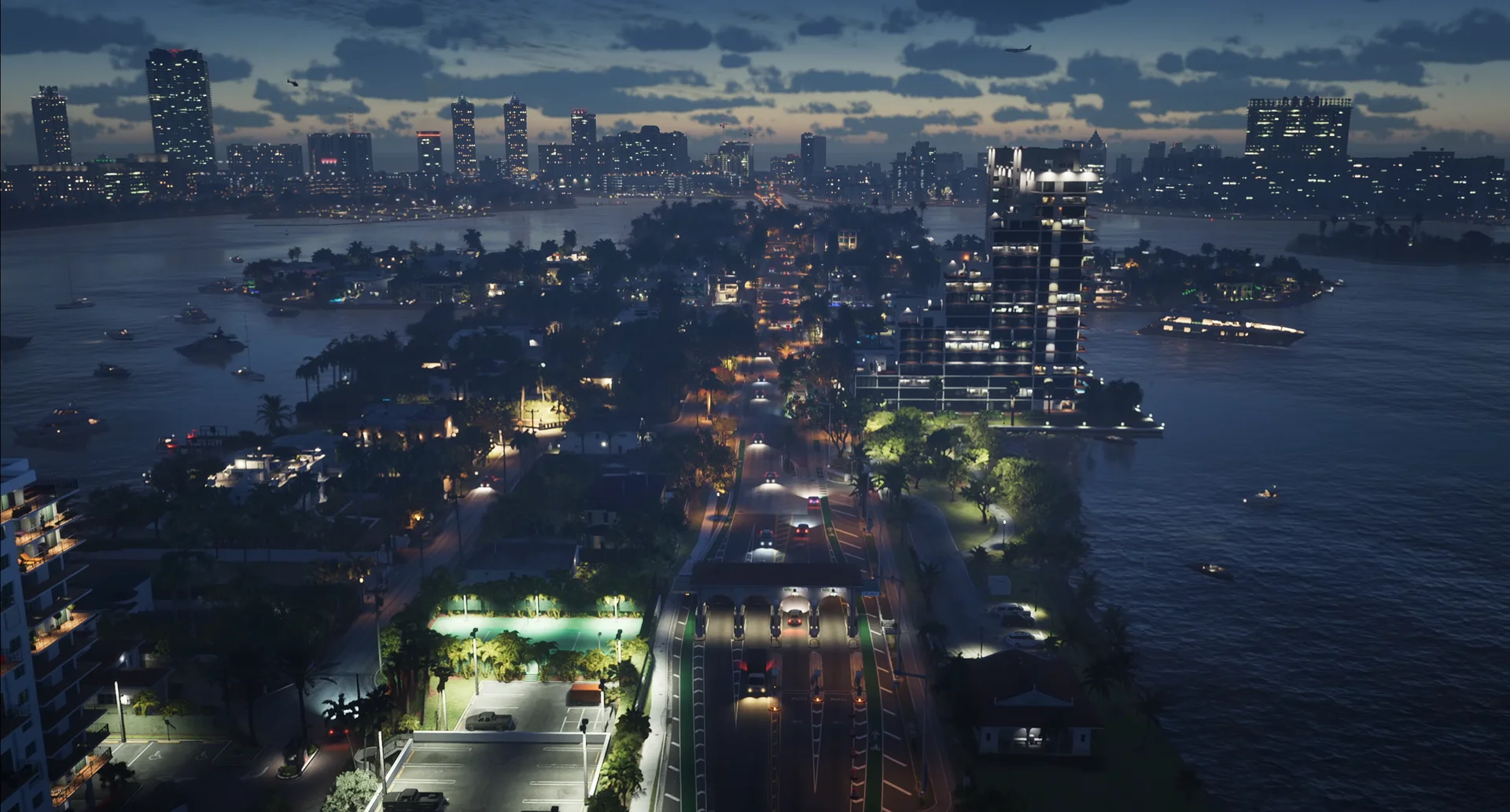
Anyone figuring out How To Auto Drive GTA 6 eventually learns the feature is only as good as the route it follows. Knowing how the GPS draws that route saves you from sending Jason on a weird detour.
Reading The Route
The minimap shows a pink route line, the distance left at the top-left, and a box above it with the next turn and how far away it is. Auto drive follows that same line.
Holding Down on the D-pad also opens a view of nearby locations with time slowed down, and you can mark one from there for directions. For a broader look at regions and landmarks, our full GTA 6 map guide lays out every area.
Picking Better Waypoints
- Set the marker on a road, not inside a building.
- Pick the main entrance of a mission area so the route doesn't loop around the block.
- For boat trips, drop the pin on a dock or open water.
- Clear an old waypoint before setting a new one to avoid route confusion.
Pro Tips: Auto Drive In GTA 6
- Use it for sightseeing runs: Cinematic angles show off Leonida better than the chase cam, and it's the easiest way to grab clean screenshots.
- Pair it with the radio: Long auto drives are perfect for working through stations. Our GTA 6 radio songs list helps you pick one.
- Pick a comfortable car: A sedan rides smoother on cinematic camera than a twitchy supercar. If you do want speed for manual runs, check the fastest car in GTA 6.
- Mind your wanted status: Auto drive won't dodge police. Read up on how the GTA 6 criminal profile works before cruising past cops with a hot car.
Common Mistakes With GTA 6 Auto Drive
- Skipping the Unrestricted setting: The feature seems broken in some situations. Fix: Settings, Gameplay, Auto Drive, Unrestricted.
- No waypoint set: Cinematic Mode works, but the auto drive prompt never appears. Fix: mark a destination before switching cameras.
- Pressing instead of holding: A quick tap of Circle or B does nothing. Fix: hold the button until the drive starts.
- Using it in a chase: The AI keeps obeying traffic while cops close in. Fix: take manual control the second a wanted level appears.
Does Your Connection Affect GTA 6?
Nothing about How To Auto Drive GTA 6 depends on your internet. At launch, GTA 6 is a single-player game on PS5 and Xbox Series X|S. Auto drive runs entirely on your console.
Where ExitLag Helps Today
ExitLag is a connection optimizer, not a VPN. It analyzes several network paths in real time and routes your game traffic through the fastest, most stable one to the game server.
If you split time between Leonida and GTA Online or FiveM on PC, that's where it earns its place. Our GTA 6 connection guide and our breakdown of game latency and how to optimize it go deeper on the network side.
- Multipath sends packets over multiple routes at once, so one bad hop doesn't drop you.
- Multi-Internet combines up to 4 connections for instant failover.
- Traffic Shaper puts game traffic ahead of downloads on the same network.
- PC Boost trims background processes for steadier FPS.
Before GTA 6 Goes Online
Rockstar hasn't dated an online mode for GTA 6. Until then, GTA V on PC is still where most of us play with friends, and our GTA V Enhanced optimization guide covers settings that pair well with better routing.
If that's your setup, the ExitLag Download takes a minute, and you can test it on your next GTA Online session.
How To Auto Drive GTA 6: Final Checklist
Auto drive won't win you races, and it isn't meant to. It's a comfort feature for a very big map, and it does that job well.
Quick Recap
- Settings, Gameplay, Auto Drive, Unrestricted.
- Waypoint first, then Cinematic Mode, then hold Circle or B.
- R2 and L2 change pace, holding Down exits.
- Boats work if the destination is reachable by water.
More GTA 6 Guides To Read Next
- How many chapters are in GTA 6 and how long each one runs
- Where Niko Bellic shows up in GTA 6 (spoilers)
- How to switch characters in GTA 6 between Jason and Lucia
- Brooks Boatworks safe code and the wall map
- Kingpin Bowling alley safe code in Port Gellhorn
- How to open vaults and safes in GTA 6
- Our 72 Tulip GTA 6 guide
- How the GTA 6 Key Cloner works for stealing high-end cars
- GTA 6 money glitch breakdown
- Where to get the Tommy Vercetti shirt
- Our Schafter V12 GTA 6 guide, a solid auto drive cruiser
- Anitta's role in GTA 6 on The Wipe
- Mandy's house location and the serial killer theory
Check Rockstar's official Grand Theft Auto VI page for patch news that might tweak the feature. For now, that checklist is everything you need for How To Auto Drive GTA 6 on any vehicle that floats or rolls.
All game images used in this blog post belong to Rockstar Games. They are used for informational and educational purposes only and do not imply endorsement or affiliation with the rights holders.