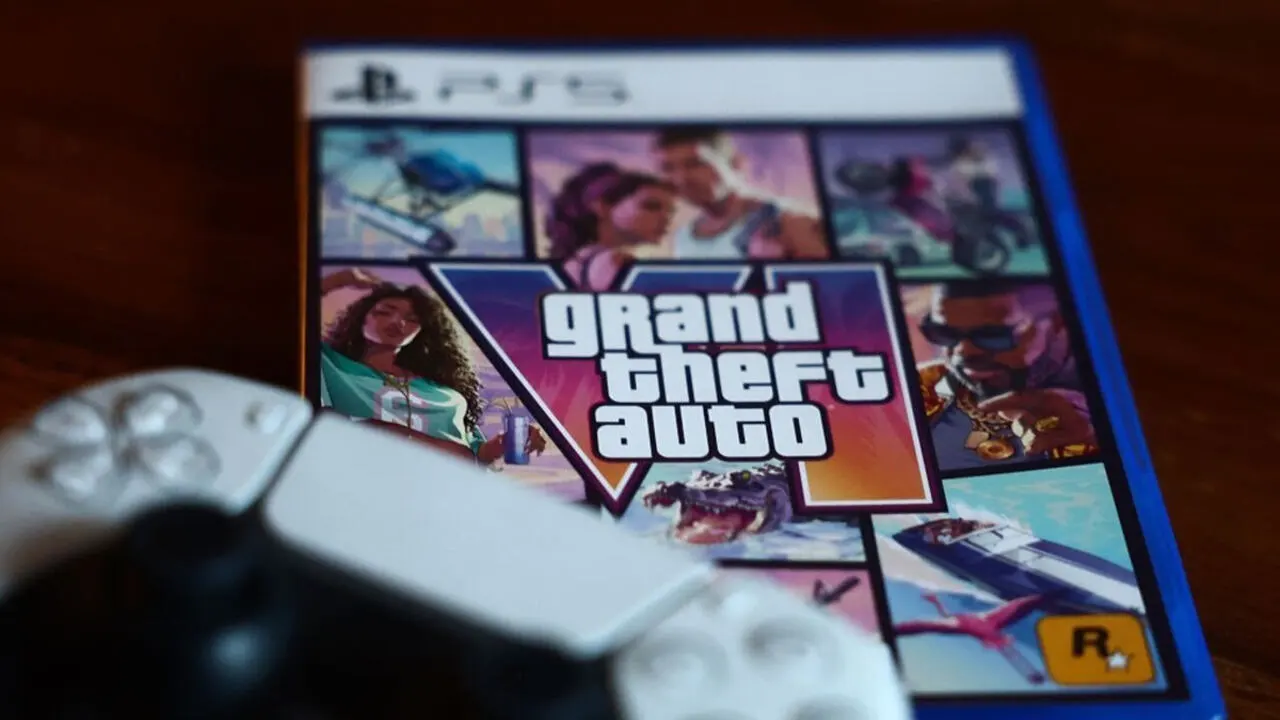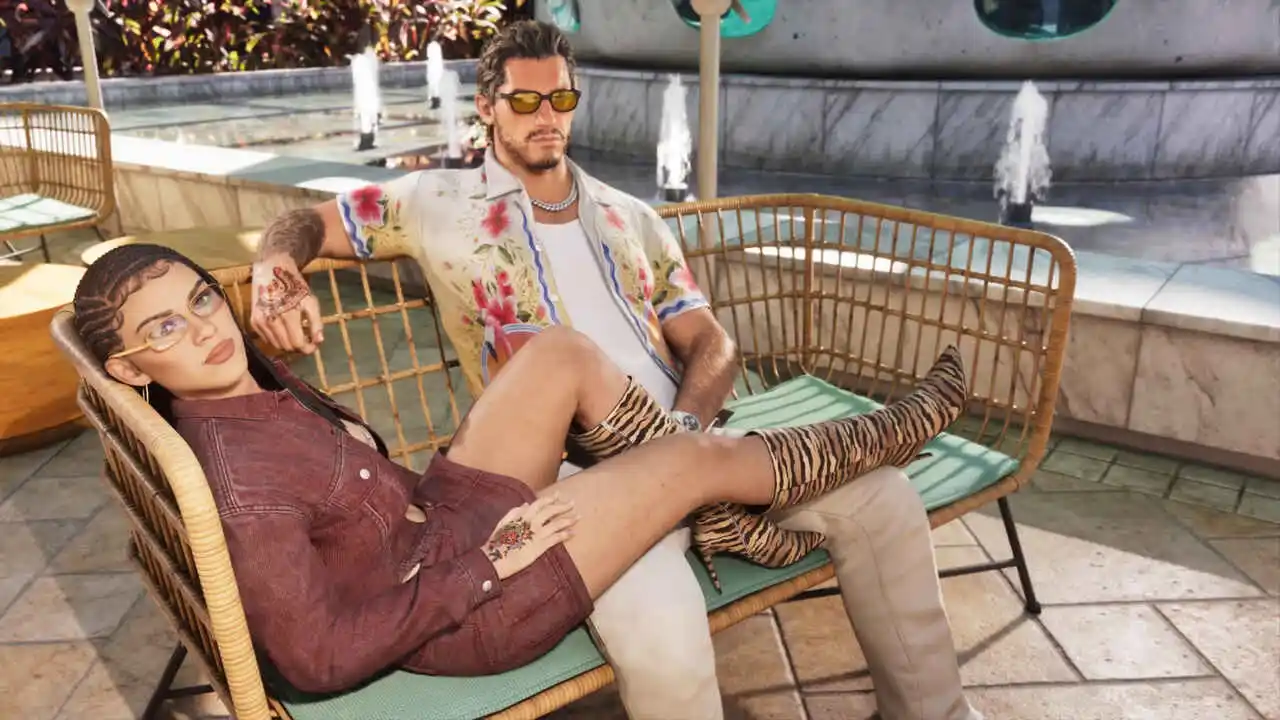

You've been playing for hours, Lucia is finally out of jail, and the character wheel still won't let you swap. That's the most common frustration in the opening chapters, and it's why How To Switch Characters In GTA 6 is such a popular question.
The switching system works differently from GTA 5's three-way wheel. How To Switch Characters In GTA 6 is simple once it opens up, but the story decides when that happens.
Here's the direct answer. Hold Right on the D-pad to open the partner menu, then press R1 on PS5 or RB on Xbox Series X|S to swap between Jason and Lucia. Free switching only becomes available late in Chapter 2, and some missions still lock you to one character after that.
Rockstar North's co-studio head Rob Nelson told Famitsu that switching is tied to story progression on purpose. So if your swap is greyed out, the game isn't broken.

How To Switch Characters In GTA 6 On PS5 And Xbox
The controls are the same idea on both consoles. Your partner menu is the hub for swapping, splitting up and regrouping.
Switch Controls
| Action | PS5 | Xbox Series X|S |
|---|---|---|
| Open partner menu | Hold D-pad Right | Hold D-pad Right |
| Swap character | R1 | RB |
| Split up | Hold D-pad Right, pick Split Up | Hold D-pad Right, pick Split Up |
| Long-distance swap | Partner menu, zoom out | Partner menu, zoom out |
Some guides describe the swap as a simple press of Right on the D-pad. Most launch guides agree that holding Right and confirming with R1 or RB is the reliable way.
Step-By-Step Swap
- Make sure free switching is available in your save.
- Hold Right on the D-pad to bring up the partner menu.
- Press R1 (PS5) or RB (Xbox) to switch to the other protagonist.
- Wait for the camera to pull out and drop into the other character.
- Hold Right again any time you want to swap back.
When Can You Switch To Lucia In GTA 6?
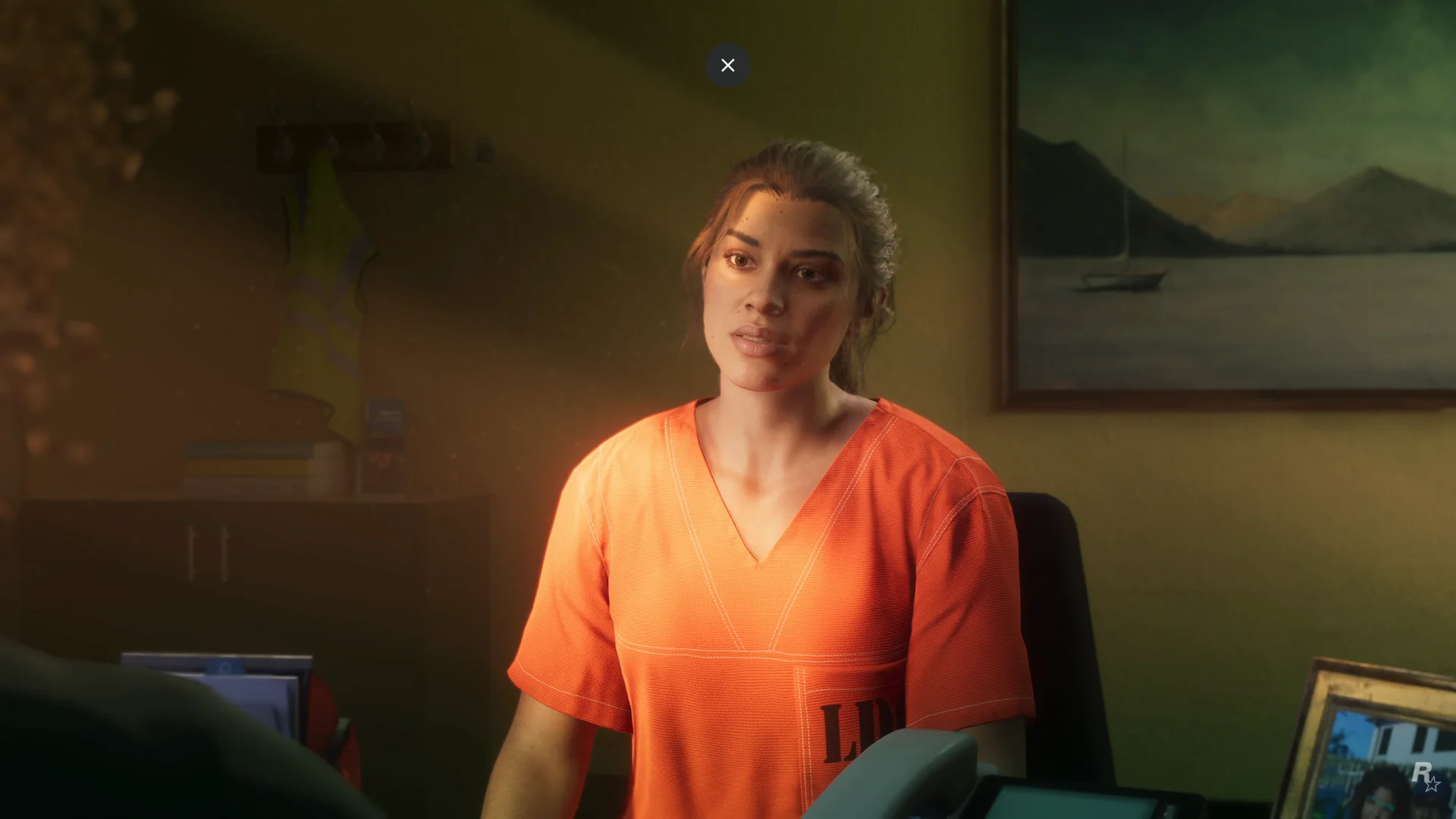
This is where most of the confusion comes from. GTA 6 opens with Lucia in prison, and you spend a good chunk of Chapter 1 as Jason only.
How The Story Hands You Control
The game gives you Lucia in pieces before you get full freedom. Knowing the order saves a lot of menu mashing.
- Early Chapter 1: Jason is playable; Lucia is in jail.
- Gone Fishing: finishing it opens the open world as Jason.
- Day Release: Lucia first appears alongside Jason, then goes back on parole.
- Later Chapter 1 missions, like Tourist Trap, put you in Lucia's shoes inside the mission only.
- After Chapter 1 ends: you can explore as Lucia in the open world.
- Late Chapter 2: free switching between both opens up.
Several guides point to the Breakfast Run mission in Chapter 2 as the moment free switching kicks in. If you want to see how far that is into the game, our guide to how many chapters are in GTA 6 lays out the structure.
Why Rockstar Limits It
Rob Nelson explained that letting you swap whenever you want early on would feel unnatural for the story. We agree. Lucia's parole and Jason's situation in the Keys are a big part of the first act.
The trade-off is real, though. Anyone who mostly wants to play as Lucia will spend the first two chapters waiting.
Why Can't I Switch Characters In GTA 6?
If the partner menu shows a greyed-out portrait, one of a few things is going on. Most have nothing to do with bugs.
Common Reasons The Swap Is Greyed Out
- You haven't reached late Chapter 2 yet.
- The current mission locks you to one protagonist.
- Your partner is busy with something in-universe.
- After a swap, the character you left called a RydeMe and left, which greys them out for a while.
- You're in an active wanted situation that blocks the switch.
How To Fix It
- Finish the active mission or abandon it from the pause menu.
- Lose any wanted level before trying again.
- Wait a moment if your partner just left in a RydeMe.
- Continue the main story if you're still before late Chapter 2.
- Reload your last save if the menu stays stuck after all of that.
Playing As A Duo: Split Up And Team Up

Switching isn't only about swapping control. The partner menu also lets you keep both characters together or send them separate ways.
Split Up Vs Stay Together

When you stay together, your partner follows you around and joins in on activities. Split up, and each one carries on independently until you swap back.
- Together is great for robberies, since your partner backs you up.
- Split up is handy for parking one character near a mission start.
- Swapping is also the quickest free way to cross the map.
That last point is underrated. Leave Lucia in Port Gellhorn and Jason in the Keys, and a swap does what a long drive or auto drive in GTA 6 would.
Swapping Mid-Mission
Many missions let you switch between Jason and Lucia during the action, and some let you play the whole thing as one of them. Robbery and heist missions are where this shines.
Our guide on how to open vaults and safes in GTA 6 covers bank jobs where splitting roles pays off.
Pro Tips: How To Switch Characters In GTA 6 Smarter
- Park characters strategically: Leave each protagonist near a different region so a swap becomes free fast travel across Leonida.
- Swap to dodge heat: If one character has a messy criminal record, playing the other for a while is a calmer way to explore. Read how the GTA 6 criminal profile works to see why.
- Split loadouts: Give Jason long guns and Lucia stealthy gear, so a quick swap changes your options in a mission.
- Don't swap mid-chase: The character you leave can call a ride and vanish, which greys out the switch right when you need it.
Common Mistakes With Character Switching
- Assuming the switch is bugged: It's story-gated until late Chapter 2. Fix: keep playing the main story.
- Tapping Right instead of holding: A tap might not open the menu. Fix: hold Right, then press R1 or RB.
- Trying during locked missions: Some missions force one protagonist. Fix: finish or quit the mission first.
- Expecting a third character: GTA 6 has only Jason and Lucia. Fix: that's the whole roster, cameos aside.
GTA 6 Characters Beyond Jason And Lucia
Only two characters are playable, but the supporting cast is huge, and a couple of them have taken over social media since launch.
Supporting Characters Worth Knowing
- Mandy, Brian's tenant in the Keys, from the Pipework mission. See our page on Mandy's house and the serial killer theory.
- A late-game cameo from a GTA 4 legend. Our article on where Niko Bellic shows up in GTA 6 has the details, with spoilers.
- Anitta voicing Dr. Nita on The Wipe. Read about Anitta's role in GTA 6.
The Long Road To This System
The dual-protagonist setup was one of the most anticipated features through two delays. Our pieces on the GTA 6 delay and Rockstar's new release date announcement cover how long fans waited for it.
Does Your Connection Matter In GTA 6?
At launch, GTA 6 is single-player on PS5 and Xbox Series X|S, so switching characters runs locally and your internet doesn't change it.
When It Will Matter
Once Rockstar adds an online mode, high ping and packet loss will matter again. Our guide on how to lower ping covers the basics, from Wi-Fi interference to background downloads.
- High ping delays your actions on other players' screens.
- Packet loss causes rubber-banding and desync.
- Jitter makes the session feel inconsistent.
How ExitLag Helps
ExitLag is a connection optimizer, not a VPN. It analyzes multiple routes in real time and sends game traffic through the fastest, most stable one, without encrypting traffic or masking your IP.
Multipath uses several routes at once, and Multi-Internet can combine up to 4 connections for failover. If you play GTA Online or FiveM on PC today, the ExitLag Download is worth a test.
How To Switch Characters In GTA 6: Final Recap
Hold Right, press R1 or RB, and be patient until late Chapter 2. After that, swapping becomes one of the most useful tools in the game.
Keep Exploring Leonida
- The full GTA 6 radio songs list
- Brooks Boatworks safe code
- Fastest car in GTA 6 picks
- Kingpin Bowling alley safe code
- Our 72 Tulip GTA 6 guide
- How the GTA 6 Key Cloner works
- GTA 6 money glitch breakdown
- Where to get the Tommy Vercetti shirt for Jason
- Our Schafter V12 GTA 6 guide
- Full GTA 6 map guide to plan where to park each character
Official Info
Rockstar introduces both leads on its official Grand Theft Auto VI page. Bookmark this one too, since that's everything on How To Switch Characters In GTA 6 for now.
All game images used in this blog post belong to Rockstar Games. They are used for informational and educational purposes only and do not imply endorsement or affiliation with the rights holders.