If you’re wondering how to change name in Marvel Rivals, you’re not alone. Many players want to update their in-game identity, whether for a fresh start, better branding, or simply a cooler username.
In fact, how to change name in Marvel Rivals is one of the most searched questions since the game launched its early versions. Because it’s a competitive hero shooter, your name plays a huge role in how teammates and opponents recognize you.
So, what is the actual answer to how to change name in Marvel Rivals? The short answer is: it depends on the platform you’re using. Unlike some games, Marvel Rivals does not always have a built-in rename system, meaning your username is often tied to your external account like Steam or NetEase.
Understanding this system is essential before attempting any changes. Otherwise, you might update your name and not see it reflected in-game, which can be frustrating.
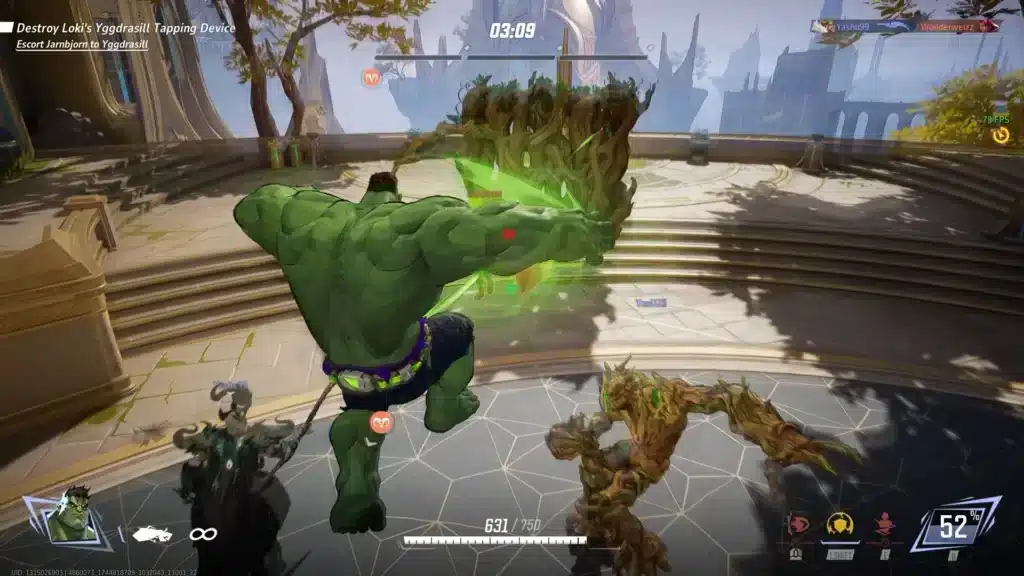
How to Change Name in Marvel Rivals (Step-by-Step Guide)
If you’re looking for how to change name in Marvel Rivals, the process is actually straightforward once you know where your username is managed.
Does Marvel Rivals Allow Name Changes?
Before anything else, it’s important to understand how the system works.
Marvel Rivals does not fully control your username internally. Instead, it pulls your display name from the platform you are playing on.
That means:
- Steam players use their Steam profile name
- NetEase users rely on their account nickname
- Future platforms may follow similar rules
Because of this, how to change name on Marvel Rivals is directly linked to your account provider, not the game settings itself.
Step-by-Step: How to Change Your Name
Here’s exactly how to change your name depending on your platform.
Steam Method
- Open Steam
- Click on your profile
- Select “Edit Profile”
- Change your profile name
- Save changes
After that, restart Marvel Rivals to apply the update.
NetEase Account Method
- Log into your NetEase account
- Access account settings
- Look for nickname or profile section
- Edit your name (if available)
Keep in mind that some regions or accounts may have restrictions.
Quick Tips
- Changes may take time to appear in-game
- Restarting the client helps refresh your name
- Some platforms cache old usernames temporarily
Can You Change Your Name in Marvel Rivals? Limitations Explained
Many players ask: can you change your name in Marvel Rivals freely?
The answer is yes-but with important limitations.
How the Account System Works
Marvel Rivals uses a platform-based identity system.
This means:
- Your username is not stored exclusively in the game
- It syncs with external platforms
- Cross-platform systems may affect visibility
Because of this, marvel rivals name change options are limited by external services.
Name Change Restrictions
Here are the most common limitations:
- Some platforms enforce cooldowns
- Certain usernames are restricted or banned
- Changes may not reflect instantly
For example:
- Steam allows frequent changes but may cache names
- Epic Games (if used) has a 2-week cooldown
Understanding these rules helps avoid confusion when trying to change marvel rivals name.
Marvel Rivals Name Change Not Working? Fix Common Issues
Sometimes, even after following the correct steps, your name may not update.
If you’re dealing with marvel rivals change name issues, here are the most common causes.
Why Your Name Didn’t Update
- Game client still using cached data
- Server sync delay
- Incorrect account linked
These issues are very common in online multiplayer games.
How to Fix It
Try these solutions:
- Restart the game completely
- Log out and back into your account
- Restart Steam or launcher
- Wait a few minutes for servers to update
Most of the time, these steps resolve the issue quickly.
Best Username Tips for Marvel Rivals Players
Choosing the right name is just as important as knowing how to change your name in Marvel Rivals.
Competitive Username Tips
A good username should be:
- Easy to read during fast gameplay
- Short and memorable
- Recognizable for teammates
This is especially important in competitive matches.
What to Avoid
Avoid these common mistakes:
- Overly long names
- Hard-to-read symbols
- Offensive or inappropriate words
Keeping your name clean and clear improves communication and recognition.

Improve Marvel Rivals Performance While Playing Online
While learning how to change name marvel rivals, it’s also important to ensure your gameplay performance is optimized.
Why Connection Matters
Marvel Rivals is a fast-paced multiplayer shooter.
This means:
- Low ping improves reaction time
- Stable connection ensures accurate hit registration
- Lag can ruin competitive matches
Even a small delay can impact your performance significantly.
How ExitLag Helps
ExitLag is designed to optimize your connection for online games like Marvel Rivals.
With its advanced routing technology, it:
- Reduces ping and latency
- Stabilizes your connection
- Prevents packet loss
As a result, you get smoother gameplay and more responsive controls-essential for competitive matches.
If you’re serious about performance, combining the right username strategy with a stable connection gives you a real advantage.
Marvel Rivals Account Settings and Profile Management
Where to Manage Your Profile
To manage your how to change name on marvel rivals process, you need to access your platform settings.
Here’s where to go:
- Steam → Profile → Edit Profile
- Epic Games → Account → Display Name
- NetEase → Account dashboard
Marvel Rivals simply pulls your name from these systems.
Cross-Platform Name Sync Explained
As Marvel Rivals expands, cross-platform systems may affect how names appear.
This means:
- Your name might differ depending on login method
- Future crossplay may unify identity systems
- Sync delays can occur between platforms
Understanding this helps avoid confusion when performing a marvel rivals how to change name process.
Marvel Rivals Name Change Overview
| Feature | Steam | Epic Games | NetEase |
| Name Change | Yes | Yes | Limited |
| Cooldown | None | 2 Weeks | Varies |
| Cost | Free | Free | Possible restrictions |
| Sync Speed | Medium | Fast | Varies |
| Duplicate Names | Allowed | Not Allowed | Restricted |
This table summarizes everything you need to know before attempting a change marvel rivals name.
Quick Guide – Change Name Marvel Rivals Fast
If you want the fastest method for how to change your name in marvel rivals, follow this quick checklist.
Fastest Method
- Open your platform account (Steam/Epic/NetEase)
- Edit your display name
- Save changes
- Restart Marvel Rivals
- Wait for synchronization
Full Step-by-Step Process
- Identify your platform
- Open account settings
- Change your display name
- Confirm the update
- Restart the game
- Verify your new name in-game
Following this ensures your how to change name marvel rivals process works correctly.
Advanced Tips After You Change Your Marvel Rivals Name
Optimize Your Competitive Identity
After completing a can you change your name on marvel rivals process, it’s important to think long-term.
Here’s how:
- Keep your name consistent across platforms
- Build recognition if you stream or compete
- Avoid changing names too frequently
Consistency helps teammates and opponents recognize you instantly.
Combine Name Strategy with Performance Optimization
Your username is only part of your identity-performance matters just as much.
A strong setup includes:
- Stable connection
- Low latency
- Fast response time
This is critical in competitive matches where milliseconds matter.
Boost Marvel Rivals Performance After Changing Your Name
Why Network Optimization Matters
Even if you master how to change name in marvel rivals, poor connection can ruin your experience.
In fast-paced matches:
- High ping delays actions
- Packet loss affects hit detection
- Lag causes missed abilities
This directly impacts your performance and ranking.
How ExitLag Improves Marvel Rivals Experience
ExitLag is designed to solve exactly these issues.
With advanced technology, it:
- Uses multipath routing for stability
- Reduces ping in real time
- Prevents packet loss
As a result, your gameplay becomes smoother, faster, and more responsive.
If you’re serious about competitive play, combining a strong identity with optimized connection is the ultimate advantage.
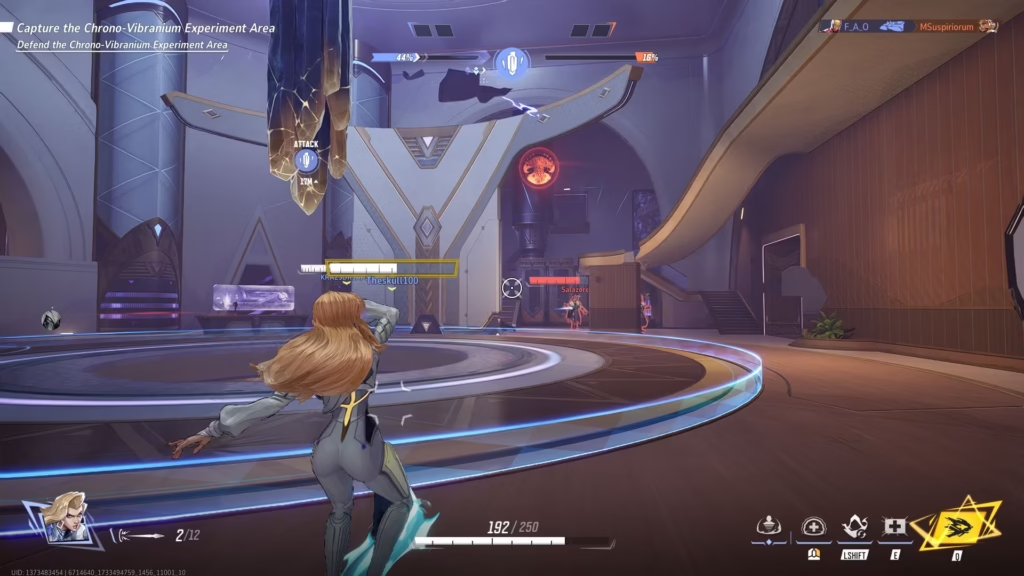
Marvel Rivals Name Change FAQ
Can I Change My Marvel Rivals Name for Free?
Yes, in most cases you can change name marvel rivals for free because the system depends on your platform account.
For example:
- Steam allows unlimited free name changes
- Epic Games allows free changes with a cooldown
- NetEase may have regional limitations
So if you’re asking can i change my marvel rivals name, the answer is yes-but it depends on where your account is hosted.
How Often Can You Change Your Name?
The frequency of marvel rivals name change depends entirely on the platform:
- Steam: unlimited changes (instant but may cache)
- Epic Games: once every 2 weeks
- NetEase: varies depending on account rules
Because of this, it’s important to choose your name carefully before updating it.
Does Changing Your Name Affect Progress?
No-changing your name does not affect your progress at all.
Your:
- Stats
- Unlocks
- Skins
- Competitive rank
All remain exactly the same. Only your display identity changes.
All game images used in this blog belong to Marvel and NetEase. They are used for informational/educational purposes only and do not imply endorsement or affiliation with the rights holders.
Got questions or want to connect with other players? Join the conversation at the ExitLag Forum!