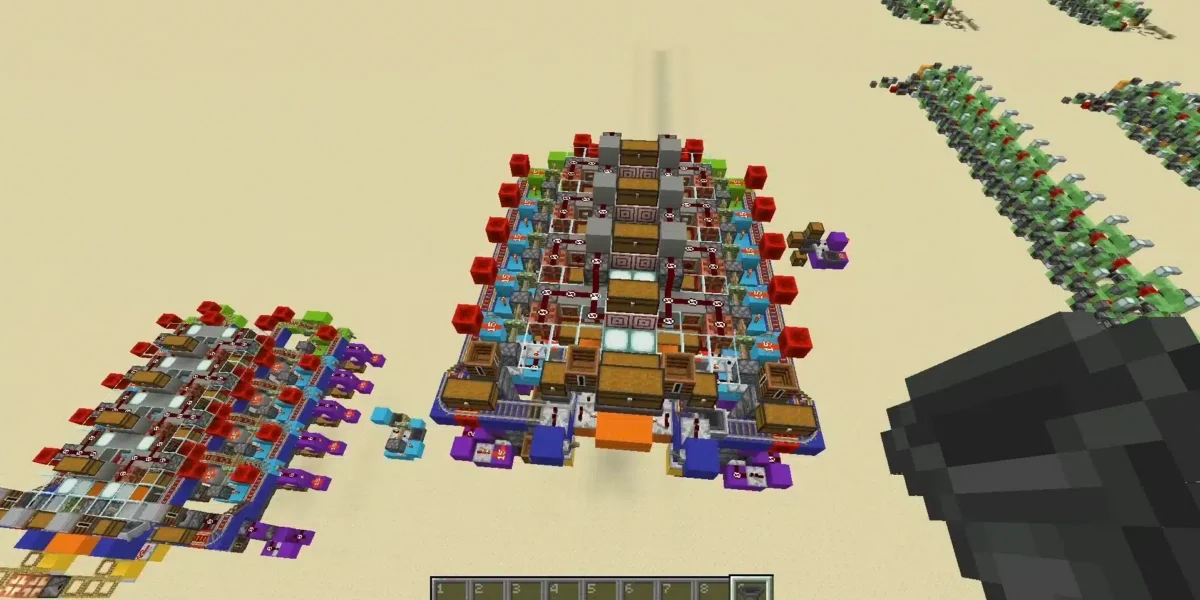
Creative players constantly search for advanced tools that allow them to automate systems, create custom mechanics and build unique gameplay experiences inside Minecraft. That is exactly why how to get command block in Minecraft remains one of the most searched topics among builders, server admins and redstone enthusiasts.
Command blocks are powerful tools capable of executing automated commands inside Minecraft worlds. In addition, they allow players to create mini-games, adventure maps, custom events and complex automation systems that go far beyond normal survival gameplay.
So, what does it mean to learn how to get command block in Minecraft? Players can access command blocks through special commands that unlock advanced world-editing and automation features unavailable in regular gameplay.
Whether players want to build adventure maps, automate mechanics or experiment with creative systems, command blocks remain one of the most powerful tools in Minecraft. Furthermore, stable multiplayer connectivity becomes especially important on servers using advanced command systems and custom automation.
Minecraft command block tutorial for beginners
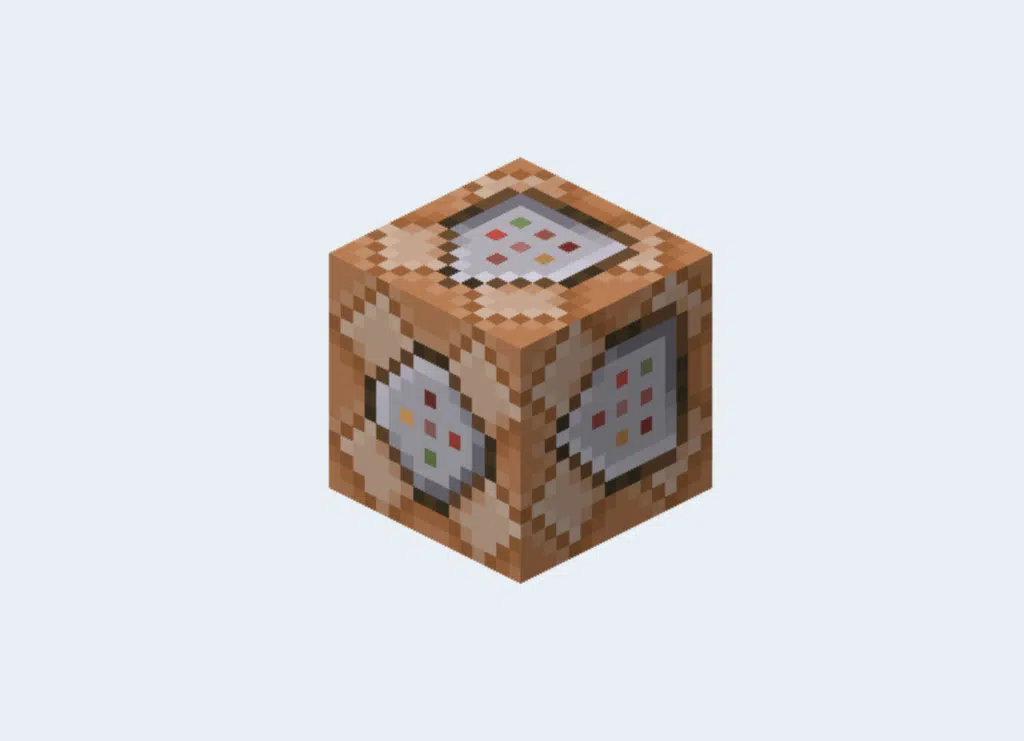
A complete Minecraft command block tutorial usually starts by explaining that command blocks are not available through standard survival gameplay.
Instead, players must use console commands or enable cheats before accessing them.
What command blocks actually do
Command blocks automatically execute commands when activated by redstone signals or other triggers.
Popular command block uses include:
- Teleportation systems;
- Custom mini-games;
- Automatic events;
- Mob spawning;
- Server automation.
These mechanics allow players to create highly advanced gameplay systems inside Minecraft worlds.
Why command blocks are so powerful
Unlike basic redstone systems, command blocks can directly manipulate game mechanics.
For example, players can:
| Command Block Function | Gameplay Use |
| Teleport players | Adventure maps |
| Spawn entities | Custom events |
| Give items | Reward systems |
| Change weather | Dynamic worlds |
| Trigger effects | RPG mechanics |
Because of this flexibility, command blocks are extremely popular among advanced Minecraft creators.
How to get command block in Minecraft step-by-step
Learning how to get command block in Minecraft is actually very simple once cheats are enabled.
However, the process may vary slightly depending on the game version.
Command block Minecraft give command
The easiest way to obtain a command block is by using the command block Minecraft give command.
Players can type:
/give @p command_block
This command instantly places a command block into the player inventory.
In some versions, players may need operator permissions or creative mode access before the command works correctly.
Minecraft enable command blocks settings
Before command blocks function properly, players may need to configure Minecraft enable command blocks settings.
Important setup steps include:
- Enable cheats;
- Activate creative mode;
- Enable command permissions;
- Check multiplayer server settings;
- Confirm operator privileges.
Without these permissions, command blocks may not activate correctly.
How to use command block Minecraft systems
Understanding how to use command block Minecraft mechanics is the next step after obtaining the block itself.
Players can create complex automation systems by combining command blocks with redstone signals and conditional logic.
Basic command block setup
To use a command block:
- Place the block;
- Open the command interface;
- Enter a valid command;
- Activate using redstone;
- Test the command execution.
This process allows players to automate various gameplay actions instantly.
Most useful beginner commands
Popular beginner-friendly commands include:
| Command | Function |
| /tp | Teleportation |
| /give | Item generation |
| /effect | Status effects |
| /time set | Time control |
| /summon | Entity spawning |
These commands help players understand the basic structure of Minecraft automation systems.
Command block Minecraft bedrock vs Java differences
Many players search for command block Minecraft bedrock information because Bedrock Edition handles some commands differently compared to Java Edition.
Command block Minecraft java features
The command block Minecraft java version generally offers more advanced command flexibility and custom functionality.
Java Edition supports:
- Advanced datapacks;
- More complex commands;
- Expanded server customization;
- Stronger modding compatibility;
- More detailed automation systems.
Because of this, many advanced creators prefer Java Edition for custom maps and multiplayer servers.
Bedrock Edition command block limitations
Bedrock Edition still supports command blocks but may include:
- Simplified syntax;
- Different command behavior;
- Limited customization;
- Reduced advanced functionality.
However, Bedrock command blocks remain extremely useful for most casual automation systems.
Common command block mistakes players should avoid
Many beginners struggle when learning how to get command block in Minecraft because command blocks depend heavily on proper syntax, permissions and activation settings.
Even small configuration mistakes can prevent commands from working correctly, which often leads players to believe the feature is broken.
The good news is that most command block problems are actually very simple to fix once you understand how the system works. In fact, nearly every player experimenting with a Minecraft command block tutorial makes the same beginner mistakes during the learning process.
If you are starting to explore command blocks for the first time, understanding these common issues will save you a lot of frustration.
Most common setup errors
Players frequently make mistakes such as:
- Forgetting to enable cheats;
- Using incorrect syntax;
- Missing redstone activation;
- Incorrect target selectors;
- Permission issues.
One of the most common problems happens before players even place the command block. Many forget to activate cheats or operator permissions, which prevents the command block Minecraft give command from working properly.
For example, if cheats are disabled, typing:
/give @p command_block
may simply fail without giving any clear explanation.
Another major issue involves syntax mistakes. Minecraft commands are extremely sensitive to spaces, symbols and target selectors. A small typo may completely break command execution.
Players also frequently forget that most command blocks require redstone activation. Simply placing a command block and typing a command usually is not enough. The block often needs a button, lever or redstone signal before it activates correctly.
Problems involving Minecraft enable command blocks settings are also common on multiplayer servers, where administrators may restrict command permissions for security reasons.
Why practice matters with command blocks
Learning how to use command block Minecraft systems becomes much easier once players start experimenting with smaller projects first instead of trying to build massive automated systems immediately.
Many advanced Minecraft creators actually began with extremely simple command block projects before building complex mini-games or multiplayer events.
Popular beginner projects include:
- Teleport hubs;
- Automatic doors;
- Custom arenas;
- Reward systems;
- Adventure map mechanics.
Starting with smaller systems helps players understand how commands interact with redstone, entities and world mechanics.
For example, building a teleport hub teaches players how target selectors work. Meanwhile, creating automatic doors introduces timing systems and activation mechanics.
Over time, these smaller experiments help players become more comfortable with both command block Minecraft java and command block Minecraft bedrock systems.
This gradual learning process is extremely important because command blocks become more powerful as players understand advanced syntax, conditional chains and automation logic.
The more players practice with smaller creations, the easier it becomes to build advanced adventure maps, multiplayer mini-games and fully automated gameplay systems inside Minecraft.
Minecraft multiplayer servers and command block performance
Large multiplayer servers often rely heavily on command block systems for automation and gameplay events.
Why stable connectivity matters on custom servers
Servers using command blocks frequently process:
- Automated systems;
- Player triggers;
- Event mechanics;
- Entity spawning;
- Redstone interactions.
Connection instability may negatively impact:
| Online Problem | Gameplay Effect |
| Lag spikes | Delayed commands |
| Packet loss | Failed triggers |
| Server desync | Broken automation |
| High ping | Slow interactions |
| Instability | Multiplayer issues |
Because of this, stable connectivity becomes especially important during multiplayer gameplay.
How ExitLag helps Minecraft players
Many Minecraft players use ExitLag to optimize game traffic routes and improve online stability.
Unlike a VPN, ExitLag focuses specifically on gaming route optimization. Consequently, players may experience smoother multiplayer sessions, reduced packet loss and more stable gameplay performance.
This becomes especially useful on large custom servers with heavy automation and command block activity.
FAQ
Players can use the /give @p command_block command after enabling cheats.
The standard command is /give @p command_block.
Place the command block, enter a command and activate it using redstone.
Yes, command block Minecraft bedrock systems are supported with some limitations.
ExitLag can help optimize multiplayer routes and improve online gameplay stability.
Build advanced Minecraft worlds with ExitLag
Learning how to get command block in Minecraft opens the door to advanced automation, custom gameplay mechanics and creative world-building possibilities.
From teleport systems to adventure maps and multiplayer events, command blocks allow players to completely transform the Minecraft experience. However, stable connectivity remains essential for smooth multiplayer gameplay and advanced server automation.
That is why many players choose ExitLag to optimize online routes, reduce packet loss and improve multiplayer stability.
Ready to create advanced Minecraft systems? Try ExitLag and enjoy smoother multiplayer gameplay today.
Got questions or want to connect with other players? Join the conversation at the ExitLag Forum!