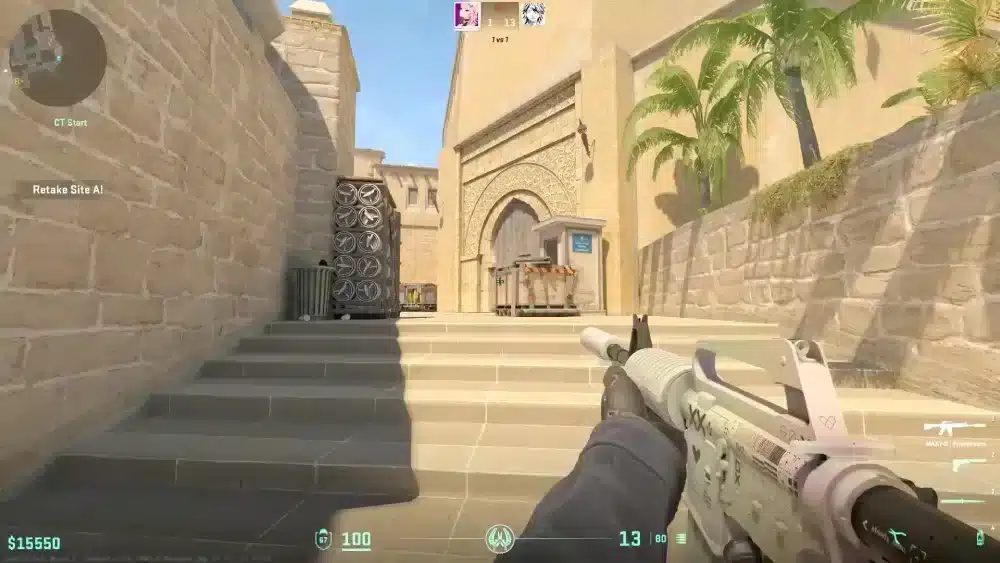
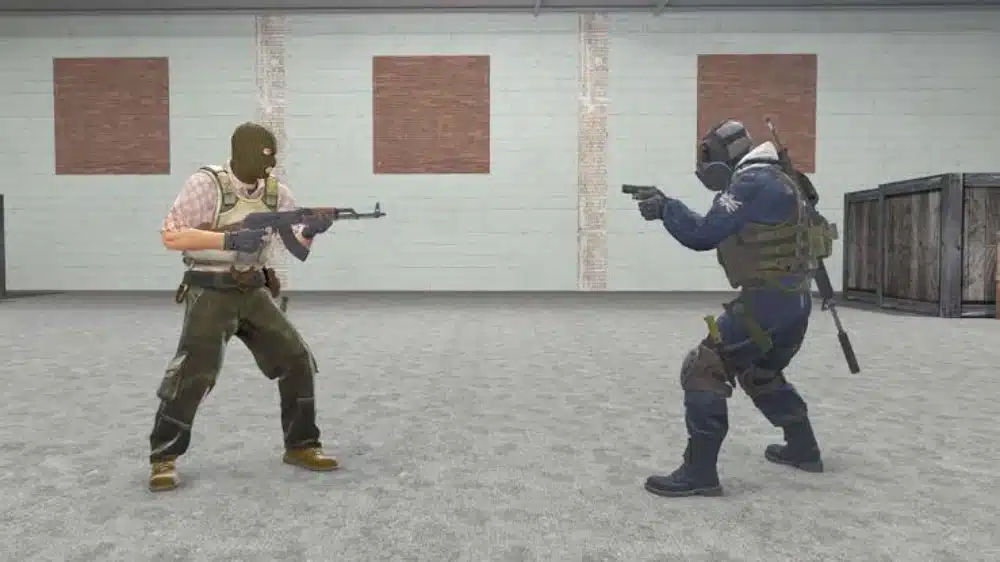
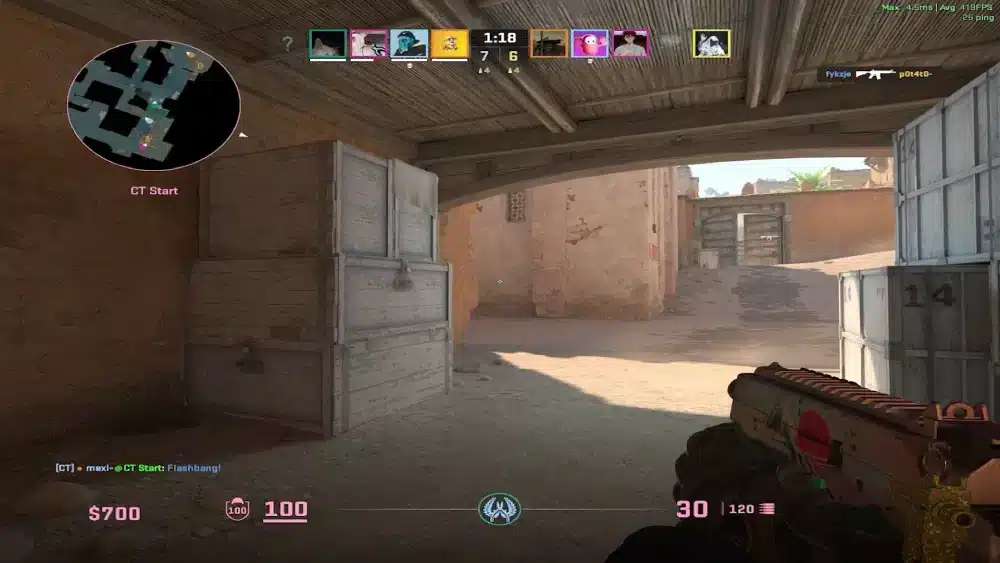
How to improve my skills in Counter-Strike 2 is the most asked question in the entire CS2 community, and the answer is more structured than most players realize. CS2 is not a game you get better at by simply playing more matches. It rewards deliberate practice across five distinct skill pillars.
Those pillars are: aim mechanics, movement precision, utility knowledge, economy management, and game sense. Players who grind ranked without addressing each area consistently plateau at the same rank for months. Players who isolate and work on specific weaknesses climb faster with fewer hours invested.
The fastest way to improve at CS2 is to identify your weakest pillar first, then dedicate focused practice to it before queuing ranked. This guide breaks down every method, tool, and technique you need to progress efficiently in every area of the game.

How Can I Improve My Skills in Counter-Strike 2: Aim Mechanics
Tips for CSGO and CS2 aim training start with the same foundation: you cannot spray accurately while moving. CS2 penalizes movement with severe accuracy reductions, which means the first mechanical habit to build is the discipline to stop before shooting.
Crosshair Placement: The Highest-Impact Habit
Crosshair placement means keeping your aim at the exact height where an enemy’s head will appear before they become visible. Players who aim at the floor or chest level must flick upward before firing, adding reaction-time cost that the opponent does not face.
How to build correct crosshair placement:
- Walk through each map in practice mode and stop your crosshair at exact head height on every common corner
- During Deathmatch, track where your crosshair was positioned when the duel started, not whether you hit
- Enable the Follow Recoil option in Game settings so your crosshair shows exactly where bullets are going
- Use Yprac Prefire maps to practice clearing specific angles against bots holding real competitive positions
Counter-Strafing: The Movement Accuracy Fix
Counter-strafing is the technique that restores your accuracy between movement actions. The mechanic works as follows: while moving left with A, tap D briefly to stop lateral momentum, then fire immediately during the stillness that follows.
This creates accurate first-bullet shots even in the middle of a movement sequence. Without counter-strafing, every shot fired while moving goes wide. With it, you can take duels while moving and stop for a split second to land clean shots. This single mechanic separates players who fight well in motion from players who must stand completely still to hit anything.
Spray Patterns and Recoil Control
Every weapon in CS2 has a fixed recoil pattern that repeats in the same order on every burst. Learning the AK-47 spray pattern alone improves your ability to control long-range rifle duels significantly.
Best methods for learning spray patterns:
- Load any community practice map and type sv_cheats 1 and sv_infinite_ammo 1 in the console
- Fire a full magazine at a wall and observe the pattern the bullets create
- Repeat while pulling your mouse in the opposite direction of the spray to compensate
- Practice the Recoil Master map from the Steam Workshop, which provides visual overlays guiding your compensation path
Counter-Strike Source Tips That Still Apply in CS2: Movement and Positioning
Movement in CS2 is slower and more consequential than in most modern shooters. The positioning decisions you make in the first ten seconds of each round determine what options your team has for the rest of it.
Peeking Techniques
Three types of peeks exist, and knowing when to use each one matters as much as the mechanical execution:
- Wide peek: Swing out far from the corner to create an angle the enemy cannot pre-aim. High risk, forces reaction-based shots from the defender.
- Shoulder peek: Briefly expose a small part of your body without fully committing. Used to bait shots and reveal enemy positions without trading.
- Jump peek: Jump to expose a different hitbox profile and collect visual information from an angle defenders are not holding.
Sound as Information
CS2’s audio system provides real-time enemy position data. Players using headphones consistently outperform players using speakers because directional audio allows you to locate enemies before they become visible.
Critical audio cues to track at all times:
- Footstep direction and distance
- Grenade pin pull sounds (indicate incoming utility)
- Bomb plant sounds and the ticking countdown
- Defuse sound and timing
- Jump sounds that reveal repositioning above or below
Are There Effective Tutorials for Mastering CS2?
Yes. CS2 provides more structured learning resources than any previous version of Counter-Strike, including Valve’s own starter map guides for every Active Duty map added in early 2026.
Built-In Tutorials and Practice Modes
Valve added official starter guides for all seven Active Duty maps in 2026. These guides cover basic callouts, common positions, and introductory utility for each map, providing a starting point that did not previously exist in the game.
Beyond official content, the most effective tutorials available are:
- Steam Workshop Yprac maps (per Active Duty map): Show every competitive smoke, flash, and molotov lineup with on-screen alignment guides used by professional players
- Aim Botz: The standard warm-up and aim training map used by the majority of pro players before practice sessions
- FFA Deathmatch community servers: Live opponent practice that builds reflexes more effectively than bot modes alone
Watching Professional Gameplay as a Tutorial
Watching CS2 professional matches with a specific learning focus is one of the highest-ROI study methods available. The goal is not to enjoy the match as a viewer but to study decisions.
What to observe in pro demos and broadcasts:
- Where players position their crosshair while walking through open areas with no enemies visible
- When they choose to peek versus hold, and what information triggered that decision
- How they use utility to enable site entries, not just to deal damage
- What the team’s economic state is and how they adjust their buy decisions based on it
Economy Management: The CS2 Skill Most Players Ignore
Economy management is the layer of CS2 that separates players who grind mechanically without ranking up from players who rank up steadily with average aim. Poor economy decisions frequently give opponents free advantages that skill cannot compensate for.
| Economic State | Correct Decision | Common Mistake |
| Full buy round | Rifle, full armor, full utility | Skimping on utility to save $200 |
| After two losses | Eco and save everything | Force buying and losing weapons |
| After one loss | Half buy or eco based on team | Buying individually without coordinating |
| Bonus round (win streak) | Full buy aggressively | Eco unnecessarily from habit |
How to Coordinate Economy as a Team
Economy decisions must be made together, not individually. One player on an eco round while three teammates full buy creates a situation where the eco player has no firepower to contribute and the team has lost the economic alignment that makes force buys viable.
Call your buying decision at the start of the buy phase every round. A simple “eco,” “force,” or “buy” in voice chat aligns the entire team’s economic state before weapons are purchased.
Game Sense: Reading the Round Before It Unfolds
Game sense is the ability to predict where opponents will be and what they will do before visual confirmation arrives. It is built over hundreds of hours but can be accelerated by studying specific patterns.
Key game sense habits to develop:
- Track how many opponents have been heard or seen before committing to a push
- Know the standard timing windows for each site on each map so you can anticipate when attackers will arrive
- After winning a pistol round, expect the opponent to half buy on round two and account for light armor and SMGs rather than rifles
- Read the economic state of the opposition from the kill feed and adapt your play accordingly
Pro Tips: How to Improve at CS2 Fast
- Warm up for 10 to 15 minutes before your first ranked game of the session: Mechanical skill does not reach its peak the moment you log in. A short Aim Botz or Deathmatch session before ranking activates your reflexes and significantly improves first-game performance.
- Play one map until you know it deeply before adding others: Players who spread attention across all seven Active Duty maps develop shallow knowledge everywhere. Pick Mirage or Dust 2, learn every smoke, every angle, and every timing, then expand.
- Record one game per session and review 10 minutes of your worst round: Self-review reveals patterns that are invisible in real time. Watching yourself from the third-person perspective shows positioning errors, economy mistakes, and crosshair placement habits you never notice while playing.
- Lock your sensitivity and do not change it for at least 30 days: Changing sensitivity after bad sessions is one of the most common barriers to mechanical improvement. Muscle memory requires consistency to build. Commit to one setting long enough to actually evaluate it.
Common Mistakes When Trying to Improve at CS2
- Playing ranked matches as the primary practice mode: Ranked matches are high-pressure environments that do not isolate the specific skills you need to improve. Fix: Treat Deathmatch, Workshop maps, and practice servers as your primary training tools, and use ranked matches to apply what you have built in controlled environments.
- Skipping utility and relying only on aim: Players who cannot smoke a site entry correctly force their team to take fights they should be winning through utility first. Fix: Learn at least two entry smokes and one flash per site on your main map before queuing competitive. Utility knowledge has the highest win-rate return per hour of practice in organized team play.
- Buying individually without team economy alignment: One player saving while teammates force-buy creates a permanent economic imbalance that takes multiple rounds to recover from. Fix: Communicate buying intentions at the start of every buy phase and align the team’s economic state before purchasing.

Play CS2 at Your Best with ExitLag
You can master every mechanic in Counter-Strike 2, from crosshair placement to spray control, but if your connection is unstable, those skills do not translate into results on the server. Packet loss during a duel, ping spikes on a site execute, or an unstable route to Valve’s servers means your inputs register a frame later than your opponent’s, regardless of your reaction time.
ExitLag is a connection optimizer used by over 30 million players across 4,000+ game titles including Counter-Strike 2. It analyzes multiple network routes in real time and selects the fastest, most stable path between your device and Valve’s CS2 servers so your sub-tick inputs register the moment you fire them.
Features that directly benefit CS2 players who are actively improving:
- Real-Time Optimization: Continuously selects the lowest-latency available route so peeker’s advantage works in your favor, not against you.
- Multipath Technology: Routes game data through multiple simultaneous paths so a single network failure never interrupts a round you are working to win.
- Traffic Shaper: Prioritizes CS2 traffic over all background processes so Steam updates cannot spike your ping at the moment of a duel.
- PC Boost: Clears background RAM usage and reduces competing processes, improving frame consistency during high-intensity rounds.
Download ExitLag and play CS2 at your true skill level.
All game images used in this blog post belong to Valve Corporation. They are used for informational and educational purposes only and do not imply endorsement or affiliation with the rights holders.
Got questions or want to connect with other players? Join the conversation at the ExitLag Forum!