If you want to play Roblox, you’re stepping into one of the most popular gaming platforms in the world. With millions of experiences available, Roblox offers endless possibilities for both casual and competitive players.
In fact, play Roblox is more than just launching a game, it’s about exploring a massive universe created by users. From adventure maps to competitive challenges, the variety is what keeps players engaged.
So, what does it mean to play Roblox? It means accessing a platform where you can join thousands of Roblox games to play, interact with other players, and experience content created by a global community.
In this guide, you’ll learn how to start, where to play, and how to improve your experience step by step.
Play Roblox: how to get started step by step
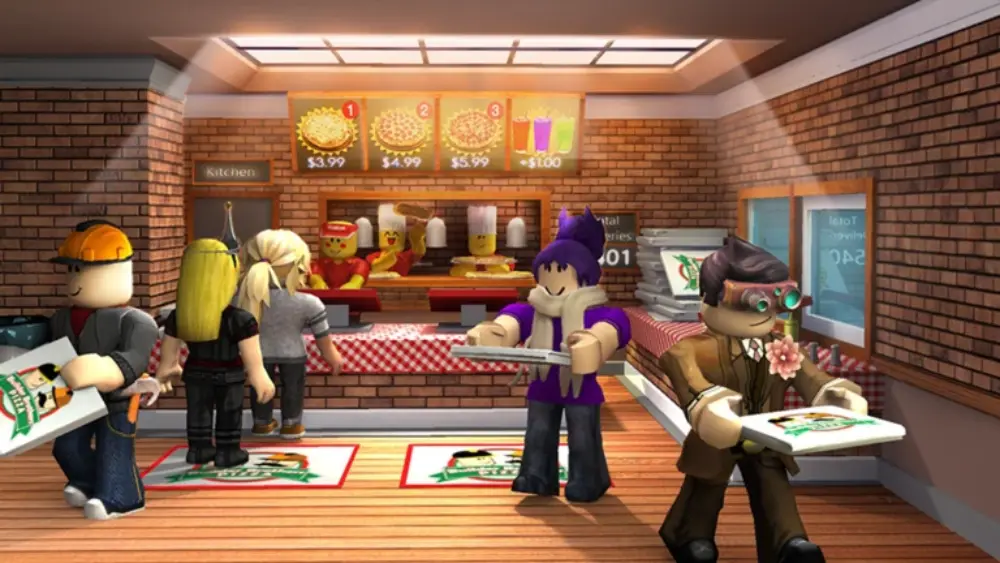
Getting started in Roblox is easier than it seems, but understanding the first steps can make a huge difference in your overall experience. Whether you’re completely new or returning after some time, learning how to play Roblox properly helps you avoid confusion and jump straight into the fun.
Roblox is designed to be accessible, allowing anyone to become a Roblox player within minutes. Still, knowing where to begin ensures you explore the platform more efficiently and enjoy the best Roblox games to play right away.
How to create an account and access Roblox
To begin your journey, the first step is creating your account. This gives you access to the full platform and allows you to save progress, interact with other players, and explore different experiences.
Follow these steps:
- Go to the official Roblox website;
- Sign up using your basic information;
- Verify your account if required;
- Log in with your credentials;
- Choose a game and start playing.
Once you’re inside, you’ll officially be part of the global community and ready to play Roblox online with millions of other users.
How to play Roblox online and on different devices
One of the biggest advantages of Roblox is its flexibility. You can play Roblox online free across multiple devices, making it easy to access the platform wherever you are.
Here’s where you can play:
- PC (Windows): offers the most complete experience;
- Mobile devices (Android and iOS): great for casual gameplay;
- Tablets and supported systems: similar to mobile performance.
Many users also search for play Roblox free online no download, but in most cases, installing the platform ensures better performance and access to all features.
The good news is that Roblox is free to use, so you can explore a wide range of experiences through Roblox free play without needing to pay. Optional purchases exist, but they are not required to enjoy the platform.
By starting the right way, you’ll be able to explore more efficiently, discover better games, and get the most out of your experience from the very beginning.
Roblox games to play: exploring the best experiences
One of the biggest reasons people play Roblox is the variety of games available.
There are thousands of Roblox games to play, covering different genres and playstyles.
Popular types of Roblox games
Here are some categories you can explore:
- Adventure and RPG games;
- Simulation and tycoon games;
- Competitive multiplayer games;
- Obstacle courses (obbies);
- Roleplay experiences.
Each category offers a different experience, making Roblox appealing to a wide audience.
How to find the best games for your style
Finding the right game is key to enjoying the platform.
To choose the best options:
- Check player ratings;
- Look at active player count;
- Explore trending games;
- Try different genres.
This helps you discover new experiences beyond the most popular titles.
Play Roblox online free: what you need to know
Many users want to play Roblox online free, and the good news is that the core experience is completely accessible without payment.
However, there are important details to understand.
Can you play Roblox free online with no download?
Some players search for play Roblox free online no download, but in most cases:
- PC requires installation;
- Mobile uses an app;
- Browser-based play is limited.
This means that while Roblox is free, you typically need to install the platform for the full experience.
Understanding Roblox free play features
When using Roblox free play, you get:
- Access to thousands of games;
- Social interaction features;
- Basic customization options.
However, premium items and cosmetics are optional paid features.
Roblox player count and popularity explained
Roblox continues to grow rapidly, attracting players from all over the world.
Understanding how many people play Roblox helps explain its success.
How many people play Roblox today?
The Roblox player count is consistently high, with millions of active users daily.
This large community means:
- Faster matchmaking;
- Active game servers;
- Constant new content.
Why Roblox remains popular
Several factors contribute to its popularity:
- User-generated content;
- Frequent updates;
- Cross-platform availability;
- Strong community engagement.
These elements make Roblox one of the most dynamic gaming platforms available today.
Can you play Roblox on Nintendo Switch and other platforms?
One of the most common questions among new players is: can you play Roblox on Nintendo Switch? As Roblox continues to grow and attract millions of users worldwide, many players expect it to be available on every major gaming platform.
However, the reality is a bit different. While Roblox is highly accessible, its availability still depends on official platform support and system compatibility.
Platform availability explained
At the moment, Roblox is not officially available on Nintendo Switch. This means there is no native version of the game that allows you to play Roblox online directly from the console.
That said, Roblox is widely accessible on other platforms, making it easy for most users to join the experience as a Roblox player:
- PC (Windows): the most complete experience;
- Mobile devices (Android and iOS): optimized for touch gameplay;
- Tablets and supported systems: similar to mobile experience.
Through these platforms, you can play Roblox online free and access thousands of Roblox games to play without major limitations.
It’s also worth noting that Roblox frequently expands its ecosystem, so future compatibility with new platforms is always a possibility.
Alternatives for unsupported platforms
If your device doesn’t support Roblox, there are still practical ways to access the platform and enjoy the experience.
Here are some alternatives to consider:
- Use a PC or mobile device to play Roblox free online no download limitations (full version requires install);
- Check for future updates regarding can you play Roblox on Nintendo Switch support;
- Explore cloud gaming solutions that may allow access through a browser.
These options ensure that even if your preferred device isn’t supported, you can still enjoy the full Roblox experience.
Additionally, considering how massive the Roblox player count is today, the demand for broader platform support continues to grow.
This increases the chances of future expansions, making Roblox even more accessible over time.
In the meantime, choosing a supported device guarantees the best performance and allows you to fully explore everything the platform has to offer.
Play Roblox: performance tips for smoother gameplay
When you play Roblox, performance plays a major role in your experience, especially in multiplayer games.
Common performance issues in Roblox
Players may face:
- Lag and delays;
- High ping;
- Frame drops;
- Connection instability.
These issues can affect gameplay quality and responsiveness.
How ExitLag improves your Roblox experience
ExitLag helps optimize your connection by:
- Reducing lag spikes;
- Stabilizing ping;
- Minimizing packet loss;
- Improving route efficiency.
Important: ExitLag is not a VPN. It does not change your IP or location. It focuses only on optimizing your connection to game servers.
Tips to improve your experience!
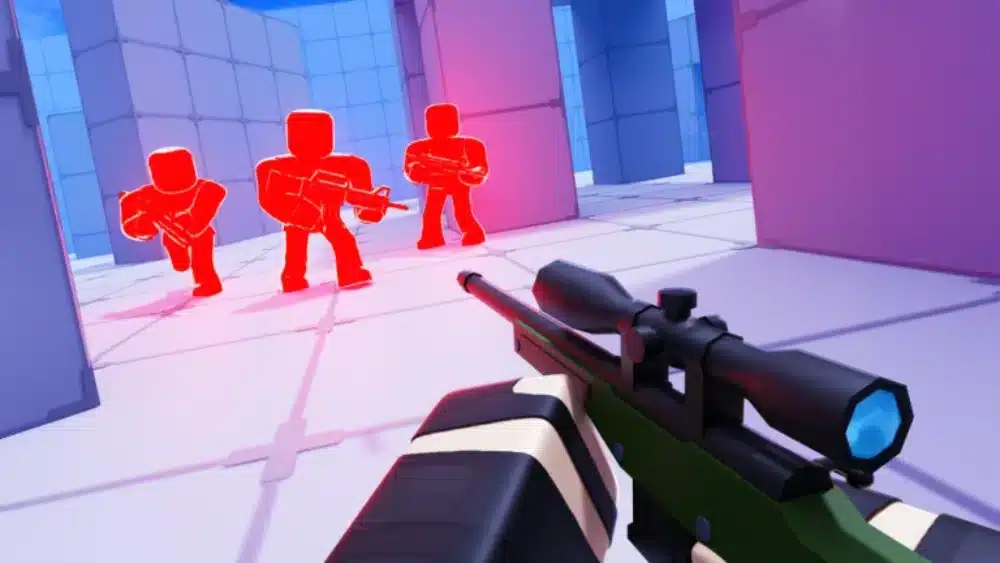
To get the most out of play Roblox, it’s important to combine good habits with smart decisions.
Key tips for better gameplay
Improving your experience as a Roblox player involves more than just playing frequently. You should focus on:
- Exploring different Roblox games to play to find what suits you best;
- Keeping your device optimized for better performance;
- Learning how each game works before diving in;
- Playing with friends to enhance the experience.
Mistakes to avoid while playing Roblox
Avoiding common mistakes can make your gameplay smoother:
- Ignoring performance settings;
- Choosing overcrowded servers;
- Playing without understanding game mechanics;
- Overlooking connection quality.
By following these tips, you’ll enjoy a more stable and engaging experience every time you play Roblox online.
FAQ
Create an account, log in, choose a game, and start playing on your preferred device.
Yes, Roblox is free to access, but some in-game features may require purchases.
Currently, Roblox is not officially available on Nintendo Switch.
Millions of players are active daily, making it one of the most popular platforms.
In most cases, you need to install Roblox for the full experience.
Play Roblox Better with ExitLag
If you want to fully enjoy play Roblox, having a stable connection is just as important as choosing the right game.
play Roblox can become frustrating with lag, high ping, or unstable connections, especially in competitive or fast-paced games.
That’s where ExitLag makes the difference.
It optimizes your connection routes in real time, reducing lag and improving responsiveness so you can enjoy smoother gameplay.
Try ExitLag now and experience Roblox with better performance, lower latency, and more stability.
Got questions or want to connect with other players? Join the conversation at the ExitLag Forum!