IPv6 represents the future of internet connectivity as the digital world constantly expands with new devices. First of all, understanding this next-generation protocol becomes essential for anyone seeking better network performance and security.
With smart homes, IoT devices, and ever-increasing online activity, the limitations of IPv4 become increasingly apparent. However, many users still wonder what is IPv6 and how this technology improves their connection experience.
What is IPv6 exactly? This is Internet Protocol version 6, the successor to IPv4, designed with a 128-bit address space providing virtually unlimited unique addresses for every device connecting to the internet worldwide.
What Is IPv6 and Why Does It Matter?
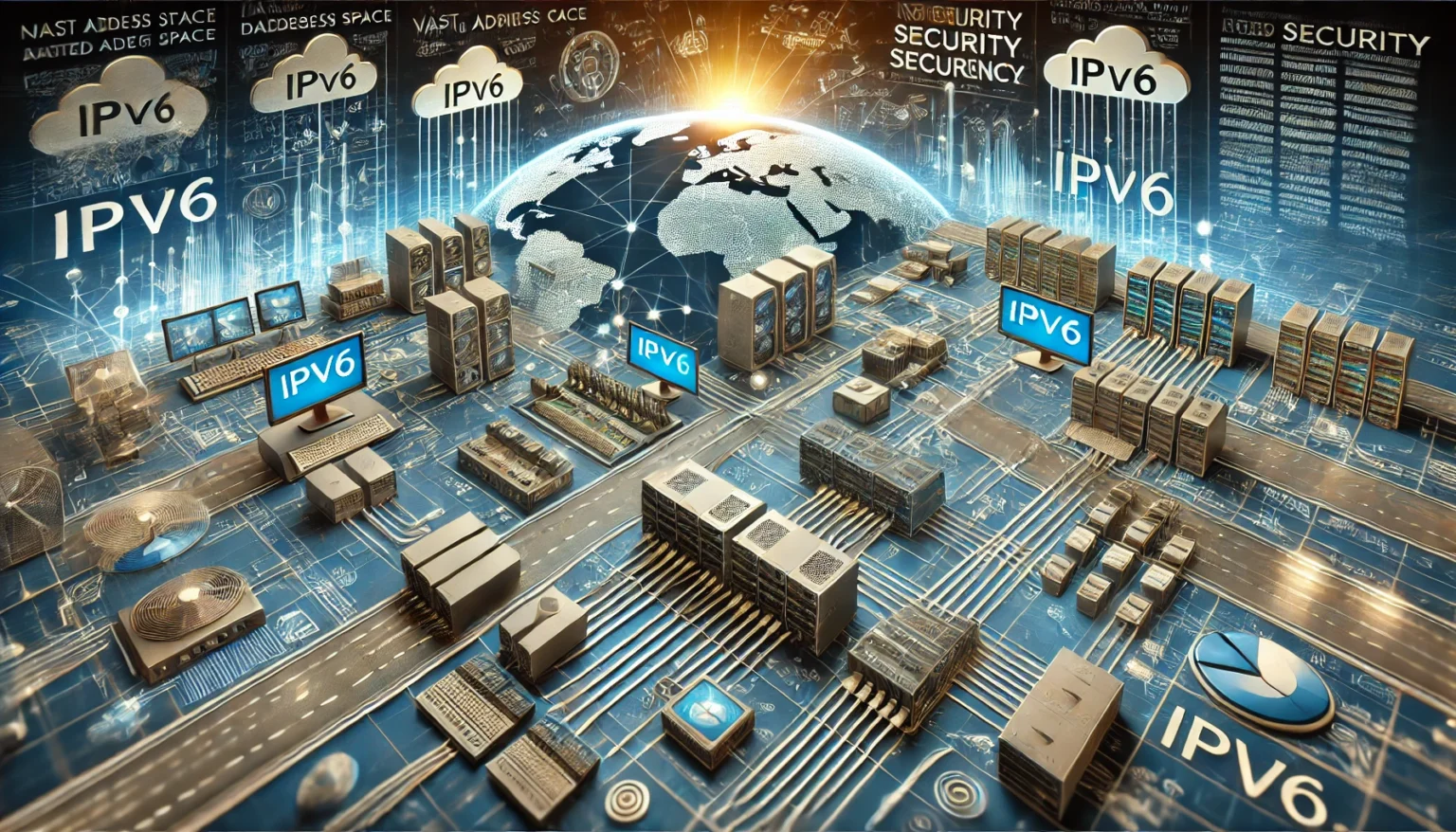
Understanding what is IPv6 helps us appreciate why this protocol revolutionizes internet connectivity. In other words, this technology solves critical limitations that IPv4 cannot address anymore.
The Address Space Revolution
Above all, IPv6 uses a 128-bit address space compared to IPv4’s limited 32-bit space. Consequently, this translates to an astronomical number of unique addresses available.
IPv6 address characteristics:
- Eight groups of four hexadecimal digits
- Approximately 340 undecillion unique addresses
- Enough for trillions of devices per person
- Future-proof for decades of growth
Why IPv6 Became Necessary
Similarly, the proliferation of internet-connected devices exhausted IPv4’s address pool rapidly. Therefore, IPv6 ensures every device can have its unique identifier permanently.
Driving factors include:
- Smartphone explosion worldwide
- IoT device proliferation
- Smart home technology growth
- Cloud computing expansion
- Gaming and streaming demands
For optimal gaming performance, learn about maintaining a good connection for online gaming.
IPv6 vs IPv4: What Are the Key Differences?
The IPv6 vs IPv4 comparison reveals significant technological improvements across multiple areas. At the same time, understanding these differences helps during network transitions.
Technical Comparison
Firstly, the protocols differ fundamentally in architecture and capabilities. Furthermore, IPv6 introduces features impossible in IPv4.
| Feature | IPv4 | IPv6 |
| Address Space | 32-bit | 128-bit |
| Total Addresses | ~4.3 billion | ~340 undecillion |
| Header Size | Variable | Fixed 40 bytes |
| Security | Optional IPsec | Built-in IPsec |
| Configuration | Manual/DHCP | Autoconfiguration |
| Broadcast | Supported | Replaced by multicast |
Performance Improvements
Be that as it may, IPv6 vs IPv4 performance differences become noticeable in specific scenarios. Consequently, modern applications benefit from IPv6 optimization.
IPv6 advantages:
- Simplified packet headers for faster routing
- Eliminated NAT translation overhead
- Improved support for mobile devices
- Better quality of service handling
- Enhanced multicast capabilities
Learn how IP networks power your connection for better understanding.
How Does an IPv6 Address Work?
The IPv6 address format differs significantly from familiar IPv4 addresses. In that regard, understanding the structure helps with network configuration.
Address Structure Explained
Just like that, IPv6 addresses consist of eight groups separated by colons. Additionally, each group contains four hexadecimal characters.
Example IPv6 address: 2001:0db8:85a3:0000:0000:8a2e:0370:7334
Address components:
- Network prefix (first 64 bits typically)
- Interface identifier (last 64 bits)
- Scope identifiers for link-local addresses
- Special prefixes for specific purposes
Address Types Available
Furthermore, different IPv6 address types serve various networking purposes. Therefore, networks use multiple address categories simultaneously.
Primary address types:
- Unicast – identifies single interface
- Multicast – identifies group of interfaces
- Anycast – identifies nearest interface in group
- Link-local – communication within local network
- Global unicast – publicly routable addresses
Optimize your Wi-Fi network for secure connections alongside IPv6 implementation.
How to Enable IPv6 on Your Network?
Learning to enable IPv6 ensures your network benefits from modern protocol advantages. Simultaneously, the process varies depending on your operating system and router.
Windows Configuration
On the other hand, Windows systems typically support IPv6 by default. Consequently, verification and manual enabling remain straightforward.
Steps to enable IPv6 on Windows:
- Open Network and Sharing Center
- Click on your active connection
- Select Properties option
- Check “Internet Protocol Version 6 (TCP/IPv6)”
- Click OK to apply changes
- Restart connection if necessary
Router Configuration
Similarly, router settings determine whether your network uses IPv6 effectively. Therefore, access your router’s admin panel for configuration.
Router setup steps:
- Access router admin interface (usually 192.168.1.1)
- Navigate to IPv6 settings section
- Enable IPv6 protocol option
- Select connection type (DHCPv6, SLAAC, or Static)
- Save settings and reboot router
Transition Methods Available
According to networking experts, multiple methods facilitate IPv6 adoption. Furthermore, choosing the right approach depends on infrastructure requirements.
Transition strategies:
- Dual-stacking – running IPv4 and IPv6 simultaneously
- Tunneling – encapsulating IPv6 packets within IPv4
- Translation – converting between protocol addresses
For troubleshooting connection issues, learn about packet loss testing and fixes.
What Are the Benefits of IPv6 Implementation?
Implementing IPv6 brings numerous advantages beyond simply having more addresses. As a result, networks gain performance, security, and efficiency improvements.
Security Enhancements
Primarily, IPv6 includes built-in IPsec encryption capabilities. Consequently, data protection improves significantly compared to IPv4.
Security benefits:
- Mandatory IPsec support in protocol design
- End-to-end encryption capabilities
- Improved authentication mechanisms
- Reduced vulnerability to certain attacks
Performance Improvements
At the same time, IPv6 streamlines network operations through simplified headers. Therefore, routing becomes faster and more efficient.
Performance advantages:
- Eliminated NAT translation delays
- Faster packet processing
- Better mobile device support
- Improved multicast efficiency
- Simplified network configuration
Understand how wireless networks function for complete connectivity knowledge.
How Does ExitLag Optimize Your IPv6 Connection?
Even with cutting-edge IPv6 networks, connection optimization remains crucial for peak performance. In the meantime, ExitLag provides intelligent route optimization regardless of protocol.
ExitLag Benefits for IPv6 Networks
Similarly, ExitLag reduces latency and stabilizes connections for smoother online experiences. Therefore, gamers especially benefit from this optimization.
ExitLag advantages:
- Intelligent route optimization
- Reduced latency for gaming
- Faster download speeds
- Stable connection maintenance
- Multi-path technology support
Setting Up ExitLag
Furthermore, configuring ExitLag with your IPv6 network takes minimal effort. Consequently, optimization begins immediately after setup.
Setup process:
- Create your ExitLag account
- Download and install the application
- Select your game or application
- Apply optimized routes automatically
- Enjoy enhanced performance instantly
Learn more about optimizing ping for gaming and check the complete ExitLag setup guide.
FAQ: IPv6 Questions Answered
Common questions about IPv6 deserve clear and direct answers for users. Therefore, this section addresses the most frequent queries from the community.
IPv6 is the newest internet protocol version providing virtually unlimited IP addresses using 128-bit addressing instead of IPv4’s limited 32-bit system.
In many scenarios, IPv6 vs IPv4 comparisons show IPv6 performing faster due to simplified headers and eliminated NAT translation overhead.
Visit here to check your IPv6 address status and connectivity capabilities instantly.
Yes, you should enable IPv6 for future-proof connectivity, improved security, and better performance with modern applications.
IPv6 can reduce latency by eliminating NAT translation, though results vary depending on game servers and ISP implementation.
For more networking solutions, explore our game issues troubleshooting guides.
Why IPv6 Is Essential for Your Network Future
Embracing IPv6 is not just an upgrade but a necessity for the future of internet connectivity. In conclusion, this protocol ensures your network remains compatible with evolving technology demands.
While transitioning brings many benefits, stable and optimized connections remain crucial for seamless online experiences. That’s why ExitLag complements your IPv6 network by ensuring peak performance through intelligent route optimization.
Finally, combining modern IPv6 infrastructure with ExitLag guarantees your connection always performs at its absolute best for gaming, streaming, and everyday use.
Got questions or want to connect with other players? Join the conversation at the ExitLag Forum!