Is Fallout 76 cross platform? No, Fallout 76 does not currently support full cross-platform play between PC, Xbox, and PlayStation. This means that friends using different gaming ecosystems cannot necessarily explore Appalachia together, even though the game is available across all three major platforms.
However, there are some important exceptions. PC players using Steam and the Microsoft/Xbox App version can play together, while players within the same console family can continue playing across generations. Therefore, understanding Fallout 76 crossplay requires looking beyond a simple yes-or-no answer.
In this guide, we’ll explain is Fallout 76 cross platform across every major combination, including Xbox and PC, PS5 and Xbox, and PC and PS5. We’ll also cover Fallout 76 cross progression, cross-generation compatibility, Steam and Xbox App compatibility on PC, and what you should consider before choosing a platform.
Does Fallout 76 Have Crossplay?
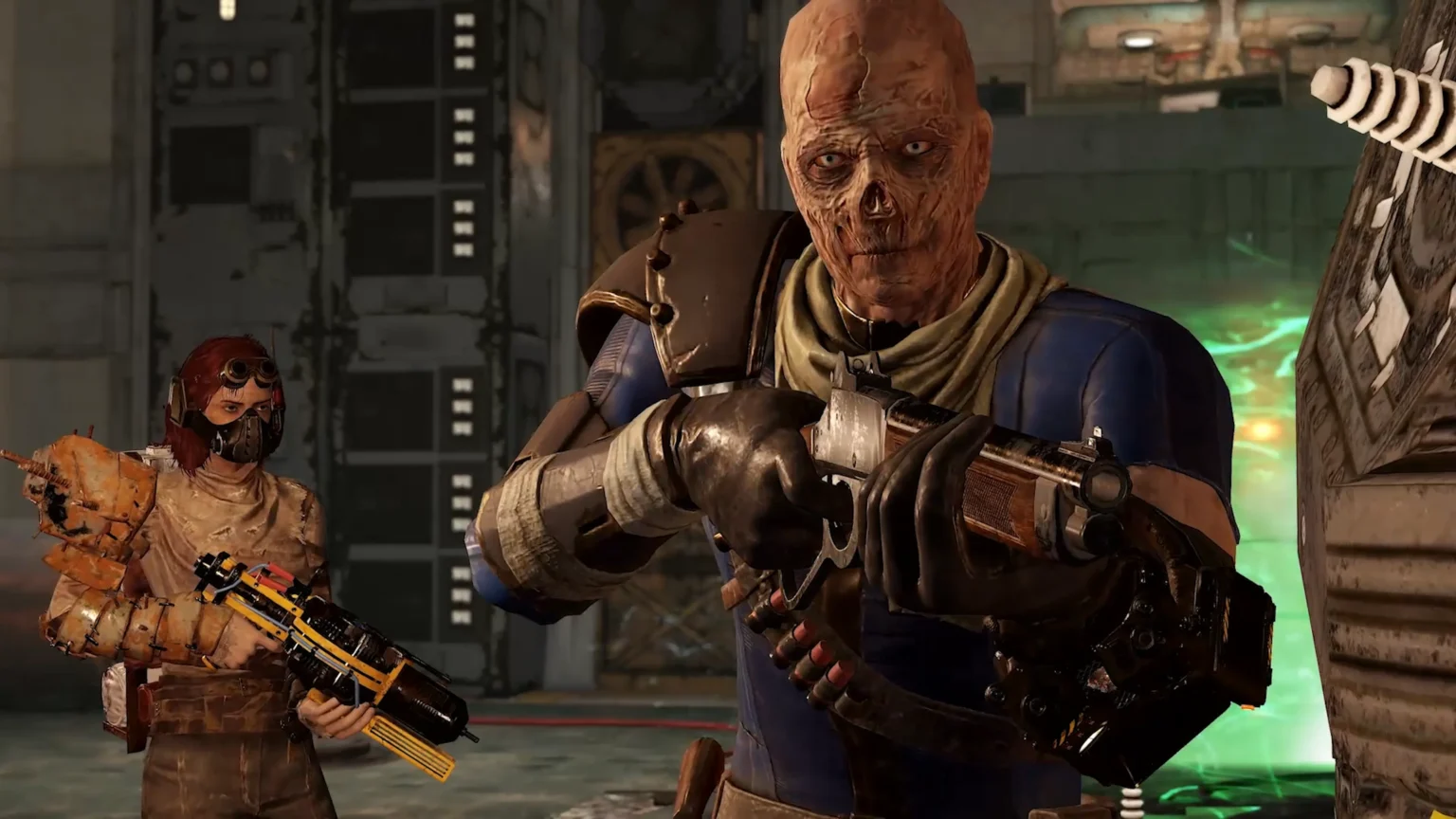
Fallout 76 does not offer universal crossplay connecting PC, PlayStation, and Xbox players. Each major ecosystem remains separate, with the important exception of different Fallout 76 PC storefronts.
This limitation becomes particularly noticeable in a game built around a shared online world. Fallout 76 allows players to form teams, complete events, build camps, explore Appalachia, and fight enemies together, so choosing the same compatible platform as your friends matters.
Fortunately, players within certain platform groups can still play together. The easiest way to understand the current situation is through the compatibility table below.
| Platform Combination | Can Play Together? | Type |
| Steam PC + Xbox App/Microsoft PC | Yes | PC cross-store play |
| PS4 + PS5 | Yes | Same PlayStation ecosystem |
| Xbox One + Xbox Series X|S | Yes | Same Xbox ecosystem |
| PC + Xbox console | No | Cross-platform unavailable |
| PC + PlayStation | No | Cross-platform unavailable |
| PlayStation + Xbox | No | Cross-platform unavailable |
The biggest source of confusion is Microsoft. Seeing Fallout 76 available through Xbox services on PC may suggest that PC players can join friends using an Xbox console, but these are separate ecosystems.
Is Fallout 76 Cross Platform Between Xbox and PC?
No. Fallout 76 cross platform Xbox and PC multiplayer is not supported between Xbox consoles and computers.
This distinction can be confusing because Fallout 76 is available through Microsoft’s ecosystem on both platforms. A player using the Xbox App on a Windows PC is still considered a PC player rather than an Xbox console player for multiplayer compatibility.
Therefore, a friend playing Fallout 76 through the Xbox App on PC cannot simply join someone playing on Xbox Series X|S or Xbox One. They need compatible versions within the same ecosystem.
However, the Xbox App version for PC can connect with other PC players, including those using Steam. Bethesda confirms that Steam and Microsoft PC players can play together in all game modes.
So remember:
Xbox App on PC + Steam = Yes
Xbox App on PC + Xbox console = No
This distinction is particularly important if you’re choosing where to purchase or install Fallout 76 specifically to play with friends.
Is Fallout 76 Cross Platform on PS5 and Xbox?
No. Fallout 76 cross platform PS5 and Xbox multiplayer is not currently supported. PlayStation users cannot join Fallout 76 worlds with players on Xbox consoles.
This means a group of friends divided between PS5 and Xbox Series X|S will not be able to form a Fallout 76 team together. The same general restriction applies when considering older console generations across competing ecosystems.
The situation is different within PlayStation itself. PS4 and PS5 players remain compatible because they operate within the PlayStation ecosystem. Likewise, Xbox One and Xbox Series X|S players remain within the Xbox environment.
That is better described as cross-generation compatibility rather than true cross-platform play.
The difference matters because cross-generation allows players using different generations of hardware from the same console family to interact. Cross-platform play would connect entirely different ecosystems, such as PlayStation and Xbox.
Fallout 76 supports the former in these cases, but not universal crossplay.
Is Fallout 76 Cross Platform Between PC and PS5?
No. Fallout 76 cross platform PC and PS5 gameplay is also unavailable. PC players cannot enter the same Fallout 76 multiplayer environment as PlayStation console players.
This restriction applies regardless of where the PC copy was obtained. Using Steam or the Xbox App/Microsoft version on Windows does not create compatibility with PlayStation.
For players building a group specifically to explore Appalachia together, this makes platform choice important. Before purchasing the game or investing substantial time into a character, make sure your friends are using compatible versions.
The current separation can be summarized as three main multiplayer environments:
- PC ecosystem: Steam and Microsoft/Xbox App PC;
- PlayStation ecosystem: compatible PlayStation generations;
- Xbox ecosystem: compatible Xbox console generations.
These environments should not be confused simply because the same Bethesda account may be associated with different versions of the game.
Can Steam and Xbox App PC Players Play Together?
Yes. This is the most important exception when discussing Fallout 76 crossplay.
Bethesda confirms that players using the Steam version and Microsoft’s PC version of Fallout 76 can play together in all game modes. Therefore, PC users do not need to purchase the game through the exact same storefront as their friends.
This is especially useful because PC gaming libraries are often divided across multiple launchers and stores. One player may own Fallout 76 through Steam while another accesses it through Microsoft’s PC ecosystem, yet they can still explore Appalachia together.
There are also some progression benefits when using the same Bethesda.net account across these PC versions. Bethesda states that characters, progress, and in-game items are shared between Steam and Xbox App for PC when linked to the same Bethesda.net account.
However, certain account-related elements have additional restrictions. For example, currency and subscription-related benefits may not behave exactly like character progression across different storefronts.
Most importantly, none of this extends PC compatibility to an actual Xbox console.
Fallout 76 Crossplay vs. Cross-Generation Play
The terminology surrounding multiplayer compatibility can become confusing, particularly when a game remains available across several generations of hardware.
Crossplay generally means players on different platform ecosystems can play together. For example, a game offering full crossplay might allow someone on PC to join a friend on PlayStation while another player participates through Xbox.
Cross-generation play, meanwhile, keeps players connected within the same console family despite using different generations of hardware.
Here’s the difference:
| Feature | What It Means | Fallout 76 |
| Cross-platform play | PC, Xbox and PlayStation together | No |
| Cross-generation play | Old/new consoles in same family | Yes |
| PC cross-store play | Steam and Microsoft PC together | Yes |
| Cross-progression | Progress moves across ecosystems | Limited/No |
This explains why saying Fallout 76 “has crossplay” simply because PS4 and PS5 players can interact would be misleading.
The two consoles belong to the same PlayStation ecosystem. Full Fallout 76 crossplay would require compatibility across separate platforms such as PlayStation, Xbox, and PC.
Does Fallout 76 Have Cross Progression?
Fallout 76 cross progression is limited and should not be confused with multiplayer compatibility.
In general, Bethesda does not allow players to transfer Fallout 76 characters or progress from one platform ecosystem to another. If you have spent hundreds of hours developing a character on PlayStation, for example, you should not expect to move that character to PC or Xbox.
The same issue applies when switching between Xbox console and PC. Even though both may use Microsoft-related services, they are treated as different platforms for Fallout 76 progression.
The major exception again exists between supported PC versions. When Steam and Xbox App for PC accounts are properly connected to the same Bethesda.net account, Bethesda allows characters, progress, and in-game items to be accessible across those PC versions.
However, some content is handled separately. Bethesda specifically identifies limitations involving elements such as Atoms, Season Tickets, and Fallout 1st.
For this reason, players considering a permanent platform change should verify what transfers before purchasing content or investing additional time.
Can You Transfer a Fallout 76 Character to Another Platform?
Generally, no. Bethesda states that Fallout 76 characters and progress cannot be transferred between different platforms.
This means switching ecosystems is more consequential than simply buying another copy of the game. Moving from PlayStation to Xbox, Xbox console to PC, or PlayStation to PC generally means your existing character will not follow you.
That includes the progression you’ve accumulated while exploring Appalachia. Levels, builds, equipment, quests, and other character-related progress represent a significant time investment, particularly for longtime players.
This limitation makes choosing the right ecosystem especially important for newcomers.
Before starting, consider:
- Where your friends play;
- Which hardware you expect to keep using;
- Whether you prefer PC or console;
- Where you plan to purchase future content;
- Whether you already have friends with established characters.
If multiplayer with friends is a priority, platform compatibility should be considered before everything else.
What About PS4 and PS5 Players?
PS4 and PS5 players can remain within the PlayStation Fallout 76 community, but this should not be interpreted as universal Fallout 76 crossplay.
Historically, PS5 users have been able to play Fallout 76 through the PlayStation ecosystem alongside PS4 users. Bethesda has also been working on native current-generation versions designed to take better advantage of newer hardware.
Those improvements can include higher frame rates, increased draw distance, improved visual quality, and other technical enhancements. However, a native PS5 version does not automatically create crossplay with Xbox or PC.
The multiplayer ecosystem remains the important factor.
Therefore, if one friend upgrades from PS4 to PS5 while another continues playing on PS4, they remain in a much better compatibility situation than friends divided between PlayStation and Xbox.
What About Xbox One and Xbox Series X|S?
The same basic principle applies within Microsoft’s console ecosystem. Xbox One and Xbox Series X|S users can participate within the Xbox Fallout 76 environment.
Again, this is cross-generation compatibility rather than universal cross-platform play.
The confusing part comes when PC enters the discussion. Because Windows and Xbox are both Microsoft platforms, players may assume an Xbox Series X user can automatically join someone playing through the Xbox App on Windows.
That is not the case for Fallout 76.
The word “Xbox” in the PC application’s name does not turn a Windows installation into an Xbox console version. The PC version belongs to the PC multiplayer ecosystem and can interact with compatible PC storefronts such as Steam.
Understanding this distinction prevents one of the most common mistakes players make when deciding where to install Fallout 76.
Why Doesn’t Fallout 76 Have Full Crossplay?
Bethesda has not implemented universal cross-platform multiplayer connecting Fallout 76 players across PlayStation, Xbox, and PC.
Crossplay can involve much more than simply allowing one device to see another. Developers may need to coordinate account systems, platform policies, matchmaking, backend infrastructure, social features, updates, security, and progression.
Fallout 76 also launched in 2018, when universal cross-platform support was less common than it is in many modern multiplayer releases.
Over time, players have naturally become more interested in crossplay as the feature has become common in major online games. Fallout 76’s cooperative structure makes the request particularly understandable because much of the experience becomes more enjoyable when shared with friends.
Still, players should base purchasing decisions on the functionality available now rather than assuming full crossplay will eventually arrive.
Could Fallout 76 Get Crossplay in the Future?
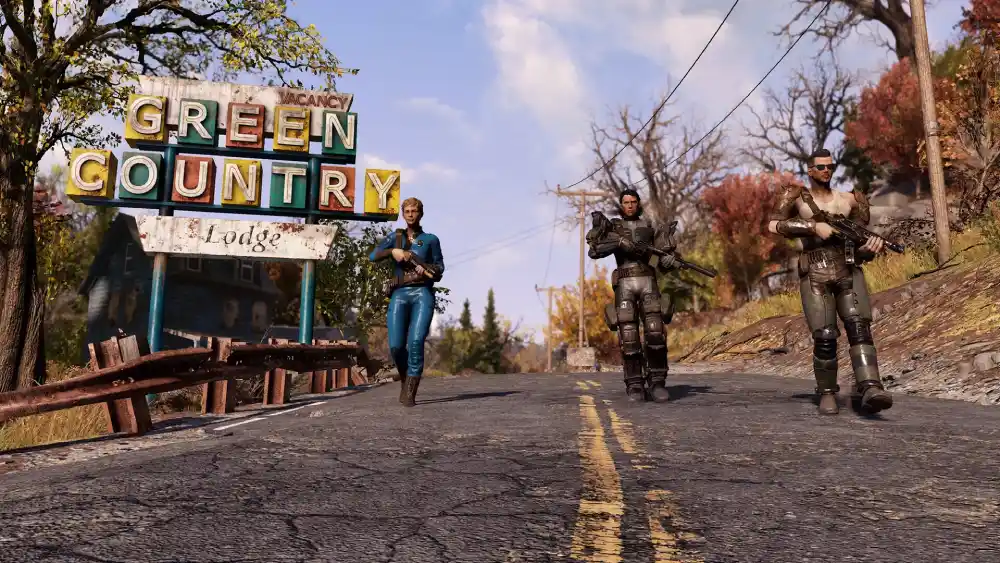
Crossplay is technically possible for many modern multiplayer games, but players should not assume that Fallout 76 will receive full cross-platform support unless Bethesda officially announces such a change.
The game has continued receiving updates years after launch, demonstrating Bethesda’s long-term support for Appalachia. Current-generation improvements also show that Fallout 76 continues evolving alongside newer hardware.
However, technical upgrades and crossplay are completely different features. Improved graphics, higher frame rates, or native current-generation applications do not inherently change multiplayer compatibility between platform ecosystems.
For now, the safest approach is to choose your version based on existing compatibility.
If playing with a particular group is important, confirm their platform before beginning a new character. That prevents discovering dozens of hours later that your friends inhabit an entirely separate Fallout 76 ecosystem.
Which Platform Should You Choose for Fallout 76?
There is no universally best platform for Fallout 76. The right choice depends on your hardware, preferences, existing progression, and — most importantly for multiplayer — where your friends play.
PC offers flexibility between Steam and Microsoft’s PC version because those players can interact. It also provides the usual benefits associated with PC hardware and settings.
PlayStation makes sense if your existing gaming group is already there, while Xbox is the logical choice for groups established within Microsoft’s console ecosystem.
For a new player focused on cooperative gameplay, use this priority:
- Choose the ecosystem where your friends already play;
- Consider whether you may change hardware soon;
- Check whether you already have Fallout 76 progression;
- Compare your preferred input and hardware setup;
- Only then compare other platform-specific advantages.
A slightly better technical experience on another platform may not matter much if switching prevents you from playing with your regular group.
Does Platform Affect Fallout 76 Connection Quality?
Platform choice does not eliminate the basic networking requirements of Fallout 76. Regardless of whether you’re playing on PC, PlayStation, or Xbox, the game depends on a stable internet connection.
Problems such as high latency, jitter, packet loss, Wi-Fi interference, or inefficient network routing can affect online responsiveness and connection stability.
However, network problems should not be confused with Fallout 76 cross platform limitations. If your friend is playing in an incompatible ecosystem, changing your router, DNS, or network route cannot allow the two versions to connect.
First confirm platform compatibility. If everyone is using compatible versions but the connection itself is unstable, network troubleshooting becomes relevant.
That distinction prevents players from spending time trying to fix what is actually a platform restriction rather than a connection problem.
How ExitLag Can Help With Fallout 76 Connection Stability
Once everyone in your group is using compatible platforms, connection quality becomes much more important during your adventures across Appalachia.
Internet traffic does not always travel through the most efficient route between your device and online game infrastructure. Congestion or inefficient routing can contribute to unstable latency, jitter, and packet loss.
ExitLag is designed to optimize network routes for supported online games, searching for more stable paths when routing conditions are affecting your connection.
It cannot enable Fallout 76 crossplay between incompatible platforms or transfer your character to another ecosystem. However, when players are already on compatible versions, network optimization can help address certain routing-related connection problems.
FAQ
Here are quick answers to common questions about is Fallout 76 cross platform and multiplayer compatibility.
No. Xbox console players cannot play Fallout 76 with PC players, including those using the Xbox App on Windows.
No. Fallout 76 does not support crossplay between PlayStation and Xbox ecosystems.
No. PC and PlayStation players are in separate Fallout 76 multiplayer ecosystems.
Not across the major platform ecosystems. There is limited shared progression between compatible PC versions when using the same Bethesda.net account.
Yes. Bethesda confirms that Steam and Microsoft/Xbox App PC players can play Fallout 76 together in all game modes.
Explore Appalachia With a More Stable Connection
So, is Fallout 76 cross platform? Not completely. PC, PlayStation, and Xbox remain separate multiplayer ecosystems, although Steam and Xbox App users on PC can play together, and players can remain connected across compatible generations within the same console family.
Once you and your friends are on compatible versions, connection stability becomes essential for exploring Appalachia together. If packet loss, jitter, or inefficient routing is affecting your sessions, optimizing your network path may help.
Ready for a smoother journey through Appalachia? Try ExitLag and optimize your connection today!
Got questions or want to connect with other players? Join the conversation at the ExitLag Forum!