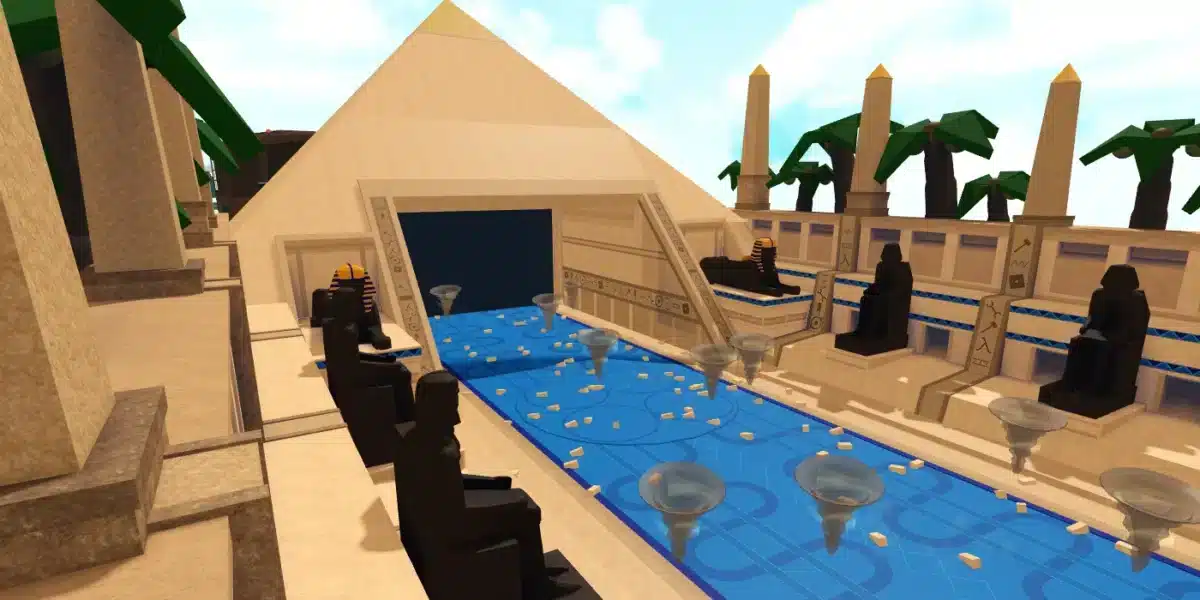
Roblox Rivals codes are one of the easiest ways to get quick rewards, boosts, and progression advantages without spending extra Robux. If you play Rivals regularly, keeping up with code drops can help you level faster, test builds sooner, and enjoy more of the game’s features.
Before you start chasing codes, it helps to make sure your sessions are actually stable enough to feel the difference from boosts and rewards. If Rivals feels choppy or delayed, this guide on how to fix Roblox lagging hard gives you a practical checklist for the connection side. Clean performance first makes every reward more useful.
If you are searching for Roblox Rivals codes, this updated guide will show you how they work, where to find them, and how to claim them correctly. We will also cover Rivals codes, how to redeem Rivals rewards step by step, where to track active codes, and how players often confuse them with Roblox FPS codes when looking for performance and gameplay improvements.
In addition, Roblox Rivals codes can disappear quickly. That is why it helps to have a clear process for checking new drops, redeeming them fast, and avoiding expired entries. By the end of this guide, you will know how to use code rewards efficiently and how to keep your sessions smooth and stable.
Roblox is a huge platform built around creativity, competition, and constant updates. Rivals stands out because it rewards active players and often gives the community extra incentives during milestones, events, or patches. Codes are part of that loop, and they can make a real difference when used early.
However, many players run into the same issues:
- They use old codes from outdated pages
- They enter codes with typing mistakes
- They miss limited-time drops
- They do not know where the code menu is
- They expect rewards to stack the same way every time
So, instead of just listing a few examples, this article gives you a complete system. That way, you are not only claiming free rewards today, but also staying ahead for future code releases.
What are Roblox Rivals codes?
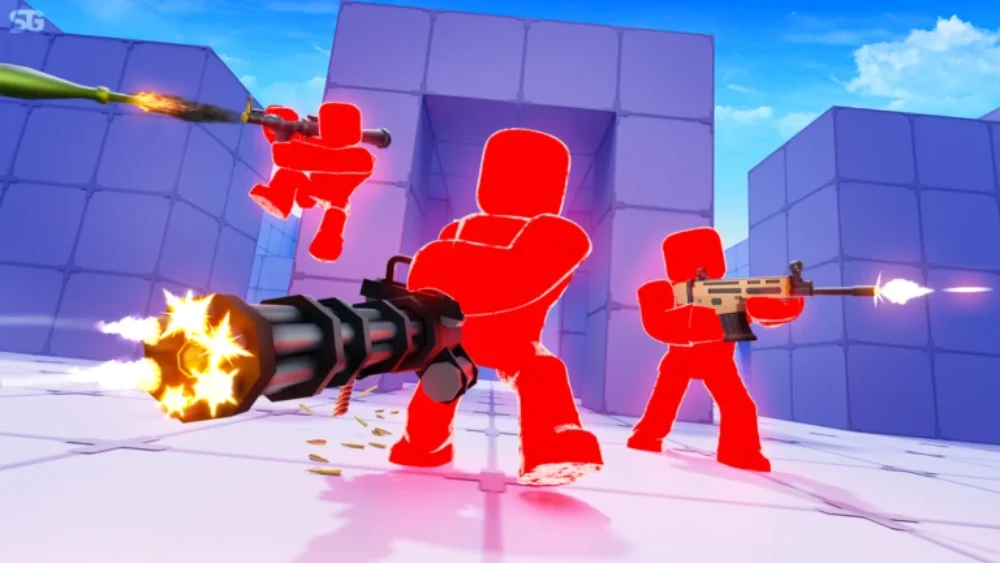
Roblox Rivals codes are promotional code strings released by the game’s developers. When redeemed in the game, they usually grant rewards such as coins, boosts, or other progression-related bonuses. In some cases, they may also be tied to events, updates, or community milestones.
These codes are popular because they offer a fast way to gain value without grinding the same activities for longer than necessary. For new players, this can help with early progression. For experienced players, code rewards can support testing, upgrades, or short-term boosts.
Here is why they matter:
- They can speed up progression
- They may provide limited-time bonuses
- They help returning players catch up
- They reward community engagement
- They are easy to claim when still valid
That said, not every code works forever. Most active codes have expiration windows, usage limits, or event-specific timing. Because of that, it is important to redeem them as soon as possible.
Common reward types from Rivals codes
While rewards can change over time, Rivals codes typically include:
- Coins or currency
- XP boosts
- Temporary multipliers
- Progression bonuses
- Event-related items
Developers may also change reward values based on balance updates. A code that once gave a large reward might be replaced later with a smaller one, or the code may expire entirely.
Why players search for Roblox FPS codes while looking for Rivals codes
A lot of users search for Roblox FPS codes when they are actually trying to improve gameplay in Rivals. It is a common mix-up. Game codes unlock in-game rewards, while FPS-related tweaks are about performance settings, device optimization, and connection stability.
So, if your goal is better performance, you need optimization steps. If your goal is in-game bonuses, you need Roblox Rivals codes. Many players need both.
What are the latest active Roblox Rivals codes?
If you are looking for Roblox Rivals codes right now, the first rule is simple: always verify in-game before assuming a code is still valid. Code availability changes often, and many websites keep expired codes listed for too long.
Below is a sample code list structure based on the examples you shared. Use it as a quick reference format, but always confirm status in the game client.
Example list of active codes (verify in-game)
| Code | Example reward | Status |
| WINNER2024 | 500 coins | Check in-game |
| SPEEDBOOST | 2x speed boost (30 min) | Check in-game |
| EXTRALEVEL | 1 level-up reward | Check in-game |
Important: Even if a code appears on a guide, it may already be expired by the time you try it. Prioritize freshly posted active codes from official sources.
Before redeeming, double-check:
- Capital letters
- Numbers vs letters (O vs 0, I vs 1)
- Extra spaces
- Special characters
- Expiration timing
This matters because many failed attempts are caused by formatting mistakes, not expired entries.
How often do new Rivals codes drop?
There is no fixed universal schedule, but Rivals codes commonly appear around:
- Game updates
- Patch launches
- Seasonal events
- Community milestones (likes/follows/visits)
- Developer announcements
- Collaborations or promotions
As a result, if you only search once in a while, you will miss a lot of free rewards. The better strategy is to monitor official channels regularly and redeem immediately.
How do you redeem Rivals codes in Roblox?
Roblox Rivals codes are only useful if you claim them correctly. The process is usually simple, but menus can move after updates. In most cases, the redemption flow follows the same pattern.
First, open the game and let it fully load. Then look for a “Codes” button in the main menu, settings area, or a side icon. Once you find the field, type the code exactly as shown and confirm.
Start from the official game page so you know you are launching the right experience and not a copy or reupload. Opening RIVALS on the official Roblox game page also makes it easier to confirm you are logged into the correct account before redeeming anything. That small step prevents a lot of “redeemed on the wrong profile” mistakes.
Step-by-step: how to redeem Rivals codes
- Launch Rivals on Roblox
Open Roblox, start Rivals, and log into the correct account. - Find the Codes menu
Look in the main menu, settings, or UI side panel for a “Codes” option. - Enter the code carefully
Paste or type the code exactly as listed. Case sensitivity may matter. - Click Redeem / Confirm
Submit the code and wait for the reward confirmation message. - Check your inventory or currency total
Some rewards apply instantly, while others may appear in a different menu.
If a code does not work, try this checklist before giving up:
- Re-enter the code manually
- Remove extra spaces
- Check if the code has expired
- Restart the game session
- Confirm the code is actually for Rivals (not another Roblox game)
Why a code may show as invalid
There are several possible reasons:
- The code expired
- The code was entered incorrectly
- The code is region/event limited
- The code was already redeemed on your account
- The code was for another game or another event phase
That is why learning how to redeem Rivals rewards properly is just as important as finding the codes themselves.
How can you find new Roblox Rivals codes faster?
If you want consistent results, do not rely on random reposts. The best approach is to build a small tracking routine. This helps you catch Roblox Rivals codes while they are still active and avoid wasting time on old lists.
A lot of players only search once, redeem what they can, and stop. Then they miss update-day drops. Instead, use a repeatable method.
Best places to find new Rivals codes
- Official developer social channels (X/Twitter, Discord, community posts)
- Game update announcements
- Roblox game page descriptions (sometimes codes appear there)
- Patch notes
- Creator streams or videos (for event reveals)
- Trusted gaming guides that actively update listings
When you are looking for something new to play between code drops, switching experiences can keep things fresh without leaving the platform. If you want a different vibe from competitive FPS sessions, this roundup of scary Roblox games to try next is an easy way to find popular options. It is also a good reminder that codes are game-specific, so always confirm you are reading Rivals-focused announcements.
When checking these places, look for timestamps. A page that says “updated” but still shows old event codes is not reliable.
Quick routine to track active codes efficiently
Use this 5-minute routine:
- Check official channels first
- Compare with one trusted guide
- Test the newest codes immediately
- Save working codes in a note app
- Recheck after updates and events
This routine improves your chances of claiming active codes before they expire and getting more free rewards over time.
Also, keep your tracking routine anchored in official pages so you do not waste time on fake “code hubs.” Starting from the official Roblox homepage keeps you inside the platform while you navigate to the real game listing and any linked announcements. It is a small habit that reduces scams and cuts down on outdated reposts.
Pro tip: avoid mixing gameplay rewards with performance fixes
Players often search for Roblox FPS codes hoping for smoother matches in Rivals. But FPS or connection issues are solved with optimization steps, not code redemption. Keep your code tracking and your performance fixes as separate habits.
That said, both matter. Rewards help progression, and smoother sessions help you actually use those rewards effectively.
Why are my Roblox Rivals codes not working?
Roblox Rivals codes may fail even when they look correct. This can be frustrating, especially when a code was posted recently. The good news is that most failures come from a few common causes that are easy to check.
Start with the basics: code format, expiration, and account status. Then move to game-side issues like UI bugs or delayed reward application.
Most common causes of code redemption failure
- Expired code
The most frequent reason. Many codes are time-limited. - Typing error
One wrong letter or number can invalidate the code. - Already redeemed
Some codes only work once per account. - Wrong game
The code may be for another Roblox title. - Server/update mismatch
The game may be rolling out a patch and code validation is delayed.
If the timing lines up with match instability, the issue may not be the code system at all. Packet problems can make everything feel inconsistent, including UI confirmations and session behavior, so it is worth checking the basics. This guide on packet loss in Roblox and how to fix it helps you rule that out quickly before you assume a code is expired.
Fixes to try before assuming the code is dead
- Copy and paste the code directly
- Rejoin the game
- Test another code from the same source
- Wait a few minutes after an update
- Confirm the source announced it for Rivals specifically
Also, keep expectations realistic. Not every code grants huge rewards. Some Rivals codes are small bonuses designed to encourage logins or celebrate milestones.
Is there a best time to redeem Roblox Rivals codes?
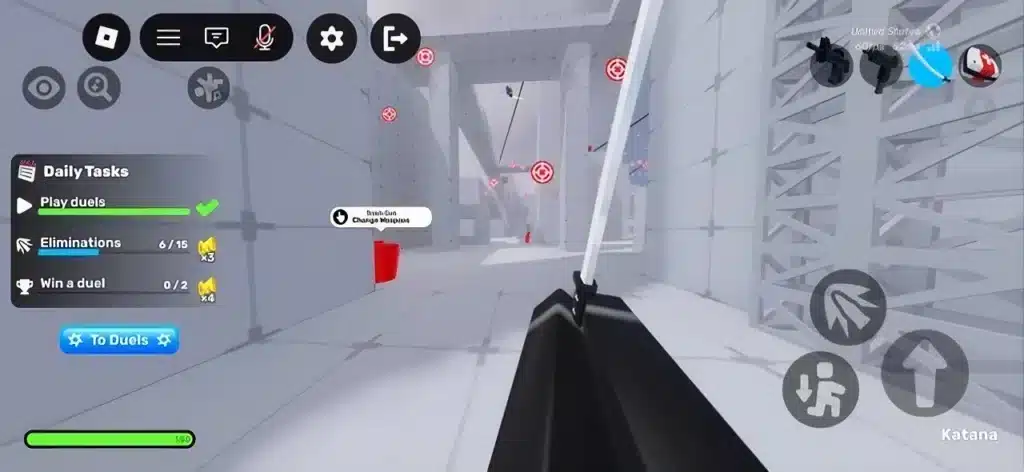
Yes. In general, the best time to redeem Roblox Rivals codes is as soon as they are announced. Waiting increases the chance that the code will expire, get disabled, or become buried under reposted content.
Even if a code seems long-lasting, it is safer to redeem immediately and avoid forgetting later.
Best moments to check for active codes
- Right after a game update
- During seasonal events
- After community milestone announcements
- After livestreams or developer posts
- On weekends (when engagement promos are common)
Timing matters because active codes can move fast. If you play regularly, checking at these moments can give you a steady stream of free rewards with minimal effort.
Should you save codes for later?
Usually, no. Unless a reward has a specific strategic use and you are sure the code will stay valid, redeeming right away is the safer option. Delaying redemption creates unnecessary risk.
How ExitLag helps your Roblox Rivals experience
Roblox Rivals codes help you unlock rewards, but they do not solve lag, stutter, or unstable ping. If your connection is inconsistent, even a strong loadout or good rewards can feel wasted in fast-paced matches.
That is where ExitLag becomes relevant.
ExitLag is designed to improve route stability and reduce connection issues in online games by optimizing traffic paths. In competitive or reaction-based gameplay, a more stable connection can mean smoother movement, faster response feel, and fewer frustrating interruptions.
Why connection quality matters in Rivals
Rivals gameplay depends on timing, reactions, and consistency. If your ping spikes or your route becomes unstable, you may notice:
- Delayed actions
- Rubberbanding
- Missed shots or inputs
- Unstable hit registration feel
- Sudden match frustration
Even when your device runs Roblox well, network instability can still hurt performance. That is why many players search for Roblox FPS codes or “fix lag” tips when the real issue is connection quality, not in-game rewards.
What ExitLag can improve for Roblox players
While results vary by region, ISP, and route conditions, ExitLag may help with:
- More stable routing during matches
- Reduced packet instability
- Better consistency in online sessions
- Fewer sudden spikes in some cases
So, use Roblox Rivals codes for rewards, and use optimization tools like ExitLag for smoother gameplay conditions. They solve different problems, and together they can improve your full Rivals experience.
Best practices to maximize rewards from Roblox Rivals codes
Using Roblox Rivals codes is not just about entering random strings. A smarter approach helps you get more value from every code drop.
Reward-maximizing checklist
- Redeem codes immediately after release
- Track which codes you already used
- Prioritize limited-time event codes
- Log in during updates and milestone events
- Pair code rewards with active play sessions
This helps you avoid wasted opportunities. For example, if a code grants a timed boost, redeeming it right before you stop playing may reduce its value.
Build a simple code log
Create a small note with:
- Code name
- Date found
- Source
- Result (worked/expired)
- Reward type
After a few weeks, you will quickly identify which sources consistently post working Rivals codes and which ones mostly repost expired entries.
FAQ
Roblox Rivals codes are used to unlock in-game rewards such as coins, boosts, or progression bonuses. Rewards vary by event, update, and developer promotion.
Open Rivals in Roblox, find the “Codes” menu, enter the code exactly as shown, and press redeem. If it fails, check for typos, expiration, or whether the code was already used.
The most common reasons are expiration, typing errors, one-time account limits, or using a code meant for another game. Re-enter the code carefully and verify the source.
There is no fixed schedule. New active codes often appear during updates, seasonal events, community milestones, and developer announcements.
No. Roblox Rivals codes unlock in-game rewards, while Roblox FPS codes is a search term players often use when looking for performance tweaks. Reward codes do not improve FPS or network performance.
Yes. That is one of the main benefits of using Rivals codes. They are a common way to claim free rewards when the developers release them.
No. ExitLag does not provide in-game codes. It is a connection optimization tool that can help improve online gameplay stability. Use codes for rewards and ExitLag for performance support.
Final thoughts on Roblox Rivals codes
Keeping up with Roblox Rivals codes is one of the easiest ways to get extra value in the game. When you follow official sources, redeem quickly, and avoid expired lists, you improve your chances of claiming useful boosts and free rewards consistently.
At the same time, remember that rewards alone do not fix gameplay issues. If your sessions feel unstable, combine your code strategy with connection optimization. Use Rivals codes to boost progression, learn how to redeem Rivals rewards correctly, monitor active codes during updates, and improve your match consistency with ExitLag for a smoother experience.
If you want better performance while playing Roblox and other online games, explore ExitLag and test how it improves your connection stability. Claim your rewards, optimize your sessions, and get more out of every match.
Got questions or want to connect with other players? Join the conversation at the ExitLag Forum!