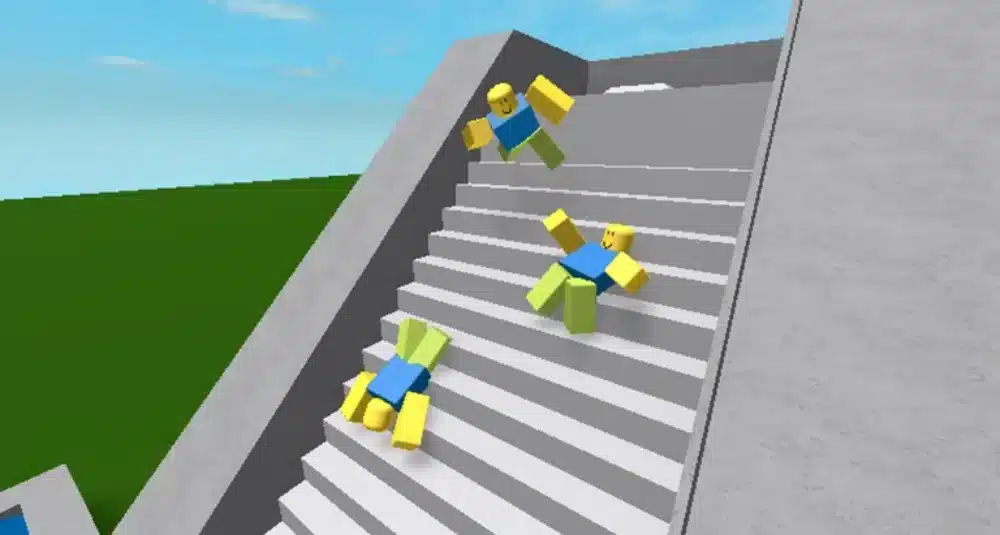
Experiencing lag in Roblox can be frustrating — especially when it disrupts matches, slows down building, or makes your avatar move unpredictably. Many players in 2025 have been asking why is Roblox so laggy, and the answer usually comes down to a mix of internet connection quality, hardware limitations, and occasional platform issues.
Understanding why is Roblox so laggy is the first step to fixing it. Once you know the root causes, you can apply targeted solutions to keep gameplay smooth, whether you’re on Windows 11, Chromebook, mobile, or Roblox Studio.
What is lag in Roblox?
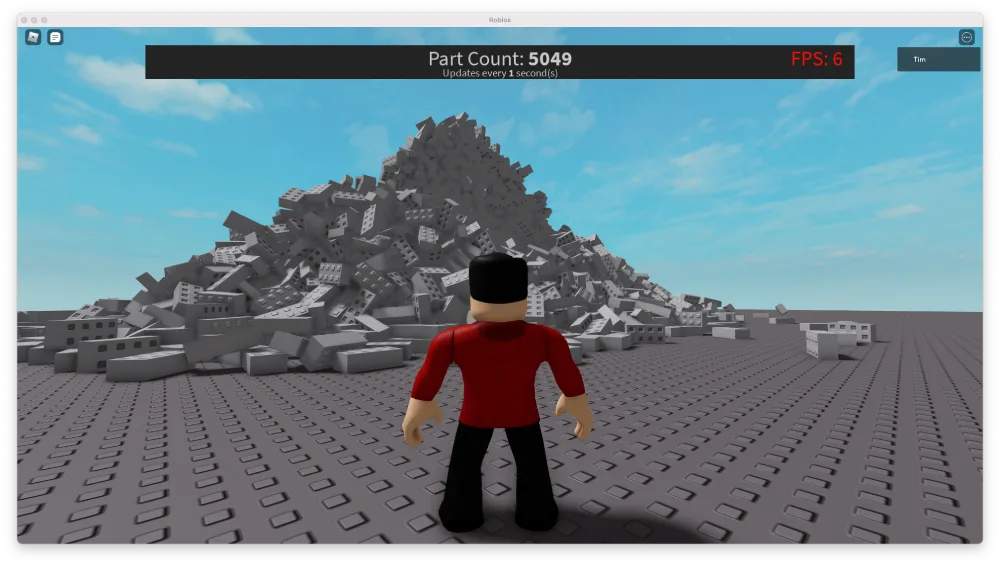
Yet about the question “why is Roblox so laggy?”: Lag in Roblox occurs when there’s a delay between your actions and the game’s response. This can appear as:
- Delayed movement
- Slow loading of maps and textures
- Stuttering animations
- Freezes during high-action scenes
This happens when your system or internet struggles to process and transmit data in real time. In multiplayer games like Roblox, lag can mean the difference between winning and losing a match.
From a technical perspective, Roblox lag stems from either client-side issues (your device and internet) or server-side issues (Roblox platform performance). Both can contribute to gameplay interruptions.
Check also: Jujutsu Shenanigans: The Ultimate Roblox Anime Game Experience
Why is Roblox so laggy? Common causes
When players ask why is Roblox so laggy, the main causes usually fall into three categories:
1. Internet Connection Problems
A weak or unstable internet connection is one of the most common reasons why is my Roblox so laggy. This includes:
- High ping due to long-distance server routing
- Packet loss from unstable Wi-Fi signals
- Bandwidth congestion when other devices are streaming or downloading
If your connection is constantly dropping, Roblox has to re-sync your game data repeatedly, creating stutters.
2. Device performance limitations
Roblox’s performance depends heavily on your device’s specs. Problems happen when:
- Your device doesn’t meet Roblox’s minimum requirements
- The CPU or GPU can’t keep up with rendering complex maps
- Background apps eat up RAM and processing power
Older laptops, Chromebooks with low specs, or budget smartphones often struggle in high-load game modes.
3. Game or platform issues
Sometimes, the answer to the question “Why is Roblox so laggy” isn’t on your side at all. Roblox servers can experience:
- Temporary outages or maintenance
- Bugs from recent updates
- Regional server instability during peak hours
These issues are harder to fix locally, but you can still check status updates to confirm.
You may also like it: How to Make Money on Roblox: Top Strategies to Earn Robux
Is Roblox down or is it just lag?
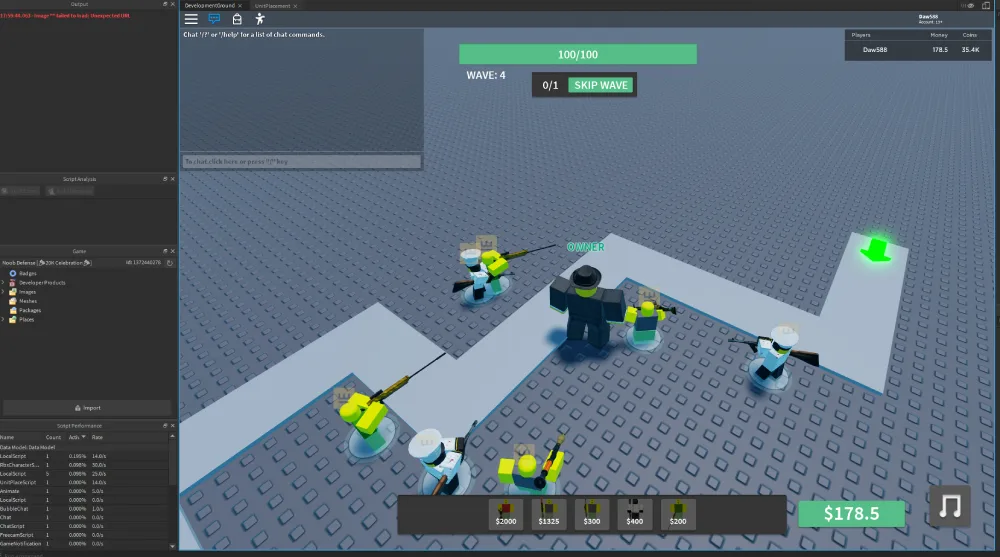
Before you start tweaking settings, it’s worth checking if the platform itself is having problems. Many players confuse a server outage with personal lag issues.
How to check if Roblox is down:
- Visit the official Roblox status page (status.roblox.com)
- Check community forums like Reddit for mass outage reports
- Search social media for “Roblox down” to see if others are affected
If Roblox is down, the best option is to wait for an official fix. If not, it’s time to troubleshoot your setup.
First steps to fix Roblox lag
If you’ve confirmed Roblox isn’t experiencing an outage, you can begin with these quick fixes:
1. Improve your internet connection
- Switch to a wired Ethernet connection if possible
- Move closer to your Wi-Fi router
- Restart your modem/router to refresh the connection
2. Optimize your device
- Close background programs
- Clear cache files for Roblox
- Ensure your system meets the minimum hardware requirements
3. Adjust Roblox settings
- Lower graphics quality inside Roblox settings
- Disable unnecessary visual effects
- Reduce render distance in games with large maps
Check also: How to Reset Your Roblox Password Safely
Why ExitLag helps Roblox players
Even with a good connection, poor server routing can cause Roblox to lag. That’s where ExitLag comes in — it optimizes your route to Roblox servers, reducing ping spikes, packet loss, and jitter.
ExitLag’s multi-route system ensures your data takes the fastest, most stable path possible. This is especially helpful if you play Roblox modes that rely on fast reaction times or if you connect to servers outside your region.
How to fix Roblox lag on Windows 11 laptops and PCs
For many PC players, the question isn’t just why is Roblox so laggy, but why is my Roblox so laggy on a powerful computer? Often, the issue is settings, not hardware.
Steps to improve Roblox performance on Windows 11:
- Update Your Graphics Drivers
- Outdated GPU drivers can cause stuttering. Update via NVIDIA, AMD, or Intel’s website.
- Adjust Roblox Graphics Settings
- Set graphics to “Manual” in Roblox settings and lower the quality slider.
- Close Background Apps
- Disable unnecessary programs running in the background, especially browsers, streaming apps, and Discord overlays.
- Check Power Mode
- Switch your Windows power mode to Best Performance in Settings → System → Power & Battery.
Why is Roblox so laggy on Chromebook?
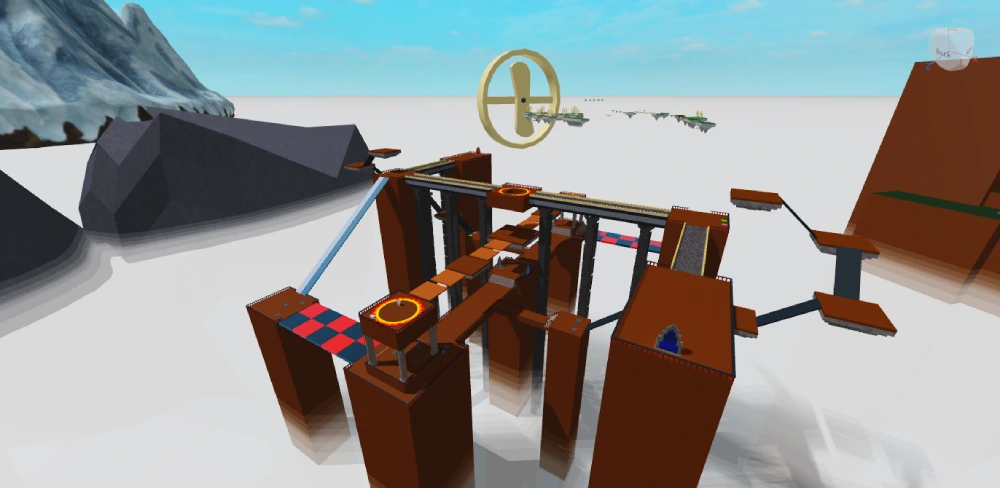
Chromebooks are convenient for portability, but many have low processing power. This can cause lag in Roblox games that require higher rendering speeds.
How to Reduce Lag on Chromebook:
- Enable GPU Acceleration in Chrome Flags for better rendering.
- Use the Roblox Android App instead of the browser version for smoother gameplay.
- Close Extra Tabs — even unused tabs can consume CPU and RAM on Chromebooks.
- Lower Graphics Quality from Roblox settings to reduce load on your device.
Why is Roblox so laggy on mobile (iOS & Android)?
Players often report why is Roblox so laggy on mobile when their devices are older or have storage and memory limits.
Mobile Lag Fix Tips:
- Clear Roblox Cache regularly through app settings.
- Close All Background Apps before launching Roblox.
- Play on Wi-Fi Instead of Mobile Data for better stability.
- Lower Graphics Settings and disable shadows or extra visual effects.
- Keep Your OS Updated for performance improvements.
Why is Roblox studio so laggy?
Roblox Studio can be more demanding than regular gameplay because it loads building tools, assets, and scripts simultaneously.
Ways to Improve Roblox Studio Performance:
- Turn Off Unnecessary Plugins
- Use Low-Poly Assets when possible
- Close Other Editing Programs to free up memory
- Enable Performance Mode in Studio settings to optimize resource usage
Is Roblox lag always about my device?
Not always. Sometimes lag is caused by server-side problems or even specific game design choices, such as:
- Heavy scripts running in the background
- Massive multiplayer maps with high object counts
- Poorly optimized community-created games
In these cases, even a high-end device may struggle. The best fix is to choose better-optimized games or wait for the creator to update performance.
Check also: Is Roblox Coming to PS5? Everything We Know
Roblox Lag Causes and Best Fixes
| Cause of Lag | Affected Devices | Recommended Fix |
| Weak or unstable internet | All devices | Switch to stable Wi-Fi or wired connection; use ExitLag |
| Outdated game or OS version | All devices | Update Roblox and your operating system |
| High graphics settings | PC, Chromebook, Mobile | Lower graphics settings in Roblox menu |
| Background apps consuming resources | PC, Mobile, Chromebook | Close unnecessary programs before playing |
| Low device specs | Chromebook, Mobile | Use lightweight games; upgrade hardware if possible |
| Overloaded Roblox Studio | PC | Turn off plugins, reduce asset size, use Performance Mode |
Is Roblox Down or Is It Just Me?
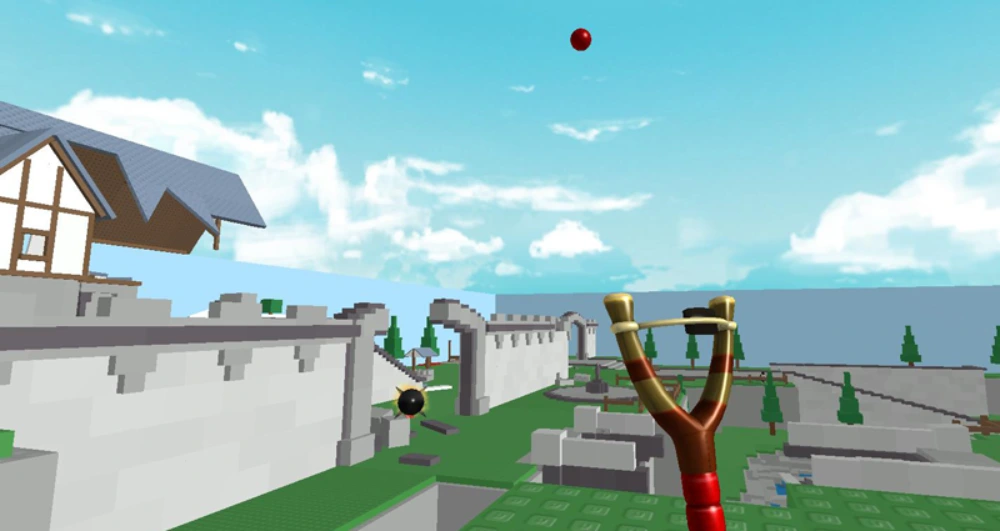
Sometimes lag isn’t your fault at all — Roblox’s servers may be experiencing issues. If you notice widespread delays, freezing, or inability to join games, check the Roblox status page or community forums.
Signs that Roblox might be down:
- Many players reporting similar issues at the same time.
- Errors connecting to any game, not just one.
- Delayed responses in chat and UI loading.
When the problem is server-side, you’ll have to wait until Roblox resolves it.
You may also like it: How to Redeem Roblox Gift Cards for Robux: Step-by-Step Guide
Why ExitLag Helps Fix Persistent Roblox Lag
Even when your hardware is fine, network route inefficiency can cause high ping, jitter, and rubber-banding in Roblox. This is where ExitLag makes a difference.
How ExitLag improves Roblox performance:
- Finds the fastest route to Roblox servers.
- Reduces packet loss and ping spikes.
- Maintains stable gameplay even during high server load.
Whether you’re grinding in Roblox Studio or playing competitive multiplayer modes, a stable connection is essential —ExitLag provides that consistency.
FAQ — Common Questions About Roblox Lag
It might be due to server-side issues, peak-hour traffic, or temporary outages. Check the Roblox status page to confirm before troubleshooting.
Lag can still happen from hardware limitations, high graphics settings, or inefficient network routing — not just your internet speed.
Update your GPU drivers, set your power mode to Best Performance, and close background apps that consume CPU or RAM.
Switch to a stable Wi-Fi network, lower graphics settings, and close apps running in the background.
Disable unnecessary plugins, reduce render distance, and use optimized assets to lighten the workload on your PC.
Keep Roblox Smooth and Lag-Free

Solving why is Roblox so laggy takes a combination of good hardware practices, smart game settings, and network optimization. While quick fixes like lowering graphics can help in the short term, long-term stability comes from maintaining your device and internet connection.
For players who want the most reliable gameplay experience, ExitLag is the ultimate solution. It optimizes your connection routes, prevents packet loss, and keeps your ping stable — ensuring you can focus on winning instead of waiting for the game to catch up.
Now that you know why Roblox is so laggy, don’t settle for inconsistent performance. Keep your gameplay smooth, responsive, and competitive with the right tools and preparation. Download ExitLag now!
Got questions or want to connect with other players? Join the conversation at the ExitLag Forum!