If you’ve ever felt overwhelmed by the massive flood of items on the ground in Path of Exile, you’re not alone. Managing loot drops manually is not only inefficient — it’s downright impractical. That’s where a POE loot filter becomes essential. It helps you cut through the clutter, letting you focus only on the items that matter.
If you’re new to the game and still understanding the basics, start with this comprehensive beginner’s guide to Path of Exile to build a strong foundation.
In this guide, we’ll explore everything you need to know about loot filters in Path of Exile. From how they work to installing, customizing, and choosing the best POE loot filter for your build or league, this is your one-stop resource for improving clarity and performance in Wraeclast.
What Is a Loot Filter in Path of Exile?

A loot filter in Path of Exile is a set of rules used to hide, highlight, or format item drops during gameplay. These rules allow you to customize what you see on-screen — from bold borders and vibrant colors to sound alerts for rare items.
Instead of sorting through thousands of useless drops, a loot filter ensures your attention goes only to what really matters: valuable items, upgrades, and currency.
How Does a Loot Filter Work?
- Highlights key items (uniques, currency, crafting bases) with colors, icons, and sounds
- Hides trash drops (white gear, irrelevant rares, low-value currency)
- Improves game performance by limiting rendering load
- Speeds up decision-making, especially in high-density content
There are different types of filters:
- Default Filter – Basic, limited customization
- Neversink’s Filter – Updated frequently and easy to tailor via UI
- Custom Filters – Manually coded or created via advanced tools
Why it matters: Using a poe loot filter guide like this one helps you make smarter, faster decisions — and that can mean the difference between survival and defeat.
How to Install a Loot Filter in Path of Exile
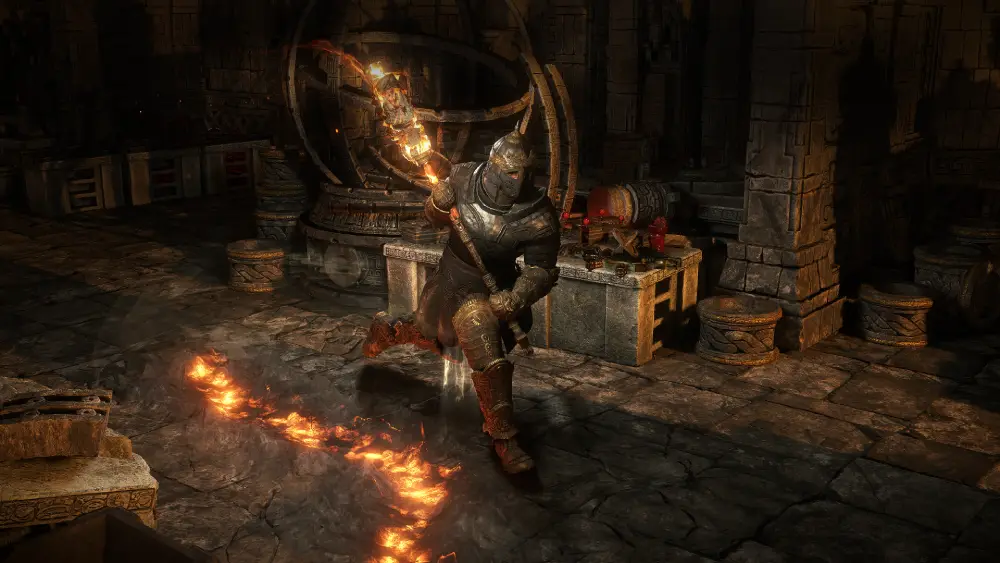
Getting started with a loot filter is easier than it seems. Whether you’re a beginner or a veteran, following these simple steps will get your filter up and running in no time.
How to Install Loot Filter in Path of Exile (Step-by-Step)
- Go to FilterBlade.xyz
- This is the main site for Neversink loot filter customization.
- Log in with your POE account
- Syncs directly with your game for fast setup.
- Choose your playstyle
- Softcore, SSF, League Start, Endgame, etc.
- Click “Save & Sync to POE”
- The filter uploads to your POE account automatically.
- Open POE, go to Options → UI
- Scroll to “Loot Filter” and select your synced file.
Once completed, your chosen Path of Exile loot filter will be active every time you log in.
Alternate Method: You can also manually download the .filter file and place it in:
Documents\My Games\Path of Exile → then select it in-game.
Best POE Loot Filters for Every Playstyle
There’s no one-size-fits-all loot filter in POE. Depending on whether you’re just starting out, grinding maps, or playing Solo Self-Found, you’ll want a filter that matches your needs.
Best Loot Filter for Beginners POE
| Playstyle | Filter Recommendation | Key Features |
| New Players | Neversink – Soft | Shows all useful items, hides true garbage |
| Trading Focus | Neversink – Regular | Balanced view of value vs. inventory space |
| Endgame Grind | Neversink – Strict | Only top-tier drops are visible |
| SSF Mode | FilterBlade SSF Custom | Prioritizes crafting bases and progression |
Using the best poe loot filter means spending less time sorting and more time looting effectively.
You can also explore how loot filters and build planning vary across leagues and classes by checking out this Path of Exile 2 class overview and guide, which dives into future meta implications.
Loot Filter for Beginners POE Tip: Always start soft and increase strictness as your wealth and power grow.
How to Create or Edit a Custom Loot Filter in POE
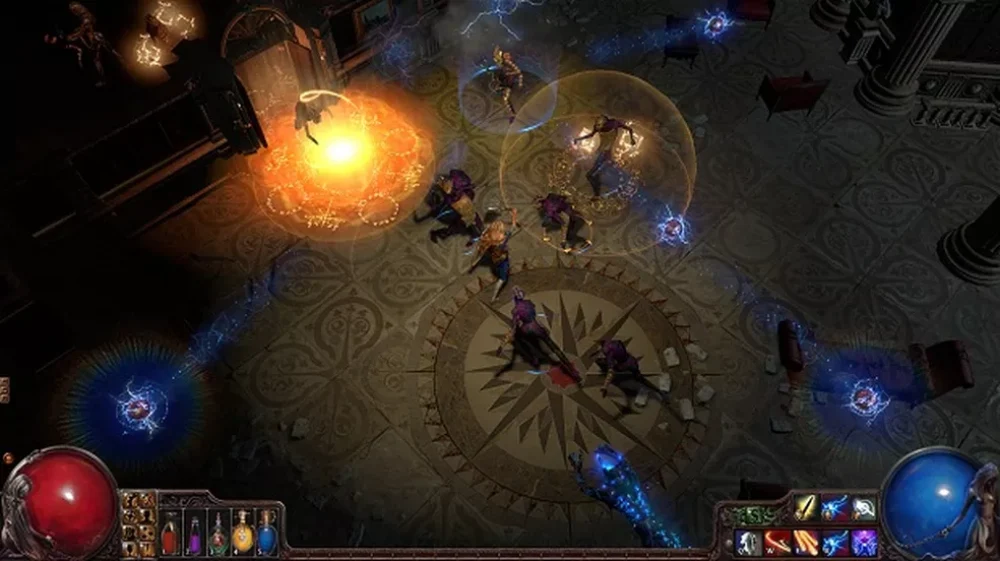
Customizing your loot filter allows you to tailor your experience to match your exact needs. Whether you’re a high-end trader, SSF player, or someone who wants their favorite color scheme, creating a custom loot filter POE is straightforward with the right tools.
Use FilterBlade to Customize Your Loot Filter
- Visit FilterBlade.xyz
- The most reliable and beginner-friendly customization platform.
- Choose Your Base Filter
- Start from Neversink’s templates (Soft, Regular, Strict, Uber).
- Edit Rules
- Modify item tiers, highlight colors, and alert sounds.
- Preview & Test
- Use FilterBlade’s visual test area to see how drops appear.
- Save & Sync
- Push your customized filter directly to your POE account.
Manual Method: Edit .filter Files
Advanced users can manually open .filter files in any text editor.
- Structure: Each rule includes show/hide status, item class, rarity, and visual settings.
- Tip: Always prioritize hide rules before show rules.
- Save and reload the game to apply changes.
Whether you’re using FilterBlade or raw code, a custom loot filter in POE gives you full control over your loot experience.
Speaking of customization, if you’re looking to get more advanced and incorporate gear preparation into your routine, this Path of Exile crafting guide is a perfect companion to streamline your item progression and upgrade planning.
Common Loot Filter Errors and How to Fix Them
Even the best setup can sometimes go wrong. Here’s a breakdown of the most common problems related to loot filters — and how to resolve them quickly.
POE Loot Filter Not Working? Here’s What to Check:
| Issue | Cause | Solution |
| Loot filter not appearing in-game | Wrong file path or missing .filter format | Move file to Documents\My Games\POE |
| Filter is outdated or missing items | New league introduced new item classes | Refresh sync via FilterBlade |
| Sounds not playing | System sound settings muted | Re-enable in Windows + game audio options |
| Items not highlighting as expected | Rule order is incorrect | Ensure Hide rules don’t override Show |
| Sync failed on FilterBlade | POE account not linked correctly | Re-log and reconnect your POE account |
These solutions will resolve 90% of the poe loot filter not working issues faced by new or returning players.
FAQ: POE Loot Filter
A loot filter in Path of Exile is a customizable script that hides low-value items and highlights important loot using colors, fonts, and sound effects. It drastically improves inventory management and game clarity.
To install a loot filter:
1- Visit FilterBlade.xyz
2 – Choose or create a filter
3 – Sync to your account or manually move the file to Documents\My Games\POE
4 – Enable it in-game via Options → UI → Loot Filter
The Neversink – Soft filter is ideal for beginners. It highlights crafting bases, currency, and useful gear while filtering out obvious trash items.
Use FilterBlade to change drop rules, colors, and sounds, or manually edit the .filter file using a text editor. Always test your changes before applying in-game.
This can happen due to:
Wrong file location
Unsynced FilterBlade edits
Incorrect formatting
Outdated filter rules
Double-check all settings and resync if needed.
For more advanced item knowledge and references, you can always check the official Path of Exile wiki, a detailed source for mechanics, item classes, and more.
Conclusion: Farm Smarter With the Right POE Loot Filter

Choosing and customizing the right poe loot filter makes all the difference in how you experience Path of Exile. Whether you’re just starting or diving into endgame content, filtering clutter boosts not only your efficiency but also your game performance and progression.
A clear screen means faster decisions — and with ExitLag, you can make those decisions without latency issues or packet loss. As POE demands precision during dense combat or rapid loot-grabs, ExitLag helps ensure every click and movement is delivered instantly.
Choose now your ideal loot filter from Filterblade and get ready to farm as a professional! For detailed community-curated tools and public filters, visit Brawlify’s counterpart for POE filters and discover what top players use.
Choose now your ideal loot filter from Filterblade and get ready to farm as a professional!
Got questions or want to connect with other players? Join the conversation at the ExitLag Forum!