Interest in Marvel Rivals mobile remains high because the team-based superhero shooter is a natural fit for players who want to take matches beyond a PC or console. However, there is an important distinction between playing the game on a phone through streaming and downloading a native Android or iOS version.
Understanding Marvel Rivals mobile also means understanding how the game itself works. Before worrying about a phone version, players learning combat mechanics may want to check how specific effects interact, including this guide explaining whether damage boosts stack in Marvel Rivals, since team composition and ability interactions can make a significant difference during a match.
As of August 2026, Marvel Rivals mobile does not exist as an official native Android or iOS application. You can still play Marvel Rivals on certain phones and tablets through cloud gaming or remote streaming, but that is different from installing a mobile version developed specifically for smartphones.
This guide explains the current situation, the safest ways to play on a phone, what to expect from controls and performance, and how Marvel Rivals characters, a Marvel Rivals tracker, and Marvel Rivals stats fit into the mobile experience.
Is Marvel Rivals mobile available on Android and iOS?
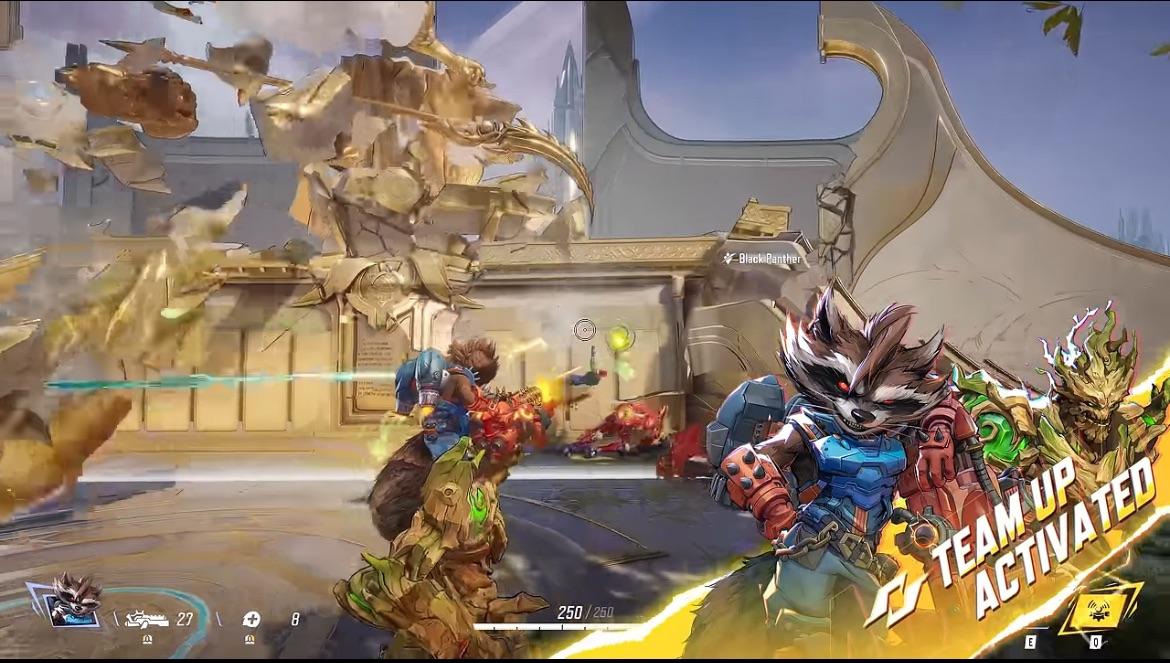
No native Android or iOS version has been officially released as of August 12, 2026. Searches for Marvel Rivals mobile can therefore be confusing because videos, unofficial pages, cloud gaming services, and remote-play methods may describe the game as playable on mobile even though no standalone smartphone version exists.
The distinction matters. A native mobile game runs directly on your phone using software designed for Android or iOS. Cloud and remote-play solutions instead run the full game elsewhere and send the video and controls to your mobile device.
Which platforms officially support Marvel Rivals?
Marvel Rivals is officially available on Windows PC and consoles. Current official download options include:
- PlayStation 5 and PlayStation 5 Pro;
- PlayStation 4;
- Xbox Series X|S;
- Windows through Steam;
- Windows through Epic Games Store;
- Windows through the official NetEase Loading Bay distribution.
Android and iOS are not included in the current official download list.
That means searching Google Play or Apple's App Store for Marvel Rivals mobile should not lead you to an official native version of the game. Be particularly cautious with third-party APK files or websites that claim to offer an unreleased mobile port.
Is there a Marvel Rivals mobile APK?
There is no official Marvel Rivals mobile APK released by NetEase Games for Android.
An APK appearing on an unofficial download website should not be treated as a legitimate version simply because it uses Marvel branding, screenshots, or character images. Installing unknown application packages can expose your device or account credentials to unnecessary risk.
The same principle applies to modified clients that promise special features, unlocked cosmetics, unusual Marvel Rivals stats, or access to content that does not exist in the official game.
Stick to official platforms and legitimate streaming methods.
PC players also face a different category of technical problems that mobile streaming cannot solve. If the game is installed locally and closes with a graphics-related error, our guide to the GPU crash dump triggered in Marvel Rivals covers troubleshooting specifically for that PC issue.
Can you play Marvel Rivals mobile on a phone?
Yes, but currently the practical methods involve streaming the existing game rather than running a native smartphone build.
For most players, cloud gaming is the simplest approach because the game runs on remote hardware. Remote play is another possibility when you already have a compatible PC or console running Marvel Rivals.
The quality of either method depends heavily on latency and connection stability. Unlike video streaming, games need your inputs to travel back to the device or cloud server quickly, so delays can directly affect aiming and movement.
How to play Marvel Rivals through GeForce NOW
Marvel Rivals is available through NVIDIA GeForce NOW. Instead of processing the game on your phone, the cloud service runs the PC version and streams the session to your device.
The basic process is:
- Create or sign in to a GeForce NOW account.
- Open GeForce NOW on a compatible phone, tablet, or browser.
- Connect the supported game-store account you use for Marvel Rivals.
- Search for Marvel Rivals in the GeForce NOW library.
- Start a session.
- Connect a controller if your setup requires or benefits from one.
Because the game itself is rendered remotely, your smartphone does not need to match the native PC hardware requirements for Marvel Rivals.
However, that does not mean every phone and every network will provide the same experience. Streaming quality depends on the device, connection, service availability, chosen resolution, latency, and GeForce NOW membership conditions.
Can you use Steam Link or console Remote Play?
Remote streaming from your own hardware is another way to create a Marvel Rivals mobile setup.
Steam Link can stream the game from a PC running Steam to another compatible device. Your gaming PC still performs the actual processing, while your phone displays the image and sends your commands back to the computer.
PlayStation Remote Play can provide a similar experience from a supported PlayStation console.
The important difference from cloud gaming is where the game runs:
| Method | Where Marvel Rivals runs | Main dependency |
| GeForce NOW | Cloud server | Internet connection and cloud service |
| Steam Link | Your PC | PC availability and network quality |
| PlayStation Remote Play | Your console | Console availability and network quality |
| Native Android/iOS app | Your phone | Not currently available |
Remote-play features and supported configurations can change, so check the requirements of the platform you intend to use before setting everything up.
Players who were hoping to use two people on the same screen should also separate that concept from mobile streaming. Our guide to Marvel Rivals split-screen and local multiplayer explains what the game currently supports when multiple people want to play.
Do you need a controller for Marvel Rivals mobile?
A controller is strongly recommended for most mobile streaming setups.
Marvel Rivals was designed around PC and console controls rather than a dedicated smartphone touchscreen interface. Because there is no native mobile client, there is also no official mobile HUD redesigned specifically for thumb controls.
Some streaming services or remote-play apps can provide touch interfaces, but that does not automatically make them equivalent to a purpose-built mobile control scheme.
A Bluetooth controller or compatible mobile gamepad usually gives you better access to:
- movement;
- aiming;
- primary and secondary attacks;
- hero abilities;
- ultimate abilities;
- jumping and mobility skills;
- menus and communication functions.
This becomes especially important with mechanically demanding Marvel Rivals characters such as heroes that require fast aiming, precise movement, or rapid ability combinations.
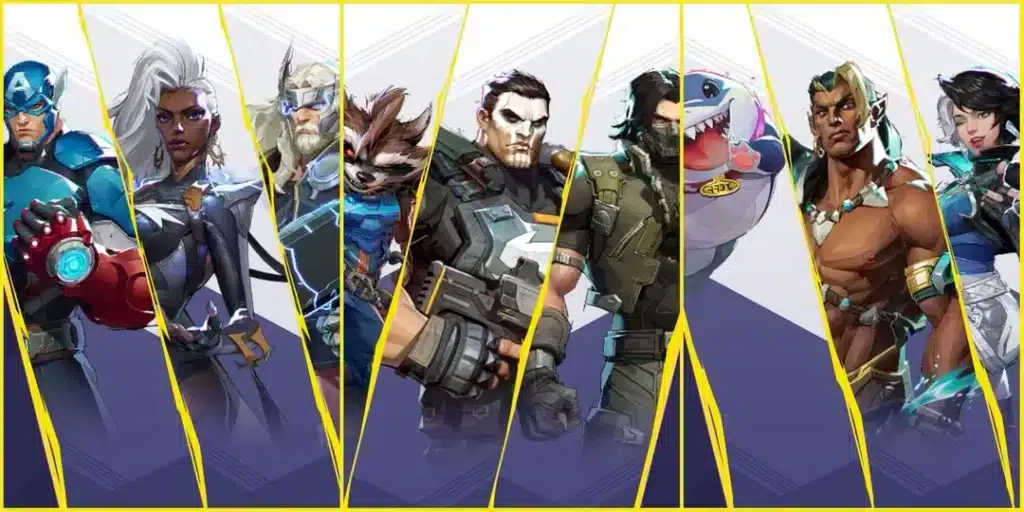
What should mobile players know about Marvel Rivals characters and stats?
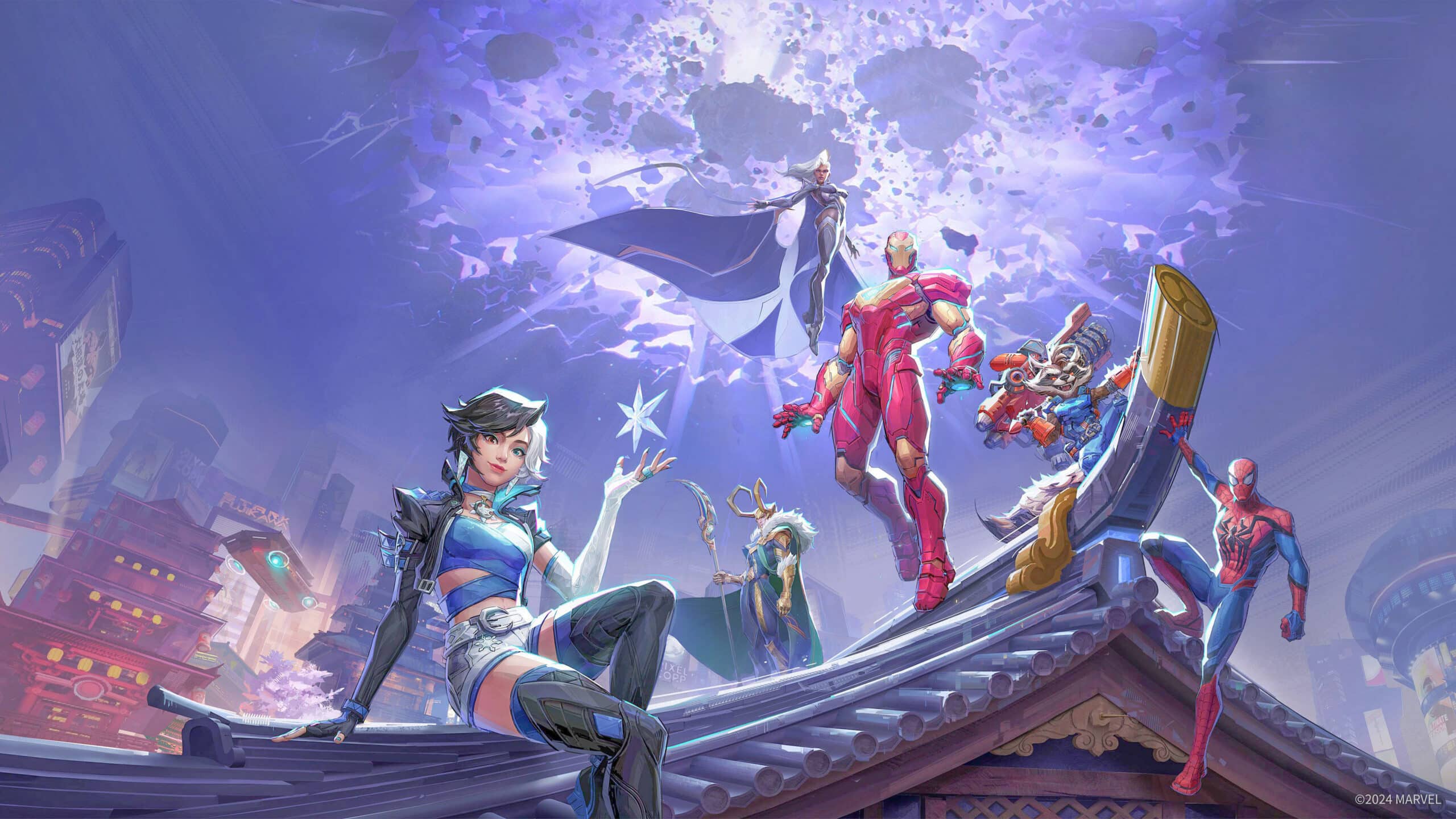
Streaming does not turn Marvel Rivals into a separate mobile edition. You are accessing the existing game, so its roster, modes, balance changes, progression systems, and seasonal content remain tied to the main version.
That also means the way you evaluate Marvel Rivals stats or use a Marvel Rivals tracker does not fundamentally change just because your screen is a smartphone.
The biggest difference is your control environment.
Which Marvel Rivals characters work best on a phone?
There is no official category of mobile-friendly Marvel Rivals characters, because NetEase has not released a native mobile version with a dedicated touch-control balance.
The original article attempted to assign simplified roles and abilities to several heroes, but some of those classifications were inaccurate. Marvel Rivals officially organizes heroes into three roles:
- Vanguard;
- Duelist;
- Strategist.
Which hero feels comfortable while streaming to a phone depends on your controller, screen size, latency, and personal mechanical skill.
For example, a character that requires extremely precise tracking may feel more demanding on a small display. Meanwhile, heroes whose abilities affect larger areas or depend less on pixel-perfect targeting may feel easier for some players.
That is a control preference, not an official advantage.
Before deciding which hero to use, learn their actual abilities and role in the current version rather than relying on an outdated mobile tier list.
The official Marvel Rivals website is also useful for checking the current game, heroes, maps, announcements, and other information as the live-service title continues to evolve.
Can you use a Marvel Rivals tracker while playing on mobile?
Yes, browser-based stat tools can generally still be consulted from a phone because they are separate from the game client.
A Marvel Rivals tracker typically refers to a service designed to organize or display information associated with player performance. Depending on the service and what data is available, players may use one to review match or account statistics.
You may also see the more generic term Rivals tracker used in searches for these services.
However, third-party trackers are not the same thing as official game functionality. Data availability, refresh times, profiles, rankings, and individual metrics can differ between services.
Avoid entering your Marvel Rivals password into an unknown tracker website. A legitimate stat page should not need you to surrender sensitive account credentials just to display publicly available performance information.
Which Marvel Rivals stats matter most?
The useful Marvel Rivals stats depend on your hero and role.
Raw eliminations alone cannot explain everything that happened during a team-based match. Depending on the hero, useful performance indicators can include factors such as:
- eliminations;
- deaths;
- assists;
- damage dealt;
- damage blocked;
- healing;
- accuracy;
- objective contribution;
- hero usage;
- wins and losses.
Context matters.
A Strategist and a Duelist are expected to contribute in different ways. Likewise, a Vanguard creating space for teammates cannot always be evaluated through the same numbers as a hero focused primarily on damage.
A Rivals tracker can help identify trends, but individual statistics should support gameplay analysis rather than replace it.
Will Marvel Rivals mobile get an official release?
No confirmed Android or iOS release has been announced as of August 12, 2026.
That does not prove a native version will never happen. It simply means there is currently no confirmed Marvel Rivals mobile launch that should be presented as fact.
Any claim about an Android or iOS release date needs to be treated carefully until NetEase Games or Marvel Games makes an official announcement.
Is there a Marvel Rivals mobile release date?
No official release date has been announced for a native Android or iOS version.
This means dates appearing in social posts, videos, unofficial store pages, or speculative articles should not automatically be considered legitimate.
The safest distinction is:
- Marvel Rivals mobile native release: not officially announced;
- Marvel Rivals on Android through cloud streaming: possible through supported services;
- Marvel Rivals on iPhone or iPad through cloud streaming: possible through supported services;
- native Google Play or App Store download: not currently available.
Rumors are not confirmations.
NetEase has extensive experience with mobile games, but the company's history does not prove that Marvel Rivals will receive a phone version.
How should you follow official mobile announcements?
Watch official Marvel Rivals communication channels rather than relying on supposed leaks.
Live-service games can change quickly. New seasons can bring new Marvel Rivals characters, balance adjustments, cosmetics, maps, limited-time activities, and game modes without any change to platform availability.
The fact that the game continues receiving content should not be interpreted as evidence that an Android or iOS port is imminent.
Players interested in current limited-time content can follow official Marvel Rivals events and announcements rather than relying on reposted dates that may no longer be accurate.
If a native Marvel Rivals mobile version is eventually announced, the most reliable details will include an official release window, supported operating systems, download locations, and device requirements.
How can ExitLag help with Marvel Rivals mobile?
Streaming Marvel Rivals to a phone creates a network-sensitive environment. Your input has to reach the remote system running the game, the game server must process the match, and the resulting video needs to return to your device.
When network routing is unstable, that chain can contribute to noticeable delay or interruptions.
ExitLag is designed to optimize network routes for supported online traffic. Depending on your connection and route, it may help provide a more stable path and reduce some connection-related instability.
When can route optimization make a difference?
Network-related symptoms can include:
- inconsistent latency;
- sudden ping spikes;
- packet loss;
- unstable routing;
- delayed online responses;
- brief connection interruptions.
A more efficient route can help in situations where your internet provider's default path is congested or unnecessarily indirect.
This can be relevant when playing Marvel Rivals normally and may also matter in streaming scenarios, where latency is particularly noticeable.
Results vary based on your ISP, geographic location, service infrastructure, network conditions, and the route available at that moment.
What can ExitLag not fix?
ExitLag should not be treated as a universal solution for every Marvel Rivals mobile problem.
It cannot:
- create an official Android or iOS version;
- fix a global Marvel Rivals outage;
- increase FPS limited by local hardware;
- repair corrupted game files;
- fix bugs in Marvel Rivals;
- unlock skins or heroes;
- modify Marvel Rivals stats;
- change matchmaking rules;
- remove account penalties;
- guarantee lower ping.
It also cannot make touch controls behave like a native mobile interface when that interface does not exist.
Instead, use ExitLag when the problem appears related to your route or online connection. If you are experiencing network instability while playing or streaming, you can test the service and compare the connection on your own setup rather than assuming the result will be identical for every player.
FAQ about Marvel Rivals mobile
Questions about Marvel Rivals mobile often mix native downloads, cloud gaming, remote play, and rumors about a future port. The answers below separate those concepts so you know exactly what is currently possible.
They also cover common questions involving Marvel Rivals characters, trackers, devices, and the current platform situation.
Is Marvel Rivals on Android?
Not as a native Android application.
You may be able to stream Marvel Rivals to an Android device through a supported cloud gaming or remote-play service, but that does not mean an Android edition has been released.
Avoid unofficial APK files claiming to be a native version.
Is Marvel Rivals on iPhone?
There is no native iPhone version of Marvel Rivals as of August 12, 2026.
Compatible cloud gaming services can allow the PC version to be streamed to iPhone or iPad, depending on the service's current device and regional support.
Can I download Marvel Rivals from Google Play?
No official native Marvel Rivals download is currently available through Google Play.
If that changes, confirm the publisher and official announcement before installing anything.
Can I download Marvel Rivals from the App Store?
There is currently no official native iOS version of the game available as a standard Marvel Rivals mobile download.
Cloud streaming may still provide access through a browser or supported service.
Is Marvel Rivals free?
Marvel Rivals is a free-to-play game on its supported platforms.
However, cloud gaming services can have their own membership tiers, limits, queues, or fees. A free-to-play game does not necessarily mean every streaming setup is completely free.
Does a Marvel Rivals tracker work on mobile?
A web-based Marvel Rivals tracker can usually be viewed through a mobile browser just like other websites.
The tracker itself does not run Marvel Rivals on your phone. It only presents whatever Marvel Rivals stats the service is able to retrieve or calculate.
Can I use the same account when streaming Marvel Rivals?
Cloud or remote streaming usually gives you access to the existing PC or console environment rather than creating a separate mobile account.
Marvel Rivals also supports cross-progression account linking across its supported platforms, although platform rules can affect how certain virtual assets work.
Always use the game's official account-linking options rather than sharing login credentials with an unofficial service.
Will Marvel Rivals come to mobile eventually?
It is possible, but there is no confirmed native Android or iOS release to announce at this time.
Until NetEase Games or Marvel Games confirms otherwise, claims about a specific Marvel Rivals mobile release date should be treated as speculation.
What is the best way to play Marvel Rivals on a phone right now?
For players without a native app, GeForce NOW is one established option because Marvel Rivals is supported by the cloud gaming service and GeForce NOW supports compatible phones and tablets.
Remote play from your existing gaming hardware may also be an option depending on the platform.
A controller is generally preferable to improvised touchscreen controls, especially for mechanically demanding Marvel Rivals characters.
For players dealing with connection instability while streaming or playing online, ExitLag can help optimize network routes where supported. Test it with your own connection to see whether routing improvements make a meaningful difference for Marvel Rivals mobile, since results depend on your network and route rather than being guaranteed.
All game images used in this article belong to their respective owners. They are used for informational and educational purposes only and do not imply endorsement or affiliation with the rights holders.