

Every Minecraft player has heard the name at least once. Someone spots a shadow with white eyes across the map, and suddenly the whole server is whispering about Herobrine.
It sounds like a simple urban legend, but the story runs deeper than most players realize. Screenshots, mods, and years of community storytelling have turned this figure into one of gaming's most enduring myths.
So is Herobrine actually real? The short answer: no, Herobrine has never been an official part of Minecraft, but the myth is very real as a piece of gaming culture. Mojang has repeatedly confirmed he does not exist in the base game, yet the legend refuses to die because players keep the story alive through mods, videos, and campfire-style retellings.
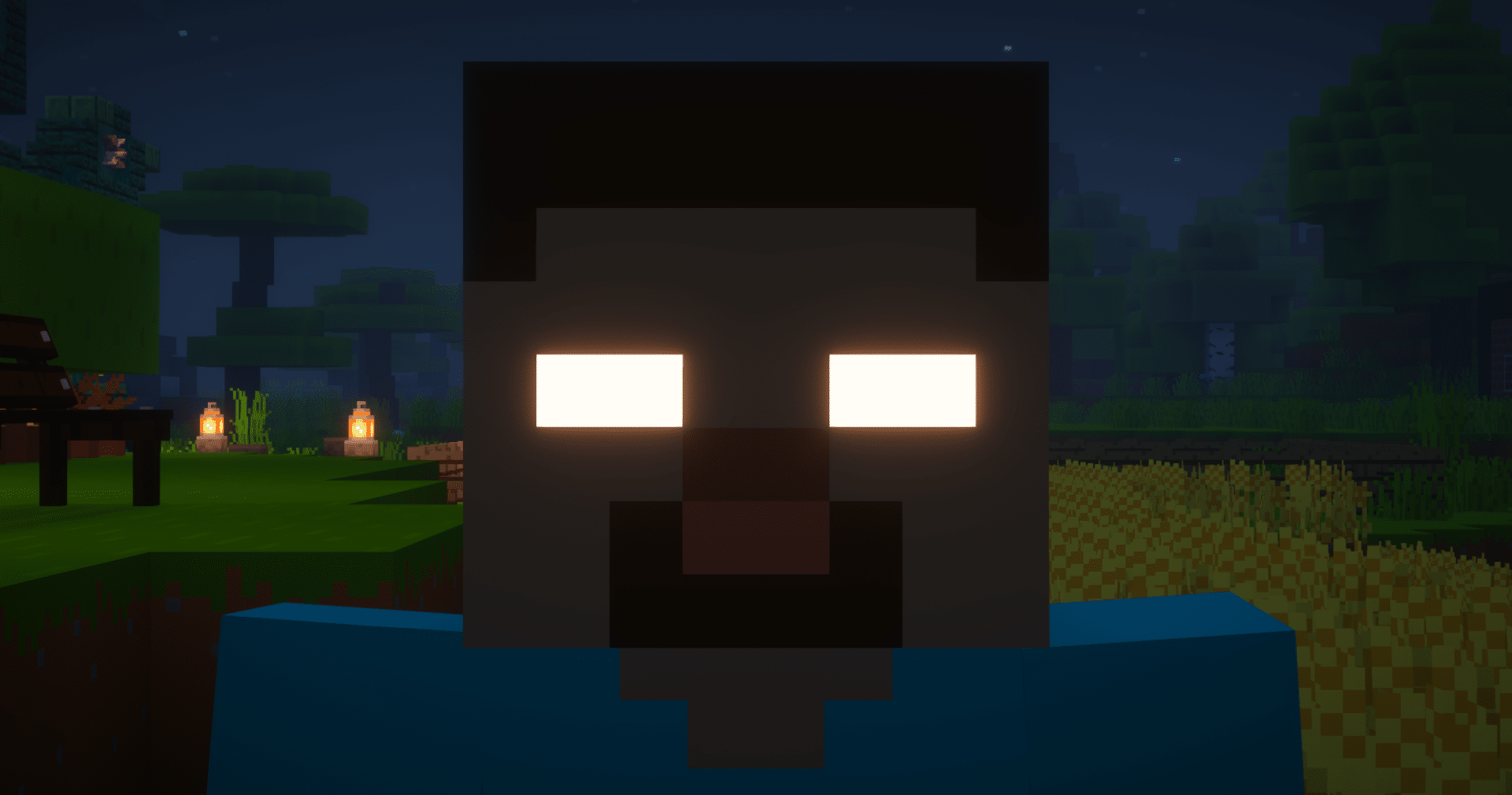
What Is Herobrine In Minecraft?
Herobrine is a fictional entity in the Minecraft community, usually described as a player-like character with a Steve skin and glowing white eyes. He is not a real mob, not an Easter egg, and not hidden code inside the game.
The legend began as a creepypasta, a piece of internet horror fiction shared as if it were true. Over time it grew into one of the most recognized ghost stories in gaming.
Where Did The Herobrine Myth Start?
The story traces back to a 2010 forum post describing a "White Eyes" encounter tied to the eerie in-game music disc known as disc 13. From there, the tale evolved to claim Herobrine was the ghost of Notch's deceased brother.
A streamer named Copeland later staged live hoaxes, manipulating textures and screenshots to fake sightings during broadcasts. These viral moments cemented Herobrine as gaming folklore almost overnight.
- The original creepypasta appeared on internet forums in 2010
- Copeland's livestreamed hoaxes made the legend go viral
- Mojang has never added Herobrine to any official release
- The character now exists purely through community mods and fan content
Is Herobrine Real In Minecraft?
No. Mojang has stated clearly, on multiple occasions, that Herobrine has never been part of the base game. However, the myth persists because it taps into something powerful: the unsettling feeling of being watched in a procedurally generated world.
That sense of unpredictability is exactly what makes Minecraft's open world so memorable. Herobrine became the perfect symbol for that unease.
How To Summon Herobrine (What Actually Works)
Players searching for how to summon Herobrine usually mean one of two things: installing a mod that adds him, or using commands to spawn a custom entity that looks like him.
There is no vanilla command that spawns Herobrine, since he is not a real mob. Instead, here is what actually works:
- Install a Herobrine-themed mod from a trusted mod platform
- Use a mod loader like Forge or Fabric to load it correctly
- Configure the mod's spawn settings in the options menu
- Load a new or existing world to trigger the custom entity
- Adjust difficulty and spawn rates if the mod allows customization
Furthermore, some servers use a herobrine spawner plugin instead of a client mod, which lets server owners trigger scripted "sightings" for other players. This approach is popular for horror-themed servers and Halloween events.
How Do You Spawn The Herobrine On Java Edition?
On Java Edition, spawning a Herobrine-style entity requires a mod, since there's no vanilla /summon target for him. Players typically use a summon mod that binds a custom mob model to a command, then trigger it through chat commands or a spawn egg.
If you're modding your game, always download from reputable sources to avoid corrupted files. Our guide on the Minecraft Mod Guide walks through safe installation steps with Forge and Fabric.
Herobrine Shrine And Seed Locations
A recurring piece of the mythos is the Herobrine shrine, a mysterious structure said to appear deep underground, built from obsidian and containing hidden signs. In reality, these shrines are community-made creations shared as custom builds or mod additions, not something generated by vanilla world code.
That said, some seed-sharing communities have built entire "haunted" worlds inspired by the legend, complete with creepy structures and eerie lighting. If you enjoy exploring unusual generated terrain, seed tools can help you find similarly atmospheric worlds.
|
Feature |
Vanilla Minecraft |
Herobrine Mods
|
|---|---|---|
|
Herobrine entity |
Not present |
Added via mod |
|
Shrine structures |
Not generated |
Custom builds or mod content |
|
Official Mojang support |
None |
None |
|
Spawn commands |
No vanilla target |
Mod-specific commands |
|
Multiplayer compatibility |
N/A |
Requires matching mod on server |
Herobrine Skin And Visual Identity
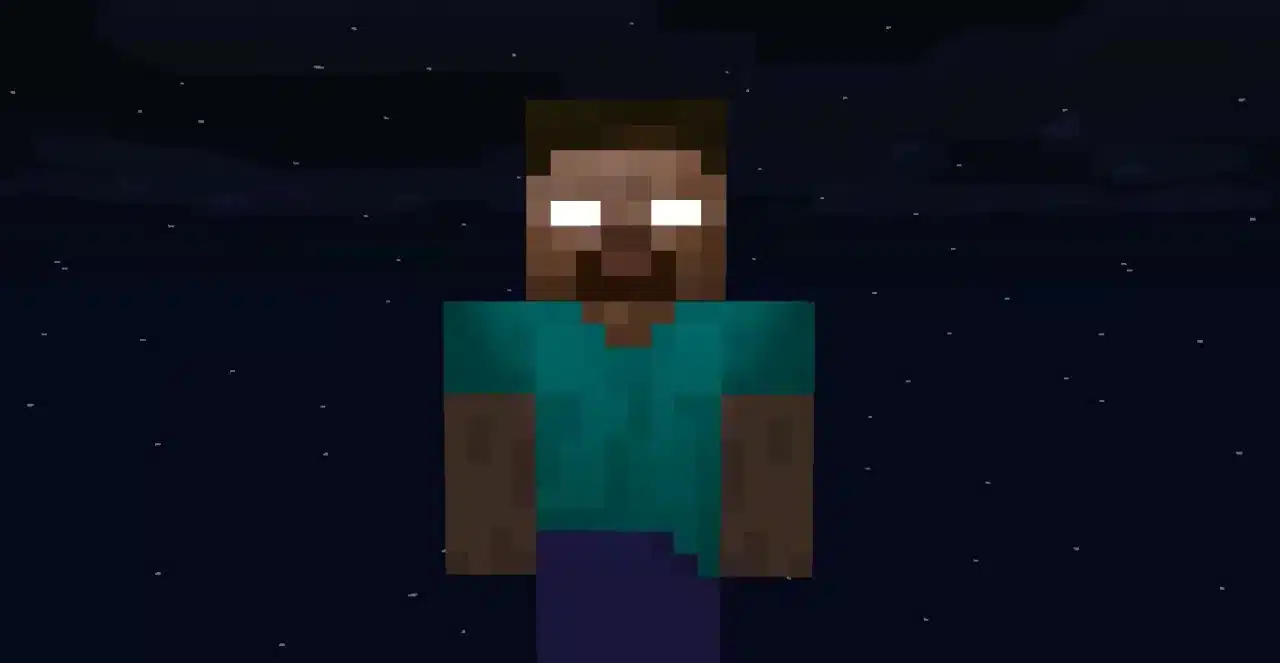
The classic Herobrine skin is simple: a Steve model with plain white, pupil-less eyes. That minimalism is part of why it works so well as horror. It looks almost normal until you notice the eyes.
Many creators have expanded on this look with darker textures, glowing effects, or corrupted clothing. Players who want the authentic experience usually stick to the original bare-bones design, since it matches the earliest screenshots that started the legend.
- Classic version: standard Steve skin with solid white eyes
- Corrupted version: darker skin tone with glitch-style textures
- Glowing version: eyes emit a faint light effect in supported mods
- Horror-server version: often paired with custom sound design for sightings
Common Mistakes Players Make With Herobrine Content
- Trusting fake "confirmed sighting" videos: Many viral clips use simple editing tricks or mods to fake encounters. Fix: treat any "real Herobrine footage" as entertainment, not evidence, since Mojang has never added him to the game.
- Downloading mods from unverified sites: Searching for Herobrine mods often leads to shady download pages bundled with unwanted software. Fix: only download from established mod platforms with visible reviews and update history.
- Assuming Herobrine seeds guarantee sightings: No seed spawns Herobrine on its own, since he requires a mod to exist at all. Fix: pair any "Herobrine seed" with an actual summon mod if you want the effect in-game.
- Ignoring server compatibility: Installing a Herobrine mod without checking if the server supports it can cause crashes or desync. Fix: confirm the mod is installed server-side too, or use singleplayer for testing first.
Pro Tips: Getting The Most Out Of The Herobrine Legend
- Combine mods with sound design: Pair a visual Herobrine mod with ambient horror sound packs for a genuinely unsettling experience, since sound cues sell the scare more than visuals alone.
- Read mod changelogs before updating: Herobrine-themed mods change frequently, so checking changelogs prevents you from losing custom shrine builds after an update.
- Use singleplayer to test first: Before adding any Herobrine mod to a shared server, test it solo to confirm it does not conflict with other installed content.
- Explore lore-accurate seeds separately: If you want the aesthetic without instability, pair a normal exploration seed with a Herobrine skin reskin rather than a full behavioral mod.
Is Herobrine From Minecraft Real In Any Official Sense?
No, and this is worth repeating because the question comes up constantly. Herobrine has no place in any official Mojang release, patch, or update, past or present. He exists exclusively as a community-driven phenomenon built from forum posts, hoaxed livestreams, and years of shared storytelling.
That doesn't make the legend any less impressive as a piece of internet history. Few gaming myths have survived this long with this much staying power, and Herobrine remains a cultural touchstone even outside of Minecraft circles. Indeed, entire YouTube channels and Discord communities still exist purely to discuss and expand the lore.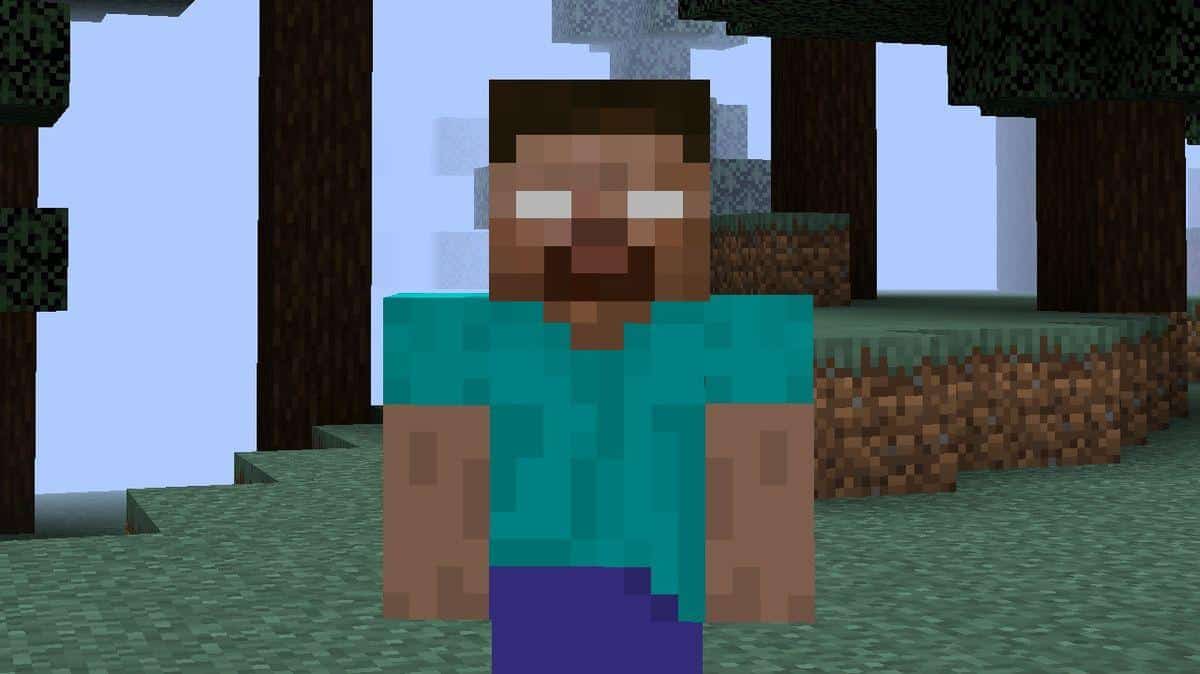
Why Connection Quality Matters When Exploring Herobrine Worlds
If you're running modded servers, horror-themed maps, or big multiplayer sessions built around the Herobrine legend, connection stability becomes a real concern. Mods add extra data load, and laggy connections can ruin a carefully built jump scare moment.
This is where a tool like ExitLag becomes genuinely useful for modded Minecraft sessions. ExitLag is not a VPN: it's a connection optimizer that analyzes multiple network paths in real time and routes your traffic through the fastest, most stable option available.
For horror servers packed with custom mobs, shrine builds, and scripted events, stability matters just as much as raw speed. A dropped connection during a scripted Herobrine encounter can break the entire moment for everyone involved.
ExitLag supports thousands of titles across PC and mobile, including Minecraft, with servers spread across dozens of countries worldwide. Its Multipath technology sends your data through several routes simultaneously, so if one path degrades, another keeps your session running smoothly.
- Real-time optimization reduces delay and packet loss during modded sessions
- Multipath technology keeps your connection alive even if one route fails
- Traffic Shaper prioritizes Minecraft traffic over background downloads
If server lag has been ruining your horror-map nights, you can grab the ExitLag Download and see the difference on your very next session.
Frequently Asked Questions About Herobrine
How Do You Summon Herobrine Without Mods?
You can't. There is no vanilla mechanism, command, or seed that spawns Herobrine without a mod, since he was never coded into the base game by Mojang.
Is Herobrine Real In Minecraft Bedrock Edition?
No. The situation is identical across Java and Bedrock: Herobrine is absent from both official codebases and only appears through third-party mods or add-ons.
Final Thoughts On The Herobrine Legend
Herobrine endures because it captures something universal about exploring an unpredictable, procedurally generated world. Consequently, even players who know the full history still get a small chill when they spot a strange figure at the edge of render distance.
Whether you're installing a mod for Halloween, building a shrine for a horror map, or just reading up on gaming history, the legend is worth understanding properly. Now that you know where it came from and how it actually works in-game, you can enjoy the myth without falling for fake "proof" videos.
All game images used in this blog post belong to Mojang Studios. They are used for informational and educational purposes only and do not imply endorsement or affiliation with the rights holders.


