

The minecraft nether portal is one of the most important structures in the entire game. Without it, players are locked out of the Nether, a hostile dimension packed with rare resources, powerful enemies, and essential progression items. From Blaze Rods to Nether Wart, everything needed to reach the End begins with a properly built portal.
For many players, the first minecraft nether portal marks a turning point. It’s the moment survival Minecraft shifts from simple exploration to strategic risk-taking. Whether you play solo or on multiplayer servers, knowing how to build and use the portal correctly prevents deaths, lost gear, and broken progression.
So what exactly is a minecraft nether portal, where does it take you, and when should you build one? In short, it’s a gateway between the Overworld and the Nether dimension. Most players create their first portal in the early-to-mid game, once they have access to diamonds, iron gear, and basic enchantments.
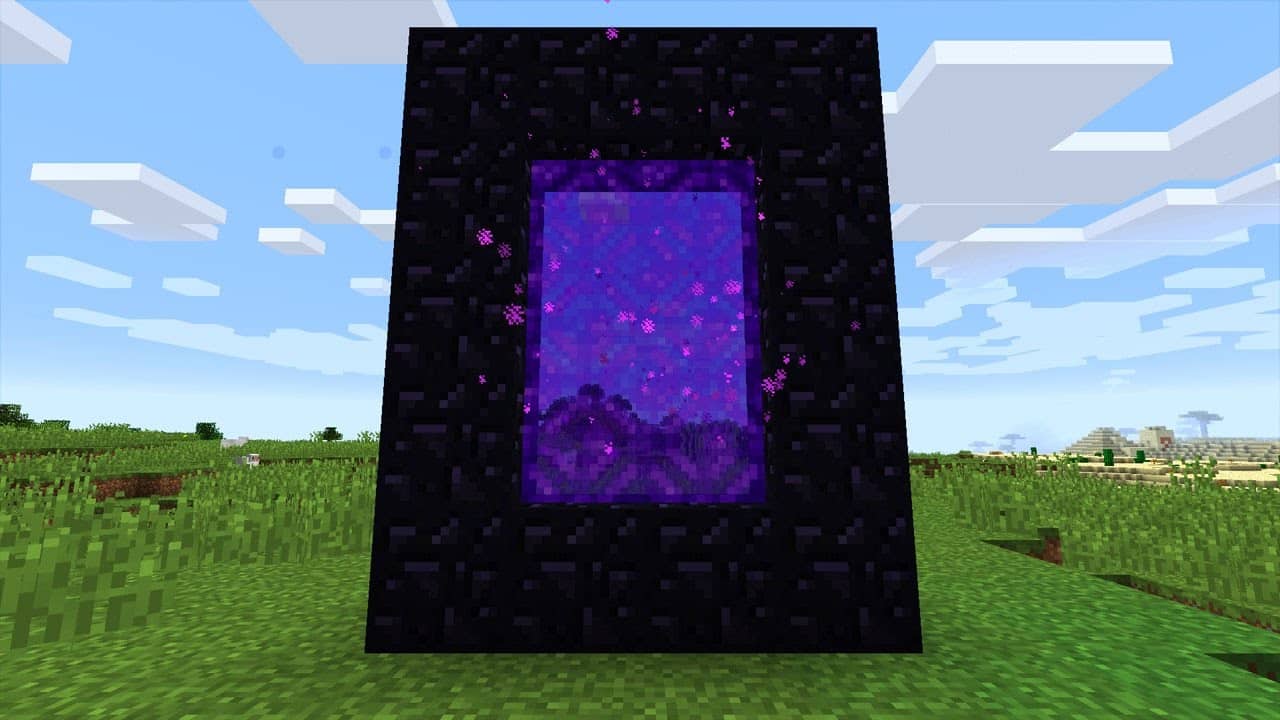
What Is a Minecraft Nether Portal and How Does It Work?
What the Nether Dimension Is Used For
The Nether is a dangerous parallel dimension filled with lava oceans, aggressive mobs, and unique biomes. Despite the risks, it’s absolutely mandatory for game progression.
Inside the Nether, players can find:
- Blaze Rods for brewing and Ender Eyes
- Nether Wart for potions
- Ancient Debris to craft Netherite
- Fast travel routes using Nether highways
Because distances are compressed in the Nether, one block traveled there equals eight blocks in the Overworld. This makes the Nether essential for efficient long-distance travel, especially on large survival worlds and multiplayer servers.
How Nether Portals Link Dimensions
Nether portals work by creating a linked pair between dimensions. When you enter a portal in the Overworld, the game calculates your coordinates and generates (or connects to) a corresponding portal in the Nether.
The game follows a strict 8:1 ratio:
- 8 blocks in the Overworld = 1 block in the Nether
If an exact portal doesn’t already exist, Minecraft attempts to generate one nearby. This is why players sometimes exit in unexpected locations, such as above lava lakes or inside netherrack walls.
How to Make a Nether Portal in Minecraft PC Step by Step
Materials Needed to Build a Nether Portal
To create a working portal, you need only a few items, but one of them is rare and time-consuming to obtain.
Required materials:
- Obsidian blocks (minimum of 10)
- Flint and Steel
Recommended tools:
- Diamond Pickaxe (required to mine obsidian)
- Iron armor or better
- Water bucket (for safe obsidian farming)
Although a full frame uses 14 obsidian blocks, the four corner blocks are optional. This allows players to build a functional portal with just 10 obsidian.
Portal Frame Size Rules Explained
Minecraft enforces strict size limits for Nether portals. If your frame doesn’t meet these requirements, it will not activate.
Portal size rules:
- Minimum interior size: 2×3 blocks
- Minimum outer frame: 4×5 blocks
- Maximum size: 23×23 blocks
Corners are optional, but the vertical sides and top/bottom edges must be obsidian. Any missing required block will prevent activation.
How Do You Make the Nether Portal in Minecraft Safely?
Best Locations to Build Your Portal
Choosing the right location for your portal can make the difference between a smooth Nether entry and instant death.
Best places to build a portal:
- Near your main base for easy access
- Underground for protection from mobs
- Inside a small enclosed room for safety
Avoid placing portals near cliffs, ravines, or large lava pools. When the Nether side generates, you could spawn directly into danger with no time to react.
Safety Tips Before Entering the Nether
The Nether is unforgiving, especially for first-time visitors. Preparation is essential.
Before entering, make sure you have:
- Full iron armor or better
- A shield and strong melee weapon
- Plenty of food
- A bow or ranged weapon
- Blocks to build emergency cover
It’s also smart to mark your portal coordinates and build a small safe room around the Nether-side exit to prevent Ghasts or Piglins from attacking immediately.
Minecraft Nether Portal Activation and Common Mistakes
How to Activate a Nether Portal
Once the obsidian frame is complete, activation is simple. Use Flint and Steel to light any interior block of the frame. If built correctly, the portal will instantly activate with a purple swirling effect.
Lava buckets cannot activate a portal, and Crying Obsidian does not work as a frame material. Only regular obsidian can be used.
Common Nether Portal Errors Players Make
Many players struggle with portals due to small but critical mistakes.
Most common errors:
- Using Crying Obsidian instead of Obsidian
- Incorrect frame size or missing blocks
- Building the portal sideways or horizontally
- Breaking one block of the frame accidentally
- Portal linking to dangerous Nether locations
Fixing these issues usually requires rebuilding the frame correctly or manually relocating the Nether-side portal.
When playing Minecraft online, portal travel and Nether exploration can expose connection issues. Lag spikes during dimension loading may cause delayed movement, mob desync, or even fatal damage before chunks fully load.
ExitLag helps stabilize your connection by optimizing routing paths, reducing packet loss, and keeping gameplay smooth on multiplayer servers and Realms.
With ExitLag, your minecraft nether portal experience becomes safer, more responsive, and far more reliable-even in high-risk environments.
Advanced Minecraft Nether Portal Designs and Variations
Popular Nether Portal Design Styles
Once players understand the basics, experimenting with minecraft nether portal design becomes a natural next step. Beyond functionality, portals can be decorative, hidden, or optimized for specific server needs.
Common design styles include:
- Minimalist portals using only 10 obsidian blocks
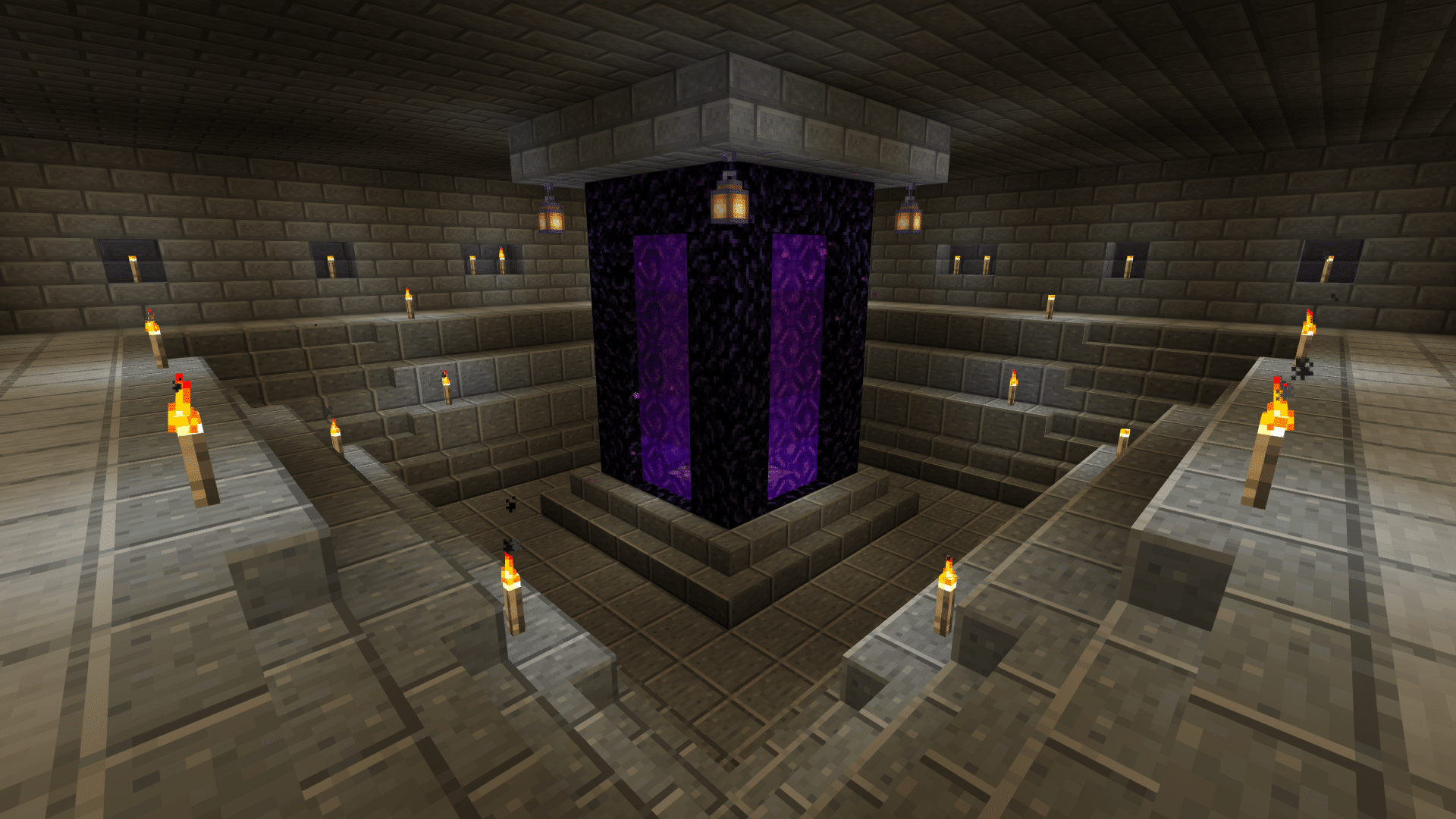
- Decorative portals integrated into bases or castles
- Hidden portals disguised behind walls or pistons
- Oversized vertical portals used as visual centerpieces
When learning how to build a nether portal in minecraft, design freedom is one of the most enjoyable aspects. As long as size rules are respected, the game allows creativity without limiting functionality.
Can You Build Bigger Nether Portals?
Yes, larger portals are fully supported. Minecraft allows portal frames up to 23×23 blocks. These oversized portals behave exactly like standard ones, but they stand out visually and are often used in advanced builds.
Large portals are ideal for:
- Main bases
- Multiplayer hubs
- Roleplay servers
However, bigger portals do not improve performance or safety by default. Their advantage is purely aesthetic and organizational.
How Nether Portal Linking Works in Minecraft
Understanding Overworld and Nether Coordinates
One of the most confusing mechanics for players is portal linking. Understanding coordinates is essential to avoid broken travel routes.
Minecraft uses an 8:1 scale ratio:
- 8 blocks in the Overworld = 1 block in the Nether
This means a portal built at X:800, Z:800 in the Overworld attempts to link near X:100, Z:100 in the Nether. When players ask how do you make the nether portal in minecraft link correctly, this conversion is the answer.
How to Fix Broken or Mislinked Portals
If portals send you to unexpected locations, manual correction is required.
Steps to fix portal linking:
- Break the Nether-side portal completely
- Divide Overworld X and Z coordinates by 8
- Build a new portal at those Nether coordinates
- Activate the portal again
This process ensures correct linking and prevents duplicate portal generation. Players struggling with how do you make a nether portal in minecraft reliably often skip this step.
How to Build a Nether Portal in Minecraft for Fast Travel
Nether Highways and Ice Roads
The Nether is widely used for fast travel thanks to compressed distances. Advanced players build highways to move thousands of blocks in seconds.
Popular fast-travel methods include:
- Packed ice roads with boats
- Blue ice roads for maximum speed
- Enclosed tunnels to prevent mob interference
Ice roads are the fastest option and are commonly used on multiplayer servers and long-term survival worlds.
Using Nether Portals for Server Transportation
On servers, portals become part of a larger transportation network.
Benefits include:
- Faster travel between bases
- Organized faction hubs
- Efficient trading routes
- Reduced Overworld travel time
Knowing how to build a nether portal in minecraft strategically gives players a major advantage in multiplayer environments.
Common Minecraft Nether Portal Problems and Fixes
Why Your Nether Portal Spawns in Dangerous Areas
Sometimes portals generate in unsafe locations such as lava oceans or open caverns. This happens due to limited valid spawn spaces near the calculated coordinates.
Common danger zones:
- Lava lakes
- Ghast spawning areas
- Nether ceilings
This is a frequent issue for players learning how to make the nether portal on minecraft without planning portal placement carefully.
How to Secure Your Nether Portal Area
Securing the Nether-side portal is essential for survival.
Recommended protection methods:
- Build with blast-resistant blocks like cobblestone
- Enclose the portal in a small safe room
- Spawn-proof the area with slabs or buttons
These steps are especially important when figuring out how to make a portal to the netherworld in minecraft safely on higher difficulties.
Minecraft Nether Portal Comparison: Sizes, Uses, and Risks
| Portal Type | Obsidian Needed | Best Use Case | Risk Level |
| Minimum Portal | 10 | Early survival | Medium |
| Standard Portal | 14 | General gameplay | Medium |
| Large Portal | 20+ | Base aesthetics | Low |
| Hidden Portal | 10–14 | PvP servers | High |
| Nether Hub Portal | Variable | Fast travel | Low |
Optimizing Multiplayer Gameplay with a Minecraft Nether Portal
Why Lag Happens During Portal Travel
Dimension switching is one of the most demanding moments in online Minecraft. When entering a portal, the game loads a new dimension, synchronizes entities, and renders chunks simultaneously.
This can cause:
- Input delay
- Mob desynchronization
- Sudden damage upon loading
How ExitLag Improves Minecraft Nether Portal Performance
ExitLag optimizes routing between your PC and game servers, reducing packet loss and stabilizing data flow during dimension transitions. For players using multiplayer servers or Realms, this results in smoother portal travel, faster chunk loading, and fewer unexpected deaths when using a minecraft nether portal.
All game images used in this blog belong to Mojang Studios. They are used for informational/educational purposes only and do not imply endorsement or affiliation with the rights holders.


