If you are looking for more action, strategy, and competitive thrills in Minecraft, Minecraft PvP servers are where the real battles happen. These servers bring players together in intense player-versus-player combat, offering a completely different experience from the classic survival or creative modes. Whether you enjoy quick duels, large-scale faction wars, or skill-based arenas, there’s a PvP server for every playstyle.
Many players search for “Minecraft PvP servvers”, a common typo for Minecraft PvP servers, when looking for the best places to compete. In this guide, we will not only help you find the right server, but also show you how to join, optimize your connection for smoother gameplay, and explore some of the most popular PvP communities in 2025.
Keep reading to discover our updated list of the best Minecraft PvP servers, learn the steps to get started, and find tips to improve your performance so you can fight with precision and minimal lag.
What Are Minecraft PvP Servers?
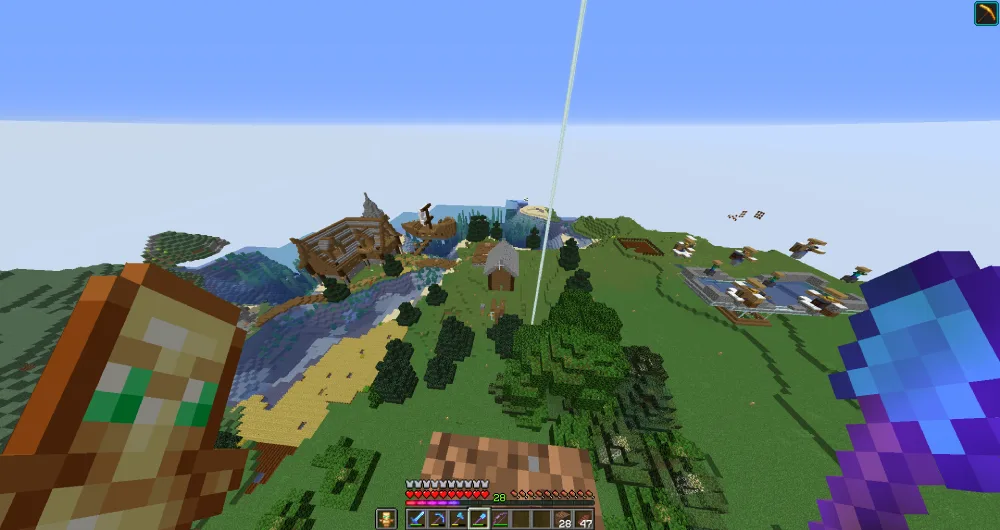
Minecraft PvP Servers are multiplayer worlds where the main focus is Player vs Player combat. Instead of simply gathering resources, building structures, or surviving against hostile mobs, players face each other in battles that test reaction time, strategy, and skill. These servers transform Minecraft from a peaceful sandbox into an arena full of competition and adrenaline.
While every Minecraft Server can have different rules, PvP-focused ones share a common goal, encouraging fair fights and exciting challenges. Some servers are small and personal, while others are massive hubs with thousands of active players at any given moment.
Understanding PvP in Minecraft
PvP stands for Player vs Player, and in the world of Minecraft Servers, it means direct combat between players. Depending on the server setup, these battles can range from casual duels to large-scale wars involving hundreds of players.
The gameplay often revolves around:
- Mastering combat mechanics, such as timing your hits and blocking effectively
- Learning movement tricks to dodge attacks and gain better positioning
- Using environment and terrain strategically to outplay opponents.
These factors make PvP servers an exciting alternative to traditional Minecraft gameplay, perfect for players who enjoy high-intensity action.
Common Types of PvP Servers
There are several types of Minecraft PvP Servers, each offering unique rules and gameplay styles. Here are the most popular formats:
- KitPvP: Players receive predefined kits of armor, weapons, and tools, jumping straight into combat without grinding for resources;
- Factions: Large-scale team gameplay where players form factions, claim land, and battle for territory control;
- Duels: One-on-one or small team fights in dedicated arenas, often ranked for competitive play;
- Practice Servers: Designed for training PvP skills with features like custom maps, hit detection improvements, and advanced combat plugins.
By understanding these categories, you can choose the Minecraft Server type that matches your skill level and preferred playstyle. In the next section, we will explore the most popular PvP servers available right now and how each stands out in 2025.
Best Minecraft PvP Servers in 2025
Finding the right Minecraft PvP Servers can completely transform your gaming experience. From fast-paced duels to faction wars and survival with competitive twists, 2025 brings a variety of worlds where skill, strategy, and community come together. Below is our updated Minecraft server list featuring some of the best Minecraft servers for PvP this year.
| Name | IP / Address | Type / Main Modes | Version | Player Base |
| Hypixel | mc.hypixel.net | Mini-games, SkyWars, Bed Wars, Duels | Java | Massive international |
| Archon | pvp.thearchon.net | Factions, Prison, Skyblock, PvP | Java | Competitive & active |
| Purple Prison | purpleprison.net | Prison PvP, Events, Social Zones | Java | Large & loyal |
| Blossom SMP | play.blossomsmp.com | Survival with PvP elements | Java & Bedrock | Friendly community |
| MoxMC | moxmc.net | KitPvP, Duels, Anime-Themed Content | Java | Friendly & creative |
| CatCraft SMP | play.catcraft.net | Survival QoL, PvP Zones | Java & Bedrock | Welcoming & casual |
| LifestealSMP | lifestealsmp.com | Lifesteal Survival PvP | Java | High-stakes crowd |
| OPBlocks Network | hub.opblocks.com | Skyblock PvP, Crossplay | Java & Bedrock | Cross-platform fans |
Why These Servers Lead the PvP Scene
Variety and Player Community
Hypixel remains the giant of the Minecraft PvP world, offering a huge selection of competitive mini-games like SkyWars, Bed Wars, and The Pit, supported by one of the largest communities in the world. Archon is another powerhouse, with polished faction wars, prison battles, and skyblock PvP modes designed for competitive players.
Unique Concepts and Gameplay
For those seeking something different, Purple Prison delivers daily PvP events inside a prison-themed world, mixing combat with social spaces. Blossom SMP and CatCraft SMP take a more relaxed approach, blending survival gameplay with PvP zones and community-oriented features, perfect for players who enjoy building but still want the occasional fight.
High Stakes and Crossplay Options
LifestealSMP offers intense battles with its unique lifesteal mechanic—every time you defeat another player, you gain health, raising the stakes in every fight. For cross-platform PvP, OPBlocks Network allows both Java and Bedrock players to join, making it a great choice for friends who play on different devices.
How to Choose From This Minecraft Server List
When picking your next PvP home, think about your preferred style:
- Competitive & Ranked Play: Try Hypixel or Archon for structured and skill-based battles;
- Casual PvP in Survival Worlds: Go for Blossom SMP or CatCraft SMP for a balanced mix of creativity and combat;
- Unique PvP Mechanics: Explore LifestealSMP for riskier, more intense fights;
- Cross-Platform Play: Choose OPBlocks if you and your friends use different editions of Minecraft.
With these best Minecraft servers for PvP, 2025 offers something for every kind of competitor. In the next section, we will walk you through exactly how to join these servers and start your PvP journey.
How to Join and Play on a PvP Server
Joining a Minecraft PvP Server is straightforward. Follow these simple steps for Java Edition and Bedrock Edition, and check the tips to start playing smoothly.
Playing on Minecraft Java (PC)
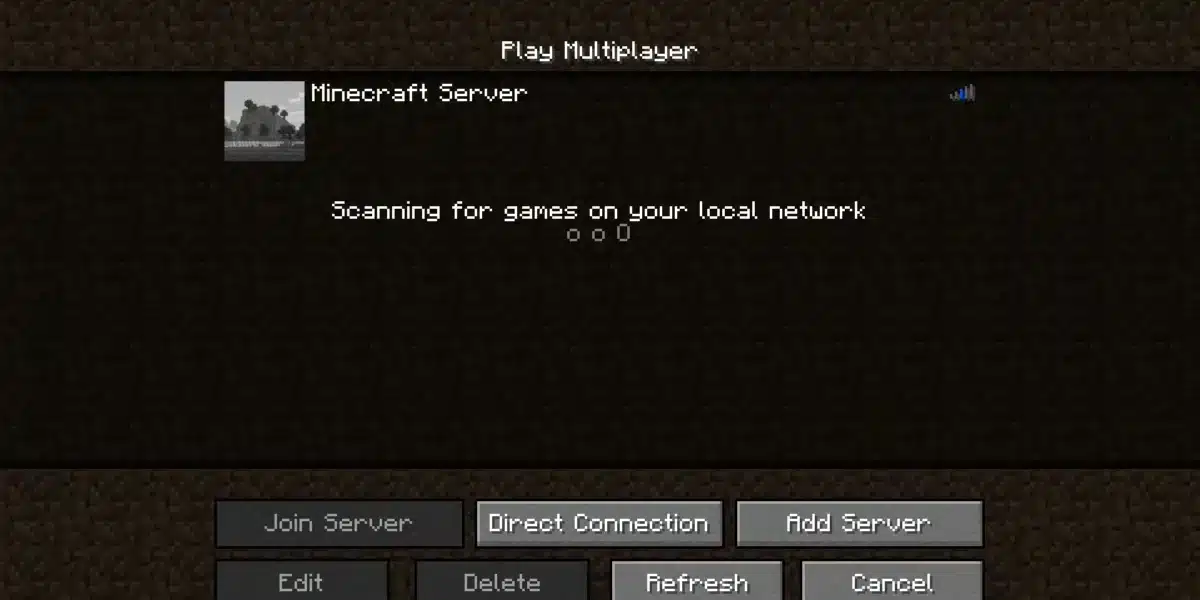
- Open Minecraft: Java Edition and click on Multiplayer;
- Select Add Server;
- In Server Name, type any name you prefer (for example: “Hypixel”);
- In Server Address, paste the server’s IP;
- Click Done, choose the server from the list, and then click Join Server.
If the server displays “Outdated,” change your game version to match the server’s version in the Minecraft Launcher.
Extra tip: Before starting, go to Options and adjust your controls, especially sprint and perspective keys. Use only allowed modifications.
Playing on Minecraft Bedrock (Windows 10, Mobile)
- Open Minecraft (Bedrock Edition) and click Play;
- Navigate to the Servers tab;
- Scroll down and select Add Server;
- Enter the server name, address, and port;
- Click Save, then select Join Server.
Important: On most consoles, it is not possible to add custom servers. You can only access the ones on the official list.
Tips for Beginners
- Start with Duels or Practice modes before joining larger PvP modes like KitPvP or Factions;
- Choose a server close to your region to reduce ping;
- Always read the rules. Many servers ban cheats, macros, and toxic behavior;
- Many PvP hubs operate as free Minecraft servers, but some offer paid ranks or cosmetic upgrades.
With these steps, you can start playing on Minecraft PvP Servers quickly, whether you prefer Minecraft Java Servers or a Minecraft BE Server.
Optimizing Performance on PvP Servers
Playing on Minecraft PvP Servers requires more than skill, your performance depends heavily on a stable connection and smooth gameplay. High latency or low FPS can make even the best players lose fights, so optimizing both is essential for serious PvP battles.
Using tools like ExitLag can help reduce ping spikes and packet loss, ensuring you respond quickly in duels. This is especially important for Minecraft for server, where milliseconds can determine victory.
Reducing Lag and Improving FPS
When joining a Minecraft server, lag can come from your internet connection, the server itself, or your game settings. Here’s how to optimize your performance:
- Lower graphics settings: Reduce render distance, turn off fancy graphics, and disable unnecessary shaders;
- Close background applications: Make sure programs using the internet or CPU aren’t running while you play;
- Update Java and drivers: Keep Java and your GPU drivers updated for smoother gameplay;
- Use wired connections: Whenever possible, connect via Ethernet to reduce packet loss;
- Choose servers closer to your location: This reduces latency naturally and makes gameplay more stable.
These adjustments help make Minecraft PvP Servers feel more responsive, improving your reaction times during fights.
Optimizing with ExitLag
ExitLag is a software designed to optimize your connection for online games. It works by sending your game data through multiple routes and automatically choosing the fastest and most stable path.
Benefits for Minecraft server download users and players joining Minecraft for servers include:
- Reduced lag and ping fluctuations;
- Stable connection during peak hours;
- Faster responses in PvP combat;
- Multi-route optimization ensuring the best path to the server.
How to use ExitLag for Minecraft PvP:
- Download and install ExitLag on your PC;
- Open the program and select Minecraft Java Edition or Minecraft Bedrock, depending on your version;
- Enter the IP of your chosen Minecraft PvP Server;
- Click Start, and ExitLag will automatically optimize your connection;
- Launch Minecraft and join the server with a smoother, more stable experience.
By combining in-game settings and ExitLag, you can play on Minecraft PvP Servers with minimal interruptions, giving you a competitive edge in every match.
FAQ
The best Minecraft PvP Servers in 2025 include Hypixel, Archon, Purple Prison, Blossom SMP, MoxMC, and OPBlocks Network. These servers are popular for their active communities, diverse PvP modes, and updated content.
To join, select a Minecraft Java Server or Minecraft BE Server, enter the server IP, and click Join Server. Beginners should start with Duels or Practice modes for easier learning.
Yes. Most Minecraft PvP Servers are free Minecraft servers, though some offer optional ranks or cosmetic items. You can enjoy PvP combat without spending money.
It depends on your preferences. Minecraft Java Servers offer more plugins and competitive PvP features, while Minecraft BE Servers (Bedrock Edition) support cross-platform play on mobile and Windows 10.
Choose servers close to your region;
Optimize your connection with ExitLag, which reduces ping, lag, and packet loss;
Adjust your in-game settings for FPS and render distance.
Visual aids: You can include screenshots of the server lists, connection menus for Java and Bedrock, and tables showing latency improvements with ExitLag.
Level Up Your PvP with ExitLag
Joining Minecraft PvP Servers is exciting, but high ping and lag can ruin the experience. ExitLag ensures a stable connection, lower latency, and smoother FPS, helping you perform your best in every duel.
By combining optimized settings with ExitLag, you can focus on strategy and skill without worrying about interruptions. Whether on Minecraft Java Servers or a Minecraft BE Server, you’ll notice faster responses and a more competitive edge.
Try ExitLag today for free and experience Minecraft PvP like never before!
Got questions or want to connect with other players? Join the conversation at the ExitLag Forum!