Few things frustrate PUBG players more than preparing for a match only to be greeted by a “servers are under maintenance” message. Regular battleground server maintenance is part of every online game, but for a title as large as PlayerUnknown’s Battlegrounds, these downtimes are vital. They ensure smooth gameplay, fix bugs, improve server stability, and introduce new features.
While maintenance keeps the game healthy, it also means planned interruptions that can disrupt your gaming sessions. Knowing when updates are scheduled and how to check the pubg server status allows you to avoid wasted time, reduce frustration, and plan your sessions more efficiently.
If you are looking to minimize downtime impact, one of the best strategies is to understand optimal PUBG servers and best regions to ensure you are always connected to the smoothest routes when servers are back online.
In this guide, we’ll cover everything from PUBG’s typical maintenance cycles, regional downtime schedules, and official sources of information, to how to tell the difference between a scheduled pubg server maintenance and a sudden outage.
When Does PUBG Maintenance Happen?
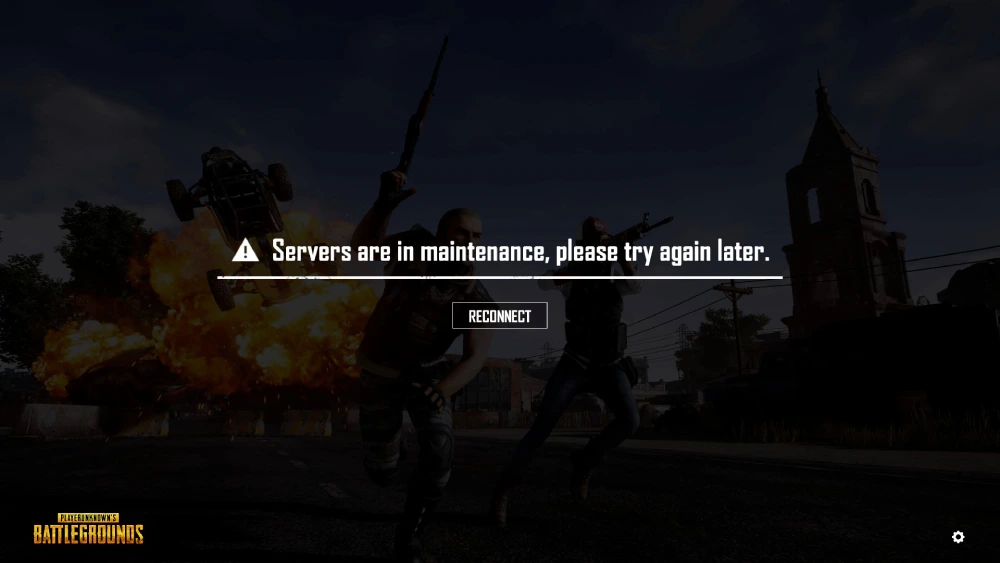
Like most competitive online games, PUBG relies on consistent server upkeep. Developers schedule pubg maintenance at regular intervals to roll out patches, balance updates, and seasonal events. Understanding when this happens can save hours of guessing.
Typical Maintenance Times
PUBG server maintenance follows certain patterns:
- Weekly Maintenance
- Covers small updates like bug fixes, weapon balancing, or backend adjustments.
- Usually takes 2–5 hours, depending on update size.
- Monthly Updates
- Linked to bigger content drops such as maps, skins, or battle passes.
- May last 6–8 hours or more.
- Emergency Hotfixes
- Triggered by critical issues like server crashes or exploits.
- Duration varies but is often shorter than planned maintenance.
Seasonal & Patch-Specific Downtimes
Beyond the weekly cycle, PUBG also schedules maintenance for:
- New seasons and ranked resets
- Major patch launches introducing weapons, vehicles, or gameplay systems
- Collaboration events (crossovers, esports promotions, special modes)
These updates tend to cause longer server downtimes because they introduce new mechanics and require stability checks.
Regional Differences in Downtime
Maintenance is not always synchronized globally. Instead, Krafton staggers updates by region to minimize disruption.
- North America (NA): Typically overnight (1–5 AM local time).
- Europe (EU): Early morning to avoid peak hours.
- Southeast Asia (SEA): Mid-day or afternoon maintenance is common.
- South America (SA): Early morning or late-night hours.
For players who switch between regional servers, this means you may encounter downtime on one server but still play on another.
To track your progress during these times, many players rely on PUBG tracker tools to monitor stats, ensuring they keep an eye on performance even when matches are temporarily unavailable.
How to Check PUBG Server Status
When servers suddenly stop responding, the first question every player asks is: “Is it just me, or is everyone down?” Fortunately, there are multiple ways to confirm pubg server status.
Official Sources
PUBG developers use several official channels to communicate playerunknown’s battlegrounds maintenance schedules and unexpected outages:
- PUBG Website: Lists upcoming maintenance and patch notes.
- Twitter (X): Real-time updates are shared through official accounts.
- Facebook: Regional pages often post maintenance times for local players.
- In-Game Notices: Scheduled downtime warnings appear in the game lobby.
Third-Party Tools
When official channels are slow to update, the community fills the gap. Players frequently check:
- Downdetector PUBG Status: Tracks user reports of server outages in real time.
- Reddit (r/PUBG): Threads from the community confirm global issues quickly.
- Discord servers: Real-time player updates and unofficial status checks.
Why Tracking Server Status Matters
Checking the playerunknowns server status helps you:
- Avoid wasting time troubleshooting local issues when the problem is global.
- Decide whether to wait for servers to return or switch games temporarily.
- Track if downtime is due to planned pubg server maintenance or an unexpected outage.
Maintenance vs Outage
| Situation | Cause | Solution |
| Scheduled Maintenance | Planned updates by Krafton | Wait until downtime ends |
| Emergency Hotfix | Fix for critical issue | Monitor official PUBG channels |
| Unexpected Outage | Server crash or overload | Check community reports |
| Local Connection Problem | ISP or unstable network | Use ExitLag to stabilize routes |
This breakdown makes it easier to identify whether PUBG is truly offline or if the issue lies in your own connection.
Extra Tips for Staying Informed
To stay fully updated about pubg server maintenance, players should:
- Bookmark the official PUBG server status page for quick access.
- Follow PUBG Support on Twitter for minute-by-minute downtime alerts.
- Join community forums and Discord servers to see if others experience the same issues.
- Enable notifications so you don’t miss critical updates about maintenance or outages.
- Read about the PUBG map rotation and active maps to plan your gameplay once servers come back online.
By combining official sources with community reporting, you’ll always know what’s happening with player unknown battlegrounds server maintenance.
What to Do During Battleground Server Maintenance
Downtime doesn’t have to be wasted time. With the right approach, you can use battleground server maintenance windows to improve your setup, catch up on updates, and prepare for smoother matches once servers return.
Productive Ways to Spend Downtime
- Update your game client: Download the patch the moment it’s available to avoid long queues.
- Review patch notes carefully: Many changes affect weapons, maps, or game mechanics. Knowing them early gives you an edge.
- Optimize your PC: Update GPU drivers, clean up storage, and disable unnecessary background apps.
- Check your peripherals: Configure your headset, mouse sensitivity, and controller settings.
- Test offline modes or training maps: While you can’t join live matches, you can still practice recoil control or warm up.
- Catch up on community news: Forums and Discord often share strategies for new content.
Network Optimization During Downtime
When maintenance ends, servers often experience traffic spikes. This can result in lag, jitter, or even disconnects. Tools like ExitLag can help you avoid these issues by:
- Routing traffic intelligently: Data takes the fastest possible path to PUBG servers.
- Preventing packet loss: Ensures your shots and movements register instantly.
- Stabilizing ping: Reduces spikes during high traffic hours.
- Multi-path routing: Keeps your connection alive even if one route fails.
By preparing your setup during downtime, you ensure that once pubg server maintenance ends, you’ll return with a competitive advantage.
History of PUBG Technical Problems
PUBG has grown into one of the largest battle royale titles, but with that growth has come recurring playerunknown’s battlegrounds maintenance windows and occasional server issues.
Notable Issues in Recent Years
- Season Launch Instability: Every new season introduces ranked resets, leading to heavy log-in queues.
- Esports Event Strain: During global tournaments, unexpected traffic surges have caused lag or temporary outages.
- Weapon & Vehicle Exploits: Critical bugs have required emergency hotfixes, often taking servers offline without warning.
- Cross-Platform Updates: Synchronizing console and PC versions has sometimes extended maintenance windows.
To complement this historical perspective, Krafton keeps players updated through the PUBG news section, which highlights official patch notes, esports schedules, and future content plans.
Case Study: Major Outage Example
In late 2023, a new patch introduced anti-cheat improvements but unintentionally blocked legitimate players from logging in. Servers were taken down for pubg server maintenance lasting nearly 10 hours while Krafton rolled back the faulty update.
This highlights why extended maintenance, though inconvenient, often prevents larger issues in the long term.
FAQ — Battleground Server Maintenance Questions Answered
Check the official PUBG Support website.
Look for in-game announcements before servers go offline.
Confirm on Downdetector if other players are reporting downtime.
Weekly updates: Usually 2–5 hours.
Seasonal patches: 6–8 hours, sometimes longer.
Emergency hotfixes: Varies, but often unpredictable.
Large content drops: Can exceed 12 hours for global updates.
North America: Overnight (1–5 AM local).
Europe: Early morning, typically 3–7 AM CET.
Southeast Asia: Often mid-day.
South America: Early morning or overnight.
Tip: Always check your regional server notice since times may shift with patch size.
Official PUBG Website (scheduled updates).
Twitter / X (@PUBGsupport) for live alerts.
In-game lobby notices before downtime starts.
Third-party trackers like Downdetector or community Discords.
Confirm if maintenance is active before troubleshooting.
Restart your router and check your ISP connection.
Clear cache or temporary files in Steam/console.
Use ExitLag to bypass unstable ISP routes.
If servers are still under player unknown battlegrounds server maintenance, simply wait.
Conclusion: Stay Ahead of Battleground Server Maintenance with ExitLag
Regular battleground server maintenance ensures PUBG remains fair, stable, and ready for millions of players worldwide. While downtime can be disruptive, staying informed and making good use of those hours turns inconvenience into opportunity.
After updates, however, server congestion can cause high ping or unstable connections. That’s why more and more players rely on ExitLag:
- Stable routing during peak traffic.
- Reduced ping for faster reaction times.
- No packet loss, so your inputs always count.
- FPS optimization for smoother gameplay.
Don’t let server downtime or lag slow you down. Boost your PUBG performance with ExitLag today and dominate every battleground.
Got questions or want to connect with other players? Join the conversation at the ExitLag Forum!