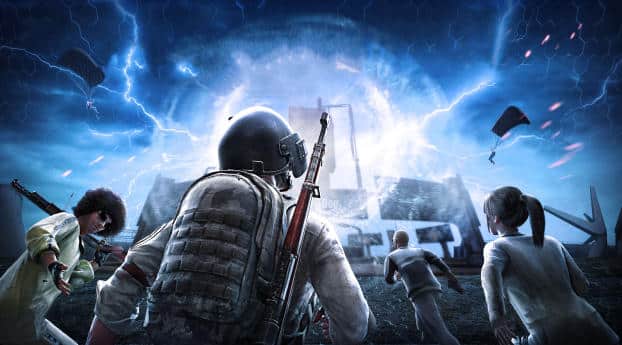
Is PUBG getting an update today? Whether you're a seasoned battleground veteran or a casual player dropping in for quick rounds, knowing when the PUBG update drops can mean the difference between being ahead of the meta or left behind. From patch notes to maintenance windows and download sizes, we've compiled everything you need to know in one place.
For players who enjoy survival titles as well, you can compare the pace of updates by checking the latest 7 Days to Die update notes, which follow a very different release cadence than PUBG.
This guide is updated in real time, so make sure to bookmark it and check back often. You’ll find live maintenance countdowns, regional update times, and direct links to patch notes — all tailored to your local time zone.
Let’s dive in and break down what’s new in PUBG this week.
Is There a PUBG Update Today?
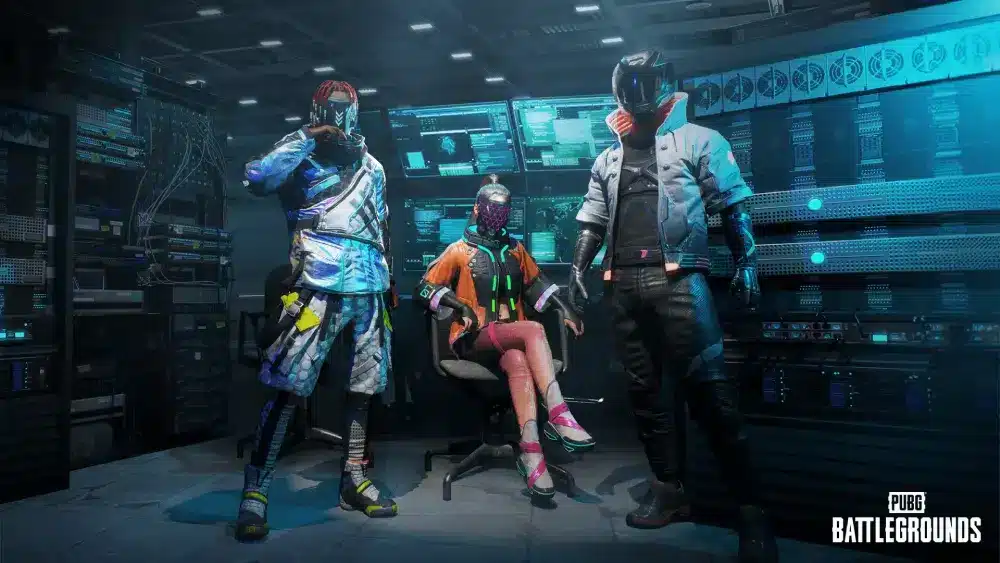
PUBG is undergoing scheduled maintenance today for its latest patch rollout. Servers are temporarily offline while developers deploy new features, balance adjustments, and bug fixes.
⏳ Countdown to Maintenance End:
[00:42:37 remaining] (based on your local time zone)
🟠 Server Status:
Servers are currently under maintenance. You can verify live status on the official PUBG Server Status page.
What Time Is the PUBG Update? (PC, Console & Mobile)
The update window varies by platform and region. Below is a live-synced table displaying both UTC and your local time for easy reference.
📌 Your local time zone: UTC-4 (Eastern Time)
All times automatically adjust to your device’s clock settings.
| Platform | Region | Maintenance Start (UTC) | Estimated End (UTC) | Your Local Time |
| PC | NA | 04:00 | 08:00 | 00:00–04:00 |
| PC | EU | 05:00 | 09:00 | 01:00–05:00 |
| Console | SA | 06:00 | 10:00 | 02:00–06:00 |
| Mobile | AS | 02:00 | 06:00 | 22:00–02:00 |
| Console | OCE | 07:00 | 11:00 | 03:00–07:00 |
Maintenance windows can vary depending on platform-specific issues or unexpected delays. It’s not uncommon for end times to be extended with little notice.
For comparison, Epic’s battle royale follows a similar system — if you track Fortnite GG stats, you’ll see how downtime aligns with their seasonal updates.
Latest PUBG Patch Notes
PUBG's newest update introduces major changes across the board — from weapon tuning to map reworks. Below is a simplified summary of the most impactful adjustments. For the full patch breakdown, read the official PUBG Patch Notes.
🔧 Key Patch Highlights:
Balance Updates
- SMG headshot damage slightly reduced
- AR recoil pattern stabilized across all attachments
- Gas can explosion radius slightly increased
New Weapons & Equipment
- Introduced AR-Lancer, a hybrid mid-long range rifle with burst fire
- Deployable EM Field Jammer to disrupt enemy minimaps
Map Changes
- Miramar now features sandstorm zones with limited visibility
- New POI: Blackrock Base added to Erangel
Ranked
- Points deduction softened for early eliminations
- Bonus multipliers introduced for team survival time
Quality of Life
- Kill feed now customizable (size, opacity, duration)
- Option to ping healing items in inventory
Bug Fixes
- Fixed vaulting glitch near Vikendi cliffs
- Resolved aim instability when switching from ADS to hip fire
If you’re also playing across platforms, you may wonder how crossplay works in other survival shooters — for instance, 7 Days to Die crossplay support is structured differently and can impact multiplayer experiences.
What Does This PUBG Patch Really Change for You?
Not every patch note translates directly into how you play. Here’s how the latest update impacts real in-game tactics:
- The AR-Lancer creates new pressure in mid-game fights, favoring teams who rotate fast and take high ground.
- Sandstorms in Miramar will force players to rely more on sound and thermal gear, affecting sniping dynamics.
- EM Field Jammers change the way you scout — relying too much on minimaps could now backfire.
- Recoil changes across ARs will slightly close the skill gap in early-game aim duels, rewarding positioning over flicking.
- Kill feed customization enhances squad comms, allowing focus without visual clutter during team fights.
🧠 Pro Tip: Practice navigating sandstorms and jamming zones in unranked modes first — your muscle memory needs recalibration.
Download Size & Version Numbers
Before jumping back into the battlegrounds, make sure you’ve got enough free space. Below is a breakdown of version numbers and approximate download sizes across each platform:
| Platform | Version | Size (Approx.) | Notes |
| PC (Steam) | 25.3.1 | 6.8 GB | Includes anti-cheat update |
| PC (Epic) | 25.3.1 | 7.1 GB | Slightly larger than Steam |
| PS5 | 25.3.1 | 8.0 GB | Includes audio pack upgrade |
| Xbox | 25.3.1 | 7.9 GB | Minor size variation by region |
| Android | 2.9.0 | 3.4 GB | Background update enabled |
| iOS | 2.9.0 | 3.7 GB | Requires iOS 14 or later |
Tips for Smoother Downloading:
- Pause all non-essential apps and updates
- Switch to wired Ethernet instead of Wi-Fi
- Ensure at least 15% extra free space for file extraction and patch caching
- Restart your router and gaming client before launching
Known Issues After the Update
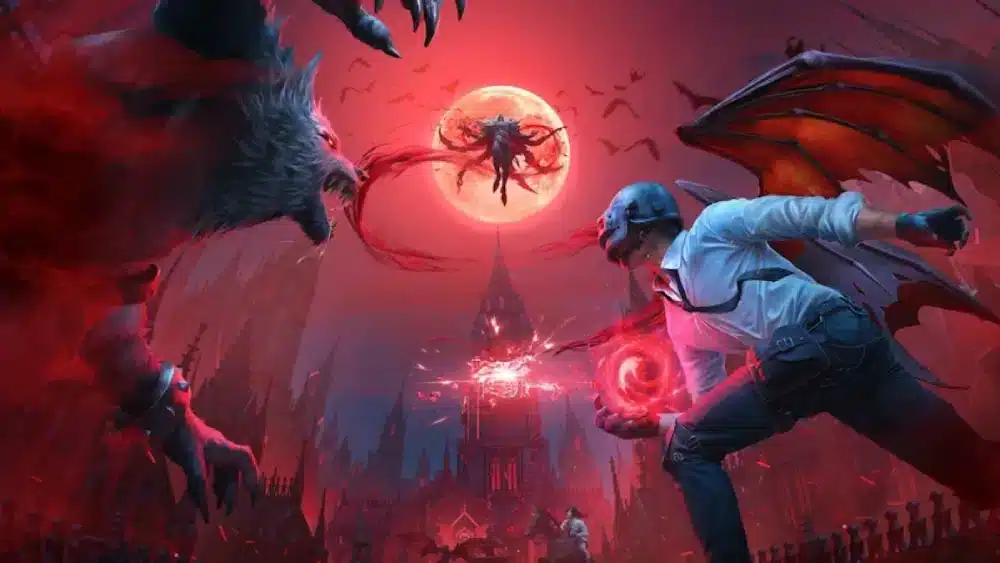
Even the best patches come with side effects. Here's what users are reporting, and how to potentially fix it:
Common Problems:
- Stuck on loading screen (PC & Console)
- Fix: Verify game file integrity, clear shader cache
- Matchmaking timeout errors
- Fix: Wait 15–20 mins post-maintenance or restart client
- Audio sync issues (Mobile)
- Fix: Toggle voice chat off/on and restart game
- Black screen during parachute phase
- Fix: Lower graphic settings temporarily
When checking live problems, many players prefer to rely on independent trackers like PUBG outage reports on Downdetector, which often update faster than official channels.
When to Report:
- If issues persist after 3–4 hours post-update
- Use the official PUBG Support Portal to submit bug reports
🛠 Quick Troubleshooting Checklist:
- Clear cache (mobile/console)
- Update GPU drivers (PC)
- Check firewall/router DNS settings
Update Schedule & Cadence
Ever wonder when the next PUBG update will hit? While official schedules can change, PUBG typically follows a monthly cadence with hotfixes and micro-patches in between.
📅 General Update Pattern:
- Major updates: Every 4–6 weeks
- Minor fixes: Bi-weekly or as needed
- Server maintenance: Early UTC hours on Tuesdays or Wednesdays
🌐 Delays may occur around:
- Global holidays (e.g., Lunar New Year, Thanksgiving)
- Major esports events or PUBG Global Series tournaments
🔮 Next Expected Update Window:
Based on past trends, the next patch will likely drop mid-October 2025. Watch this space for real-time updates as announcements roll in.
How to Update PUBG (PC, Console & Mobile)
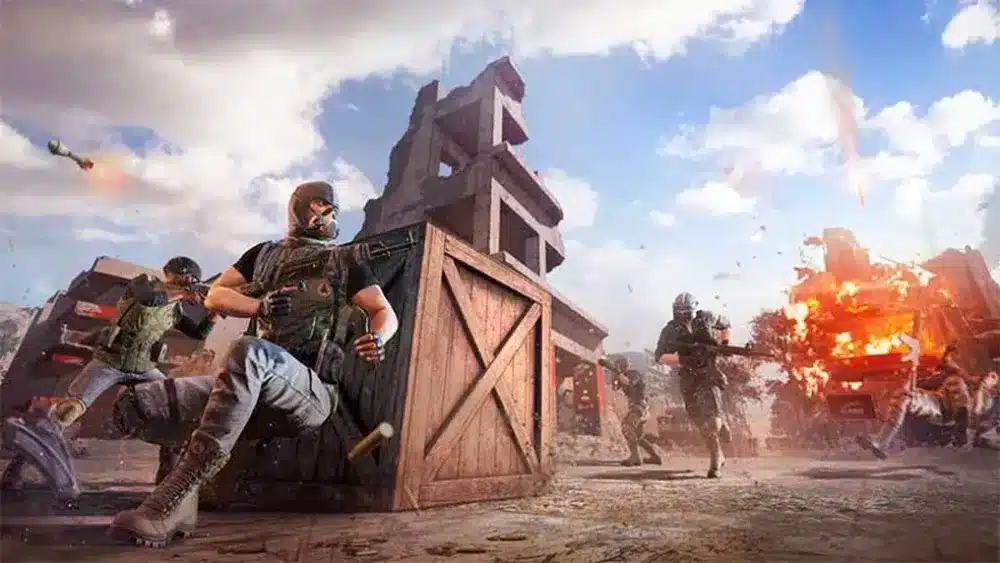
Whether you're playing on Steam, Epic, console, or mobile, updating PUBG is usually a smooth process — but there are times when things go wrong. Here's a quick step-by-step guide for each platform to ensure you're up to date and ready to drop.
PC (Steam & Epic Games)
- Close PUBG completely.
- Launch Steam or Epic Games Launcher.
- Navigate to Library and select PUBG.
- If the update hasn’t started automatically, click Check for Updates.
- Wait for download and installation to complete.
- Launch the game and allow background shaders to recompile (if prompted).
Console (PS & Xbox)
- From the home screen, highlight PUBG and press Options/Menu.
- Select Check for Update.
- Follow on-screen prompts if an update is available.
- Wait for the update to install completely before launching.
- Reboot the console if any issues occur post-installation.
Mobile (iOS & Android)
- Open the App Store (iOS) or Google Play Store (Android).
- Search for PUBG Mobile.
- Tap Update if available.
- Connect to Wi-Fi and ensure your battery is above 50%.
- Open the app once the download completes.
PUBG Updated But Not Launching?
Here’s a quick checklist to fix launch issues post-update:
- ✅ Verify game files (PC): Right-click PUBG in your library → Properties → Installed Files → Verify Integrity.
- ✅ Clear DNS cache: Run ipconfig /flushdns in Command Prompt.
- ✅ Update drivers: GPU, audio, and network drivers must be current.
- ✅ Disable overlays: Steam, Discord, NVIDIA overlays can cause conflicts.
- ✅ Delete old shader cache: Found in local PUBG directories (Steam/Epic only).
Fix High Ping or Packet Loss After Updates (with ExitLag)
Many players experience increased ping or packet loss immediately after a major PUBG update — especially due to server routing resets and congested DNS caches. ExitLag can help you bypass these issues instantly.
Use ExitLag to Optimize PUBG Connection:
- Step 1: Download and install ExitLag.
- Step 2: Search and select PUBG from the game list.
- Step 3: Let ExitLag run a multi-route ping test to find the best path.
- Step 4: Connect to the optimized route — you'll see stability graphs in real-time.
- Step 5: Launch PUBG directly from the ExitLag interface for best results.
🧠 Pro Tip: Use ExitLag's Advanced Mode to manually test multiple data centers if you play cross-region or experience instability on default settings.
🎯 Want to instantly lower your ping post-update?
➡️ Try ExitLag today and stabilize your PUBG sessions
Previous PUBG Updates (Archive & Changelog)
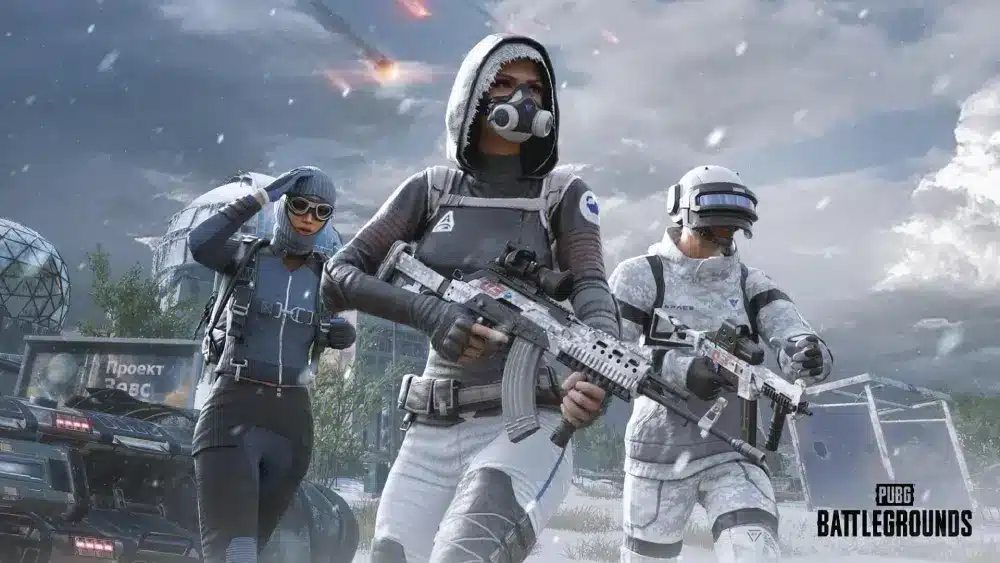
Looking for information on past patches? Here’s a searchable archive of major PUBG updates, complete with bullet summaries and anchor links for SEO visibility. This helps track how the game evolved and what each version changed.
📁 Version History:
PUBG Update 35.2 — September 2025
- Added AR-Lancer burst rifle
- Introduced EM Field Jammer
- Sandstorms on Miramar
- Kill feed customization
- Minor recoil tuning
PUBG Update 32.2 — August 2025
- Vehicle HP increased by 10%
- Shotgun headshot bug fix
- Improved matchmaking timers
- New ranked division decay rules
- TDM lobby UI overhaul
PUBG Update 3.9 — July 2025
- Updated killcam and replay sync
- Legacy skins UI categorized
- New audio engine improvements
- Parachute animation fix
- Reduced grenade camera shake
Frequently Asked Questions
PUBG updates follow a regular cadence, typically every 4–6 weeks. Based on historical data, the next update is expected in mid-October 2025. Check our update schedule section for real-time tracking.
Update times vary by platform and region. See the Update Times Table in this guide for both UTC and your local time, adjusted automatically.
Maintenance usually lasts between 3–5 hours, depending on the update size and platform. You can check the live countdown at the top of this page.
This article includes a full summary, and we link directly to the official patch notes in the Patch Notes section.
Try restarting your launcher, clearing cache, or switching to a wired connection. Some users also report issues due to antivirus or firewall interference.
Conclusion
The latest PUBG update isn’t just a fresh coat of paint — it’s a structural shift in how you play, strategize, and survive in the battlegrounds.
From weapon rebalancing and map overhauls to enhanced network performance tools like ExitLag, each patch introduces mechanics that directly affect your gameplay decisions. Staying informed is no longer optional — it’s essential for climbing the ranks and mastering rotations.
Before dropping in, always check:
- ✅ Update time and maintenance status
- ✅ Patch notes and what they mean for your playstyle
- ✅ Download size and version compatibility
- ✅ Performance optimization tools like ExitLag
🎯 Ready to dominate the new meta?
Download ExitLag now and eliminate high ping after every update.