Learn how 7 Days to Die crossplay works on PC, Xbox, and PS5 — supported servers, setup guide, and tips to survive.
Is 7 Days to Die crossplay? Yes — 7 Days to Die crossplay is officially supported as of Version 1.2 (December 2024). After years of community demand, developer The Fun Pimps made it possible for players on PC, Xbox Series X|S, and PlayStation 5 to survive the apocalypse together.
Moreover, the feature was expanded even further in Update 2.0: Storm’s Brewing (June 2025), introducing certified dedicated servers, friend spawning, and stability improvements. Therefore, cross-platform sessions are smoother, more stable, and easier to join than ever before.
Beyond that, legacy console versions (PS4 and Xbox One) were discontinued, meaning they cannot access 7 Days to Die crossplay features or future content updates. Consequently, crossplay is exclusive to current-generation platforms and PC.
How Crossplay Works in 7 Days to Die
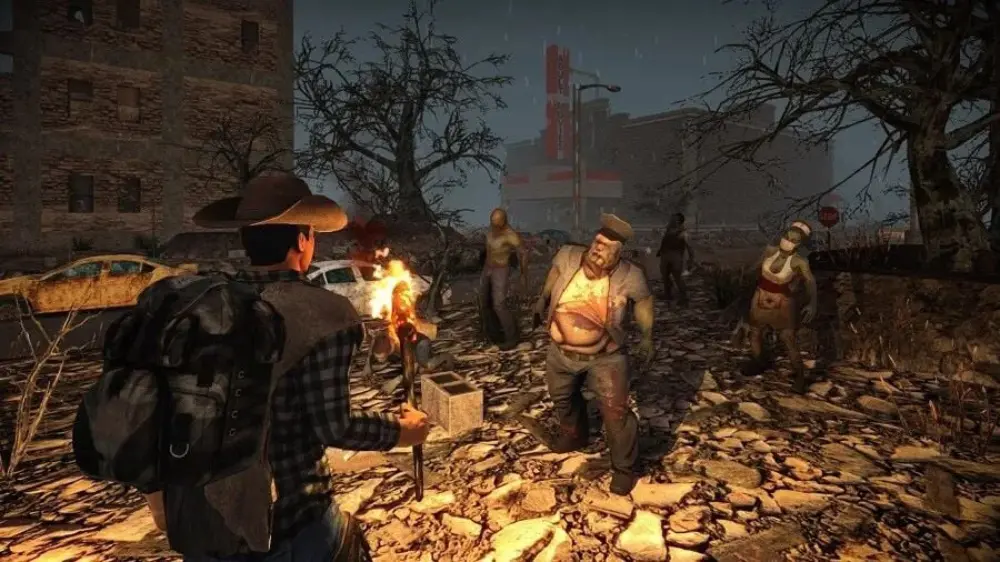
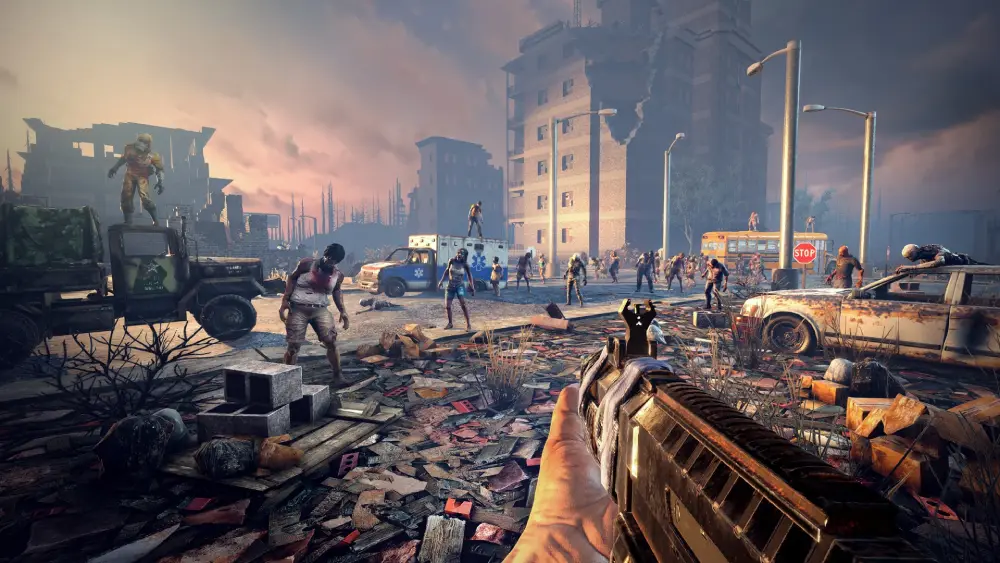
The cross-platform system in 7 Days to Die crossplay connects survivors from different ecosystems under a unified server structure.
This eliminates the traditional separation between PC and console players, allowing everyone to build, loot, and survive together in real time.
Supported Platforms and Requirements
Crossplay is available across a specific range of platforms that share the same codebase and server certification. Here’s how it currently breaks down:
| Platform | Supported | Notes |
| PC (Steam & Microsoft Store) | ✅ Yes | Requires latest patch (v1.2 or higher) |
| Xbox Series X | S | ✅ Yes |
| PlayStation 5 | ✅ Yes | Uses certified servers for stable access |
| PS4 / Xbox One | ❌ No | Legacy editions discontinued |
Moreover, dedicated servers were implemented to ensure consistent performance and data synchronization. Therefore, crossplay isn’t limited by local hosting — players can join persistent worlds that remain active even when the host logs off.
Core Crossplay Features
With the release of Update 2.0, several improvements made 7 Days to Die crossplay more accessible and enjoyable:
- Spawn Near Friends: Automatically places players close to each other at world start.
- Shared Progression: Party members can benefit from mutual experience bonuses and crafting synergies.
- Horde Scaling: Zombie difficulty adjusts dynamically based on player count and proximity.
- Certified Servers: Guarantee cross-platform compatibility and balanced performance.
By contrast, PC-only servers may include mods or Workshop content that prevents console access. Therefore, for true cross-platform play, always join vanilla certified servers.
Beyond that, communication and cooperation are essential. Crossplay teams can use external tools like Discord or console party chat to coordinate attacks or share resources efficiently during Horde Nights.
When Was Crossplay Added to 7 Days to Die?
Understanding the timeline of cross-platform development helps clarify compatibility issues. The feature evolved significantly between versions, leading to the robust 7 Days to Die crossplay we have today.
Crossplay Launch Timeline
- July 25, 2024 – Version 1.0: Official launch out of Early Access. No crossplay yet; separate ecosystems.
- December 2024 – Version 1.2: Introduction of full 7 Days to Die crossplay for PC, Xbox Series X|S, and PS5.
- June 30, 2025 – Update 2.0 (Storm’s Brewing): Expansion with dedicated servers, spawn-near-friends system, and improved multiplayer stability.
Version Compatibility and Limitations
Players must update to at least Version 1.2 to access 7 Days to Die crossplay servers. Earlier builds (including Version 1.0 and legacy console editions) cannot connect.
- PC users should verify their patch through Steam or Microsoft Store.
- Console players automatically receive the latest version via system updates.
- Save files from discontinued versions are not transferable to current crossplay builds.
Beyond that, The Fun Pimps confirmed that modded servers remain restricted to PC only. Therefore, if you want to play with console friends, you’ll need to join or host a clean, unmodded world.
In short, 7 Days to Die crossplay represents the culmination of nearly a decade of development — turning an isolated survival experience into a connected apocalypse where every player, regardless of platform, can fight side by side.
How to Use 7 Days to Die Crossplay
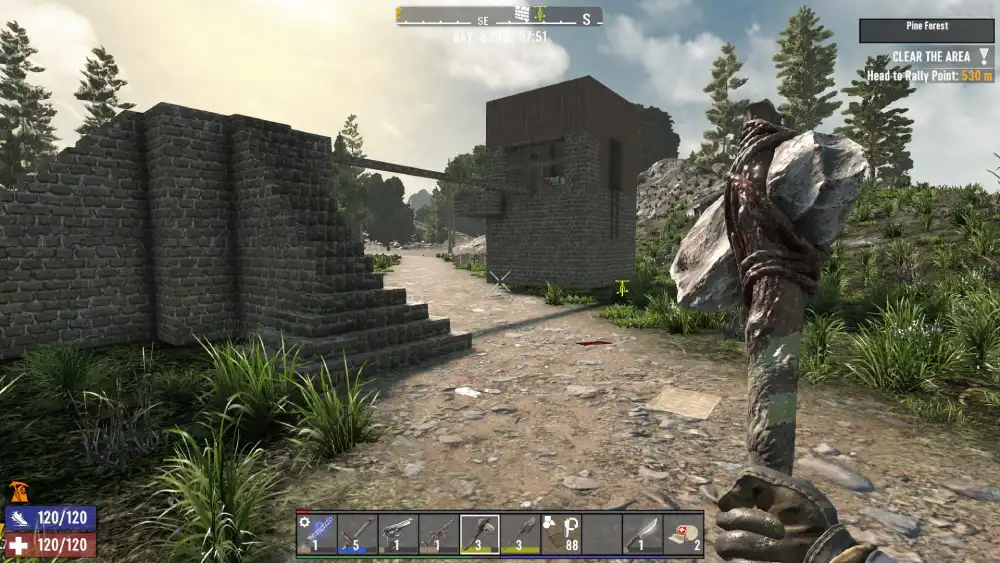
Once you’ve updated to the latest version, using 7 Days to Die crossplay is simple and automatic.
There’s no manual toggle or complex setup — all players across PC, Xbox Series X|S, and PS5 are connected through certified dedicated servers. Understanding how these servers work and how to join them ensures a smooth multiplayer experience across platforms.
Step-by-Step — Joining a Crossplay Server
Connecting with friends or jumping into a public match is easy once you follow these steps.
- Update Your Game:
Ensure your version is 1.2 or later. The newest patch, Storm’s Brewing (2.0), delivers the best stability and performance.- PC: Update via Steam or Microsoft Store.
- Console: Updates automatically via PlayStation or Xbox systems.
- Legacy systems (PS4/Xbox One): Not supported for crossplay.
- Choose a Certified Server:
7 Days to Die crossplay only functions on official or certified dedicated servers.- Certified servers are marked as cross-platform enabled.
- Avoid PC-only modded servers — Steam Workshop mods block console access.
- “Vanilla” servers guarantee compatibility and balanced gameplay.
- Log In Automatically:
Authentication is linked to your platform’s account system:- PC via Steam or Microsoft Store.
- PS5 via PlayStation Network.
- Xbox Series X|S via Xbox Live.
Therefore, there’s no need to manually link accounts or input codes.
- Join Friends:
Once online, locate your friends via the in-game server browser.- Use the spawn-near-friends feature from Update 2.0 to avoid being placed far apart.
- You can also enter a password-protected lobby for private sessions.
- Dedicated servers now allow group respawns, ensuring entire parties can rejoin battles together.
Beyond that, players can organize via cross-platform communication tools like Discord for improved coordination. Consequently, survival becomes not only cooperative but also far more strategic.
Crossplay Server Setup and Requirements
Hosting or joining a dedicated 7 Days to Die crossplay server requires stable internet and certified configuration. Dedicated servers deliver better performance, consistent uptime, and persistent world data — even when players are offline.
Key Server Requirements:
- Stable upload connection: minimum 10 Mbps, ideal 25+ Mbps.
- Correct port forwarding for multiplayer (default: TCP/UDP 26900–26902).
- Cross-platform certification: without this, PS5 and Xbox players can’t connect.
- Adequate RAM and CPU allocation (for PC hosts).
Advantages of Dedicated Servers:
- Persistent Worlds: Bases, progress, and items remain active after logout.
- Dynamic Horde Scaling: Zombie difficulty and quantity adjust based on active survivors.
- Custom Settings: Admins can edit day length, loot rate, zombie spawns, and more.
- Community Growth: Servers often build player hubs with Discord integration, roleplay events, and regular challenges.
Moreover, official servers from The Fun Pimps guarantee balanced crossplay performance, while private certified servers offer more customization. By contrast, community-hosted PC servers can vary in stability depending on bandwidth and hardware.
Troubleshooting Common Crossplay Issues
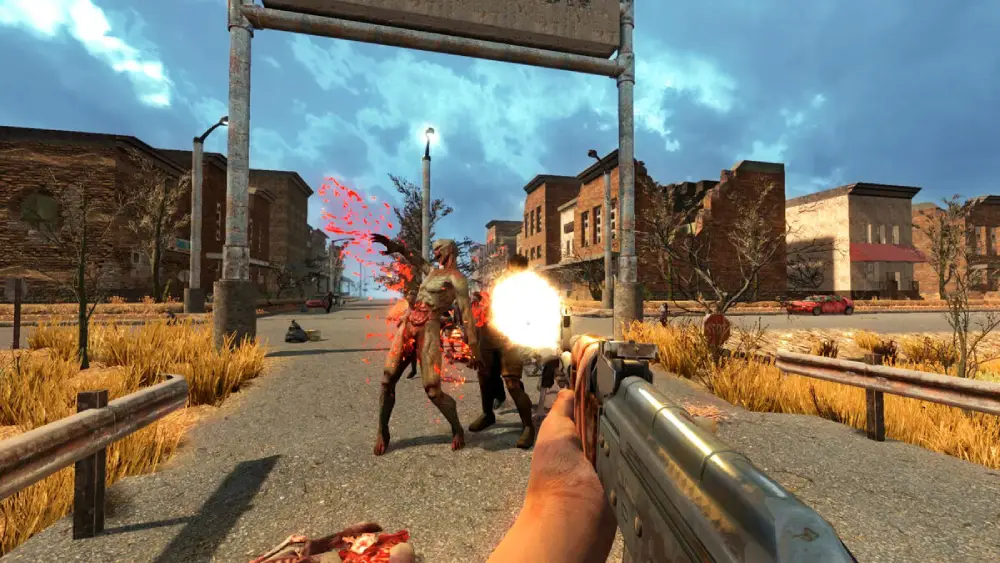
While 7 Days to Die crossplay runs smoothly on modern systems, a few common issues can arise. Understanding the causes — and applying the right fixes — ensures uninterrupted gameplay.
Common Problems and Fixes
- Can’t See Friend’s Server
- Ensure both players are using the same version and patch.
- Confirm that the server is certified for crossplay. Non-certified servers will not appear on console lists.
- Lag or Desync During Horde Nights
- This usually indicates host connection instability. Prefer dedicated servers over local hosting.
- Players connecting from different continents can improve routing using tools like ExitLag (see below).
- Console Player Cannot Join
- Verify that the server does not use mods. Modded worlds block cross-platform access.
- Restart both the console and the game to reset server cache.
- Frequent Disconnects or Rubberbanding
- Switch from Wi-Fi to a wired Ethernet connection.
- Avoid background downloads or streaming apps that consume bandwidth.
Beyond these technical aspects, always make sure all participants have the same crossplay-enabled settings. Mismatched updates or non-certified servers remain the most common cause of connection failure.
Optimizing Crossplay Performance with ExitLag
Cross-platform gaming depends heavily on connection quality. For smoother online sessions, many survivors use ExitLag, a network optimization tool designed to stabilize ping and prevent lag spikes.
How ExitLag Improves 7 Days to Die Crossplay:
- Multi-Path Routing: Sends data through the fastest available routes, minimizing delay between regions.
- Ping Stabilization: Keeps latency consistent even during peak hours.
- Reduced Packet Loss: Prevents disconnects and desyncs during massive Horde events.
- Better Cross-Region Play: Allows PC, Xbox, and PS5 users from different continents to cooperate seamlessly.
Moreover, ExitLag doesn’t affect single-player or LAN modes — it’s purely designed for online multiplayer optimization. Therefore, it’s ideal for survivors who frequently connect to distant servers or experience unpredictable routing.
Crossplay Gameplay and Strategy in 7 Days to Die
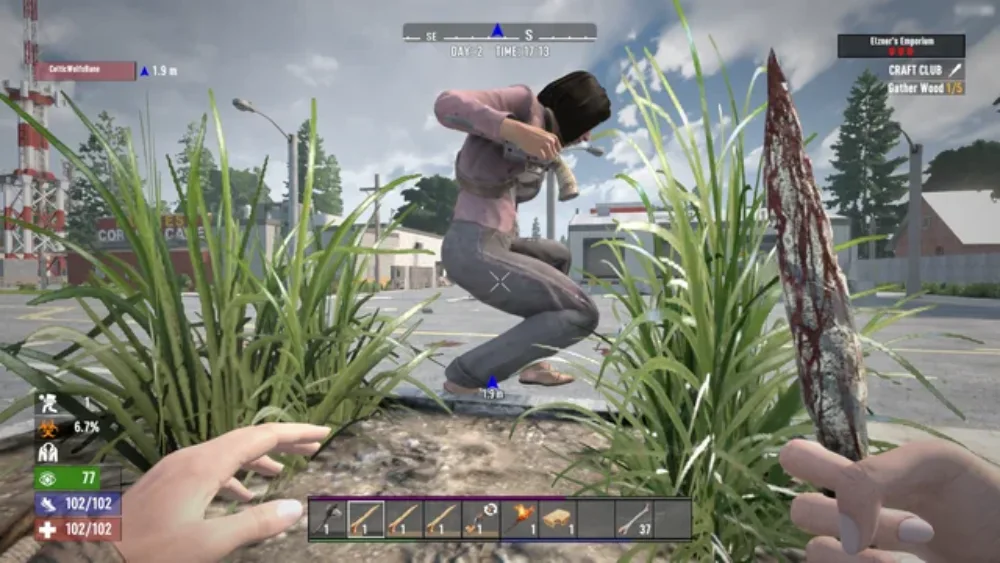
Cross-platform survival adds new layers of cooperation and challenge. With 7 Days to Die crossplay, players from different systems bring diverse skills and perspectives — PC players often handle precision tasks like base design or automation, while console players excel in exploration and teamwork.
How Crossplay Changes Multiplayer Dynamics
Crossplay allows survivors to build and fight side by side regardless of platform, creating more balanced and dynamic sessions.
- Shared Strengths: Each device offers unique advantages — PC’s mod familiarity and frame rate precision complement console accessibility and reliability.
- Team Composition: Assign roles for scavenging, crafting, or base defense to improve efficiency.
- Event Coordination: Community servers often host synchronized horde events, rewarding group strategy and preparation.
Moreover, dedicated servers synchronize player progression and loot, ensuring fairness between devices. By contrast, previous local sessions relied heavily on the host’s connection, which often caused lag or desync.
Tips to Maximize Crossplay Survival
Whether you’re new to 7 Days to Die crossplay or an experienced survivor, these practical tips ensure stability and teamwork:
- Use Vanilla Servers: Avoid modded setups when playing with console users.
- Keep Versions Synced: All players must run the same update to prevent joining errors.
- Coordinate Spawn Points: Use the spawn-near-friends feature to avoid isolation.
- Distribute Roles: Builders, fighters, scavengers, and farmers should balance resources.
- Optimize Settings: Lower visual effects on consoles for smoother frame rates.
Moreover, plan defenses based on your group’s strengths. Therefore, PC users can design advanced traps, while console allies manage melee or ranged support during Horde Nights.
FAQs — Everything About 7 Days to Die Crossplay
Before concluding, here are concise answers to the most searched questions about 7 Days to Die crossplay, crafted for featured snippet optimization.
Yes. Xbox Series X|S players can join PC users on the same servers starting with Version 1.2. Both private and dedicated servers support full crossplay.
Absolutely. PS5 players can connect with PC and Xbox users on certified servers, introduced in the December 2024 update.
No. Legacy PS4 editions are discontinued and cannot connect to cross-platform servers. Crossplay is exclusive to PS5, PC, and Xbox Series X|S.
No. Steam Workshop mods function only on PC. Consoles can join vanilla servers only, without custom modifications.
No. Crossplay works automatically when joining certified servers — there’s no toggle in the settings menu.
The Future of 7 Days to Die Crossplay
The arrival of 7 Days to Die crossplay marks a major step forward for survival gaming. After years of separation, survivors across PC, Xbox, and PS5 can now unite against the undead on equal terms.
For the best experience, use stable internet and tools like ExitLag to reduce ping and stabilize long-distance connections. Consequently, smoother gameplay ensures fewer interruptions and a greater chance of surviving each Horde Night.
In short, 7 Days to Die crossplay transforms the wasteland into a shared world — one where teamwork, communication, and optimization decide who lives to see another sunrise. Play smarter, survive longer, and thrive across every platform — powered by ExitLag.
Got questions or want to connect with other players? Join the conversation at the ExitLag Forum!