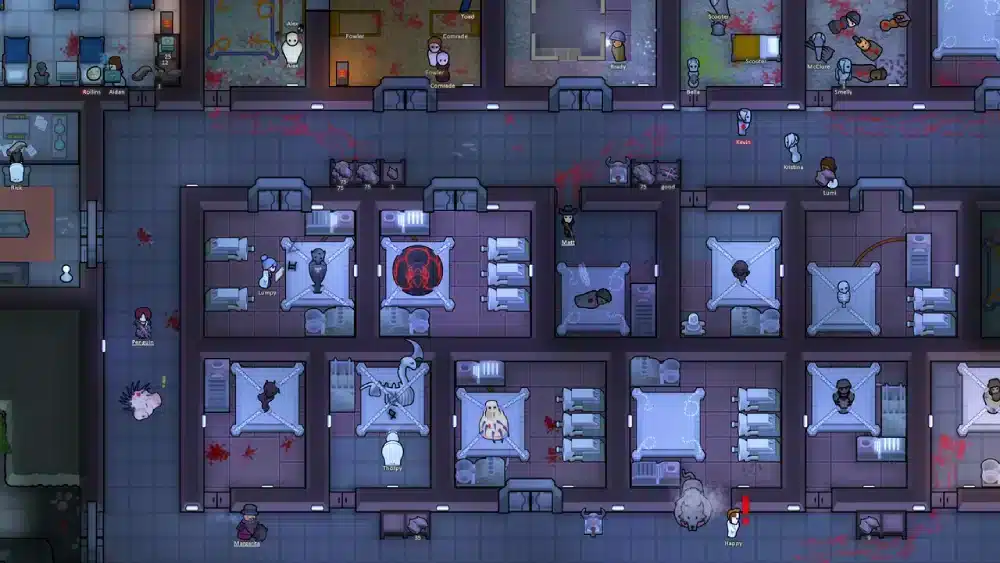
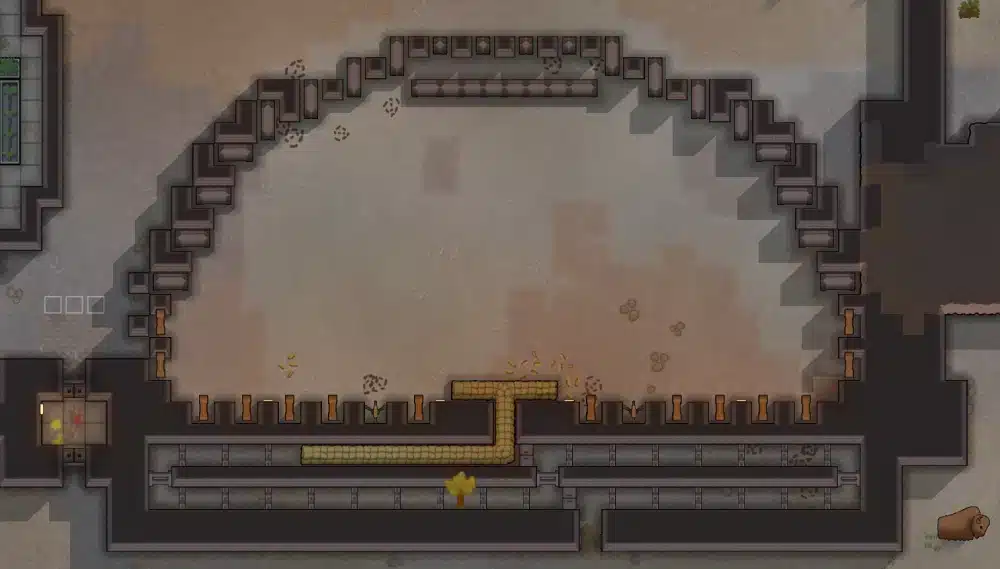
RimWorld cheats give players a way to reshape the colony simulator beyond its normal survival rules. Whether you want to recover a doomed settlement, test a killbox, spawn resources, debug a mod, or build a story scenario, RimWorld’s built-in tools and community mods can give you much more control over the game.
Defense testing is one of the best practical uses for RimWorld cheats, especially when you want to see whether your base survives raids before risking a real colony. ExitLag’s guide to RimWorld killbox defense layouts pairs naturally with cheat testing because you can spawn raids, adjust resources, and experiment with different entrances without destroying your main save.
RimWorld cheats are not a single official “cheat code” system like older games. Instead, most players use Developer Mode, God Mode, debug actions, save editing, or community-created mods. Each method has a different purpose, and some are much safer than others.
This guide explains how to enable Developer Mode, what commands and debug actions can do, which cheat mods are useful, when to avoid external tools, and how to keep your colony stable while using RimWorld cheat, cheats RimWorld, cheats for RimWorld, and RimWorld cheat mods responsibly.
What Are RimWorld Cheats?
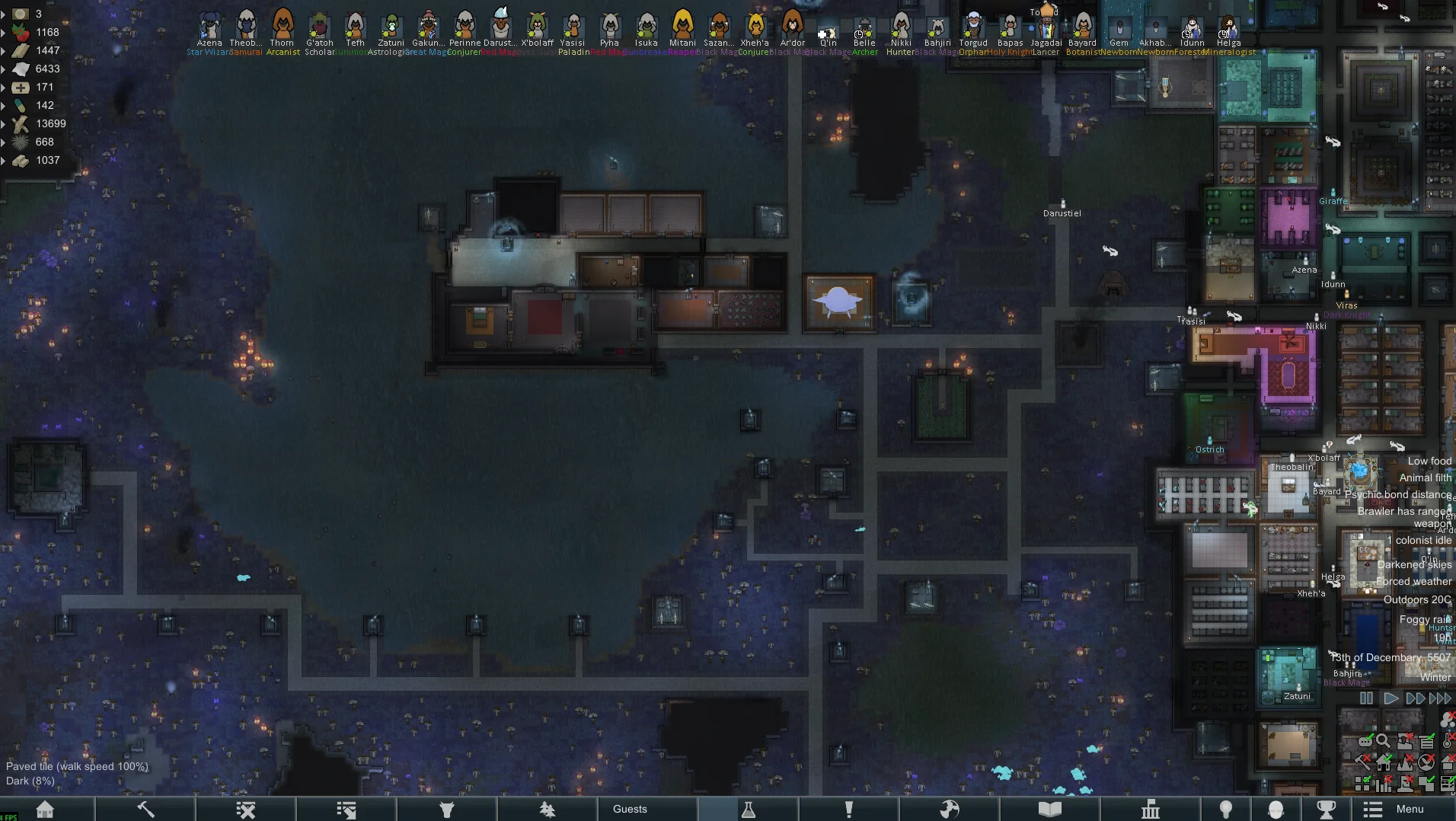
RimWorld cheats are tools that let you bypass, test, alter, or control normal gameplay systems. They can spawn items, trigger incidents, heal colonists, change weather, build instantly, modify pawns, or help diagnose mod conflicts.
Unlike games with typed cheat codes, RimWorld mainly uses a built-in Developer Mode. This menu was designed for debugging and testing, but many players use it as a cheat system because it gives access to powerful colony controls.
Developer Mode vs Cheat Codes
Developer Mode is the main way to access RimWorld cheats. Once enabled, it adds a toolbar to the top of the screen with debug menus, logs, inspection tools, God Mode, and command-style actions.
A traditional cheat code might look like a word or command typed into a console. RimWorld is different. You usually click through debug menus instead of typing a code.
Common uses include:
- Spawning steel, medicine, components, food, weapons, or apparel.
- Forcing a raid or trader event.
- Healing a pawn.
- Removing mental states.
- Testing pathfinding.
- Building without resources.
- Checking mod errors.
- Triggering quests or incidents.
This is why searches for RimWorld cheat and cheats for RimWorld often lead to Developer Mode guides rather than a list of secret keyboard codes.
Safe Cheats vs Risky Tools
Not all cheat methods are equal. Some are built into RimWorld. Others come from community mods. A few depend on external trainers or memory editors, which are riskier.
Use this table as a quick comparison:
| Cheat Method | Safety Level | Best Use |
| Developer Mode | High | Debugging, testing, spawning, fixing saves |
| God Mode | High | Instant building and base design |
| Community cheat mods | Medium | Better UI, pawn editing, setup control |
| Save editing | Medium to risky | Advanced corrections |
| External trainers | Risky | Unsupported memory changes |
| Random downloads | Very risky | Avoid them |
The safest path is to use built-in tools first, then carefully add trusted RimWorld cheat mods only when Developer Mode does not offer enough control.
How Do You Enable Cheats in RimWorld?
To enable cheats in RimWorld, open the Options menu and turn on Development Mode. This activates the top-screen debug toolbar, where you can access debug actions, logs, God Mode, and other testing tools.
This is the most important step for anyone searching cheats RimWorld because most in-game cheat behavior starts here. Once Developer Mode is active, you can use debug actions without installing a mod.
Step-by-Step Developer Mode Setup
Follow these steps:
- Open RimWorld.
- Load a colony or stay on the main menu.
- Open the Options menu.
- Find the Development Mode checkbox.
- Enable it.
- Return to your game.
- Look for the new toolbar at the top of the screen.
After that, you should see icons for debug tools. The most important ones are usually the Debug Actions Menu, God Mode, view settings, logs, and inspection tools.
Before using any major command, save your colony manually. Better yet, create a backup save. Some actions are easy to undo, but others can permanently change pawns, maps, quests, factions, or world state.
What the Debug Toolbar Includes
The debug toolbar can include several tools depending on version, DLC, and active mods:
| Tool | What It Does |
| Debug Actions Menu | Runs commands such as spawning, healing, incidents, quests, and map changes |
| God Mode | Allows instant construction and ignores normal material requirements |
| Debug Log | Shows errors, warnings, and mod issues |
| Inspector | Lets you inspect objects and pawns |
| View Settings | Shows overlays for pathing, rooms, terrain, beauty, temperature, and other systems |
| Tweak Values | Helps with testing and balancing values |
These are the foundation of RimWorld cheats. Learning them slowly is better than clicking random buttons, especially in a save you care about.
Are There Console Commands in RimWorld?
RimWorld does not use console commands in the same way as games with typed command lines. Instead, the game uses Developer Mode and the Debug Actions Menu. Players often call these “console commands,” but most are selected through menus rather than typed into a console.
This distinction matters because a player searching for RimWorld cheat commands may expect a text box. In practice, you enable Development Mode, open debug actions, search for the action you want, and click it.
Debug Actions Menu Explained
The Debug Actions Menu is where most practical cheats happen. You can search for actions, choose categories, and apply changes directly to the map, pawns, world, or colony.
Common debug actions include:
- Try place near thing.
- Spawn pawn.
- Trigger raid.
- Start incident.
- Set faction relation.
- Heal random injury.
- Restore body part.
- Add/remove hediff.
- Change weather.
- Finish research.
- Generate quest.
- Destroy object.
- Kill pawn.
Some actions require you to click a target. Others open a list. A few act immediately. That is why you should read the command name carefully before using it.
Common Commands Players Actually Use
Most players use RimWorld cheats for practical fixes, not total chaos.
Popular examples include:
| Goal | Useful Debug Action |
| Need steel | Spawn steel with Try place near thing |
| Test defense | Trigger a raid |
| Fix a colonist | Heal injury or remove condition |
| Recover from bug | Restore body part or remove broken state |
| Test modded weapons | Spawn specific item |
| Check base design | Enable God Mode and build instantly |
| Fix quest issue | Force or complete a quest action |
| Test storyteller pressure | Trigger incidents manually |
For a balanced run, use cheats for RimWorld as emergency tools. For sandbox storytelling, use them as creative controls.
Best RimWorld Cheats for Beginners
The best beginner RimWorld cheats are simple, reversible, and easy to understand. Do not start by changing world states, faction systems, or deep pawn data. Start with spawning resources, using God Mode, triggering controlled events, and healing clear injuries.
RimWorld has many expansions and systems, so cheats can interact differently depending on DLC and mods. If you are experimenting with content from Royalty, Ideology, Biotech, Anomaly, or Odyssey, ExitLag’s guide to RimWorld expansions and DLC differences can help you understand which systems may be affected by your debug testing.
Spawn Items and Resources
Spawning resources is one of the easiest ways to learn Developer Mode. It is useful when you want to test a build, recover from a bug, or create a custom scenario.
Common resources to spawn include:
- Steel.
- Wood.
- Components.
- Advanced components.
- Medicine.
- Packaged survival meals.
- Plasteel.
- Uranium.
- Weapons.
- Armor.
- Research materials.
- Building materials.
To keep the game fun, avoid spawning unlimited resources in a survival run unless you truly want a sandbox colony. Too much free material can remove the tension that makes RimWorld interesting.
Heal Pawns and Fix Accidents
Healing is another beginner-friendly use. You might use it when a bug breaks a pawn, when a mod causes an unfair condition, or when you want to preserve a story character for narrative reasons.
Useful healing actions may include:
- Heal injury.
- Restore body part.
- Remove hediff.
- End mental state.
- Resurrect pawn.
- Remove disease.
- Fix bleeding.
- Stabilize colonist.
Be careful with deep pawn edits. Changing genes, traits, passions, ideology roles, or health conditions can have unexpected effects, especially with DLC or mods active.
How to Use God Mode in RimWorld
God Mode is a Developer Mode feature that lets you build instantly and ignore many normal construction limits. It is one of the most powerful RimWorld cheats for base design, screenshots, testing, and creative play.
God Mode does not mean your colonists become immortal. It mainly gives you construction and placement control. Players who search cheats RimWorld often misunderstand this point, so it is worth being clear.
What God Mode Does
God Mode can help you:
- Build structures instantly.
- Place walls, floors, and furniture without waiting.
- Ignore material requirements.
- Create test bases quickly.
- Rebuild after bugs.
- Design screenshots or roleplay maps.
- Test room sizes.
- Test defense layouts.
- Create starting scenarios.
This is excellent for planning. For example, you can design a hospital, freezer, killbox, throne room, ideology temple, or spaceship layout before building it legitimately in another save.
What God Mode Does Not Do
God Mode does not automatically:
- Make pawns invincible.
- Max out skills.
- Remove mood breaks.
- Stop raids forever.
- Prevent disease.
- Give infinite food through normal systems.
- Make animals tame.
- Fix bad colony planning.
It is mainly a construction tool. For pawn changes, raids, weather, research, and items, use the Debug Actions Menu or RimWorld cheat mods.
What Are the Best RimWorld Cheat Mods?
The best RimWorld cheat mods are the ones that make testing, editing, and scenario creation easier without destroying your save. Popular options usually focus on pawn editing, starting setup, mod debugging, resource spawning, and quality-of-life control.
Mods can be powerful, but they must match your RimWorld version and DLC setup. A mod that worked perfectly in an older version may create errors after a major update.
For players managing the Steam version, ExitLag’s guide to RimWorld on Steam and Workshop basics can help connect cheat mod planning with installation, updates, and mod list management.
Character and Pawn Editing Mods
Pawn editors are among the most popular RimWorld cheat mods. They let you change colonists in ways that Developer Mode may not make convenient.
They can help with:
- Traits.
- Passions.
- Skills.
- Backstories.
- Health conditions.
- Body parts.
- Inventory.
- Appearance.
- Relationships.
- Xenotypes.
- Ideology roles.
- Starting characters.
These mods are useful for roleplay colonies, custom starts, content creation, and fixing pawns affected by bugs. However, do not overuse them in a challenge run unless you are comfortable removing part of the game’s randomness.
Scenario, Setup, and Utility Mods
Other cheat-style mods focus on setup and control. Some let you design starting colonists, choose gear, adjust map conditions, or create special scenarios.
Common use cases include:
- Starting with custom items.
- Creating themed colonies.
- Testing DLC systems.
- Running content creator scenarios.
- Debugging mod packs.
- Cleaning old save data.
- Creating cinematic events.
- Setting up challenge maps.
When using cheats for RimWorld through mods, read the description, update date, comments, dependencies, and compatibility notes. Never install a mod blindly into your main colony without a backup.
Are External RimWorld Cheat Tools Safe?
External RimWorld cheat tools are not the safest option. Trainers, memory editors, random executables, or unofficial downloads can create security risks, corrupt saves, or break your game.
Because RimWorld already has Developer Mode and a huge mod ecosystem, most players do not need external tools at all. Built-in debug actions and trusted Workshop mods are usually enough.
Why External Tools Are Risky
External tools may cause problems such as:
- Save corruption.
- Malware risk.
- Broken game files.
- Conflicts with Steam.
- False antivirus flags.
- Unstable memory edits.
- Version mismatch issues.
- Unexpected crashes.
- Lost progress.
RimWorld is a moddable single-player game, so there is little reason to risk unsafe downloads. If you need power, use Developer Mode. If you need a better interface, use trusted community mods.
Safer Alternatives
Safer alternatives include:
- Developer Mode.
- God Mode.
- Debug Actions Menu.
- Steam Workshop mods.
- Manual backup saves.
- Scenario editor options.
- Mod configuration menus.
- Testing colonies.
If someone offers a “one-click RimWorld cheat engine” from an unknown site, skip it. The safest RimWorld cheat system is already inside the game.
How ExitLag Fits Into a RimWorld Cheats Workflow
ExitLag does not add RimWorld cheats, unlock commands, spawn items, install mods, or change your colony simulation. RimWorld is primarily a single-player game, so most cheat usage is local and does not depend on ping.
However, ExitLag can still fit naturally into a broader gaming workflow. Many RimWorld players also play online games, use Steam, download Workshop content, join communities, or experiment with unofficial multiplayer mods. In those cases, connection stability may still matter outside the core vanilla RimWorld simulation.
What ExitLag Can Help With
ExitLag can help optimize connection routes for supported online games and may improve connection stability when routing issues affect gameplay. It is not a magic fix for RimWorld save errors or mod conflicts, but it can be useful for players who move between RimWorld and online titles.
In a RimWorld-adjacent workflow, connection stability can matter when you are:
- Updating games.
- Managing online libraries.
- Playing other supported online games after RimWorld.
- Joining voice chat while planning colonies.
- Using remote play setups.
- Testing unofficial multiplayer mod environments.
- Switching between single-player and multiplayer titles.
The key is to use honest expectations. ExitLag is a connection optimization tool, not a cheat tool.
What ExitLag Cannot Do
ExitLag cannot:
- Enable Developer Mode.
- Add debug commands.
- Fix broken mods.
- Repair corrupted saves.
- Reduce pawn pathfinding lag.
- Increase colony FPS.
- Make RimWorld multiplayer official.
- Guarantee smoother Workshop downloads.
- Replace save backups.
- Prevent mod incompatibilities.
Use ExitLag for connection optimization where it applies. Use RimWorld’s own tools for RimWorld cheats, Dev Mode, and save management.
How to Protect Saves When Using RimWorld Cheats
Protecting your saves is the most important rule when using RimWorld cheats. Debug tools are powerful, but power comes with risk. A single command can change pawn health, map state, faction relations, quest progression, or world data.
The safest approach is simple: never experiment on your only save.
Backup Before Major Changes
Before using major cheats, create a backup.
Good moments to back up include:
- Before enabling new mods.
- Before spawning large raids.
- Before changing faction relations.
- Before editing pawns.
- Before removing health conditions.
- Before using save editors.
- Before testing new DLC systems.
- Before changing map generation.
- Before combining many cheat mods.
A backup lets you experiment freely. If the colony breaks, reload and try again.
Keep a Test Colony
A test colony is one of the best habits for modded RimWorld. Instead of testing commands in your main colony, create a separate save made only for experiments.
Use it to test:
- New RimWorld cheat mods.
- Raid triggers.
- Weapon balance.
- Modded factions.
- Custom animals.
- Biotech genes.
- Anomaly entities.
- Odyssey travel systems.
- Base layouts.
- Killbox designs.
This keeps your main story safe while still giving you full creative freedom.
How to Use Cheats Without Ruining the Fun
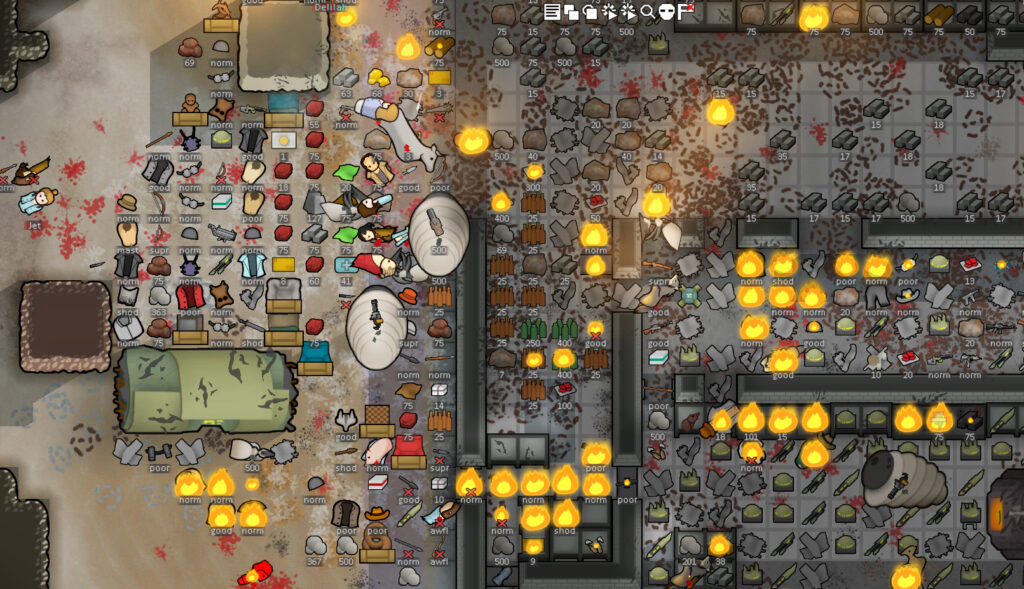
The best way to use RimWorld cheats is to decide your purpose before turning them on. Are you fixing a bug, testing a design, creating a story, or removing challenge? Each purpose leads to a different level of control.
RimWorld is a story generator, and sometimes failure is the story. If you cheat away every bad event, you may remove the emotional weight that makes the game memorable.
For official updates, game information, and franchise news, use the official RimWorld website as a reliable reference. It is especially useful when major patches or expansions change systems that may affect your mods and debug workflow.
Good Reasons to Use Cheats
Good reasons include:
- Fixing a bug.
- Recovering from mod errors.
- Testing a base design.
- Creating a custom scenario.
- Staging a content creator event.
- Learning game systems.
- Testing DLC mechanics.
- Debugging mod conflicts.
- Saving a story-critical pawn.
- Rebuilding after a technical issue.
These uses can make the game better without removing all tension.
Risky Reasons to Use Cheats
Risky reasons include:
- Avoiding every consequence.
- Spawning endless wealth.
- Removing every raid.
- Maxing every pawn instantly.
- Ignoring food, mood, and medicine forever.
- Fixing every mistake immediately.
- Making every run identical.
- Installing too many cheat mods at once.
If every problem disappears, RimWorld can become less interesting. A balanced approach keeps the sandbox fun.
How to Buy, Update, and Mod RimWorld Safely
If you are new to RimWorld, it is worth using official store pages and trusted platforms. RimWorld has years of updates, DLC, and Workshop support, so starting from a clean and legitimate installation makes modding much easier.
You can review the RimWorld Steam store page for the base game, DLC, community hub, and Workshop access. Steam is especially convenient for players who want RimWorld cheat mods because Workshop subscriptions make installation and updates easier to manage.
Keep Mods Updated
RimWorld mods depend heavily on version compatibility. After major updates, some mods may break until authors update them.
Use these habits:
- Check the mod’s supported version.
- Read recent comments.
- Review required dependencies.
- Load libraries before dependent mods.
- Avoid duplicate mods with similar functions.
- Disable old mods before major updates.
- Test new mod lists in a separate colony.
- Keep a copy of your save before changing mod order.
This matters even more with cheat mods, because they often modify deep systems.
Know When to Play Vanilla
Sometimes the best way to understand RimWorld cheats is to play vanilla first. If you know how the base game works, you can tell whether a mod is fixing a problem or creating one.
Vanilla experience helps you understand:
- Normal raid pacing.
- Resource scarcity.
- Mood management.
- Injury consequences.
- Wealth scaling.
- Research timing.
- Pawn priorities.
- Storyteller behavior.
Once you understand the baseline, cheats RimWorld tools become more useful because you know what you are changing.
FAQ
Below are common questions about RimWorld cheats, Developer Mode, debug actions, cheat mods, and safe save management.
How do you enable RimWorld cheats?
Enable Development Mode in the Options menu. Once active, the debug toolbar appears at the top of the screen and gives access to debug actions, God Mode, logs, and inspection tools.
Does RimWorld have cheat codes?
RimWorld does not mainly use typed cheat codes. Most “commands” are accessed through Developer Mode menus rather than a traditional console command box.
What is the best RimWorld cheat?
The best RimWorld cheat for most players is Developer Mode because it is built into the game, flexible, and safer than external tools.
What are the best cheats for RimWorld beginners?
The best beginner cheats are spawning small resources, using God Mode for base planning, healing clear injuries, and triggering controlled raids in a test save.
Are RimWorld cheat mods safe?
RimWorld cheat mods can be safe if they are trusted, updated, compatible with your version, and tested in a backup save. They can be risky if outdated or installed into a large mod list without testing.
Can cheats corrupt a RimWorld save?
Yes, some cheats can damage or destabilize a save, especially if they change quests, factions, health conditions, world states, or modded systems. Always back up important colonies.
Does God Mode make colonists invincible?
No. God Mode mainly affects building and placement. It does not automatically make pawns immortal or max out their skills.
Can I spawn items in RimWorld?
Yes. With Developer Mode enabled, you can use debug actions to spawn items, resources, pawns, weapons, apparel, animals, and other objects.
Should I use external cheat tools for RimWorld?
Usually no. External tools are riskier than Developer Mode or trusted mods. They may corrupt saves, create security risks, or break compatibility.
Does ExitLag add cheats to RimWorld?
No. ExitLag does not add RimWorld cheats or modify game files. It can help optimize connection routes for supported online games, but RimWorld cheats come from Developer Mode, debug tools, or mods.
Final Thoughts
RimWorld cheats are best understood as a toolbox. Developer Mode, God Mode, debug actions, and trusted mods can help you test defenses, fix bugs, build stories, spawn items, and understand the game’s systems more deeply. Used carefully, they can make RimWorld more creative without destroying what makes it compelling.
The key is restraint. Back up saves, test mods separately, avoid random external tools, and decide why you are cheating before you begin. A colony where nothing can go wrong may become boring, but a colony where you use tools to support better stories can become unforgettable.
Use official sources, trusted Workshop mods, and safe testing habits. Then, when you move from colony management to online games, try ExitLag to help optimize your connection routes where supported. With the right setup, RimWorld cheats can become a smart creative tool instead of a shortcut that ruins the story.
All game images used in this article belong to their respective owners. They are used for informational and educational purposes only and do not imply endorsement or affiliation with the rights holders.