Understanding roblox age recommendations is essential for parents, guardians, and players who want to enjoy the platform safely. As one of the most popular gaming ecosystems in the world, Roblox attracts millions of users daily, ranging from young children to teenagers and adults.
Many families research roblox age guidelines before allowing children to create an account. While Roblox offers numerous safety features and parental controls, understanding how age ratings work can help parents make informed decisions about their child’s online experience. And before we continue, know that to know more about all the relevant content about gaming, you just have to check our blog.
What is roblox and why age matters
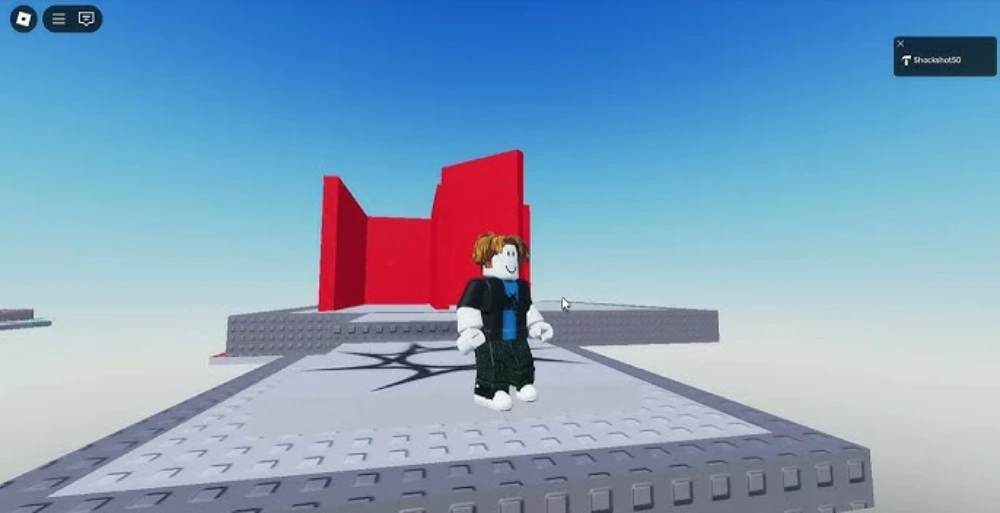
Before exploring specific ratings and restrictions said at the official Roblox page, it’s important to understand roblox age recommendations, how the platform operates, and why safety remains a major topic among both players and parents.
For parents unfamiliar with the platform, understanding what is roblox often becomes the first step toward evaluating whether it’s appropriate for their children.
Roblox is not a single game. Instead, it is an online platform that allows users to create, share, and play millions of different experiences created by the community.
Understanding the Roblox platform
Unlike traditional games that offer a single experience, Roblox hosts countless user-generated worlds.
Players can enjoy:
- Adventure games
- Simulators
- Roleplay experiences
- Racing games
- Educational activities
- Creative building experiences
Because of this variety, content can differ significantly between experiences.
Some games are designed specifically for younger audiences, while others target older players with more complex themes and mechanics.
Why parents ask about Roblox age
Parents frequently ask questions about age recommendations because Roblox relies heavily on user-generated content.
While Roblox actively moderates the platform, the diversity of experiences means content maturity levels can vary.
Common concerns include:
- Online interactions
- Chat functionality
- User-created content
- Privacy protection
- Screen time management
Therefore, understanding Roblox’s age systems is extremely important.
Roblox age rating explained
One of the most common questions families ask involves the official roblox age rating.
The answer varies slightly depending on the region and rating organization responsible for evaluating online content.
ESRB rating for Roblox
In the United States, Roblox generally carries an ESRB rating of E10+.
This means the platform is considered appropriate for players aged 10 and older.
The rating reflects factors such as:
- Mild fantasy violence
- User-generated content
- Online interactions
- Social features
However, because content changes constantly, parental supervision remains important.
PEGI and international ratings
Outside the United States, ratings may differ.
Several international organizations evaluate Roblox according to regional standards.
Examples include:
- PEGI in Europe
- ClassInd in Brazil
- USK in Germany
- ACB in Australia
As a result, the official roblox age rating may appear slightly different depending on location.
Why ratings vary by country
Different countries use unique evaluation criteria when reviewing games and online platforms.
Some organizations focus heavily on online interactions, while others prioritize content themes and user-generated experiences.
Even though ratings vary, most agencies agree that parental involvement remains beneficial for younger users.
This consistency highlights the importance of understanding both ratings and platform features.
Check this: How to Download and Use Roblox via Microsoft
Is roblox safe for kids?
One of the most searched questions online is: is roblox safe for kids?
The answer depends largely on how accounts are configured and supervised.
Fortunately, Roblox has invested heavily in safety tools designed to protect younger players.
Roblox safety systems
Roblox continuously develops systems that help create a safer environment for users.
These include:
- Automated moderation
- Human review teams
- Content filtering systems
- Privacy controls
- Account restrictions
Because of these efforts, inappropriate content is often removed quickly when identified.
Chat filters and moderation
Communication is one area where Roblox applies significant safeguards.
For younger users, chat filters automatically block inappropriate language, personal information, and suspicious behavior.
These protections help reduce exposure to unwanted interactions.
At the same time, Roblox encourages users to report inappropriate conduct whenever necessary.
Content maturity labels
Another important safety feature involves content maturity classifications.
Roblox uses experience labels to help users understand the intended audience for specific games.
These labels generally reflect factors such as:
- Violence
- Fear elements
- User interactions
- Language
- Thematic content
As a result, parents can make better decisions about which experiences are suitable.
Read also: What is Peroxide in Roblox?
How Roblox protects younger players
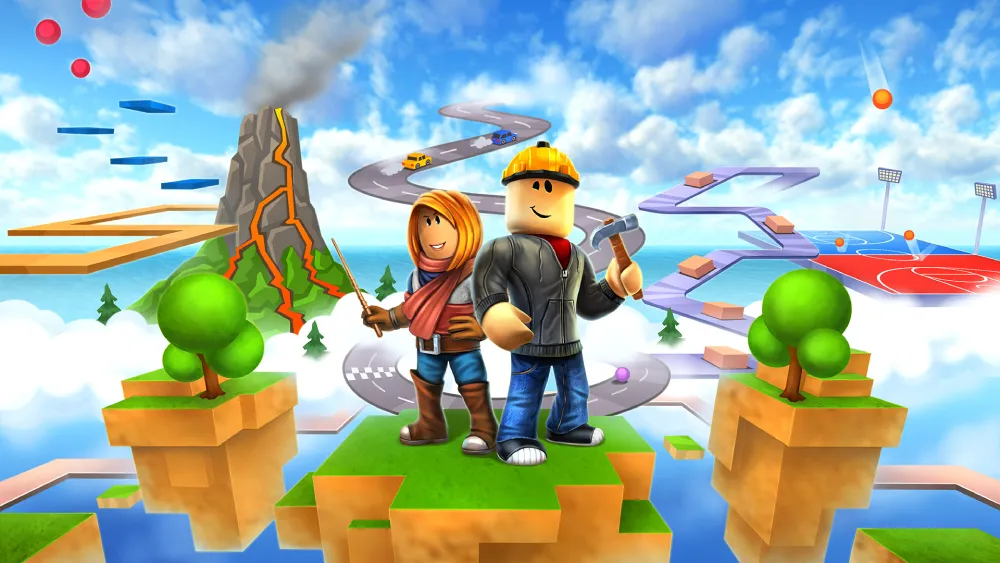
Safety on Roblox extends beyond moderation alone.
The platform includes several account-level protections specifically designed for younger users.
These tools help families manage access, communication, and privacy settings more effectively.
Age-based account restrictions
When a user enters their correct birth date during registration, Roblox automatically applies age-appropriate protections.
These restrictions may affect:
- Chat permissions
- Content visibility
- Friend requests
- Communication settings
- Experience recommendations
Because of this automation, younger users receive additional safeguards by default.
Privacy and communication settings
Parents can further customize privacy controls according to their preferences.
Options include limiting communication to:
- Friends only
- Approved contacts
- No one
These settings provide greater control over social interactions.
For many families, this flexibility represents one of Roblox’s most valuable safety features.
Account security features
Security also plays a major role in protecting younger players.
Roblox provides several tools that help prevent unauthorized access.
Recommended settings include:
- Enable two-step verification.
- Use strong passwords.
- Add a parent email address.
- Activate account restrictions.
- Monitor account activity regularly.
Together, these features create a safer environment for both children and parents.
While understanding ratings, restrictions, and safety systems is essential, gameplay quality also matters. Once accounts are properly configured, players can improve their overall Roblox experience with ExitLag. By optimizing network routes, reducing latency, and improving connection stability, ExitLag helps create smoother gameplay sessions for users of all ages while exploring the vast world of what is roblox, evaluating roblox reviews, understanding the roblox age rating, and determining whether is roblox safe for kids.
ExitLag can drastically improve your gameplay for an accessible price. To know more, check our pricing page.
Roblox parental controls and age restrictions
While Roblox provides built-in safety systems, parental controls remain one of the most effective ways to create a secure environment for younger players. These tools allow parents to customize account settings based on a child’s age and maturity level.
As a result, families can tailor the platform to match their comfort level while still allowing children to enjoy Roblox’s creative and social experiences.
Setting up parental controls
Roblox offers a dedicated parental controls section that helps adults manage account activity.
Parents can configure:
- Account restrictions
- Privacy settings
- Content visibility
- Communication permissions
- Security preferences
These tools are particularly useful for younger children who are still learning how to navigate online environments safely.
Managing communication permissions
Communication settings play a major role in online safety.
Parents can determine who can contact their child through messages, chat features, and friend requests.
Available options include:
- Everyone
- Friends only
- No one
Because of that, families have significant control over social interactions on the platform.
Limiting access to experiences
Not every Roblox experience is intended for the same audience.
Fortunately, Roblox uses content maturity labels to help parents determine which games are appropriate.
Younger players can be restricted to experiences with lower maturity ratings, reducing exposure to content that may not align with their age group.
This feature provides an additional layer of protection without limiting access to the platform entirely.
Check this: Everything You Should Know About the Roblox Company
Roblox reviews from parents and players
When researching Roblox, many families turn to roblox reviews to better understand the platform’s strengths and potential concerns.
Opinions vary, but several common themes consistently appear across user feedback.
Positive feedback about Roblox
Many players and parents praise Roblox for its creativity and educational value.
Some of the most frequently mentioned benefits include:
- Encourages creativity
- Promotes problem-solving
- Supports social interaction
- Offers a wide variety of experiences
- Allows users to learn game development
In other words, Roblox can be much more than a gaming platform when used responsibly.
Common concerns from parents
Despite its popularity, some parents express concerns regarding online interactions and user-generated content.
The most common issues include:
- Excessive screen time
- Stranger interactions
- In-app purchases
- Exposure to inappropriate content
- Account security
However, most of these concerns can be addressed through proper supervision and safety settings.
Balancing safety and creativity
One of Roblox’s biggest strengths is its ability to combine creativity with entertainment.
Parents who actively participate in their children’s gaming habits often report more positive experiences overall.
For example, reviewing games together and discussing online safety can significantly reduce potential risks.
At the same time, children gain access to a platform that encourages imagination and learning.
Read this: How to Reset Your Roblox Password Safely
How parents can make Roblox safer
Even with strong moderation systems, parental involvement remains the most important safety factor.
Fortunately, there are several simple strategies families can use to improve the overall experience.
Monitoring gameplay
Regular supervision helps parents understand what their children are doing online.
This doesn’t necessarily require constant observation.
Instead, parents can:
- Review recently played games
- Check friend lists
- Discuss favorite experiences
- Monitor playtime habits
These conversations help build trust while encouraging responsible online behavior.
Teaching online safety
Technical safeguards are important, but education remains equally valuable.
Children should learn basic internet safety principles early.
Important topics include:
- Never share personal information.
- Avoid suspicious links.
- Report inappropriate behavior.
- Use strong passwords.
- Ask an adult for help when needed.
These lessons benefit children far beyond Roblox.
Recommended settings by age group
Different age groups often require different levels of supervision.
A general approach may include:
| Age Group | Recommended Supervision |
| Under 9 | High supervision and strict restrictions |
| 9–12 | Active monitoring and limited communication |
| 13–15 | Moderate supervision with safety discussions |
| 16+ | Greater independence with security guidance |
Above all, every child is different, and settings should reflect individual maturity levels.
Check also: Roblox Project FL2 Guide: Clans, Powers, and Pro Tips to Win More Fights
Roblox age ratings by region
Understanding regional ratings helps parents make more informed decisions regarding platform access.
| Region | Rating System | Roblox Age Rating |
| United States | ESRB | E10+ |
| Europe | PEGI | 7 or 12 |
| United Kingdom | PEGI | 7 or 12 |
| Brazil | ClassInd | 10+ |
| Germany | USK | 12 |
Although ratings differ slightly, all systems encourage parental involvement when younger children use online platforms.
Frequently asked questions (FAQ)
The most commonly referenced recommendation comes from the ESRB rating of E10+, suggesting Roblox is generally appropriate for players aged 10 and older.
However, younger children can safely use the platform when parental controls and supervision are properly configured.
Many parents ask whether is roblox safe for kids under the age of 10.
The answer depends on account settings, parental involvement, and the specific experiences being played. Roblox provides numerous tools designed to protect younger users, but active supervision remains important.
The official roblox age rating varies depending on the country and rating organization.
Most regions classify Roblox as suitable for children around ages 10 to 12, though exact recommendations differ slightly.
Because Roblox hosts user-generated content, parental review remains highly recommended.
Yes. Roblox offers comprehensive parental controls that allow adults to manage privacy settings, communication permissions, content access, and account security.
These features help families customize the platform according to their specific needs.
Yes. ExitLag helps optimize network traffic, reducing latency, packet loss, and connection instability.
For Roblox players, this can result in smoother gameplay, faster response times, and a more enjoyable experience across thousands of online experiences. You should check more games compatible with ExitLag at our official games page.
In conclusion
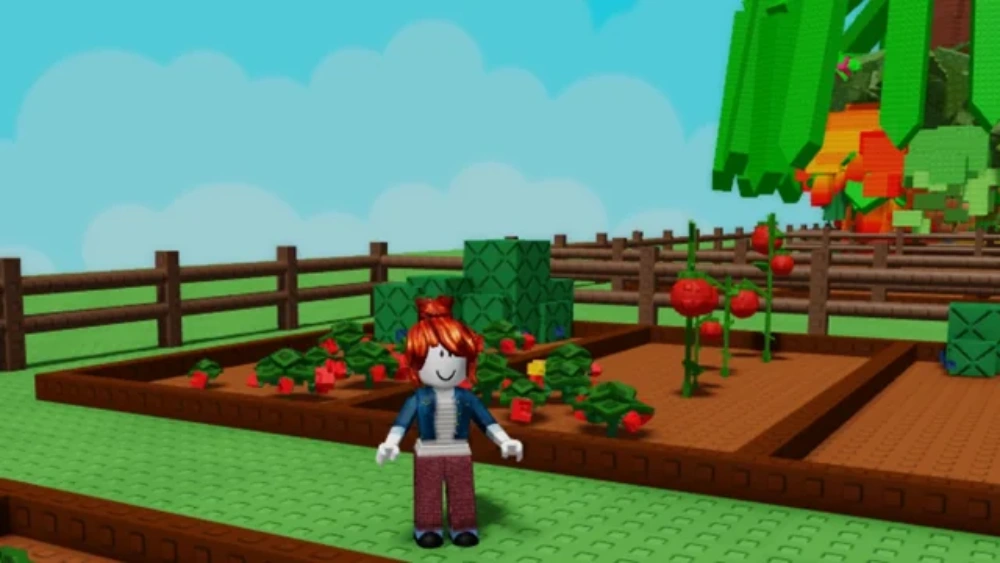
Understanding roblox age recommendations, safety systems, and parental controls helps families make informed decisions about the platform. While Roblox offers extensive protections for younger users, active parental involvement remains the most effective way to ensure a positive experience. By combining supervision, appropriate account settings, and ongoing conversations about online safety, parents can help children enjoy Roblox responsibly.
At the same time, tools like ExitLag can improve performance by reducing lag and providing a smoother connection while exploring everything the platform has to offer. Whether you’re researching what is roblox, reading roblox reviews, evaluating the roblox age rating, or asking if is roblox safe for kids, understanding roblox age guidelines is the key to a safer and more enjoyable experience. Download ExitLag now!
Got questions or want to connect with other players? Join the conversation at the ExitLag Forum!