Roblox cards are one of the simplest ways to add value to your account without linking a payment method directly. Whether you want Robux for cosmetics and game passes, or you’re buying a gift for someone else, Roblox cards give you a straightforward path from “I want Robux” to “I have balance ready to spend.”
Buying Robux is only half the experience if your sessions still stutter once you log in. If you’re already spending on Roblox, it’s worth understanding why FPS drops happen in Roblox and how to reduce them so your gameplay feels as smooth as your checkout flow.
In practice, Roblox cards work like a bridge between real-world money and in-platform purchases, with the bonus that you can buy them in stores, online, or as digital codes. They’re also popular because they reduce checkout friction and help you control spending.
If you’re here for specifics—where to buy, how to redeem, what to avoid, and how to spot real promotions—this guide walks you through the entire process step by step, with practical tips you can actually use today. Along the way, you’ll also see how Roblox gift cards, where to buy Robux, redeem cards, Roblox prepaid, and card deals fit into the same ecosystem.
What Roblox cards actually give you (and what they don’t)
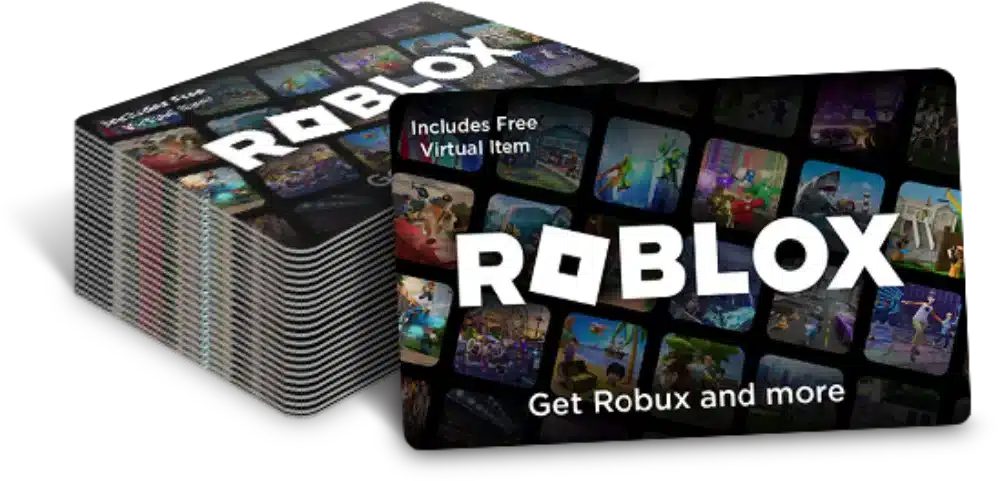
At a high level, Roblox cards convert into Roblox Credit on your account, which you can then use to buy Robux, Premium, or marketplace items depending on your region and the available options at redemption. Roblox’s official instructions emphasize that redemption happens on a web browser at the dedicated redeem page.
There are a few important implications:
- You typically redeem in a browser, not inside the mobile app or console interface.
- Once redeemed, the value sits on your account as credit you can spend.
- The “best” choice depends on whether you want one-time Robux, recurring perks, or a controlled spending method.
Common types you’ll see
Most players run into these formats:
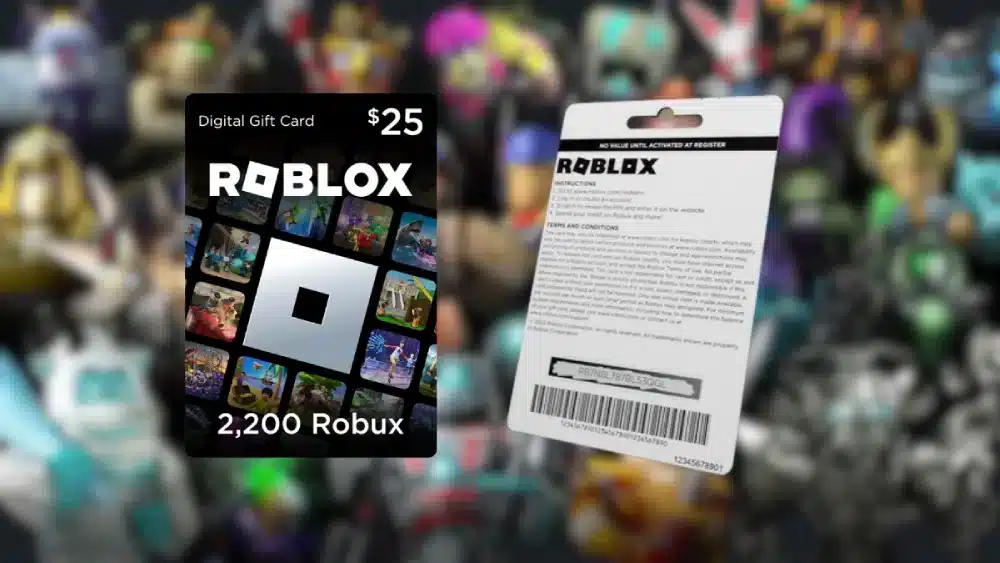
- Physical cards (scratch-off code/PIN on the back)
- Digital codes (delivered by email or shown at checkout)
- Retail-specific cards that may include a bonus virtual item when redeemed (varies by region and promotion)
Roblox also publishes retailer pages and regional availability information, which is useful when you want to avoid suspicious third-party resellers.
Where can you buy Roblox cards safely online and in-store?
When people search “where to buy Roblox cards,” what they usually mean is: where can I buy a legit code with zero risk of getting scammed or receiving a used PIN? The safest approach is to stick to Roblox’s official retailer lists and well-known stores.
Roblox’s support documentation notes you can buy cards at local retailers and in many countries via online stores, depending on availability.
Online options can be safe—if you pick the right seller
Buying online is convenient, especially for digital delivery. But “online” can also mean “marketplace listings,” which can be risky if you don’t verify who the seller is.
A good rule:
- Prefer first-party listings (sold and shipped by the retailer) or official digital codes.
- Avoid “too good to be true” discounts from unknown sellers.
Even major listings often reiterate the same rule: these codes are redeemed on Roblox’s official redeem page and not directly inside the app/console flow.
In-store is still one of the best options
In-store purchases are usually the most predictable: you pay, you get the card, you redeem. If you’re gifting, physical cards are also just easier.
Here’s a quick “safe buyer” checklist:
- Check the packaging isn’t tampered with
- Keep the receipt until redemption is complete
- Redeem immediately if possible (or store it securely)
Trusted online retailers (digital + shipped physical)
If you want convenience, these are common, practical routes:
- Official Roblox gift card pages and retailer pages (best starting point).
- Large retailers’ online stores (digital codes or shipped cards), as long as you’re buying from reputable sellers.
Start with Roblox’s own store page so you can compare formats and avoid reseller confusion. The official Roblox gift cards page is the safest reference for current options, redemption guidance, and retailer links.
Tip: if you’re shopping specifically for card deals, compare “final cost” (including fees/taxes) and delivery time, not just the headline discount.
Trusted in-store retailers (fastest “buy → redeem” flow)
In-store tends to be ideal when:
- You want the card today
- You’re gifting
- You don’t want any delivery risk
Roblox’s own retailer lists are the safest reference point for where availability is official and region-supported.
How do you redeem Roblox cards without errors?
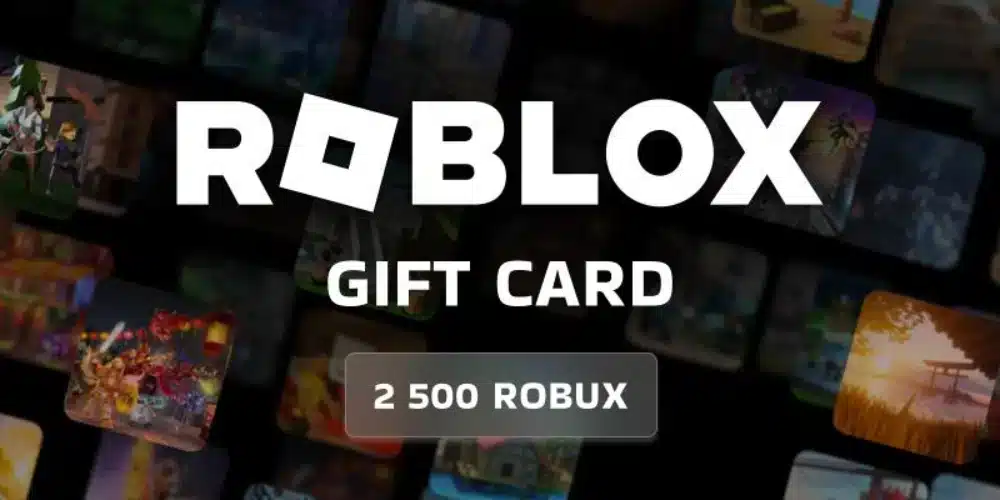
Redeeming is easy—until it isn’t. Most redemption problems happen for predictable reasons: typing errors, trying to redeem in the wrong place (inside the app), or using a code that was already redeemed.
Roblox’s official steps are clear: go to the redeem page in a browser, log in, enter the code, and confirm. Roblox also explicitly states that gift card redemption is web-browser only, not inside the mobile app or consoles.
Before you start, have these ready:
- Your Roblox login
- The full code/PIN
- A stable connection (so the page doesn’t time out mid-submit)
The basic redemption flow (works for most people)
- Open the official redemption page in a browser.
- Log in (or create an account).
- Enter the code carefully and submit.
- Confirm you see the success message.
If you’re unsure whether it worked, Roblox also references using the redeem page to check balance.
Redeeming on desktop (recommended)
Desktop browser redemption is the smoothest path because:
- You can copy/paste more easily
- You avoid mobile app limitations
- You reduce the chance of losing your place while switching apps
If you redeem on a desktop browser, take 10 seconds to double-check:
- You’re logged into the correct account
- The code is fully visible (no scratched-off characters missing)
- The page URL is the official redeem domain
Redeeming from mobile or console (what actually works)
Here’s the key point: you can use your phone, but redemption still needs to happen in a browser, not in the Roblox app UI. On consoles, it’s the same story: use a web browser.
Practical workaround:
- Open a mobile browser (Chrome/Safari)
- Go to the redeem page
- Log in, then redeem
Roblox cards vs. buying Robux directly: what’s the better value?
This is where the conversation gets interesting. “Better” can mean different things:
- Better price per Robux
- Better spending control
- Better safety (especially for parents or gifting)
- Better flexibility (credit you can choose how to use)
In late 2024, multiple outlets reported Roblox adjusted incentives so that buying outside app stores can deliver more value (for example, web or gift-card related routes versus in-app purchases). That kind of pricing strategy can affect what “best deal” means in real life.
Quick comparison table
| Method | Best for | Pros | Cons |
| Roblox cards (physical/digital) | Gifts + budgeting | Easy gifting, no card on account, flexible credit | Must redeem in browser |
| Web purchase | Value-seeking buyers | Often better value than in-app (varies) | Requires web checkout |
| In-app purchase | Convenience | Fastest inside the app | Can be worse value vs web routes |
| Premium subscription | Frequent players | Ongoing benefits + monthly Robux | Recurring billing commitment |
When Roblox cards are the smarter move
Choose Roblox cards if you want:
- A clean gifting method
- A spending limit (especially for younger players)
- A way to avoid saving payment details
They’re also great when you find legitimate promos or bonus-item bundles from official retailers.
When direct purchase is better
Buying directly can be fine if:
- You need Robux immediately
- You’re not worried about budgeting
- You’re on a platform route that offers competitive value
But if your goal is card deals, Roblox cards give you more opportunities to compare retailers and time your purchase.
Best deals: how to stretch your Roblox card value
The phrase “best deals” usually hides three different goals:
- Pay less for the same face value
- Get bonus items/perks on redemption
- Avoid paying more through a worse-value purchasing route
To maximize value, focus on legit discounts and avoid shady listings. Roblox provides official guidance on where to find gift cards, which is your first line of defense.
Practical deal strategies that actually work
- Watch seasonal promotions (back-to-school, holidays, major retail events)
- Bundle perks: some cards include extra virtual items (varies by promotion/region)
- Compare “web vs in-app” value if you’re primarily trying to optimize how much Robux you get for your money
- Avoid third-party resellers unless they are explicitly authorized
Common “deal traps” to avoid
- Deep discounts from unknown sellers
- Marketplace listings with no clear seller accountability
- “Free Robux” claims (often scams)
There’s a long history of scams targeting popular games, so “too good to be true” should be treated as a red flag—especially when the pitch is “free currency” or “unlimited Robux.”
ExitLag for Roblox: smoother gameplay after you redeem
Let’s connect the dots: Roblox cards help you buy Robux or Premium, but they don’t help if your gameplay experience is being wrecked by lag, jitter, or unstable routing—especially in competitive or timing-sensitive experiences.
That’s where ExitLag fits in. ExitLag is designed to optimize your connection route to game servers, which can reduce ping spikes and improve stability. ExitLag’s own Roblox-related guides walk through installation and game selection steps, and they focus on practical network improvements for a smoother session.
A lot of players call every lag issue “ping,” but packet loss is a different problem and it can feel worse in motion. This guide on packet loss in Roblox and how to troubleshoot it helps you identify the issue before you start changing random settings.
What ExitLag helps with (in Roblox terms)
If you’re dealing with:
- Random ping spikes during busy server moments
- Jitter that makes movement feel inconsistent
- Packet loss that causes stutters
…ExitLag’s routing optimization can be a strong solution, especially when your default ISP route is inefficient.
When you’ll feel the biggest difference
ExitLag tends to shine when:
- You’re far from the server region
- Your ISP routing is inconsistent at peak hours
- Your connection is “fine most of the time” but unpredictable during matches
If you’ve ever thought “my internet is good, why is Roblox still lagging?”, that’s often a routing issue, not raw speed. ExitLag’s troubleshooting content for Roblox performance issues focuses on exactly that: stability, not just bandwidth.
If your problem is specifically delay or spikes, check the symptom directly instead of treating everything as the same kind of lag. This breakdown of high ping in Roblox and what usually causes it is a good next step when your connection looks fine on paper but feels unstable in-game.
How to set up ExitLag for Roblox (quick path)
A practical setup flow looks like this:
- Download and install ExitLag.
- Open it and search for Roblox.
- Select Roblox and apply the route optimization.
- Launch Roblox and test in the experience you play most.
ExitLag’s Roblox high ping guide describes this “search Roblox → select game” approach directly.
FAQ
Do Roblox cards expire?
Roblox’s gift card terms state that cards do not expire and that there are no inactivity or maintenance fees (details can vary by region/terms page).
Can I redeem Roblox cards in the mobile app?
Roblox says gift cards can only be redeemed on a web browser, not inside the mobile app.
Can I redeem on a console?
Roblox also says redemption is web-browser only, which means not directly through console UI redemption flows.
What should I do if my code doesn’t work?
First, re-check characters (O vs 0, I vs 1). Then confirm you’re redeeming on the official page and logged into the correct account. Roblox’s redemption guide emphasizes using the browser redeem flow and looking for the success confirmation.
Are “cheap Robux codes” from random sites safe?
If it’s not an authorized retailer, it’s risky. Stick to official retailer guidance and avoid “free Robux” or extreme discount claims, which are common scam patterns.
Final checklist: buy smart, redeem clean, play smoother
If you’re setting this up for the first time—or gifting someone who is—keep the platform’s main page handy too. The official Roblox website is the cleanest starting point for logging in, checking account access, and making sure you redeem on the right account before spending credit.
To get the best experience from Roblox cards, keep it simple: buy from trusted retailers, redeem only through the official browser page, and treat suspicious “deals” as a red flag. If your goal is better value, it’s also worth comparing routes like web or gift-card purchases versus in-app options, since Roblox has used incentives that can change the value math depending on platform.
And if you’ve redeemed successfully but your sessions are still getting hit by lag spikes or jitter, don’t ignore the connection side of the problem—ExitLag can help stabilize routing so the gameplay matches what you paid for.
If you want smoother matches and fewer spikes, try ExitLag and then check our Roblox performance guides to dial in your setup—your Roblox cards deserve a connection that doesn’t waste them.