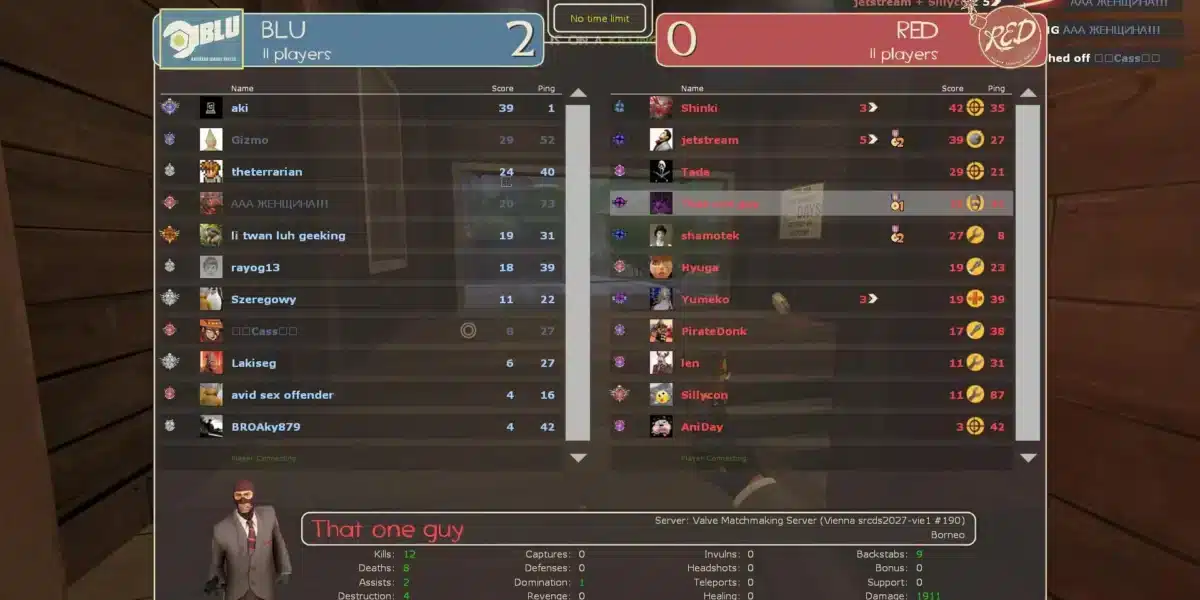
Team Fortress 2 mods are one of the main reasons why TF2 remains relevant and widely played years after its original release. While official updates from Valve have slowed down over time, the community has continuously stepped in to expand, refine, and reinvent the game experience through creative modding.
From simple visual tweaks to entirely new gameplay systems, Team Fortress 2 mods allow players to customize nearly every aspect of the game. As a result, TF2 has evolved far beyond its original form, offering experiences that range from competitive overhauls to chaotic, purely fun custom servers.
In this guide, you’ll understand what Team Fortress 2 modding really is, how it works, and why mods play such a critical role in keeping the game alive. This first part focuses on definitions, systems, and the foundations of TF2 modding before moving into practical recommendations later on.

What Are Team Fortress 2 Mods?
Team Fortress 2 mods are community-created modifications that change how the game looks, feels, or plays. These mods can be as small as a custom HUD or as complex as an entirely new game mode running on a dedicated server.
A team fortress 2 mod can affect only the player’s client or be installed server-side, depending on its purpose. Some mods are designed to improve clarity and performance, while others exist purely for entertainment or experimentation.
Mod Team Fortress 2: Definition and Purpose
At its core, modding TF2 means altering game files, scripts, or assets to create a customized experience. Players use mods to:
- Improve user interface readability
- Add new animations or sound effects
- Introduce custom weapons or mechanics
- Create unique maps and objectives
This flexibility is possible because TF2 runs on Valve’s Source Engine, which was designed with community modification in mind.
How Mods Change the TF2 Experience
Team fortress 2 modding fundamentally changes how players interact with the game. Mods can speed up gameplay, add visual clarity for competitive play, or completely remove traditional class roles in favor of experimental mechanics.
For many players, mods are what make TF2 feel fresh even after thousands of hours. Instead of repeating the same official maps and modes, the community continuously offers new ways to play.
Team Fortress 2 Modding: How the Community Builds Content
The TF2 modding scene is one of the most active and creative in multiplayer gaming. Over the years, thousands of modders have contributed tools, assets, and systems that other creators can freely build upon.
Source Engine and TF2 Modding Tools
Team Fortress 2 modding relies heavily on Source Engine tools provided by Valve. The most commonly used tools include:
- Source SDK for scripting and game logic
- Hammer Editor for map creation
- VTFEdit for texture management
These tools allow creators to design everything from competitive maps to entirely new gameplay frameworks. Because the tools are well-documented and widely used, new modders can learn quickly and contribute with relatively low barriers to entry.
Is Team Fortress 2 Modding Allowed?
Yes, modding is allowed in Team Fortress 2-but with important limitations. Cosmetic and quality-of-life mods are generally safe, especially when used on community servers.
However, mods that provide unfair advantages, exploit mechanics, or interfere with matchmaking systems are not allowed and can result in penalties. Valve Anti-Cheat exists to ensure that TF2 modding remains creative rather than exploitative.
Understanding the difference between permitted mods and cheats is essential for anyone exploring TF2 customization.
Popular Team Fortress 2 Game Modes Created by Mods
One of the most impactful contributions of the community is the creation of custom team fortress 2 game modes. Many of these modes became so popular that they defined entire eras of TF2 gameplay.
Custom Game Modes That Redefined TF2
Several well-known game modes originated from community mods:
- Mann vs. Machine, which began as a mod concept before becoming official
- Dodgeball, focusing on reflex-based projectile combat
- Freak Fortress, featuring boss-versus-team battles
- Zombie Escape, blending TF2 with survival mechanics
These modes prove how flexible TF2’s core systems are when placed in the hands of creative players.
Why Custom Game Modes Attract Players
Custom game modes offer what official updates often cannot: constant variety. They reduce repetition, encourage experimentation, and allow players to choose experiences that match their mood-whether competitive or purely chaotic.
For many veterans, custom servers are the primary reason to log into TF2 today.
Why Team Fortress 2 Mods Still Matter Today
Despite its age, Team Fortress 2 continues to attract new and returning players. Mods are the backbone of this longevity, acting as unofficial expansions driven by passion rather than profit.
Longevity of TF2 Through Mods
Games without modding support often fade when official development slows. TF2 avoided this fate because its community took ownership of the game’s future, continuously refining balance, performance, and content.
Mods vs Official Updates
While official updates provide structure, mods provide innovation. Community creators often experiment with ideas that would never appear in official patches, keeping TF2 unpredictable and exciting.
Performance and Stability When Using TF2 Mods
Using mods can impact performance, depending on their complexity and how they are implemented.
Do Mods Affect Performance?
Lightweight mods such as HUDs and visual tweaks have minimal performance impact. Larger mods, especially those running on custom servers with heavy scripting, may affect FPS or loading times.
Connection Stability in Custom Servers
Custom servers often operate outside Valve’s official infrastructure. This can lead to higher ping, packet loss, or inconsistent routing-issues that directly affect gameplay quality.
Understanding these limitations is crucial before diving deeper into advanced TF2 mod setups, which will be covered in the next part of this guide.
Best Team Fortress 2 Mods You Should Try
Once you understand how Team Fortress 2 mods work, the next step is knowing which ones are actually worth using. The TF2 community has produced thousands of mods over the years, but only a portion of them truly enhance gameplay, performance, or replay value.
Whether you prefer competitive clarity, casual chaos, or completely new experiences, there is a team fortress 2 mod designed to match your playstyle.
Essential Quality-of-Life Mods
Quality-of-life mods are the most common entry point for players new to mod team fortress 2. These mods don’t change core gameplay mechanics but significantly improve readability, comfort, and consistency.
Popular quality-of-life mods include:
- Custom HUDs (such as ToonHUD, raysHUD, and FlawHUD)
- Improved hit sounds and hit markers
- Minimalist damage indicators
- Performance-focused configuration files
These mods are client-side, meaning they work on most servers and are generally safe to use. For competitive players, HUD mods are almost mandatory due to the clarity they provide during fast-paced fights.
Gameplay-Changing Mods
Some Team Fortress 2 mods go beyond cosmetics and directly affect gameplay systems. These are usually found on community servers rather than official matchmaking.
Examples include:
- Weapon rebalance mods
- Class rework systems
- Custom animations and movement mechanics
These mods transform TF2 into something entirely different, often blending genres like RPGs, survival games, or boss raids. This side of team fortress 2 modding is where creativity truly shines.
Team Fortress 2 Game Modes Created by Mods
One of the strongest contributions of the modding community is the creation of custom team fortress 2 game modes. Many of these modes have remained popular for years and continue to attract dedicated communities.
Most Popular Custom Game Modes
Some of the most played custom game modes include:
- Zombie Escape – players must outrun waves of enemies through scripted maps
- Freak Fortress 2 – one powerful boss fights an entire team
- Dodgeball – reflex-based projectile combat
- Versus Saxton Hale – asymmetrical boss battles
- Deathrun – puzzle-based obstacle courses controlled by a single player
Each of these modes offers a completely different pacing and skill focus compared to standard TF2.
Why Players Prefer Modded Game Modes
Custom modes reduce repetition and bring constant variety. Many players return to TF2 not for ranked matches, but for the social and unpredictable nature of community servers.
Because these modes are frequently updated by fans, they often feel more alive than official content.
Team Fortress 2 Modding: Where and How to Install Mods
Knowing where to find mods and how to install them safely is essential for anyone interested in team fortress 2 modding.
Best Websites for TF2 Mods
The most trusted sources for TF2 mods include:
- GameBanana, the largest hub for TF2 mods
- GitHub repositories for advanced HUDs and configs
- Steam Community guides curated by veteran players
Avoid downloading mods from unknown sources, as outdated or malicious files can cause crashes or bans.
How to Install Team Fortress 2 Mods Safely
Most TF2 mods are installed by placing files into the custom folder inside the Team Fortress 2 directory. Mods typically come in VPK format or as loose files.
Best practices include:
- Backing up original files
- Installing one mod at a time
- Testing mods in offline or private servers first
Following these steps ensures compatibility and stability.
Performance Impact of Team Fortress 2 Mods
Mods can affect performance depending on their complexity and how they interact with the game engine.
FPS, Stability, and Client Performance
Lightweight mods like HUDs have minimal impact on FPS. However, animation-heavy mods or complex scripts can increase CPU usage and loading times.
Balancing visual quality with performance is especially important for competitive players.
Online Performance on Custom Servers
Custom servers often operate outside Valve’s official infrastructure. This means players may experience:
- Higher ping
- Packet loss
- Inconsistent routing
These issues are more noticeable in fast-paced TF2 combat, where split-second reactions matter.
Popular Team Fortress 2 Mods and Game Modes Overview
| Mod / Mode | Type | Affects Gameplay | Server Required | Difficulty |
| Custom HUD | UI | No | No | Easy |
| Freak Fortress 2 | Game Mode | Yes | Yes | Medium |
| Zombie Escape | Game Mode | Yes | Yes | Medium |
| Animation Mods | Visual | No | No | Easy |
| Weapon Rebalance Mods | Gameplay | Yes | Yes | Hard |
How ExitLag Improves Team Fortress 2 Modded Gameplay
When playing on modded servers, connection quality becomes just as important as mechanical skill. Many community servers are hosted in different regions, increasing the chance of lag and unstable routing.
ExitLag improves Team Fortress 2 performance by optimizing your connection path, reducing ping, packet loss, and jitter. This results in smoother hit registration and more consistent movement, especially on international or heavily scripted servers.
ExitLag is available for PC only, making it the ideal solution for TF2 players who rely on custom servers and advanced mods.
All game images used in this blog belong to Valve. They are used for informational/educational purposes only and do not imply endorsement or affiliation with the rights holders.
Got questions or want to connect with other players? Join the conversation at the ExitLag Forum!