Valheim cheats let you transform the survival game into a sandbox for building, testing weapons, exploring the world, changing time, spawning items, or experimenting with combat. With Valheim 1.0 now available, however, the console system has some important differences from older guides, particularly around platform support and achievements.
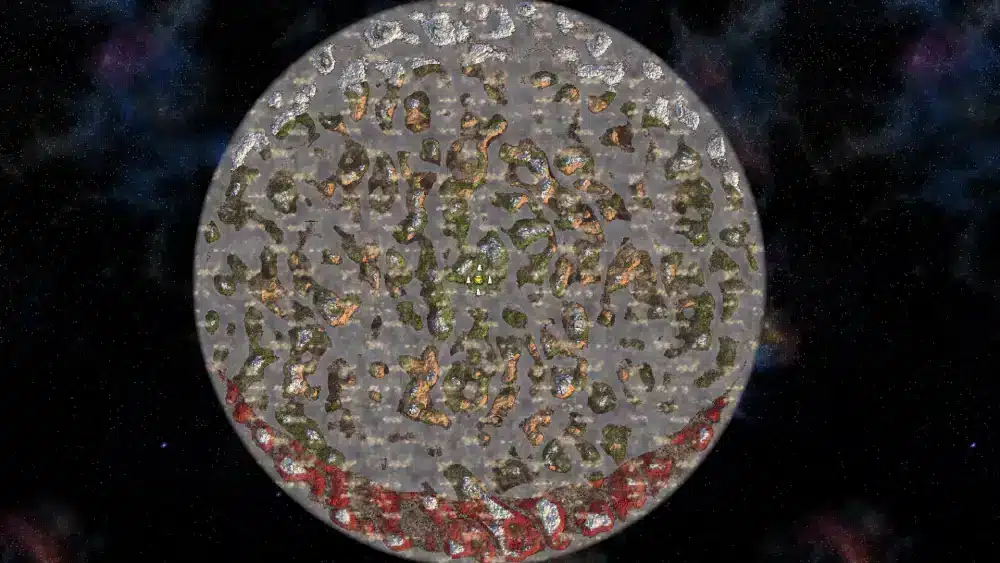
Before using Valheim cheats to reveal locations or teleport around the world, you may want to explore naturally first. Our complete guide to the Valheim map explains biomes, exploration, map generation, and navigation without immediately removing the discovery element that makes a first playthrough memorable. Cheats are most useful when you deliberately want a creative, testing, or experimental experience.
Valheim cheats are built primarily around the game's own developer console rather than traditional redeemable cheat codes. Commands such as god, nocost, spawn, tod, and raiseskill can change your character or world once developer commands are enabled, while other Valheim commands remain available for normal administration and troubleshooting.
How do you enable cheats in Valheim?
The process depends on your platform.
On PC and Mac, the console normally needs to be enabled before launching the game. Xbox is different because the developer console is enabled by default.
After opening the console, most actual Valheim dev commands require you to enter devcommands before they become available. Valheim 1.0 also introduced safeguards around commands that put a character or world into a cheated state, so you may see an additional confirmation before potentially achievement-affecting actions are accepted.
How to enable the console on Steam, Microsoft Store, and Mac
For the Steam version on PC:
- Open your Steam Library.
- Right-click Valheim.
- Select Properties.
- Find Launch Options under General.
- Add -console.
- Launch Valheim through Steam.
- Enter a world.
- Press F5.
- Type devcommands.
The older imacheater command found in very early guides is obsolete. Use devcommands instead.
For the Microsoft Store version, the official developer-mode instructions use the -console argument when launching Valheim through an appropriate shortcut or command.
Mac players can also launch Valheim with the -console argument using Terminal.
Once enabled, the main workflow is straightforward:
F5 → devcommands → enter the command you need.
Typing devcommands again disables the cheat-level command mode.
Do not confuse enabling the console with automatically enabling every cheat. Some basic Valheim commands can be entered without cheat mode, while commands that directly modify the world, spawn objects, or grant advantages generally require developer commands.
How to use Valheim cheats on Xbox
Older guides often state that Xbox players cannot access the console. That is no longer accurate.
Valheim's official support documentation says the console is enabled by default on Xbox.
With a controller, the documented combination for opening the console is:
LB + LT + Start
You can then use the console interface and enter commands.
Platform support does not mean every command behaves identically in every multiplayer situation. Host permissions, world ownership, dedicated-server restrictions, and current game version still matter.
This is especially relevant after Valheim 1.0, because the game now spans PC, Xbox, PlayStation 5, Nintendo Switch 2, Linux, and Mac with crossplay support.
When a command does not work, first check:
- whether the console is actually enabled;
- whether devcommands is active;
- whether you are the host;
- whether the command is allowed in that world or server;
- whether the syntax is correct;
- whether your platform has the latest patch.
What are the most useful Valheim dev commands?
There are many Valheim dev commands, but only a smaller set is needed for most creative or testing sessions.
Some modify the player. Others change the world, spawn objects, reveal exploration data, manipulate creatures, or create a free-building environment.
The commands below are useful because they cover the most common reasons players enable cheats without requiring an enormous list of internal IDs.
God mode, healing, ghost mode, and creative building
These are among the most practical Valheim cheats:
| Command | Main effect |
| god | Toggles god mode |
| heal | Restores health |
| ghost | Prevents enemies from detecting you normally |
| nocost | Allows building and crafting without normal resource costs |
| debugmode | Enables additional developer/creative tools |
| puke | Clears current food effects |
| tame | Tames nearby tameable creatures |
| killenemies | Removes nearby hostile enemies |
| exploremap | Reveals the full map |
| resetmap | Hides explored map data again |
For builders, nocost is one of the most useful Valheim commands because it removes the normal material restrictions associated with construction.
debugmode provides a broader creative setup. Depending on current controls and platform, debug mode can provide quick-access functions for flying and unrestricted building.
God mode is useful when testing dangerous structures, enemy behavior, or difficult terrain. It is less useful if your goal is to practice genuine boss mechanics because removing the possibility of death also changes how you approach the fight.
If you want to practice a real gameplay skill rather than simply increase its number through a command, our Valheim bow skill farming guide explains how to develop bow proficiency through normal gameplay.
Spawn commands, skills, teleporting, and map control
The spawn command lets you generate items, creatures, and other objects using their internal IDs.
A common format is:
spawn [item] [amount] [level]
For example, the exact internal identifier matters. Display names and internal names are not always identical, so copying an old item ID without checking the current version can fail.
Be especially careful when spawning creatures or objects in important worlds. Developer commands can create situations that are difficult to reverse cleanly.
Skill commands include:
raiseskill [skill] [amount]
and:
resetskill [skill]
For example:
raiseskill bows 10
increases the relevant bow skill by the requested amount.
Other useful navigation commands include:
| Command | Use |
| pos | Displays your current coordinates |
| goto [x] [z] | Teleports to coordinates |
| exploremap | Reveals the world map |
| resetmap | Resets explored map visibility |
| findtp [text] | Can locate and teleport toward matching locations where supported |
These Valheim dev commands are useful for testing biome progression, recovering from unusual world situations, or quickly reaching an area in a sandbox save.
Use teleport commands carefully. A coordinate can place you in hostile terrain, on a mountain, in dangerous water, or next to enemies.
What are the Valheim time commands?
The Valheim time commands are especially useful for builders, screenshots, testing, farming experiments, and players who want a specific lighting condition.
Time control is broader than simply turning day into night. Valheim includes commands for setting the current time of day, advancing time, checking world time, sleeping forward, and altering the rate at which time passes.
These tools can also affect systems tied to the world clock, so they should be used carefully in a valuable survival save.
How to use tod, skiptime, sleep, and timescale
The most recognizable time command is:
tod [value]
The value represents a position in the day-night cycle.
For example:
tod 0.5
sets the world to approximately midday.
To release the forced time and return to the normal cycle, use:
tod -1
This makes tod one of the easiest Valheim time commands for builders and screenshot creators who want consistent lighting.
You can also use:
skiptime [seconds]
to move the world clock forward by a specified number of game seconds.
The command:
sleep
advances toward the next morning.
The command:
time
shows current world-time information.
Another option is:
timescale [target] [fadetime]
which changes how quickly world time progresses.
These tools are not interchangeable.
tod controls the visible time-of-day state.
skiptime advances the clock.
sleep moves ahead toward morning.
timescale changes the speed at which time passes.
If you only need daylight for construction, tod 0.5 is usually simpler than accelerating the entire simulation.
Can time commands affect farming and world systems?
Potentially, yes.
Skipping or manipulating world time is not identical to naturally playing through the same amount of time. Systems involving crops, processing stations, creature spawning, and other world updates may not always behave exactly as players expect when the clock is manipulated aggressively.
That is why Valheim time commands are safest in creative or testing worlds where unusual progression side effects are acceptable.
If you are testing a farm, for example, manually advancing the world can help with experimentation, but it is not necessarily a perfect simulation of leaving the world running normally.
Weather can also be controlled separately.
Commands such as:
env [environment]
and:
resetenv
can force or release environmental conditions.
Wind also has dedicated controls, including wind and resetwind.
These Valheim commands are particularly useful for testing sailing, screenshots, environmental builds, or atmospheric scenes without waiting for the world to naturally produce the desired weather.
Do Valheim cheats work in multiplayer?
Some Valheim cheats work well in a world you host yourself, but multiplayer introduces permissions and server limitations.
The important distinction is between hosting a world locally, administering a dedicated server, and simply joining someone else's server as a client.
Do not assume that enabling your local console grants permission to alter another player's server.
Host commands and dedicated-server limitations
When you own or host the world, developer-level tools are generally much easier to use.
On dedicated servers, however, normal admin commands and full cheat commands are not necessarily the same thing.
Server administrators have tools for actions such as:
- kicking players;
- banning and unbanning users;
- checking bans;
- saving the world;
- managing server configuration;
- checking connection information.
Full cheat-style modifications may require specific server-side support, permissions, or mods rather than functioning exactly as they do in a local single-player world.
That difference matters when using Valheim dev commands to spawn items, control time, teleport, or alter world progression.
Do not install random "server cheat" tools simply because a console command does not work. Third-party modifications can become incompatible after updates, particularly around major releases such as Valheim 1.0.
Valheim bosses are also tied to world progression, so changing boss-related keys or spawning progression items can have effects beyond a single fight. If you want to understand normal progression before modifying it, our Valheim bosses guide explains the intended boss sequence and biome progression.
Is a PlayFab join code a cheat code?
No.
Players searching for playfab.com code are often mixing two different systems.
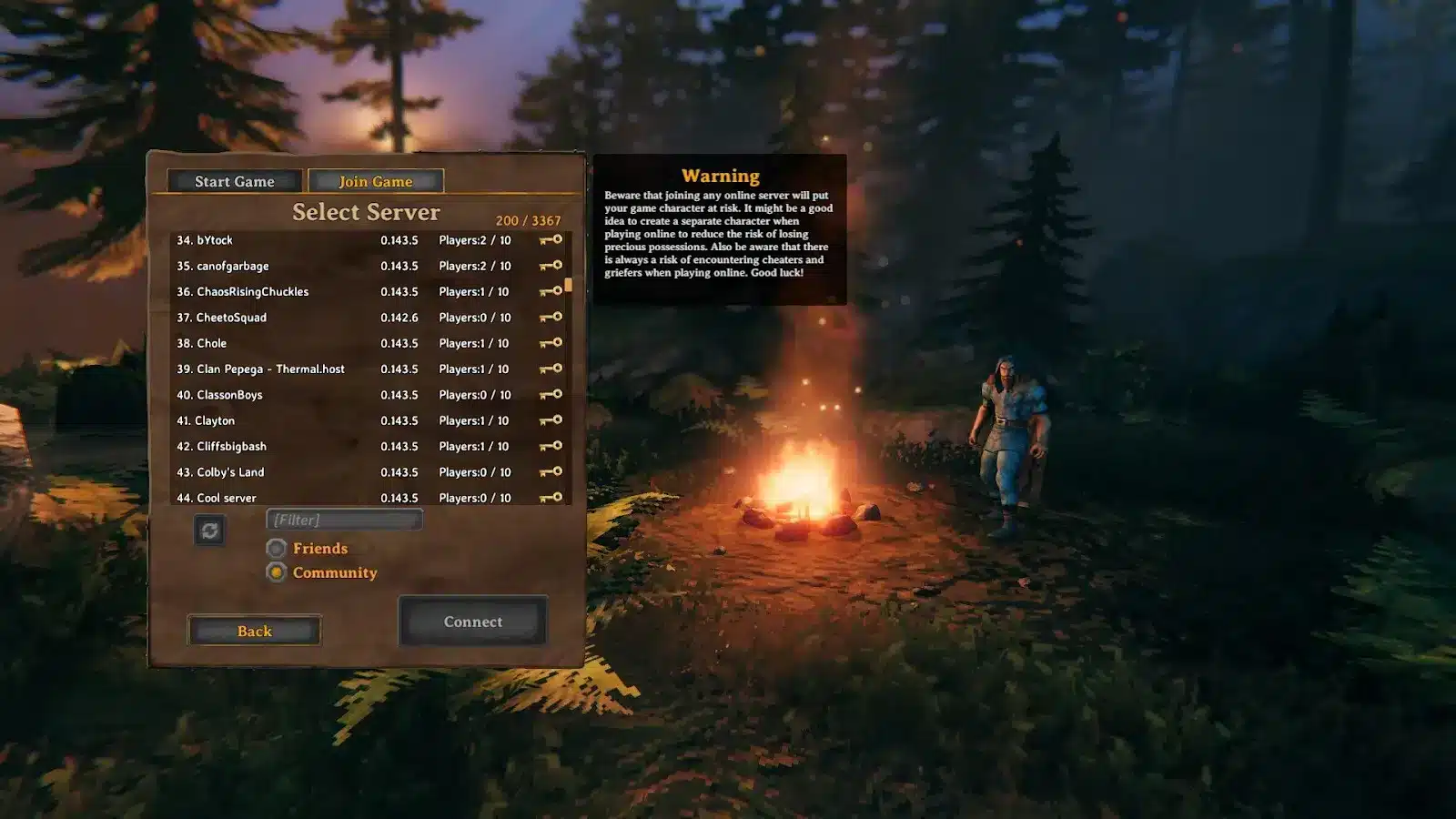
Valheim uses PlayFab as the backend for crossplay-enabled servers. When crossplay is active, a host can generate a join code that other players enter through the Join Game interface.
That code is for connecting to the server.
It is not one of the Valheim cheats, and it does not enable developer mode.
If you searched for playfab.com code because someone sent you a short server code, you normally do not need to visit PlayFab's website. Open Valheim, go to the server/join interface, choose the option to add or join a server, and enter the code provided by the host.
Dedicated-server hosts can also launch their server using the crossplay backend. That allows players on supported platforms to connect without turning the generated join code into a developer command.
Think of the distinction this way:
- server join code = access to the multiplayer server;
- devcommands = access to developer-level console functionality where permitted;
- admin commands = server moderation and administration;
- playfab.com code = usually a search term referring to the PlayFab-backed connection system, not an actual cheat-code category.
Do Valheim cheats disable achievements?
This changed significantly with Valheim 1.0.
Achievements were added as part of the full 1.0 release on September 9, 2026, and Iron Gate also introduced systems to track whether characters, worlds, and items have been affected by cheats.
As a result, advice written before version 1.0 may not correctly explain the consequences of modern Valheim cheats.
How cheat flags work in Valheim 1.0
Using many developer commands can mark your character or world as cheated for achievement purposes.
The system was deliberately designed to prevent players from accidentally entering this state. Valheim 1.0 can require confirmation before commands that produce the relevant cheat state take effect.
Spawned items can also be marked as cheated.
If a normal character picks up a cheated item, that character can enter a temporary cheat state while carrying it. Removing the affected items can restore eligibility in situations where the state is temporary.
Not every developer utility is treated identically. For example, Iron Gate has specifically identified freefly as an exception in its achievement guidance.
The safest rule is simple: if achievements matter to you, do not experiment with Valheim dev commands in your main character or main world until you understand the current consequences.
Use a separate test world and preferably a separate character.
The achievement system also received several fixes immediately after 1.0 launched, so the exact behavior can depend on your current patch.
Can achievement eligibility be restored?
Iron Gate added a Steam-specific opt-in in the post-launch 1.0.12 hotfix for players who had previously become blocked from achievements after using devcommands or mods.
That means the original 1.0 behavior has already received adjustments.
However, patches were still rolling out across platforms during the September 2026 launch period, so do not assume instructions written for one platform and one patch apply universally forever.
The safest approach is to check your current version before using an achievement-related restoration command.
You can follow current game updates and release information through the official Valheim website, especially after a large update when console and achievement behavior may still receive hotfixes.
For valuable worlds, backups remain important even if you do not care about achievements.
Commands involving spawning, terrain, world keys, progression, deletion, or character reset can produce effects that are much more significant than simply turning god mode on and off.
How can ExitLag help when using Valheim commands?
ExitLag does not enable Valheim cheats or make developer commands work on a server where you do not have permission.
Its role is network optimization.
That distinction matters most when playing Valheim online, especially on crossplay or dedicated servers.
When connection routing affects multiplayer Valheim
If a console command works correctly offline but your multiplayer session suffers from instability, the command itself may not be the issue.
Network-related symptoms can include:
- latency spikes;
- unstable routing;
- packet loss;
- delayed synchronization;
- connection interruptions.
ExitLag can help optimize network routes for supported games and may provide a more stable connection path depending on your ISP, region, server destination, and current route.
Results depend on the network.
It does not change the behavior of Valheim commands, and it cannot grant host privileges.
For example, ExitLag will not make spawn work on someone else's server if the server does not permit it.
Likewise, it cannot turn a playfab.com code into an admin code or bypass server permissions.
What ExitLag cannot change
ExitLag cannot:
- activate devcommands;
- remove achievement flags;
- spawn items;
- unlock bosses;
- change skill levels;
- enable god mode;
- generate server passwords;
- bypass moderation;
- grant administrator access;
- fix corrupted world data;
- modify Valheim time commands;
- force a server to accept cheats.
Use ExitLag only when the problem is actually related to network routing or connection stability.
If a developer command returns an error, check syntax, permissions, game version, and server restrictions first.
If a world is corrupted or an item behaves incorrectly, network optimization is not the solution.
This distinction keeps troubleshooting efficient and prevents a networking tool from being presented as a fix for unrelated game systems.
FAQ about Valheim cheats
Valheim's console is powerful enough that older instructions can create confusion after major patches.
The questions below cover some of the most common issues around Valheim cheats, developer mode, time manipulation, crossplay, and version 1.0.
What is the command to enable cheats in Valheim?
Use:
devcommands
You must first have access to the console.
On Steam, that normally means launching the game with -console. On Xbox, the console is enabled by default.
Valheim 1.0 may also require confirmation before entering a cheated state for commands that affect achievement eligibility.
Does imacheater still work?
No.
imacheater is the old command used by early versions of Valheim.
Modern Valheim dev commands are enabled with:
devcommands
Guides still telling players to use imacheater are outdated.
What are the best Valheim cheats for building?
The most useful building commands are generally:
nocost
and:
debugmode
nocost removes normal material requirements and other crafting restrictions, while debug mode provides additional creative tools.
Use them in a separate creative world if you want to protect the achievement state and progression of your main survival save.
What are the main Valheim time commands?
Useful Valheim time commands include:
- tod [value];
- tod -1;
- skiptime [seconds];
- sleep;
- time;
- timescale [target] [fadetime].
For simple daylight control, tod 0.5 gives you a midday state.
Use tod -1 when you want the normal day-night cycle to resume.
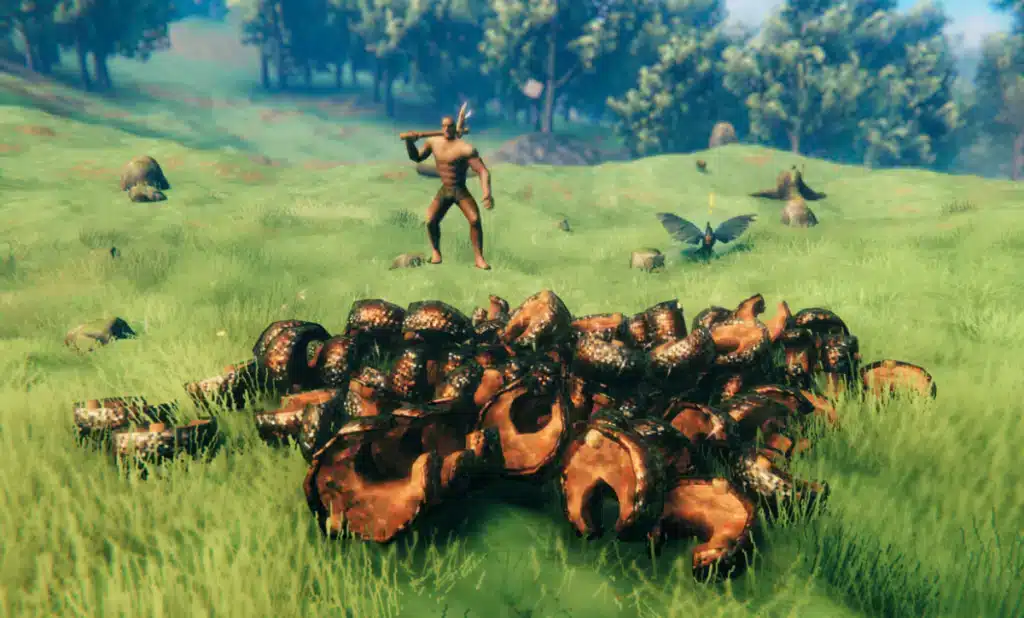
How do you spawn items in Valheim?
The common syntax is:
spawn [item] [amount] [level]
The internal object name must be correct.
Because Valheim 1.0 added the Deep North and many new weapons, materials, foods, creatures, and build pieces, older item-ID lists may be incomplete.
Do not invent an ID based on the item's visible name.
Can you use cheats to increase skills?
Yes.
Use:
raiseskill [skill] [amount]
For example:
raiseskill bows 10
Skills can also be reset using resetskill.
Remember that directly modifying a skill through Valheim dev commands is different from training it naturally and may affect cheat/achievement state.
Does god mode make you completely invincible?
god enables the game's god-mode behavior and prevents normal death from damage.
It is useful for testing builds, exploration, screenshots, or experiments.
Do not use it if your objective is to accurately test whether your equipment or combat strategy can survive a boss encounter normally.
Can Xbox players use Valheim cheats?
Xbox has console access enabled by default according to the official developer-mode instructions.
Use the controller shortcut to open the console and then enter the appropriate commands.
What you can do still depends on multiplayer permissions and the current version.
Do Valheim cheats work on dedicated servers?
Not all cheat-level commands behave like ordinary dedicated-server admin commands.
Server hosting and permissions determine what is available.
Do not assume that being able to open your local console means you can modify a remote dedicated world.
What is a playfab.com code in Valheim?
A playfab.com code is not an official category of Valheim cheat.
Players usually mean the crossplay join code generated for a PlayFab-backed server.
The host can share that code, and another player can enter it through Valheim's multiplayer server interface.
It is for connecting to a server, not activating developer commands.
Does PlayFab enable crossplay?
Valheim uses the PlayFab backend for its crossplay server option.
A dedicated server configured for crossplay can allow supported platforms to connect through the crossplay system.
The server's join code and the playfab.com code searches associated with it should be kept separate from cheat and admin commands.
Can cheats reveal the full Valheim map?
Yes.
Use:
exploremap
This reveals the map.
Use:
resetmap
to reset map exploration visibility.
However, revealing everything removes a major part of Valheim's exploration experience, so consider using it only in a testing world or after you have already explored naturally.
Can I use cheats to reach bosses faster?
Commands can reveal maps, teleport your character, spawn items, or alter progression-related data.
That can make reaching bosses much faster.
However, boss progression affects more than the encounter itself, and manipulating world keys without understanding them can change how the world behaves.
Use a separate world when testing progression.
Are Valheim console commands the same as mods?
No.
Valheim commands are built into the game.
Mods add or change game functionality through external modifications.
Some mods extend console functionality, but they may break after updates and are not equivalent to official developer commands.

Is Cheat Engine required for Valheim cheats?
No.
For standard cheating, testing, creative building, spawning, and time manipulation, Valheim already provides an extensive developer console.
Using unsupported third-party memory-editing software adds unnecessary risk when the built-in system already covers most sandbox needs.
Where can I check current Valheim console information?
Because Valheim 1.0 changed achievements, platform availability, world systems, and content, current official documentation is preferable to an old console guide.
The official Valheim FAQ is a useful starting point for current game information and support topics.
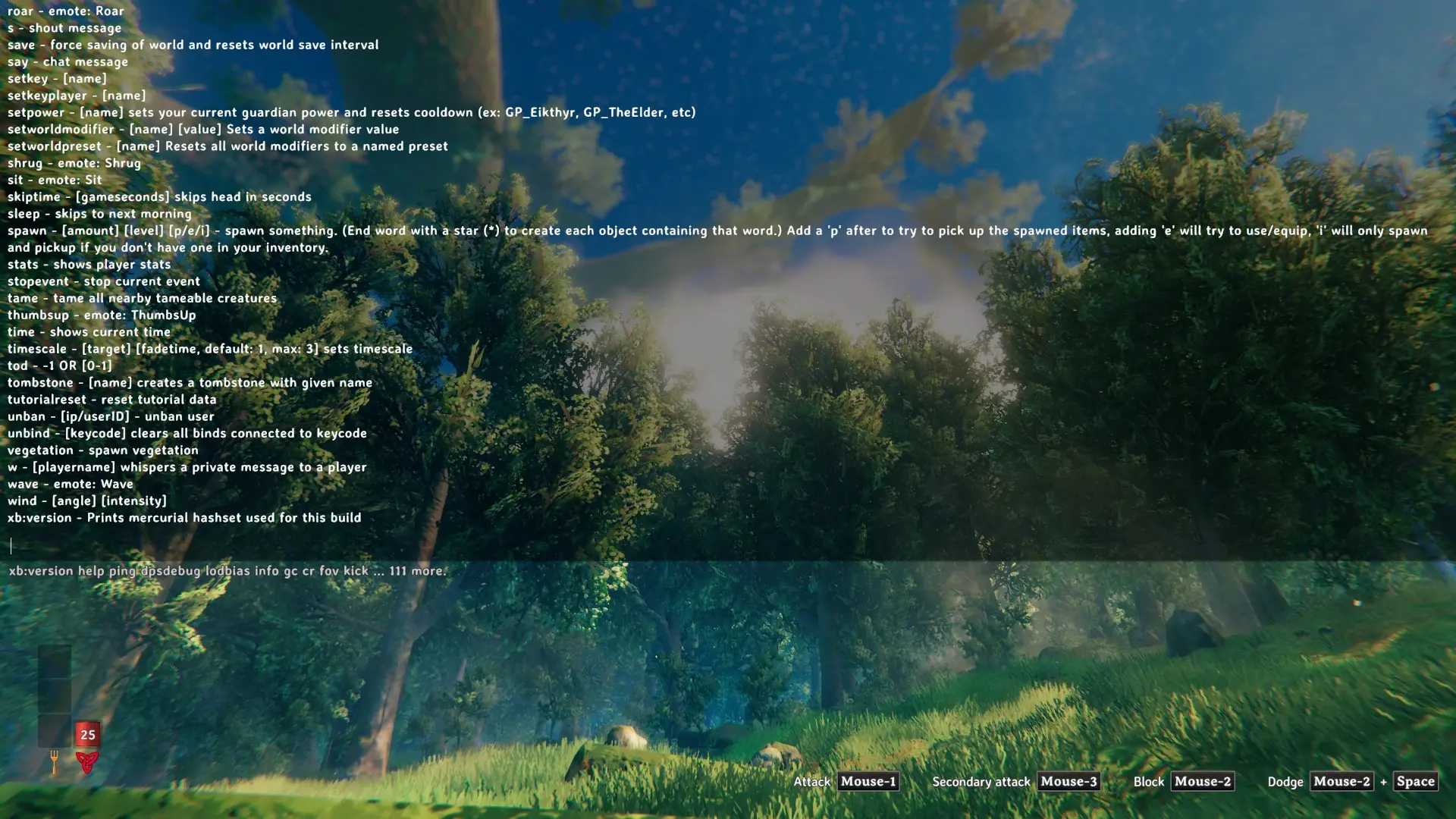
You can also type help in the in-game console to inspect commands available in your installed version.
Valheim cheats are most useful when you treat them as deliberate creative and testing tools rather than shortcuts you enable without considering the consequences. Use devcommands for the built-in developer system, rely on commands such as god, nocost, spawn, raiseskill, and the Valheim time commands according to what you actually need, and keep crossplay join codes separate from cheat functionality. With Valheim 1.0 adding achievement tracking and cheat-state safeguards, the safest way to experiment with Valheim cheats is in a separate character and world, while ExitLag should only be used when network routing or multiplayer connection stability is the actual problem.
All game images used in this article belong to their respective owners. They are used for informational and educational purposes only and do not imply endorsement or affiliation with the rights holders.