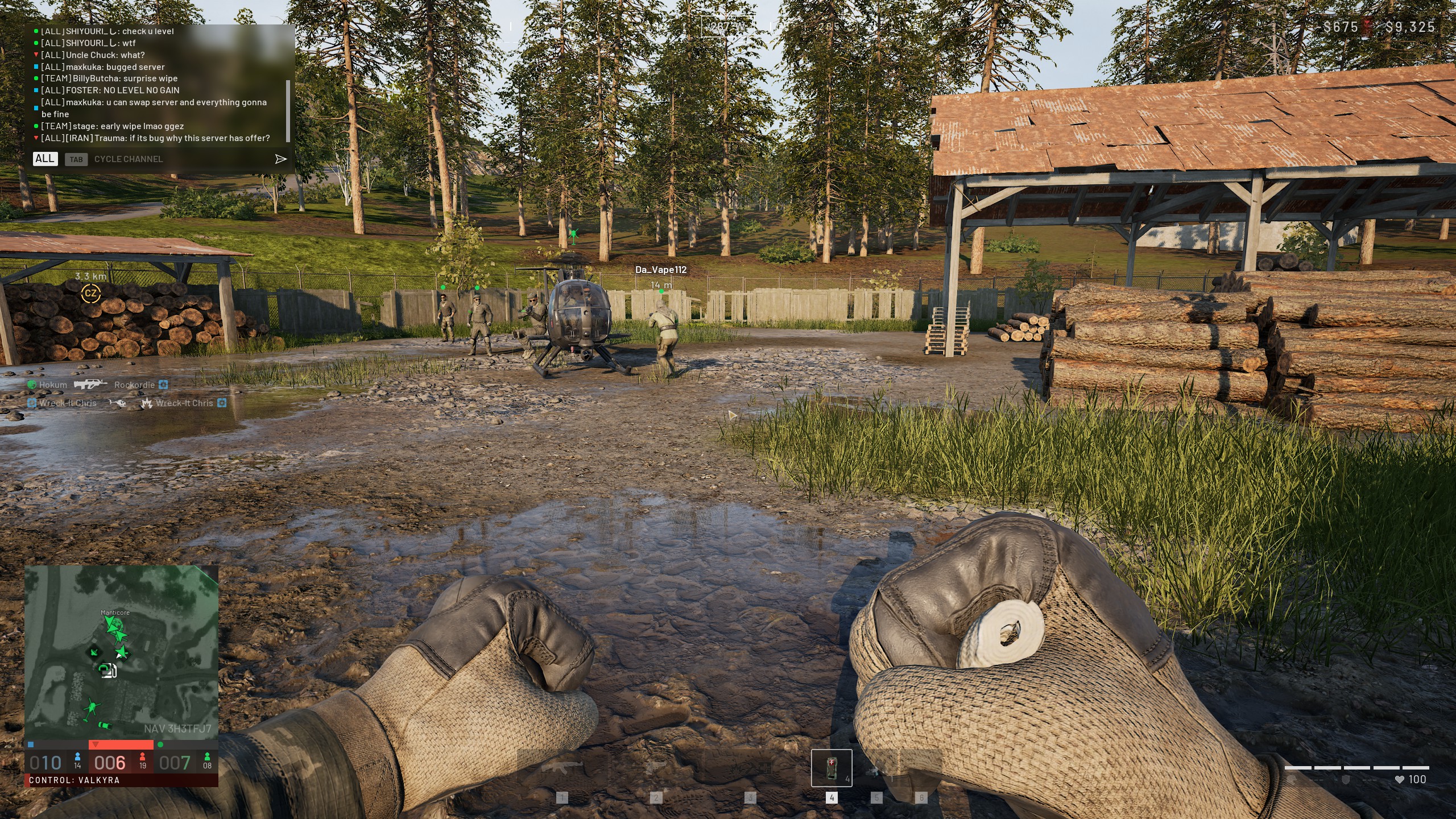
You drop into a 100-player match, spawn with a basic kit, and get flattened by a veteran in Tier 4 armor before you even find the control zone. It happens to almost every newcomer, and it gets old fast.
The good news is that the latest patch gave players a way to filter their matches. Understanding Wardogs Low Level Servers is the fastest way to learn the game without being used as target practice.
In short, Wardogs Low Level Servers are a server type you can pick in the deploy menu, designed so newer players face opponents closer to their own progression. Since patch 0.1.2, you can filter your search by Official Servers, Community Servers, Infantry Mode, and Low-Level Servers. The catch is that availability depends on who is actually hosting them.
In this guide, you will learn how to find these lobbies, what the developer has said so far, and how to avoid the mistakes that keep new players stuck. We will also cover the connection side, because lag hurts even more when you are still learning.
What Are Wardogs Low Level Servers?
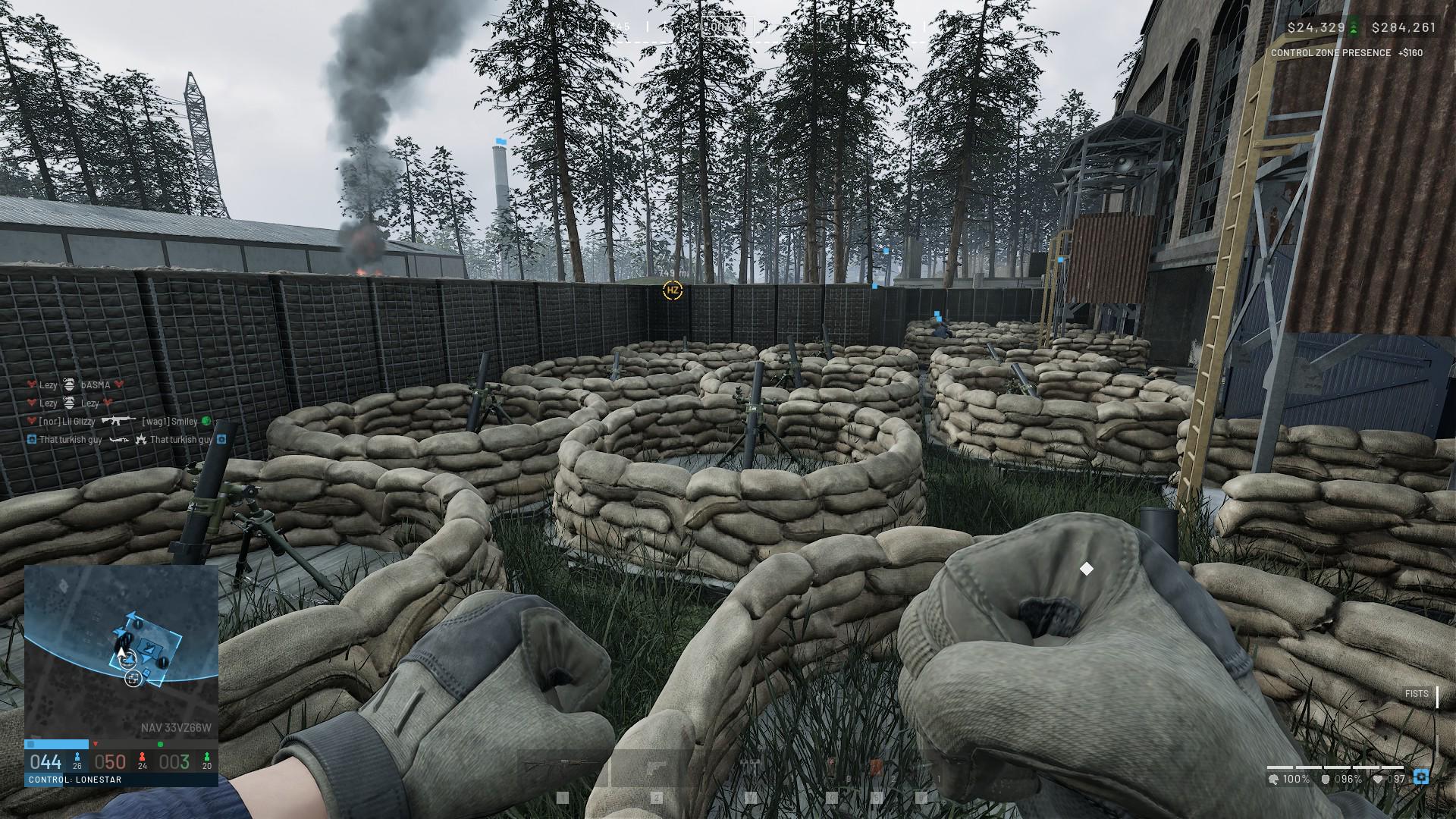
Wardogs is a tactical all-out warfare shooter from Bulkhead, published by Team17, where up to 100 players split across three teams and fight over a control zone. It is currently in Early Access, so systems are still changing. Low-level lobbies exist because the gap between a fresh account and a veteran is huge. Gear, skills, and unlocked schematics all add up over time.Why New Players Need Them
Veterans bring heavy armor, refined loadouts, and hundreds of matches of map knowledge. A newcomer carrying starter gear simply cannot trade evenly. Here is what usually goes wrong for new players in mixed lobbies:- You die before you understand the objective flow.
- You cannot afford a strong kit after losing your cash.
- You never see how good teamwork actually works.
- You get discouraged and quit before the game clicks.
What the Developer Has Said So Far
Studio head Joe Brammer admitted that the team missed an opportunity by not running official infantry and level-cap servers. According to reporting on the topic, the team originally left those servers to the community. However, exact level limits and launch dates for official versions have not been announced. Treat any specific level number you see on a random site as unconfirmed until Bulkhead says otherwise.How Do You Find Wardogs Low Level Servers?
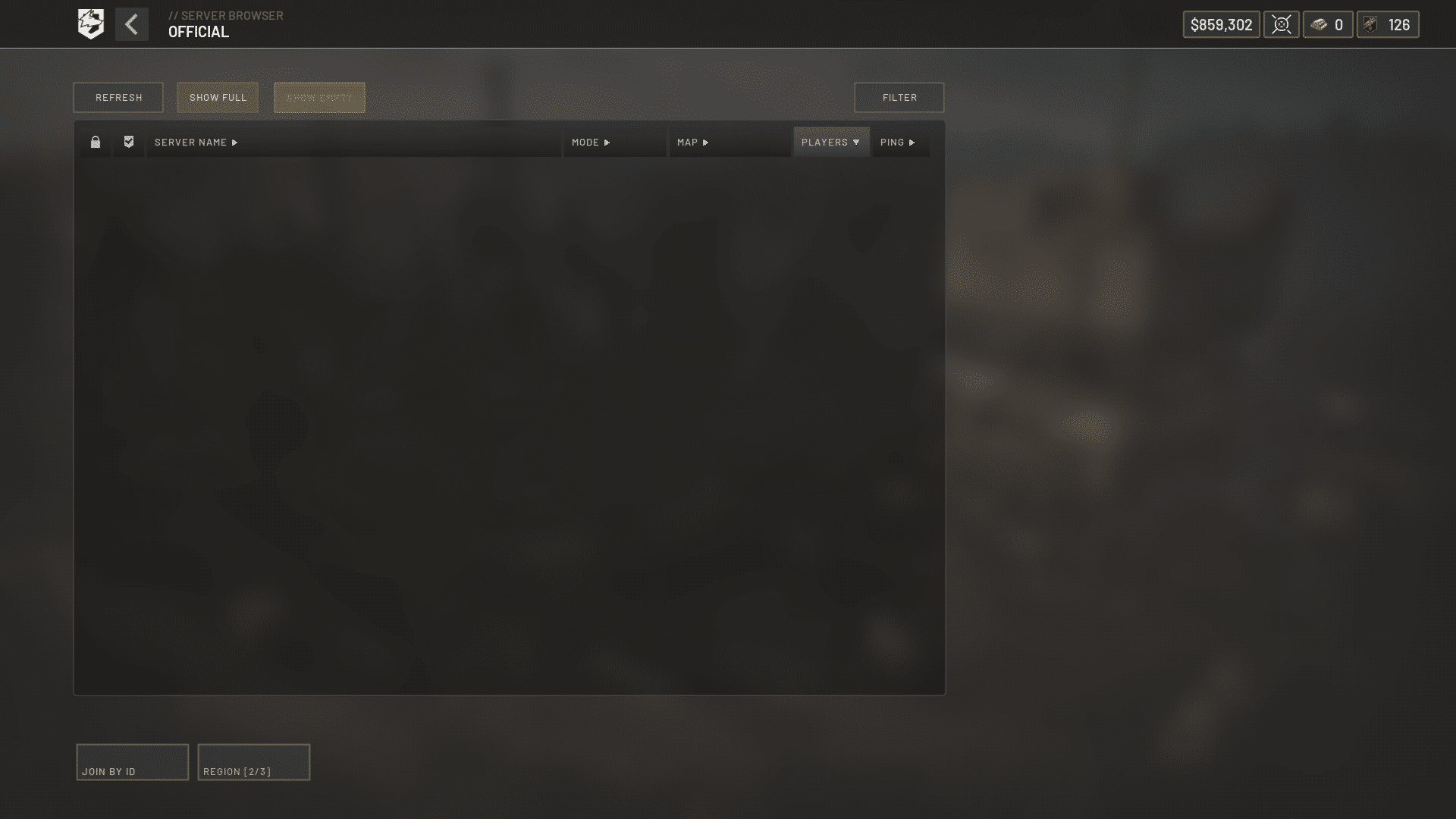
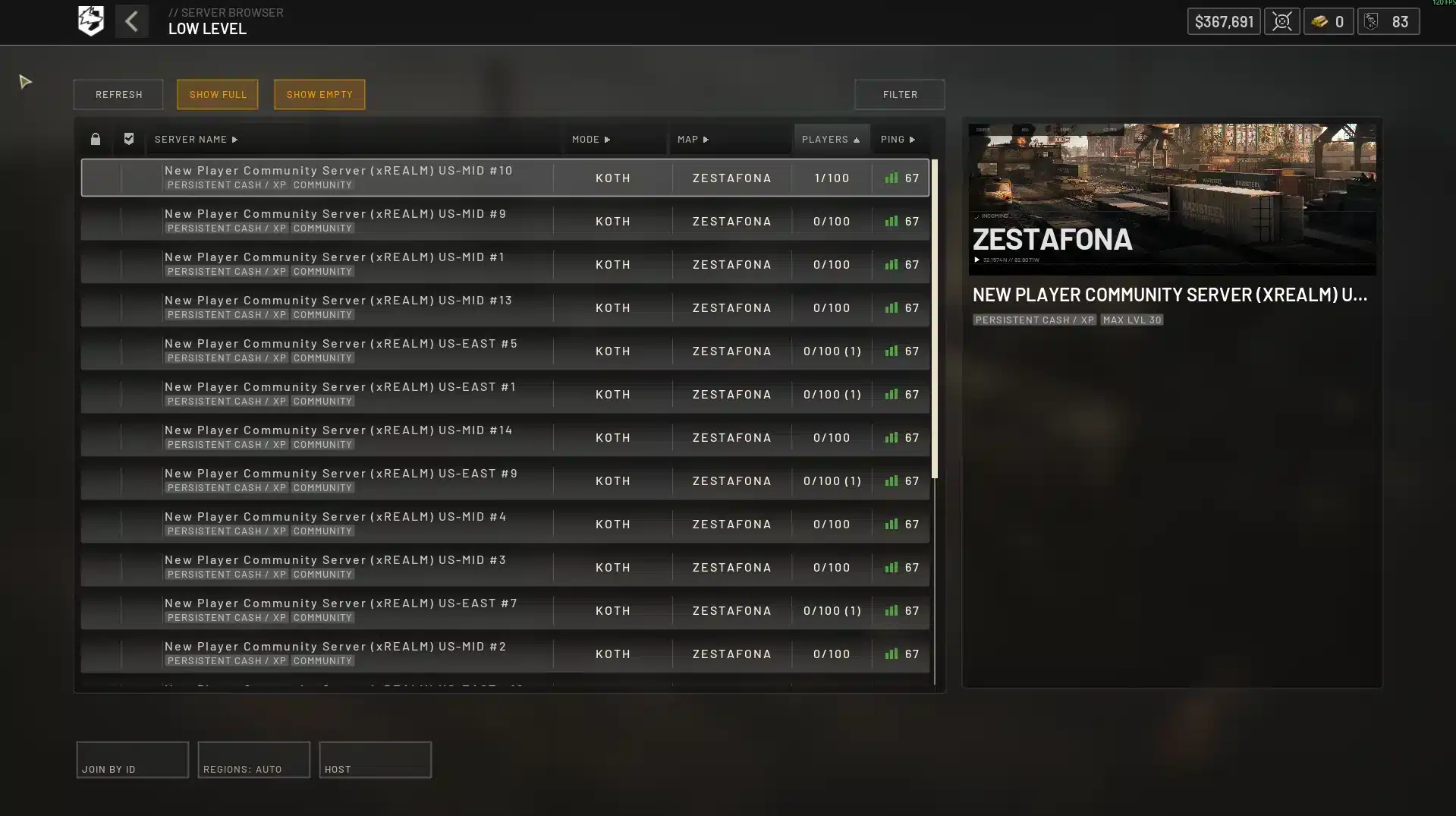
The process is simple once you know where the filter lives. Follow these steps from the main menu.- Open the deploy menu and go to the server browser.
- Use the filter options to select Low-Level Servers.
- Combine it with Infantry Mode if you want to avoid vehicles and heavy armor.
- Sort by ping and pick a lobby with a healthy player count.
- Join, check the rules in the server description, and deploy.
Official Versus Community Listings
The browser now separates official and community listings, which makes the search cleaner. For a closer look at how that split works, read this breakdown of Wardogs Community Servers and the temporary cash bonus tied to approved hosts. Community lobbies are rented by players, so rules and moderation vary. Always read the description before you commit.Is the Low-Level Filter Always Populated?
Not always. Because official level-cap servers are not confirmed yet, the number of low-level lobbies depends on community hosts and on how many new players are online at that moment. If the list looks empty, try again at a different time of day or change your region filter. Peak hours in your region will almost always have more options.Server Types Compared
Picking the right lobby matters more than most players think. This table sums up what to expect from each option.| Server Type | Best For | Main Risk |
|---|---|---|
| Official Servers | Standard matches with the full player pool | Heavy veterans in full gear |
| Community Servers | Tighter communities and faster moderation | Rules and quality vary by host |
| Infantry Mode | Learning gunplay without vehicles | Fewer chances to practice driving |
| Low-Level Servers | Newer accounts building progression | Fewer lobbies, depends on population |
Which One Should You Pick First?
If you are brand new, start with Low-Level Servers filtered to Infantry Mode. You will learn aiming, cover, and objective play without vehicles dominating the map. After a few sessions, test official servers to see how you handle tougher opposition. That gradual step keeps the learning curve friendly.
How Should You Play While Using Low Level Lobbies?
A softer lobby does not mean you should play carelessly. Use the time to build habits that will matter later.Pick a Class Track and Stick to It
Progression in Wardogs is tied to what you do in the match, so focus matters. Our guide to Wardogs Classes explains how Assault, Medic, Recon, Support, Driver, and Pilot level separately. For most beginners, Assault or Recon is a comfortable starting point. Revives can also earn more experience than kills, so a Medic is worth trying early.Pro Tips: Making the Most of Low Level Lobbies
- Play the objective first: The control zone drives rewards, so staying near it teaches positioning faster than hunting kills.
- Watch your cash: Every player starts a match with $10,000, so spend on a reliable kit instead of gambling on one expensive item that you may lose.
- Stay with a squad: Teamplay is rewarded, and a squad gives you revives, cover, and callouts you cannot get alone.
- Review your deaths: Ask where the shot came from and whether you were exposed. That habit is what makes you improve quickly.
- Use proximity voice: Talking to nearby players coordinates pushes and defenses without needing a full voice group.
Common Mistakes Wardogs Players Make
- Joining XP farming servers: Some lobbies advertise easy grinding. Repeated farming of known XP farm servers can lead to permanent bans. Fix: stick to normal play and approved hosts.
- Ignoring exploits: Using unintended bugs can reset progress or trigger bans, and the latest update tightened enforcement. Fix: report bugs instead of abusing them.
- Overspending early: Buying the priciest weapon and losing it leaves you broke. Fix: keep a balanced loadout you can afford to replace.
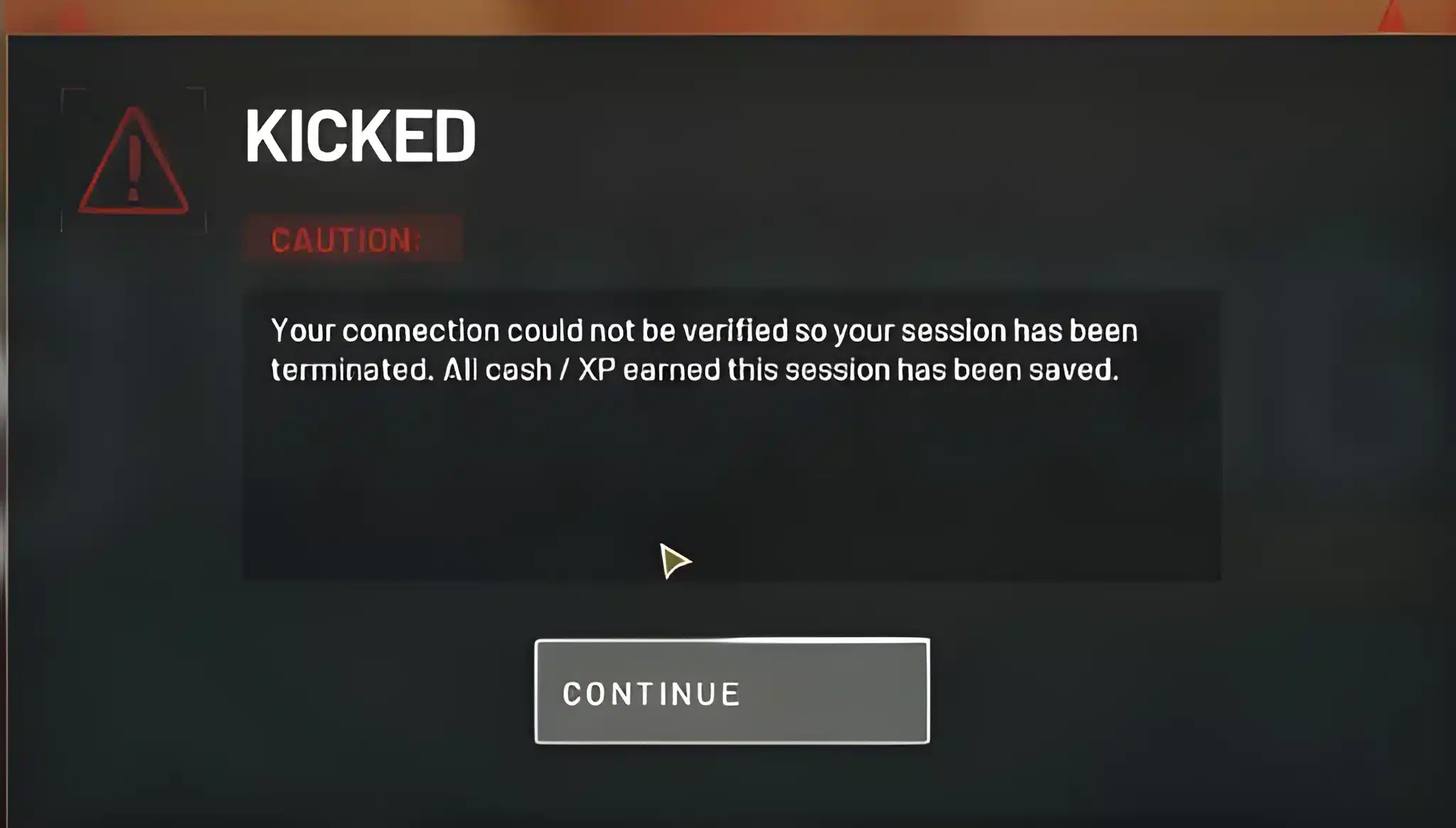
- Skipping the server rules: Community hosts set their own rules. Fix: read the description before joining so you are not kicked mid-match.
Why Lag Feels Worse for New Players
In a 100-player shooter, a small delay changes the outcome of a fight. When you are already learning, lag makes it hard to tell if you missed or if the game simply did not register your shot. Server distance is the biggest factor, especially on community hosts that may be located far from you.Signs of a Connection Problem
Watch for these symptoms during matches:- Enemies appear to teleport or rubber-band.
- Shots hit on your screen but do not register.
- Ping spikes during large firefights.
- Random disconnects when many players are close together.
Fix What You Can Control Locally
Before blaming the server, tighten up your setup. Use a wired connection, close background downloads, and lower heavy graphics settings. If frames are the issue, this guide to Wardogs Boost covers FPS settings that keep fights smooth on older hardware.How Does ExitLag Help in Wardogs?
ExitLag is not a VPN. It is a game connection optimizer that analyzes multiple network paths in real time and picks the fastest, most stable route between you and the game servers. It does not encrypt your traffic or mask your IP, and it only affects supported games. This matters most when you join community lobbies, since those can sit far away from you. Here is what helps in a big 100-player match:- Real-time Optimization: Reduces delay and packet loss so your commands feel faster.
- Multipath Technology: Sends packets through multiple routes at once, so a bad path does not drop you.
- Multi-Internet: Supports up to 4 connections, so if one fails, another takes over.
- Traffic Shaper: Prioritizes game traffic over other apps.
Final Checklist for Wardogs Low Level Servers
Before your next session, run through this quick list.- Update the game so the deploy menu filters are available.
- Select Low-Level Servers and Infantry Mode.
- Pick a lobby with low ping and a healthy player count.
- Choose one class track and play the objective.
- Optimize your connection before queueing.