If your mouse feels delayed, inconsistent, or less responsive during gameplay, the issue may not be your sensitivity or hardware quality. In many situations, the real problem comes from your mouse polling rate.
Although many gamers focus heavily on DPI, FPS, monitor refresh rate, or graphics settings, the mouse polling rate remains one of the most important factors affecting responsiveness and aiming precision.
What Is Mouse Polling Rate?
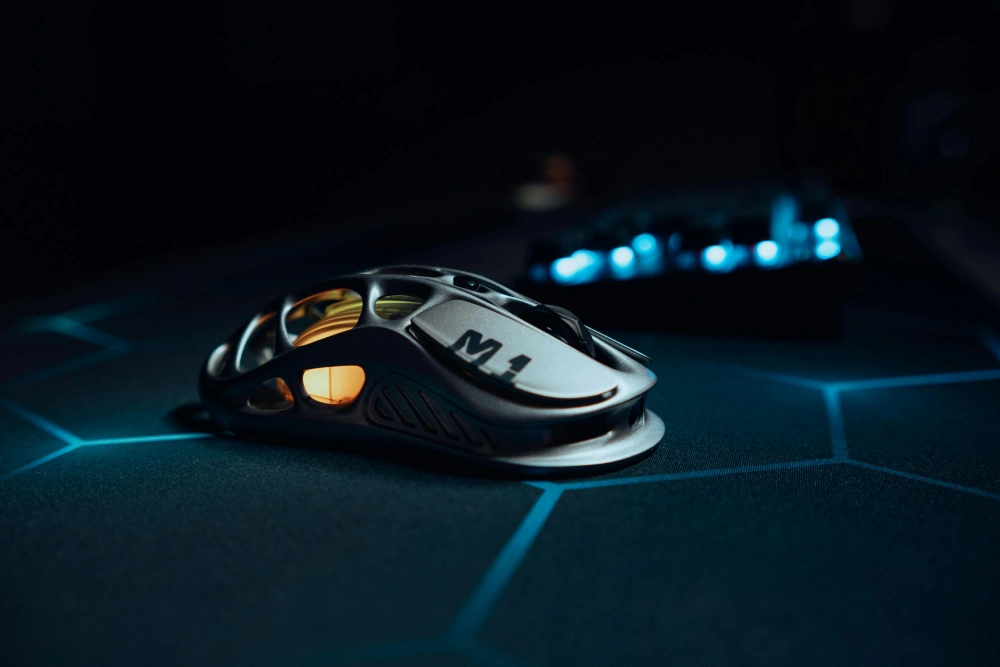
One of the most common questions among gamers is: what is polling rate mouse functionality exactly? Mouse polling rate refers to how often your mouse reports its position to your computer.
This communication speed is measured in hertz (Hz).
In simple terms:
- 125Hz = 125 updates per second
- 500Hz = 500 updates per second
- 1000Hz = 1000 updates per second
- 8000Hz = 8000 updates per second
The higher the polling rate, the faster your computer receives movement information from your mouse.
This directly affects:
- Cursor responsiveness
- Input delay
- Aiming precision
- Tracking smoothness
- Flick consistency
How Mouse Polling Rate Works
Every gaming mouse constantly sends movement updates to your PC.
These updates tell the system:
- Cursor position
- Sensor movement
- Button clicks
- Scroll wheel activity
The polling rate determines how frequently this information is transmitted.
Example of Polling Rate Timing
| Polling Rate | Update Interval |
| 125Hz | Every 8ms |
| 250Hz | Every 4ms |
| 500Hz | Every 2ms |
| 1000Hz | Every 1ms |
| 8000Hz | Every 0.125ms |
As polling rate increases, communication delay decreases.
This is why competitive gamers prefer higher polling rates.
Why Polling Rate Matters for Gaming
Mouse responsiveness becomes extremely important during competitive gameplay.
In games like:
- Valorant
- Counter-Strike 2
- Apex Legends
- Fortnite
- Overwatch 2
- Call of Duty
small delays can affect reaction time.
A lower polling rate introduces more latency between physical hand movement and on-screen response.
Although the delay differences appear tiny on paper, they become noticeable during:
- Flick shots
- Tracking
- Fast camera turns
- Precision aiming
- High-refresh gameplay
Does Polling Rate Affect Aim?
Many players ask: does polling rate affect aim?
The answer is yes.
Polling rate directly impacts aiming consistency and responsiveness.
Higher Polling Rates Improve:
- Cursor precision
- Target tracking
- Micro-adjustments
- Flick shot responsiveness
- Motion smoothness
At lower polling rates, movement updates arrive less frequently.
This can make aiming feel:
- Delayed
- Floaty
- Inconsistent
- Less responsive
Higher polling rates reduce this sensation significantly.
Mouse Polling Rate 1000Hz vs 8000Hz
One of the biggest discussions in modern gaming hardware involves mouse polling rate 1000Hz vs 8000Hz comparisons.
Modern high-end gaming mice now support extremely high polling rates like 4000Hz and 8000Hz.
But are they actually worth it?
1000Hz Polling Rate
1000Hz has been the standard for competitive gaming for years.
Benefits include:
- Excellent responsiveness
- Stable performance
- Low CPU impact
- Broad compatibility
- Smooth aiming
Most professional esports players still use 1000Hz.
8000Hz Polling Rate
8000Hz dramatically increases communication frequency.
Benefits include:
- Lower theoretical latency
- Ultra-smooth cursor updates
- Faster movement registration
- Improved high-refresh monitor synchronization
However, the real-world difference is often smaller than expected.
1000Hz vs 8000Hz Real Performance Differences
| Feature | 1000Hz | 8000Hz |
| Update Delay | 1ms | 0.125ms |
| CPU Usage | Low | Higher |
| Competitive Viability | Excellent | Excellent |
| Compatibility | Universal | Sometimes inconsistent |
| Real-World Difference | Noticeable | Slight improvement |
For most players, 1000Hz remains more than sufficient.
8000Hz primarily benefits:
- Enthusiasts
- Professional esports players
- High-refresh monitor users
- Top-tier hardware setups
Can High Polling Rates Hurt Performance?
Surprisingly, yes.
Extremely high polling rates increase CPU usage because the system processes more updates every second.
This can occasionally create:
- Stuttering
- Inconsistent frametimes
- CPU spikes
- Reduced performance on older systems
Lower-end PCs may struggle with stable 8000Hz operation.
This is why some players still prefer 500Hz or 1000Hz.
Best Polling Rate for Gaming
Choosing the best polling rate for gaming depends on your hardware, game genre, and personal preference.
Recommended Polling Rates
| Player Type | Recommended Polling Rate |
| Casual Gaming | 500Hz |
| Competitive FPS | 1000Hz |
| Esports Professionals | 1000Hz–8000Hz |
| Older PCs | 500Hz |
| Office Use | 125Hz |
For most modern gaming setups, 1000Hz provides the ideal balance between responsiveness and stability.
Polling Rate vs DPI Explained
Many gamers confuse polling rate vs DPI.
Although both settings affect mouse feel, they control completely different things.
What DPI Does
DPI stands for dots per inch.
It measures how sensitive your mouse is.
Higher DPI means:
- Faster cursor movement
- Less physical movement required
Lower DPI means:
- Slower cursor movement
- More physical movement required
What Polling Rate Does
Polling rate controls how often movement information reaches your PC.
It affects responsiveness, not sensitivity.
Polling Rate vs DPI
| Setting | Function |
| DPI | Controls cursor sensitivity |
| Polling Rate | Controls update frequency |
| High DPI | Faster cursor movement |
| High Polling Rate | Faster movement reporting |
Understanding polling rate vs DPI is essential for optimizing aim.
Ideal DPI and Polling Rate Combination
Most competitive FPS players use:
- 400–1600 DPI
- 1000Hz polling rate
This combination offers:
- Stable tracking
- Smooth movement
- Predictable aim
- Precise flicking
Very high DPI combined with low polling rate may feel inconsistent.
How to Change Mouse Polling Rate
Many users want to learn how to change mouse polling rate settings.
Fortunately, most modern gaming mice make this process simple.
Method 1 – Mouse Software
Most gaming brands provide dedicated software.
Examples include:
- Logitech G Hub
- Razer Synapse
- SteelSeries GG
- Corsair iCUE
- HyperX NGENUITY
Inside the software, users can select:
- 125Hz
- 250Hz
- 500Hz
- 1000Hz
- 4000Hz
- 8000Hz
depending on hardware support.
Method 2 – Hardware Buttons
Some gaming mice feature physical polling rate buttons.
These allow instant switching without software.
This is especially useful for tournament environments.
How to Test Mouse Polling Rate
After changing settings, many players verify performance using polling rate testing tools.
Common Testing Methods
- Browser polling rate testers
- Manufacturer software
- Sensor diagnostic tools
- Gaming benchmark programs
These tools display your real-time polling frequency.
Why Polling Rate Feels Different on High Refresh Monitors
Players using:
- 144Hz monitors
- 240Hz monitors
- 360Hz displays
usually notice polling rate differences more clearly.
Higher refresh monitors reveal:
- Cursor smoothness
- Input consistency
- Motion clarity
- Micro-adjustment precision
This is one reason competitive players invest heavily in both monitor refresh rate and polling rate optimization.
Does Polling Rate Affect Input Lag?
Yes.
Polling rate contributes directly to input latency.
Higher polling rates reduce the delay between:
- Hand movement
- Sensor detection
- Cursor response
- In-game registration
However, polling rate is only one piece of total latency.
Other important factors include:
- Monitor refresh rate
- Game engine latency
- System responsiveness
- Network lag
- Frame rate
Common Polling Rate Myths
Several misconceptions exist regarding polling rates.
Myth 1 – Higher Polling Rate Always Means Better Aim
Not necessarily.
If your system cannot maintain stable performance, higher polling rates may create instability.
Myth 2 – 8000Hz Gives Huge Competitive Advantages
The improvement exists, but it is often subtle.
For many players, the difference between 1000Hz and 8000Hz is difficult to notice.
Myth 3 – Polling Rate Replaces Good Aim Training
No hardware setting replaces mechanical skill.
Polling rate simply improves responsiveness.
Best Polling Rate Settings by Game Genre
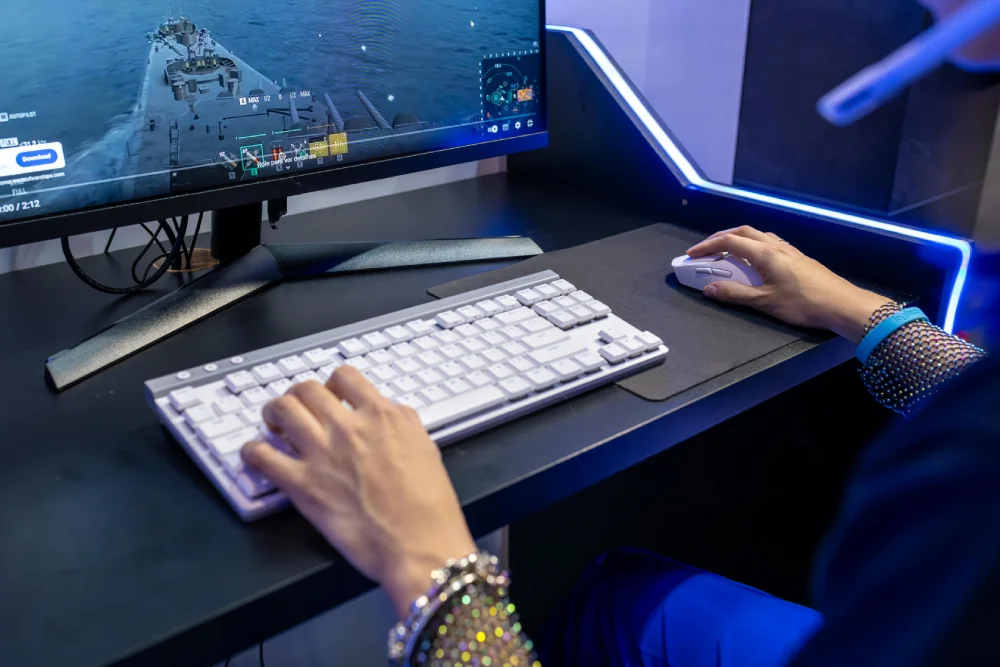
Different genres benefit from different settings.
FPS Games
Recommended:
- 1000Hz
- Low latency focus
- Stable DPI combinations
MOBA Games
500Hz or 1000Hz both work well.
RTS Games
Higher polling rates are less critical.
Casual Gaming
500Hz usually provides excellent balance.
Why Professional Players Prefer 1000Hz
Even with 8000Hz hardware available, many professional esports players continue using 1000Hz.
Reasons include:
- Proven stability
- Tournament compatibility
- Consistent performance
- Low CPU usage
- Reliable latency
1000Hz remains the industry standard for competitive gaming.
When Should You Upgrade Polling Rate?
You may benefit from higher polling rates if you:
- Play competitive FPS games
- Use 240Hz+ monitors
- Own high-end CPUs
- Want lower input latency
- Prefer smoother cursor tracking
Casual users may notice little difference.
Complete Polling Rate Optimization Checklist
Recommended Steps
- Test current polling rate
- Match DPI and sensitivity correctly
- Use wired connection when possible
- Disable unnecessary background apps
- Test multiple polling rates in-game
- Monitor CPU stability
- Sync with high-refresh monitor settings
Optimization should always prioritize consistency over maximum numbers.
Final Thoughts on Mouse Polling Rate
Understanding mouse polling rate is essential for anyone serious about gaming responsiveness and aiming precision.
Although settings like DPI, sensitivity, and monitor refresh rate often receive more attention, polling rate remains one of the most important hidden factors affecting input consistency.
Whether you are comparing mouse polling rate 1000Hz vs 8000Hz, learning how to change mouse polling rate settings, or understanding polling rate vs DPI differences, optimizing this feature can improve your overall gaming experience significantly.
For most players, 1000Hz remains the ideal balance of responsiveness, stability, and compatibility. However, high-end enthusiasts using powerful systems and ultra-fast monitors may still benefit from experimenting with 4000Hz or 8000Hz configurations.
Ultimately, the best polling rate for gaming is the one that feels smooth, stable, and reliable for your setup and playstyle.
Now that you understand how mouse polling rate impacts responsiveness and aim, optimize your entire gaming performance with ExitLag for maximum stability and lower latency.
FAQ
Polling rate measures how often your mouse reports movement updates to your PC.
Yes. Higher polling rates improve responsiveness, tracking precision, and aiming consistency.
For most gamers, 1000Hz provides the best balance between responsiveness and stability.
8000Hz reduces latency further, but the real-world improvement is usually subtle for most players.
You can change polling rate using gaming mouse software or physical hardware buttons.
DPI controls sensitivity, while polling rate controls update frequency.
Very high polling rates may slightly increase CPU usage on weaker systems.
Yes. 500Hz remains excellent for most players and offers stable performance.
Got questions or want to connect with other players? Join the conversation at the ExitLag Forum!