The interest around steam where winds meet has surged since the global launch of the wuxia open‑world RPG. Now officially available for PC, the game has rapidly built a strong presence on Steam, becoming one of the most talked‑about martial‑arts RPGs of the year.
Whether players search for where winds meet steam, where the winds meet steam, or where winds meet game steam, the goal is the same: understanding everything that the Steam version offers.
This guide provides a complete breakdown-covering release details, basics of the Steam edition, core gameplay expectations, and how the PC version fits into the global ecosystem.
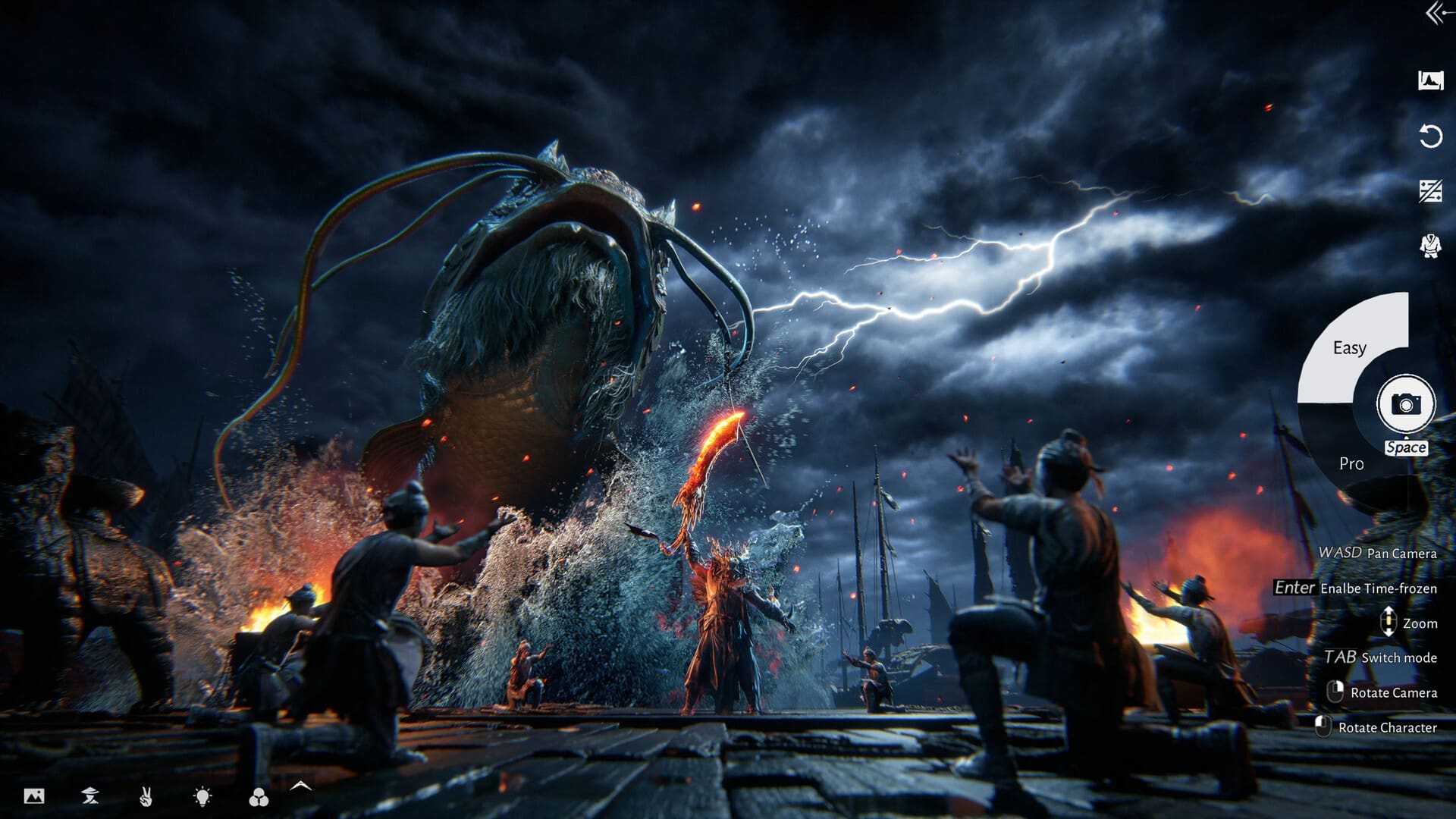
Where Winds Meet Steam Release: The Essentials
Where Winds Meet officially launched on Steam for Windows PC on 14 November 2025. The title arrived as a fully accessible free‑to‑play experience, immediately placing it among the year’s major open‑world RPG releases.
Key facts at a glance
| Feature | Status |
| Steam availability | Yes, global PC release |
| Launch date | 14 November 2025 |
| Price | Free‑to‑play |
| Genre | Wuxia Open‑World Action RPG |
| Modes | Single‑player + Online Co‑op |
| Community rating | Early reviews have been generally positive (based on initial player impressions) |
These core details are confirmed directly through the Steam Store and community hubs, helping new players quickly understand what the PC version delivers.
Why the Steam Version Matters
The PC version plays an important role in the game’s ecosystem because it:
- Provides the highest graphical and performance potential
- Connects players through the game’s global servers while leveraging Steam’s platform systems such as friends list, matchmaking interface, and cloud saves
- Supports the growing international community
- Acts as one of the main platforms for long‑term updates
For those following steam where winds meet, the Steam launch also introduced the game to a wider Western audience, enabling easier access, community support, and visibility.
Gameplay Experience on Steam
Where Winds Meet on Steam delivers the full open‑world wuxia experience, including:
- Exploration across vast ancient‑China landscapes
- Action‑combat based on timing, parries, dodges, and martial‑arts precision
- A blend of weapons and Mystic Arts
- Story progression through an immersive narrative
- Optional cooperative gameplay
The Steam version is designed to be feature‑complete, offering parity with the main PC build distributed outside the platform.
Wuxia combat on PC
Players can expect:
- Responsive mouse‑and‑keyboard or controller support
- Fast, fluid combat mechanics
- High‑resolution assets and improved visual clarity
- Consistent performance based on system specs
This makes the platform ideal for players who want the most stable and visually polished version of the game.
Steam Community and Reception
Since launch, the Steam community has been highly active, sharing:
- Guides and walkthroughs
- Build suggestions
- Combat tutorials
- Bug reports and fixes
- Hardware optimization tips
Early reviews have been generally positive (based on initial player impressions), emphasizing:
- Beautiful worldbuilding
- Strong wuxia‑style combat
- Engaging exploration
- Free‑to‑play model with no aggressive paywalls
The strong reception helps reinforce interest for players searching where winds meet game steam to gauge whether the game is worth downloading.
Steam Features That Enhance the Experience
Where Winds Meet benefits from multiple Steam‑native features, such as:
- Cloud saves
- Community hubs
- Steam friend‑based matchmaking
- Achievement tracking
- Regular patch delivery
These features make the Steam version appealing for players who prefer PC ecosystems over consoles or mobile.
System Requirements for Where Winds Meet (Steam Version)
The Steam Store will list official specifications after full publication of system data. Until then, preliminary information and external listings suggest the following estimates:
Minimum Requirements (Estimated)
- OS: Windows 10 64‑bit
- Processor: Intel i5 / AMD Ryzen 5 (quad‑core)
- RAM: 16 GB
- Graphics: GTX 1060 / RX 580 or similar
- Storage: SSD recommended
- DirectX: Version 11 or higher
Recommended Requirements (Estimated)
For smoother combat and increased visual clarity:
- Processor: Intel i7 / AMD Ryzen 7
- Graphics: RTX‑series or RX 6000‑series GPUs
- RAM: 16–32 GB
- Storage: SSD with high‑speed read/write
These estimates may change as more information becomes available. A stable 60 FPS remains ideal for wuxia‑style combat.
Steam Deck Compatibility: What We Know So Far
A frequent question among players searching where winds meet game steam is whether the title will run effectively on Steam Deck.
As of the latest information:
- Valve has not assigned a Verified, Playable, or Unsupported rating
- The game’s demanding open‑world structure may require significant tweaking
- Large asset sizes may challenge Deck storage and performance
Likely Challenges on Steam Deck
- Lower frame rates in dense areas
- Shorter draw distances
- Longer loading times
- Increased battery consumption
Recommended adjustments:
- Lower graphics presets
- Reduce resolution to 720p
- Disable optional visual effects
Until Valve posts an official compatibility assessment, performance remains speculative.

Multiplayer and Server Behavior on Steam
Where Winds Meet uses developer‑managed servers, not Steam servers, to handle:
- Cross‑region connectivity
- Online co‑op
- Player interactions and instancing
What Steam contributes
Steam provides platform‑level features such as:
- Social systems
- Matchmaking interface support
- Cloud saves
- Community discussion hubs
Actual gameplay server behavior depends entirely on the game's own backend.
Cross‑Platform Considerations on Steam
Players often ask whether the Steam version will support:
- Cross‑play with other PC platforms
- Cross‑play with PS5
- Cross‑progression with mobile
At this time:
- Cross‑play is not fully confirmed
- Cross‑progression has not been officially detailed
Players should wait for verified announcements before assuming global interoperability.
Optimizing Where Winds Meet on Steam
Due to the game’s large-scale environments and fast-paced martial-arts combat, optimization can greatly improve overall performance.
Tips for Better Performance
- Use an SSD to reduce loading and open‑world stutter
- Enable adaptive resolution for smoother frame pacing
- Lower shadows and post‑processing when targeting higher FPS
- Set the FPS limit to 60 for consistent wuxia combat rhythm
- Close unnecessary background apps to avoid CPU bottlenecks
Higher-end hardware can further enable:
- Extended draw distances
- Improved anti‑aliasing
- High‑resolution asset packs
How ExitLag Helps Steam Players
Where Winds Meet’s cooperative and exploration systems rely heavily on network stability. Issues like jitter, packet loss, or routing instability can disrupt combat precision.
ExitLag assists by offering:
- Multipath Connection for stable routing
- Worldwide optimized servers for improved access
- Real‑time route adjustments to maintain low latency
- Traffic Shaper for prioritizing gameplay data
- Multi‑Internet failover to prevent disconnections
Enabling ExitLag for Where Winds Meet
- Create your ExitLag account
- Download ExitLag onto your PC
- Select Where Winds Meet from the game list and apply optimized routes
- Play with ExitLag ON for a smoother experience
Final Thoughts
As the Steam community continues to grow, understanding the technical aspects of Where Winds Meet helps players achieve the smoothest experience possible.
From estimated system requirements to Deck performance and network stability, this guide supports players researching where the winds meet steam or steam where winds meet with accurate and practical insights.
General disclaimer: All game images used in this blog belong to Everstone Studio. They are used for informational/educational purposes only and do not imply endorsement or affiliation with the rights holders.