The Control Resonant System Requirements have been fully detailed by Remedy. The good news is that the game runs on graphics cards from a few generations back, as long as you use upscaling.
Before buying, it is worth reviewing the Control Resonant System Requirements carefully. After all, the game demands an SSD and 16 GB of RAM, and its needs change a lot once you turn on ray tracing or path tracing.
In short, the Control Resonant System Requirements start with a GTX 1070 or RX 5600 XT for 1080p at 30 FPS. For 1440p at 60 FPS, Remedy recommends an RTX 3060 Ti or RX 6700 XT, and every profile calls for 16 GB of RAM and 120 GB on an SSD.
Control Resonant System Requirements: Official Table

Remedy split the requirements into five profiles. All of them use Windows 10 or 11 64-bit, 16 GB of RAM, and 120 GB of free SSD space.
Requirements Without Ray Tracing
These are the profiles for playing with traditional lighting, without ray tracing:
| Profile | Target | CPU | GPU | VRAM |
| Minimum | 1080p, 30 FPS, Low | i5-8500 or Ryzen 5 3500 | GTX 1070, RX 5600 XT, or Arc A580 | 6 GB |
| Recommended | 1440p, 60 FPS, Medium | i7-10700 or Ryzen 7 3700X | RTX 3060 Ti, RX 6700 XT, or Arc B580 | 8 GB |
| Enthusiast | 4K, 60 FPS, High | i7-10700 or Ryzen 7 3700X | RTX 3080 or RX 6800 XT | 10 GB |
Requirements With Ray Tracing And Path Tracing
With ray tracing on, the demands rise sharply. Meanwhile, path tracing, the heaviest mode, is limited to a single NVIDIA card.
- Minimum ray tracing (1080p, 30 FPS): RTX 2060 Super, RX 6600, or Arc A580, with an i7-8700K or Ryzen 5 3600X.
- Recommended ray tracing (1440p, 60 FPS): RTX 4070 Ti or RX 9070, with 10 GB of VRAM.
- Enthusiast path tracing (4K, 60 FPS): RTX 5080, with 12 GB of VRAM and DLSS in Performance mode.
Control Resonant PC: Steam, Epic And Controller
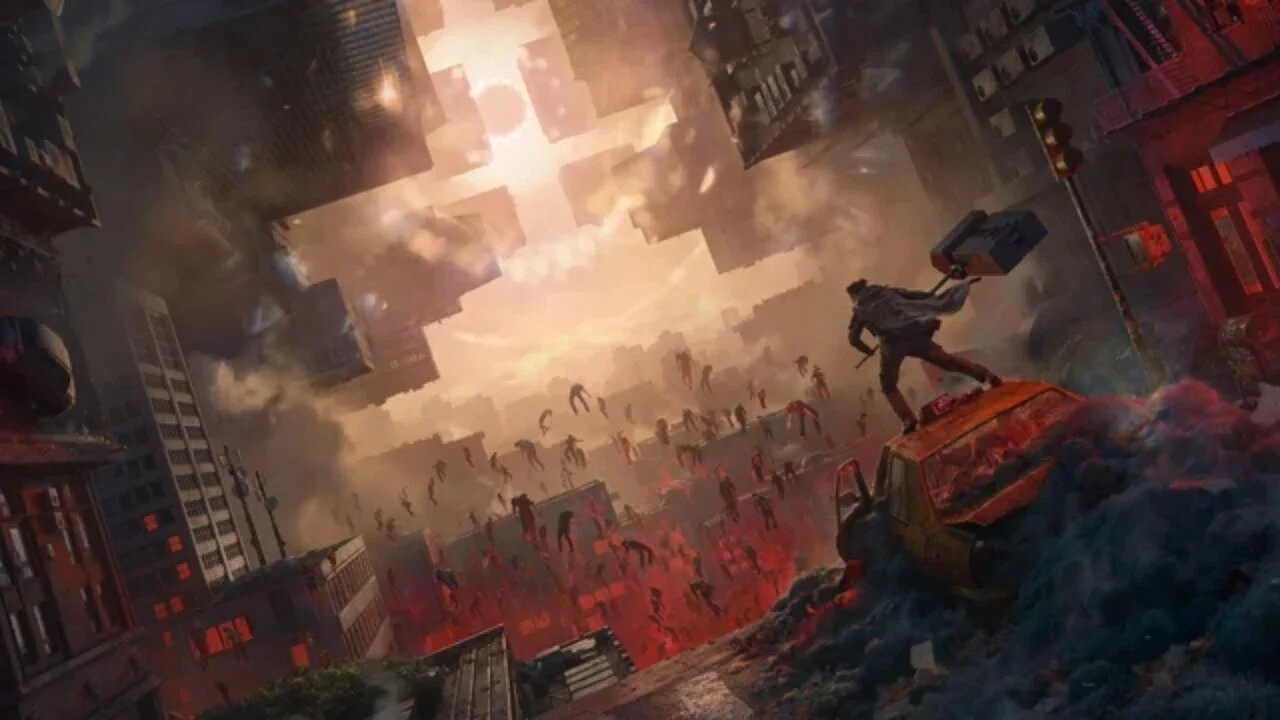
Control Resonant PC is available on more than one store. In addition, the game does not require an internet connection to play, since it is fully single-player.
Where To Play On PC
You can buy the game on Steam and the Epic Games Store. GeForce NOW is also supported, and a Mac version arrives later this year.
If you plan to play through Steam, check out these FPS boost in Steam tips.
Remedy promised Steam Deck support at launch. However, early tests on the handheld showed frequent drops, so it is best not to rely on it as your main platform for now.
Controller Support On PC
The game fully supports a Controller on PC, including Xbox controllers and the PS5 DualSense. Remedy’s official answers are available in the official Control Resonant FAQ on Steam.
Since combat is melee-focused, fast, and full of air dashes, many players will likely prefer a controller over mouse and keyboard. It is worth testing both in your first few hours.
Best Settings And DLSS In Control Resonant

Every official profile uses some form of upscaling. For that reason, understanding DLSS and its alternatives is key to finding the Best Settings.
Supported Upscaling Technologies
The game launches with the latest versions of the major upscaling technologies:
- NVIDIA: DLSS 4.5 upscaling, Ray Reconstruction, and Frame Generation.
- AMD: FSR 4.1 upscaling and frame generation.
- Intel: XeSS, useful for the Arc cards listed in the requirements.
Best Settings Profiles
Use the official table as a starting point and adjust from there:
- Entry-level PC: 1080p, Low preset, Quality upscaling, and ray tracing off.
- Mid-range PC: 1440p, Medium preset, Balanced upscaling, and a 60 FPS cap.
- High-end PC: 4K, High preset, and Performance upscaling.
- Latest-gen RTX PC: turn on ray tracing or path tracing together with Frame Generation.
Pro Tips: PC Performance
- Install on an SSD: every profile requires one, and a regular HDD causes hitches when loading new areas.
- Watch your VRAM: if textures exceed your card’s limit, the game stutters. Drop textures one notch before touching anything else.
- Cover the basics first: update drivers and close background apps. This guide on how to increase FPS on PC walks through each step, and these FPS boost tips to maximize performance help on more modest machines.
Control Resonant On Console
This guide focuses on PC, but the game also runs on Console. In fact, Remedy says the game was designed around 60 FPS from the start because of its combat.
Graphics Modes On PS5 And PS5 Pro
The PS5 Pro gets more options, including ray tracing and PSSR upscaling:
| Console | Performance Mode | Quality Mode | Balanced Mode |
| PS5 | 1440p, 60 FPS | 4K, 30 FPS | Not available |
| PS5 Pro | 4K, 60 FPS | 4K, 30 FPS with ray tracing | 4K, 40 FPS with ray tracing (120 Hz display) |
Xbox Series X|S And DualSense
The Xbox Series X delivers results similar to the standard PS5. Meanwhile, the Series S runs at a lower resolution with a 30 FPS target.
On PS5, the DualSense adaptive triggers offer different resistance for each of Dylan’s abilities. Moreover, the game supports 3D audio with compatible headsets.
Common Mistakes Before Playing
- Installing on an HDD: every profile calls for an SSD. Fix: free up at least 120 GB on an SSD before downloading.
- Expecting path tracing on an AMD card: the path tracing profile only lists the RTX 5080. Fix: on AMD cards, use ray tracing with FSR 4.1.
- Playing without upscaling: Remedy built every profile with upscaling enabled. Fix: keep DLSS, FSR, or XeSS on and adjust the mode.
Control Resonant System Requirements: Should You Upgrade?
If you have a card around the RTX 3060 Ti level or better, you probably do not need to upgrade anything to play well. On the other hand, anyone who wants ray tracing at 1440p will need a much stronger card.
Quick Recap
- A GTX 1070-class card runs the game at 1080p and 30 FPS.
- An RTX 3060 Ti-class card runs it at 1440p and 60 FPS.
- Heavy ray tracing and path tracing belong to the latest cards.
Keep Your Other Games Running Smoothly
Since Control Resonant is single-player, your connection does not affect the campaign. However, if you also play online titles, the ExitLag Download helps keep your ping stable in those matches.
Ultimately, the Control Resonant System Requirements are accessible for anyone playing without ray tracing. Check your rig, tune your upscaling, and enjoy Dylan Faden’s new adventure through Manhattan.
All game images used in this blog post belong to Remedy Entertainment. They are used for informational and educational purposes only and do not imply endorsement or affiliation with the rights holders.