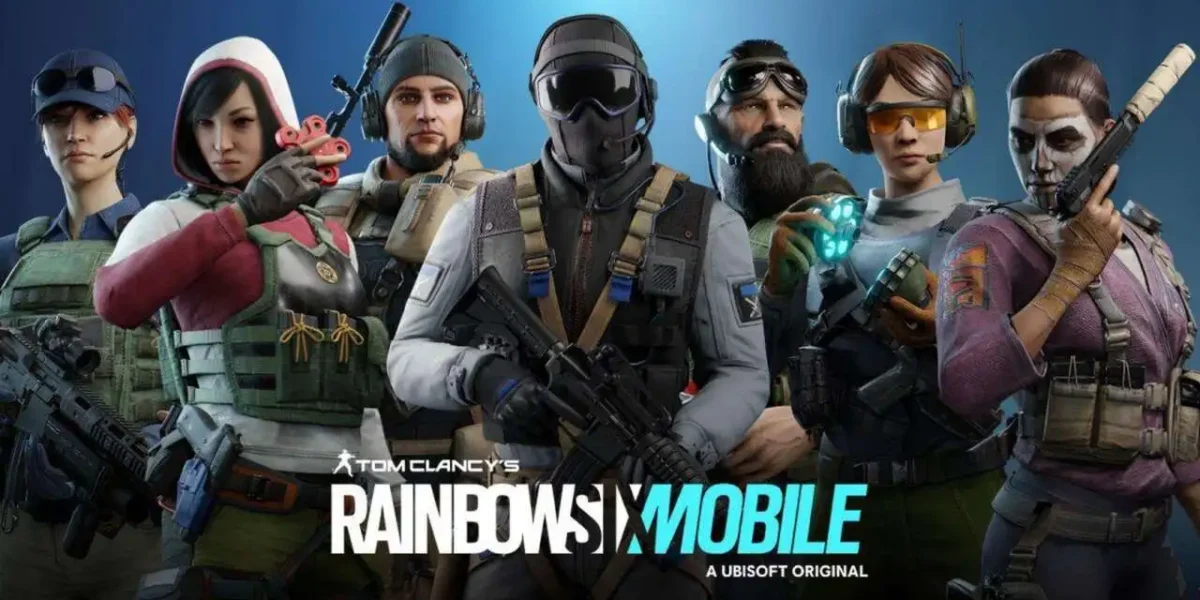
The highly anticipated Rainbow Six Siege Mobile, the mobile version of Ubisoft’s acclaimed tactical FPS, is finally here! Fans of the Rainbow Six Siege universe can now experience the intensity of combat and the strategy of operations directly in the palm of their hand. This detailed tutorial will guide you through the entire process, from installation to your first matches. Get ready to dominate the mobile battlefield!
Why Play Rainbow Six Siege Mobile?
Rainbow Six Siege Mobile delivers a faithful experience of the PC and console game. It retains the complex combat mechanics and strategic gameplay that have made the franchise renowned. Furthermore, it’s optimized for mobile phones, ensuring satisfactory performance and simplified controls. It’s the perfect opportunity for new players to enter the world of Rainbow Six Siege and for veterans to take the action wherever they go.
Requirements and Compatibility
First things first, check your device’s compatibility. Rainbow Six Siege Mobile is available for both Android and iOS. For an ideal experience, make sure you have enough storage space. The initial download requires approximately 3.27 GB of space. After installation, an additional package of less than 300 MB will be downloaded. Tests were performed on a Samsung Galaxy S21 FE with 128 GB of storage, demonstrating good performance on modern devices.
How to Install Rainbow Six Siege Mobile: A Simple Step-by-Step Guide

Installing Rainbow Six Siege Mobile is a straightforward process. Follow these steps:
- Access Your App Store: Open the Google Play Store (for Android) or the Apple App Store (for iOS) on your smartphone.
- Search for the Game: In the search bar, type “Rainbow Six Siege Mobile” or “Rainbow Six Mobile.” Make sure to find the official application developed by Ubisoft.
- Start the Download: If the game is available for your device and region (e.g., Latin America), you’ll see an “Install” or “Get” option. Click this button to begin downloading the main files. The initial download size is significant, so ensure you’re connected to a stable Wi-Fi network.
- Wait for Completion: The download time will depend on your internet connection. Be patient!
First Access and Initial Setup

With Rainbow Six Siege Mobile installed, it’s time to dive into the game:
- Open the Game: Tap the Rainbow Six Siege Mobile icon on your home screen to launch it.
- Terms of Use: Upon first launch, you’ll need to accept the terms of service and privacy policy. Read them carefully and accept to proceed.
- Additional Content Download: After accepting the terms, the game will download a small package of additional files, usually less than 300 MB. This step is crucial for the game’s proper functioning.
- Gameplay Tutorials: You’ll be directed through a series of interactive tutorials. These tutorials are essential for understanding the basic mechanics of Rainbow Six Siege Mobile, such as movement, shooting, using operator abilities, and positioning. Pay attention, as they prepare you for real combat.
- Experimental Match: After the tutorials, you’ll participate in an experimental match. This is your first chance to apply what you’ve learned and familiarize yourself with the controls in a game environment.
Personalizing Your Rainbow Six Siege Mobile Experience

After completing the initial steps, you’ll have full freedom to customize your Rainbow Six Siege Mobile experience:
- Controls: Access the control settings to customize the on-screen button layout, aiming sensitivity, and other adjustments that directly impact your gameplay. Find the configuration that best suits your playstyle.
- Graphics: Adjust the graphics settings to balance performance and visual quality. If you’re seeking the highest possible fluidity, lower some parameters. If your device is powerful, increase them to enjoy more immersive visuals in Rainbow Six Siege Mobile.
- Customization: Just like the main version, the game offers a vast array of cosmetic content. Personalize your operators and weapons with exclusive skins, showcasing your style on the battlefield.
Connect and Play!
With Rainbow Six Siege Mobile fully set up and your account ready, you’re all set to dive into matches. Join friends, assemble your tactical team, and prepare for the adrenaline of combat. The mobile version of Ubisoft’s acclaimed tactical FPS offers hours of fun and challenges.