The Wardogs Update 0.11 arrived just days after the game launched in Early Access on Steam. Moreover, the patch was a direct response to one of the community’s loudest complaints: finding a server was far harder than it should be.
Bulkhead’s tactical shooter, published by Team17, crossed 400,000 concurrent players during its first weekend. As a result, the Wardogs Update 0.11 had to be put together quickly to handle that massive audience.
In short, the Wardogs Update 0.11 splits the server browser into Official and Community tabs, adds text search and persistent server IDs. It also brings a temporary 5% cash bonus, strict rules against exploits, and more server capacity in Asia.
What Changes In The Wardogs Update 0.11
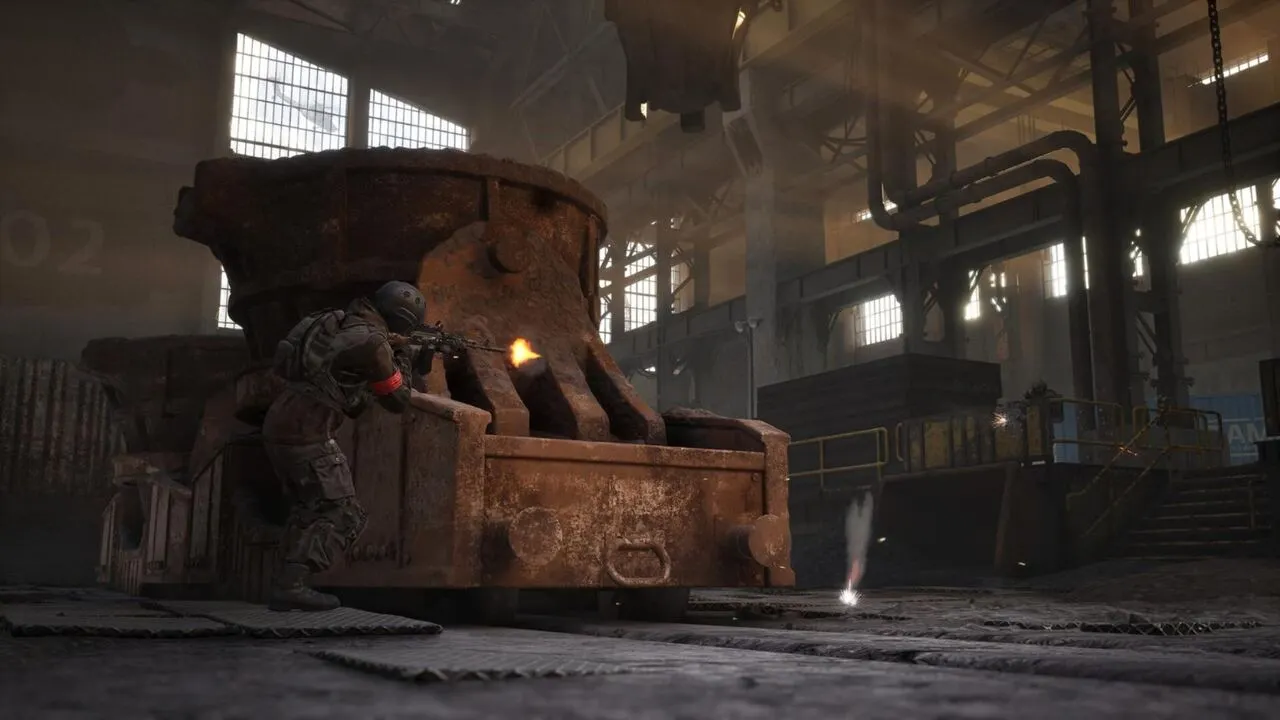
First, the context matters. Bulkhead openly admitted that Community Servers had been underserved and that the server browser experience as a whole had been poor.
For that reason, the team worked through the night to ship the Wardogs Update 0.11 as a starting point. In other words, it is not the final fix, but it tackles the most frustrating problems first.
Maintenance Window And Timing
The patch was deployed with servers offline on Monday, September 14. Here is how the maintenance window played out:
- Scheduled start: 08:00 UTC (1:00 AM PT, 4:00 AM ET, 9:00 AM UK)
- Announced duration: roughly one hour
- Actual downtime: player counts dropped around 08:27 UTC and recovered by about 09:38 UTC
- What players saw: “Cannot connect” errors during that window simply meant the patch was going in
Quick Summary Of The Key Changes
If you only want the big picture, these are the headline points of the patch:
- Server browser split into two tabs: Official and Community
- Filters removed from Official servers and improved on Community servers
- Text search plus a Show Empty/Full toggle
- Community server IDs that no longer reset after restarts
- A one-week 5% End of Match cash bonus on Community servers
- A new ban policy covering Economic Abuse
- Cash exploit fixes, GPU crash fixes, and Increased Capacity In Asia
Server Browser Improvements In Detail
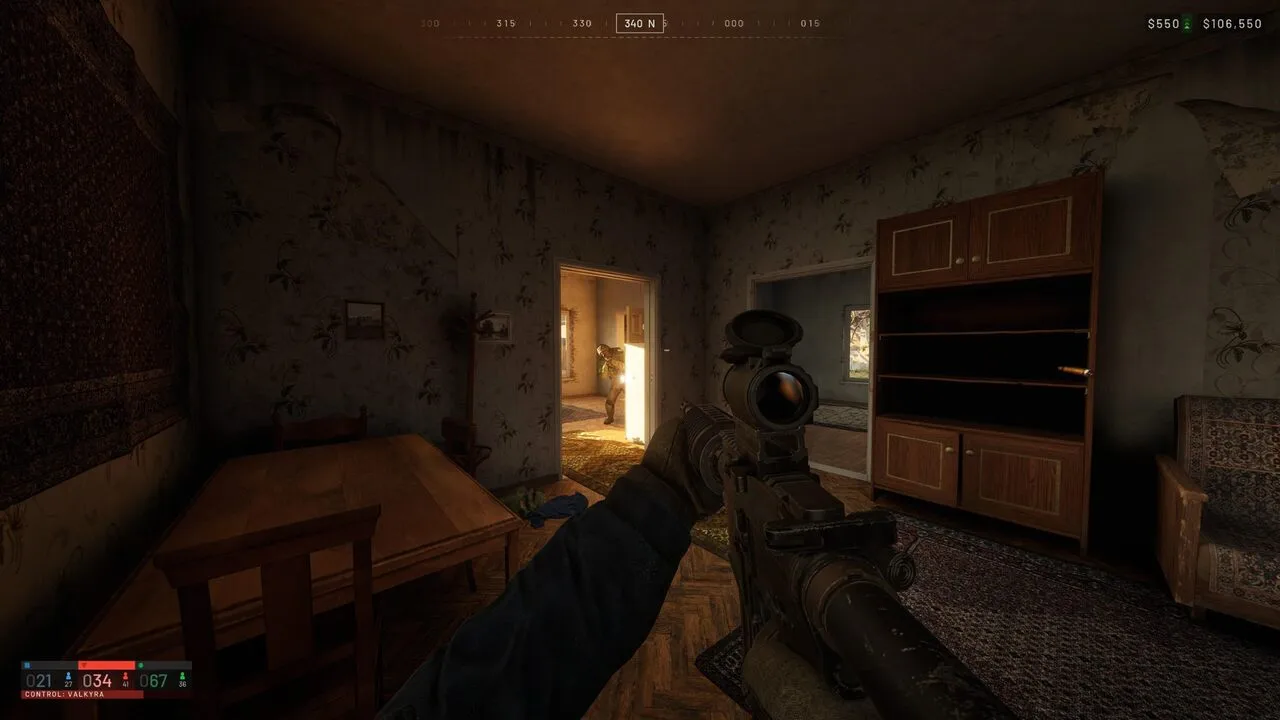
The Server Browser Improvements are the core of this update. After all, with hundreds of thousands of players trying to join at once, a single messy list simply did not work.
Interestingly, Bulkhead acknowledged that a game this size would realistically run on matchmaking. However, the studio does not want community admins and hosts to suffer as a result.
Official And Community Servers Are Now Separate
The Deploy screen now presents Official and Community as distinct destinations. Consequently, each tab is tuned for how players actually use it, without unfairly pushing everyone toward Official servers.
On Official servers, filtering was removed entirely. That is because there are no official modified game modes yet, so filtering a uniform pool of servers made little sense.
Search, Filters, And Persistent IDs
On the other hand, the Community tab received far more useful tools. Here is the full before and after comparison:
| Feature | Before 0.11 | After 0.11 |
| Browser layout | One mixed list | Separate Official and Community tabs |
| Official server filters | Present but pointless | Removed |
| Community filters | Unreliable | More accurate and stable |
| Text search | Not available | Available on the Community tab |
| Server ID | Wiped on map change or restart | Persistent (and longer, for security) |
| Show Empty/Full | No quick option | Added to the browser quick bar |
| Server names | No set order, unlimited spacing | Alphabetical order, one consecutive space max |
| Host button | Pointed to the wrong place | Leads to the correct location |
How To Find A Community Server Now
Thanks to these changes, the Server Browsing Experience is much simpler. Follow this step-by-step process:
- Open the Deploy screen and select the Community tab.
- Use text search to type the name of the server you are looking for.
- Enable the Show Empty/Full option to hide empty or packed lobbies.
- Note the ID of any server you enjoy, since it no longer changes after restarts.
- Next session, use that ID to join directly instead of scrolling through the list.
Community Server Visibility And The 5% Bonus
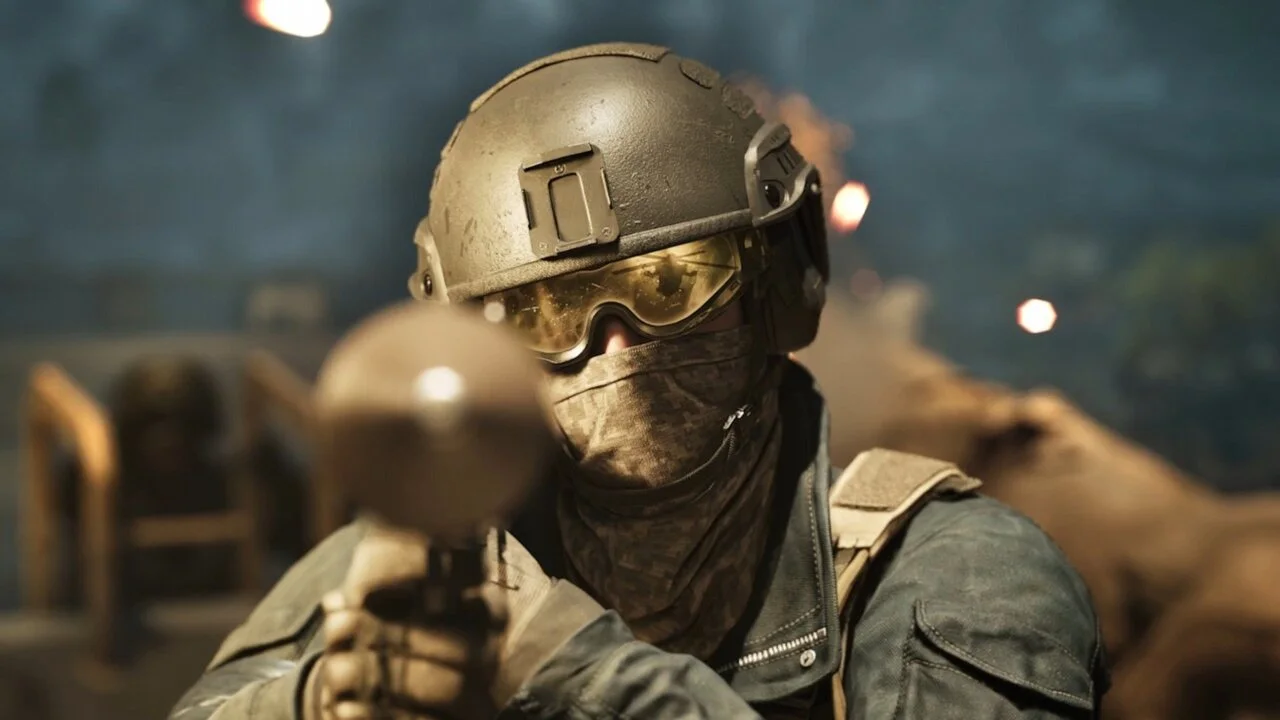
Community Server Visibility was a genuine problem. In many cases, great servers were buried deep in the list and lost players simply because nobody could find them.
How The Cash Bonus Works
To make up for it, Bulkhead switched on a temporary incentive. In fact, the studio itself suggested that anyone looking to grind should jump into a Community server.
- Amount: an extra 5% on End of Match cash
- Where it applies: Community servers only
- Duration: one week from the patch announcement
- Important detail: the bonus stacks on top of the normal payout, which was not changed
Features Still In The Pipeline
Beyond what shipped, the studio listed community-requested features that are in development but have no release date yet:
- Favoriting Community servers
- Tiered priority queues for Community servers
- A Message of The Day prompt on join
- Improved warmup activities
- Disabling AFK kicks while a server is seeding
- Team switching controls
Notably, this work runs on a separate track and does not delay Season 2 content.
What Are The New Economic Abuse Rules?
Perhaps the most serious part of the Wardogs Update 0.11 is not in the browser at all. Instead, it is the new Economic Abuse policy, which sets out three tiers of punishment.
The Three Punishment Tiers
Each type of offense triggers a different response. Therefore, make sure you understand exactly where the line sits:
| Offense | Punishment |
| Repeatedly abusing a cash exploit or bug | Timed ban (length based on prior offenses), plus cash and XP reset to 0 |
| Creating content that teaches an exploit without reporting it first | Permanent ban |
| Joining a known XP farming server for more than a few minutes | Permanent ban, the most serious tier |
According to the studio, every server an account joins is tracked. Thus, Bulkhead claims it already knows which servers exist purely to farm XP.
Will Testing A Bug Once Get You Banned?
No, at least according to the official stance. If you stumble onto something and test it once or twice, that is not treated as abuse.
In that sense, repetition is what separates safe from dangerous. Even so, a few gaps remain unanswered:
- There is no public list of which servers count as farming servers
- No appeal process has been announced for permanent bans
- The studio has not detailed which specific exploits were patched
Increased Capacity In Asia And Other Fixes
Beyond the visible changes, the patch also delivered infrastructure and stability work. Although these fixes seem minor, they directly affect anyone who just wants to load in and play.
More Server Capacity For The Asian Region
The Increased Capacity In Asia came in response to higher than expected player numbers in the region. Consequently, queues and connection failures there should become less common.
For players elsewhere, this does not add local servers. Nevertheless, it helps spread the global load more evenly during peak hours.
Exploit And Crash Fixes
The list of fixes is short but meaningful:
- Various cash exploits have been fixed
- More GPU related crashes have been addressed
- Server capacity in Asia has been expanded
Pro Tips: Getting The Most From The Wardogs Update 0.11
- Grind during the bonus week: play on Community servers while the extra 5% is active, because it is the only officially sanctioned shortcut for faster progression.
- Save your favorite server IDs: since IDs are now persistent, keeping them saves time hunting for the same group every session.
- Toggle Show Empty/Full before searching: hiding full lobbies cuts down on failed join attempts and gets you into matches faster.
- Be wary of suspicious server names: lobbies advertising “fast XP” may be flagged as farms, and just a few minutes there can cost you your account.
- Report bugs instead of exploiting them: besides avoiding bans, it helps the studio stabilize the economy faster for everyone.
Common Mistakes Players Make After The Update
- Looking for filters on the Official tab: many players assume it is a bug. Fix: filters were removed on purpose, so use the Community tab to filter.
- Joining farming servers “just to look”: tracking is based on time spent inside. Fix: leave any lobby that is clearly dedicated to farming right away.
- Sharing exploit videos: even “educational” content leads to a permanent ban. Fix: report the issue directly to Bulkhead instead.
- Blaming the browser for every connection issue: sometimes the problem is your internet route. Fix: check ping and packet loss before hopping between servers repeatedly.
Wardogs Update 0.11 And ExitLag: Play With A Stable Connection
The new browser makes finding matches easier, but it does not fix instability on your own connection. After all, in a tactical shooter with intense firefights, high ping and packet loss cost you gunfights.
Why Your Connection Route Matters
ExitLag is not a VPN. Instead, it is a game connection optimizer that analyzes multiple network paths in real time and picks the fastest, most stable route to the game server.
With support for 4,000+ games and 1,500+ servers in 190+ countries, it can help in situations like these:
- Real-time Optimization: reduces delay and packet loss, making your inputs faster and more precise
- Multipath Technology: sends packets through multiple routes at once, keeping you connected if one path fails
- Traffic Shaper: prioritizes game traffic and limits bandwidth used by other apps
- PC Boost: frees up RAM and trims background processes for smoother FPS
How To Get Started
Furthermore, ExitLag does not modify game files or interact with anti-cheat systems. To set it up, follow these steps:
- Download ExitLag for PC (Windows) and create your account.
- Close any active VPN, since running both together reduces effectiveness.
- Select Wardogs from the list and let the AI pick the best route.
- Launch the game and join the Community server you saved by ID.
With the Wardogs Update 0.11 making matches easier to find and ExitLag handling your route, you spend less time searching for servers and more time winning firefights.
All game images used in this blog post belong to Bulkhead and Team17. They are used for informational and educational purposes only and do not imply endorsement or affiliation with the rights holders.