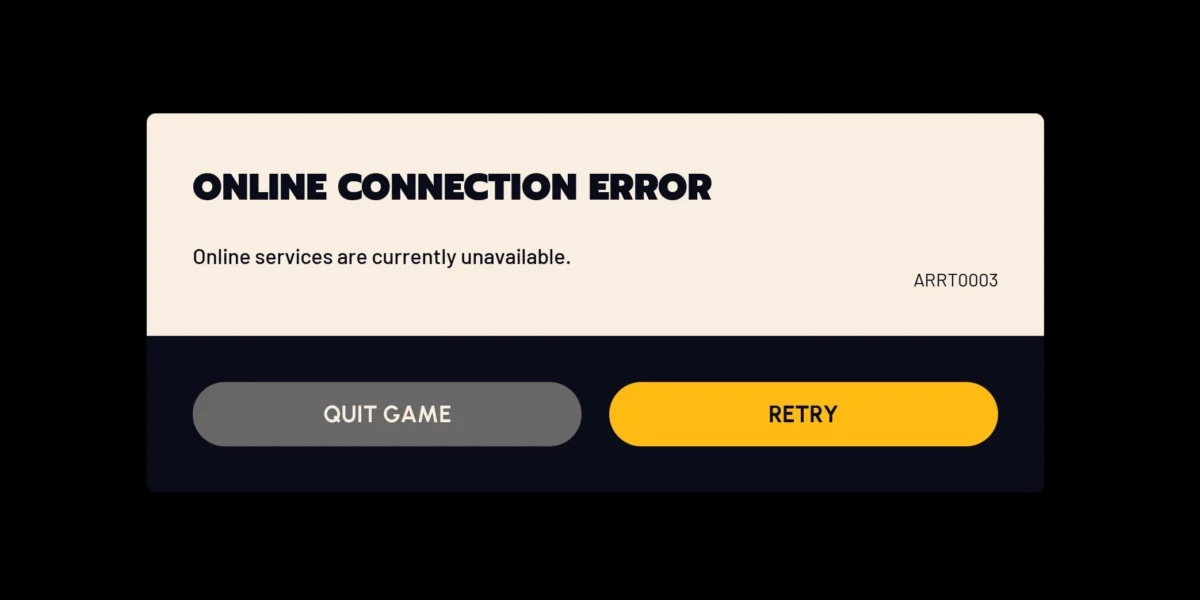
When Arc Raiders will not connect, your first question should be whether it is an Arc Raiders server problem or a local connection problem. The two require completely different responses, and spending time on the wrong one delays your next session. Here is exactly how to determine which you are dealing with in under two minutes.

Is Arc Raiders Down Right Now? Check These in Order
Step 1: arcstatus.com (60-Second Update Cycle)
arcstatus.com updates every 60 seconds and provides real-time Arc Raiders server status, distinguishing queue issues from partial outages and full server downtime.
If arcstatus.com shows servers as operational, the problem is almost certainly on your side. If it shows degraded or down, you wait.
Step 2: @ArcRaidersGame on X
Embark Studios posts incident acknowledgments on @ArcRaidersGame before updating any status page. This is the fastest channel for confirmed outage information and estimated resolution times.
Step 3: Arc Raiders Discord
The official Discord has a server-status channel where Embark posts maintenance windows, compensation announcements, and patch notes. Community reports of connection issues appear in real time here.
Step 4: Downdetector
downdetector.com shows user-reported issues. A spike in the graph (dozens to hundreds of reports within 15 minutes) confirms a widespread event even before any official communication.
Is It Down or Is It Your Connection?
Use this diagnostic:
| Test | Result | Conclusion |
|---|---|---|
| arcstatus.com shows green | Servers operational | Problem is local |
| Other games also have issues | Multiple services affected | ISP or router problem |
| Other games work fine | Only Arc Raiders affected | Routing to Embark’s servers specifically |
| Issue only at certain times | Time-correlated | ISP congestion during peak hours |
What Happens to Your Loot When Arc Raiders Goes Down
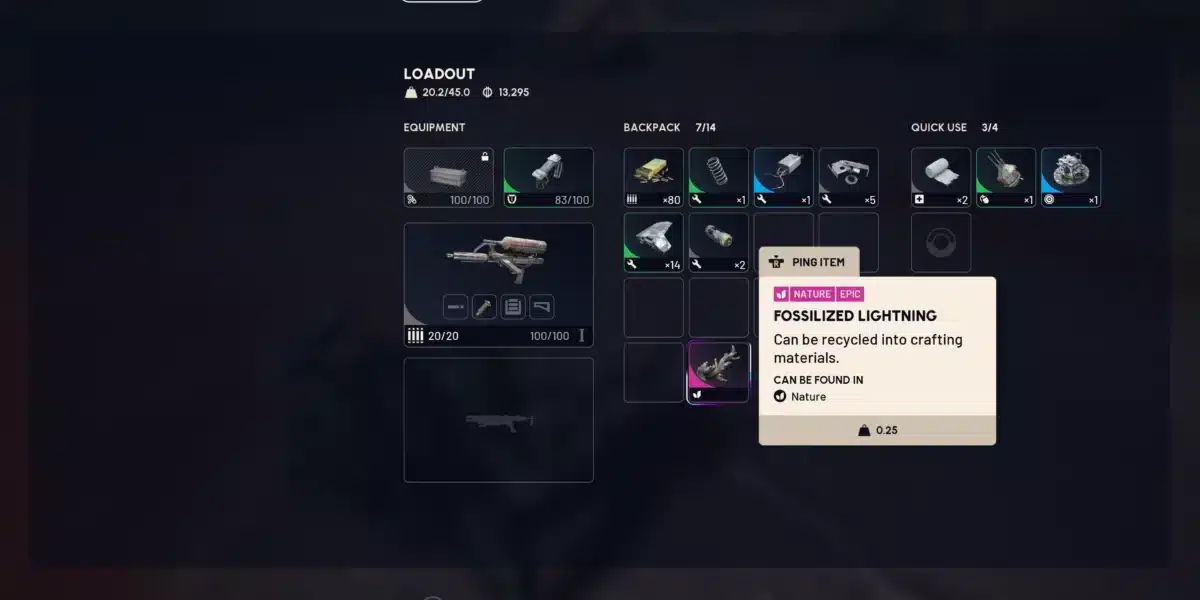
During server outages, what happens to your gear depends on the outage type. A clean server crash typically restores your pre-raid inventory. A disconnection during active looting may not recover items picked up after your last server sync point.
Critical rule: Do not force-close the Arc Raiders client during an unstable connection. The reconnect window allows rejoining an active session. Force-closing skips the reconnect window.
Reporting gear loss:
If a confirmed server outage caused you to lose items, report through Embark’s official support with:
- Your session time and approximate server crash time
- The items lost (name and rarity)
- Any screenshots of inventory before the session
Embark provides compensation for server-caused gear losses. The tracking and reporting process is documented on the Arc Raiders support page.
Common Arc Raiders Down Scenarios
Full server outage: All players disconnected simultaneously. arcstatus.com shows red. Embark acknowledges on X. Wait for the all-clear post before reconnecting.
Regional outage: Players in specific geographic regions cannot connect while others can. arcstatus.com may show partial degradation for specific regions. Try a different game server region if available.
Queue overload: Servers are up but cannot accept new connections due to volume. The queue shows no position number. This is not a down state but produces identical symptoms. arcstatus.com distinguishes this from actual downtime.
Patch deployment outage: Scheduled maintenance during a patch. Usually announced 24 hours in advance on Discord and X. Check both before filing a support ticket.
Fix Your Local Connection to Arc Raiders with ExitLag
When servers are confirmed operational and the problem is on your side, ISP routing to Embark’s servers is the most common cause. Your provider routes your traffic through general-purpose paths that may be congested or geographically inefficient for Arc Raiders specifically.
ExitLag is a connection optimizer used by over 30 million players across 4,000+ game titles including Arc Raiders. It analyzes multiple network routes in real time and selects the fastest, most stable path between your device and Embark’s servers.
- Real-Time Optimization: Bypasses congested ISP routing nodes automatically
- Multipath Technology: Sends your extraction data through multiple simultaneous paths so a single dropped packet does not cost your full inventory
- Multi-Internet: Supports multiple connections simultaneously, preventing mid-extraction disconnections from ISP instability
Download ExitLag and never lose an extraction to a connection problem.
Arc Raiders and related marks are trademarks of Embark Studios. Used for informational and educational purposes only.
Got questions or want to connect with other players? Join the conversation at the ExitLag Forum!