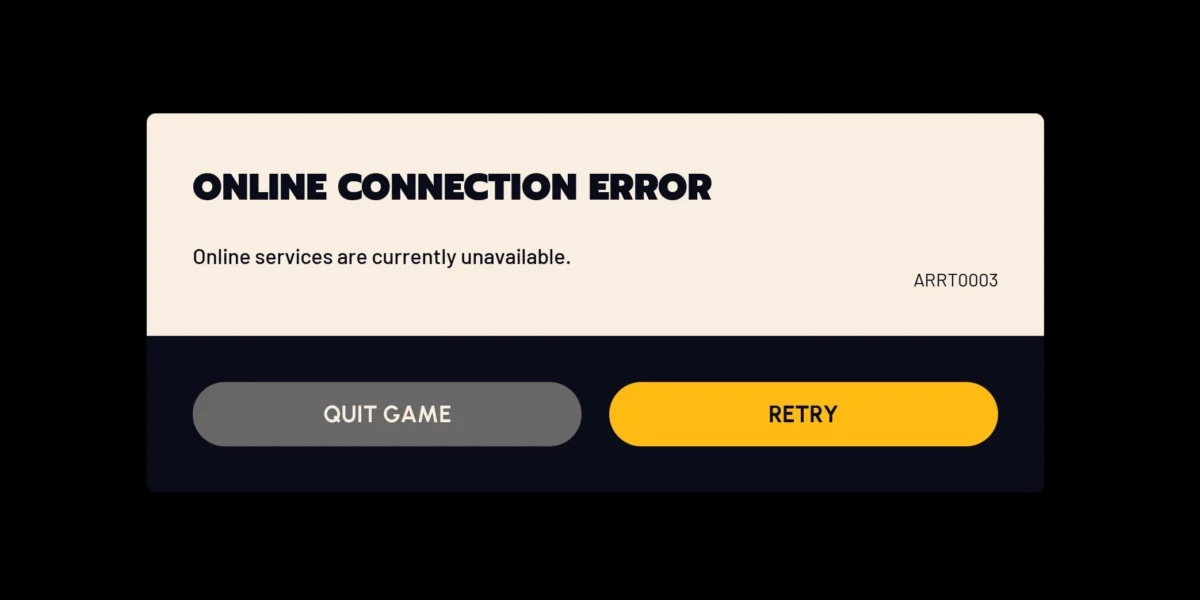
Arc Raiders Lag is one of the most frustrating problems a raider can face mid-extraction. One second you are lining up a shot, and the next your character snaps backward while an enemy walks through your bullets. In fact, it ruins runs, costs loot, and makes a genuinely great extraction shooter feel unplayable.
The good news is that Arc Raiders Lag almost never comes from your PC alone. In most cases, it comes down to routing, server selection, and network configuration, all of which you can actually control and fix today.
If you are dealing with rubberbanding, delayed dodges, or hit registration that feels a full second behind, the direct fix for Arc Raiders Lag is usually a combination of picking the closest healthy server, cleaning up your local network, and routing your traffic through a faster, more stable path. Below, you will find a full breakdown of why this happens and exactly how to solve it.
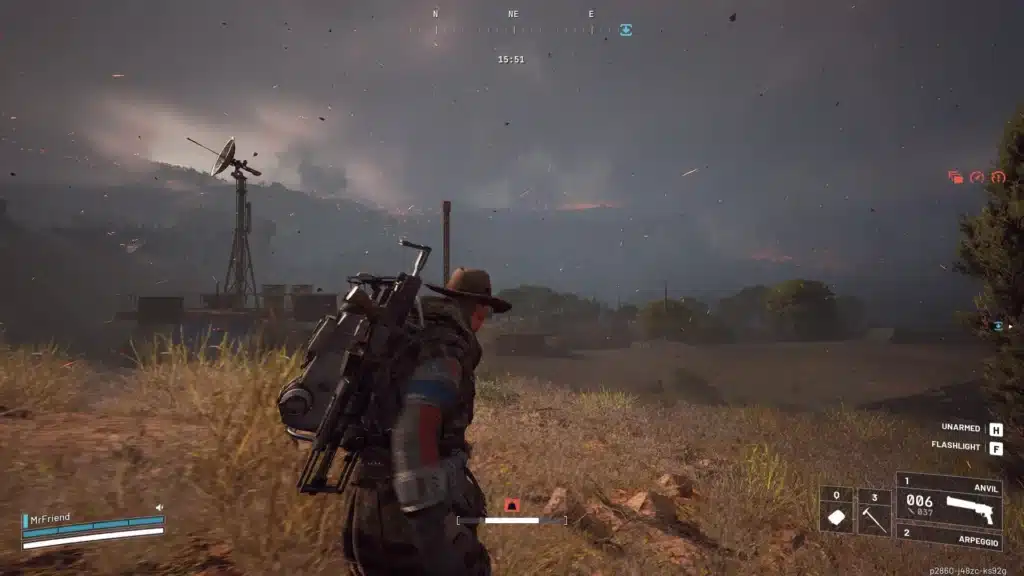
What Causes Arc Raiders Lag on PC?
Arc Raiders is an extraction shooter built around tight gunfights, fast movement, and split-second decisions. Therefore, any delay between your input and what the server registers becomes painfully obvious. Understanding the root cause is the first step to fixing it for good.
Server Distance and Region Selection
Arc Raiders currently runs dedicated servers across North America, South America, Europe, Asia, and Oceania. However, coverage is still uneven in some regions. As a result, players far from a data center regularly report pings well above 100ms.
- North America and Europe generally see the lowest latency thanks to denser server coverage.
- South America and parts of Asia often report higher baseline ping due to fewer nearby nodes.
- Oceania players frequently route through Asian servers, adding extra travel distance.
ISP Routing and Packet Loss
Your internet provider does not always send data through the shortest physical path. Instead, traffic often hops across congested nodes, especially during peak evening hours when everyone is online at once. Moreover, this congestion changes throughout the day, which explains why lag can appear and disappear without warning.
As a result, two players with identical internet speeds can experience completely different ping to the same server. This is exactly why a fast connection at home does not guarantee a smooth match.
How Do You Check Your Arc Raiders Ping and Server Region?
Before changing anything, you need to know what you are actually dealing with. Fortunately, Arc Raiders includes a built in network overlay that shows real time ping and packet loss during matches.
Enabling the In-Game Network Overlay
- Open the Settings menu from the main hub.
- Navigate to the Network or Display tab, depending on your version.
- Enable the network statistics overlay.
- Jump into a match and watch your ping, frame times, and packet loss in real time.
Reading the Numbers Correctly
A stable ping under 60ms usually feels responsive, while anything above 120ms starts introducing noticeable delay. Consequently, packet loss above 1 to 2 percent is often more damaging than raw ping, since it directly causes rubberbanding and rewinding.
Best Network Settings to Reduce Arc Raiders Lag
Once you know your baseline numbers, several practical adjustments can meaningfully reduce Arc Raiders Lag without touching your hardware at all.
Wired Connection Over Wi-Fi
Switching from Wi-Fi to a wired ethernet connection remains the single biggest upgrade available to most players. Meanwhile, Wi-Fi interference from neighboring networks, microwaves, and even walls introduces jitter that a cable simply does not have.
DNS and Background Traffic
Changing your DNS to a faster public option, such as Cloudflare or Google DNS, can shave a few milliseconds off connection times. Furthermore, closing background downloads, cloud backups, and streaming apps frees up bandwidth exactly when you need it most. Otherwise, that background traffic quietly competes with the game for every packet.
- Pause Windows Updates and background app downloads before playing.
- Close Discord screen share or streaming software you are not actively using.
- Disable voice chat bandwidth if you are playing with a party on a separate app.
- Set your game client to a higher network priority in your router if supported.
Router and Hardware Fixes for Persistent Arc Raiders Lag
Sometimes the issue sits between your PC and your ISP, not inside the game itself. Indeed, router configuration and NAT type play a bigger role than most players realize.
Open NAT and Port Forwarding
A strict NAT type can block or delay the peer and server connections Arc Raiders relies on. Therefore, enabling UPnP or manually forwarding the game’s ports on your router often resolves connection instability that looks like lag but is actually a handshake problem. Similarly, a firewall blocking the wrong port can create the same symptoms.
QoS and Traffic Prioritization
Most modern routers include Quality of Service settings that let you prioritize gaming traffic over other devices on your network. Consequently, setting Arc Raiders as a priority device stops a household member’s 4K stream from stealing your bandwidth mid-raid.
| Ping Range | Typical Experience | Common Cause |
|---|---|---|
| 0 to 50ms | Smooth, responsive combat | Local server, wired connection |
| 50 to 100ms | Minor input delay, still playable | Regional server, moderate ISP routing |
| 100 to 150ms | Noticeable rubberbanding | Distant server or congested route |
| 150ms+ | Severe desync, delayed hits | No nearby server or heavy packet loss |
Pro Tips to Eliminate Arc Raiders Lag
Beyond the basics, a few habits separate players who consistently enjoy stable sessions from those who keep fighting their connection. Ultimately, small routines matter as much as one-time fixes.
- Restart your router before long sessions: A fresh connection clears accumulated congestion and resets your NAT session, which often lowers jitter for the first few hours of play.
- Test at different times of day: ISP congestion peaks in the evening, so running the in-game network overlay at noon versus 9 PM shows you exactly how much of your Arc Raiders Lag is time dependent.
- Keep your GPU drivers current: Outdated drivers occasionally cause frame pacing issues that feel identical to network lag but have nothing to do with your connection.
- Avoid stacking a VPN with an optimizer: Running a traditional VPN alongside a routing tool usually adds latency instead of removing it, since your traffic gets encrypted and rerouted twice.
Common Mistakes That Make Arc Raiders Lag Worse
Many players unknowingly make their connection problems worse while trying to fix them. Below are the most frequent errors, along with how to correct each one.
- Blaming FPS instead of the network: A high, stable frame rate does not mean your connection is fine. Fix: always check the ping and packet loss overlay first, since that is what actually causes rubberbanding.
- Manually selecting a distant server for shorter queues: Picking a far region to skip a queue trades matchmaking speed for consistent Arc Raiders Lag throughout the match. Fix: stick to your nearest healthy region even if queue times are slightly longer.
- Leaving Wi-Fi on 2.4GHz by default: This band is slower and more congested than 5GHz or 6GHz. Fix: switch your router to the 5GHz band, or better yet, plug in with ethernet.
- Ignoring background bandwidth hogs: Cloud sync tools and auto-updating apps quietly eat bandwidth during matches. Fix: pause them manually before every session, or otherwise set scheduled hours in their settings.

Why ExitLag Helps Reduce Arc Raiders Lag
ExitLag is not a VPN. Instead, it is a game connection optimizer that analyzes multiple network paths in real time and automatically routes your traffic through the fastest, most stable one available for Arc Raiders.
Because it does not encrypt traffic or mask your IP, ExitLag adds no extra overhead beyond finding a better route than your default ISP path. Additionally, it currently supports over 4,000 titles, spans more than 1,500 servers across 190-plus countries, and is trusted by over 30 million users worldwide, processing roughly 18 million optimizations every week.
Is ExitLag Safe to Use With Arc Raiders?
ExitLag does not modify game files, inject code, or interact with anti-cheat systems in any way. Rather, it works purely on the network layer, which is why it remains safe alongside other protected titles as well.
- Multipath Technology tests several simultaneous routes and picks the fastest one automatically.
- Multi-Internet lets you combine up to four connections with instant failover if one drops.
- Traffic Shaper prioritizes your game’s data packets over background downloads.
- PC Boost clears RAM and closes unnecessary background processes before you launch a match.
How to Set Up ExitLag for Arc Raiders
Getting started takes only a few minutes and, notably, does not require any changes inside the game itself.
- Grab the ExitLag Download and install it on your PC.
- Search for Arc Raiders in the supported games list and add it to your favorites.
- Let the AI powered routing select the fastest available path, or pick a route manually.
- Launch Arc Raiders as usual and monitor your improved ping through the in-game overlay.
Avoid running a separate VPN at the same time, since stacking the two tools typically reduces the routing benefit ExitLag provides. Used on its own, however, it gives Arc Raiders Lag a real, measurable fix rather than a temporary workaround.
All game images used in this blog post belong to Embark Studios. They are used for informational and educational purposes only and do not imply endorsement or affiliation with the rights holders.
Got questions or want to connect with other players? Join the conversation at the ExitLag Forum!