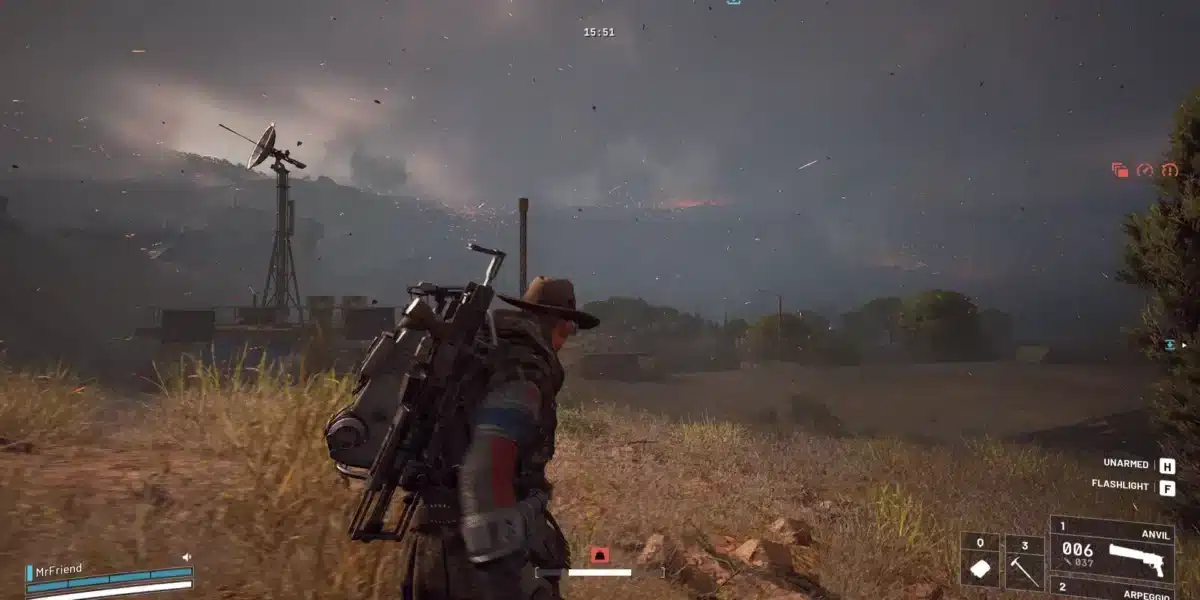
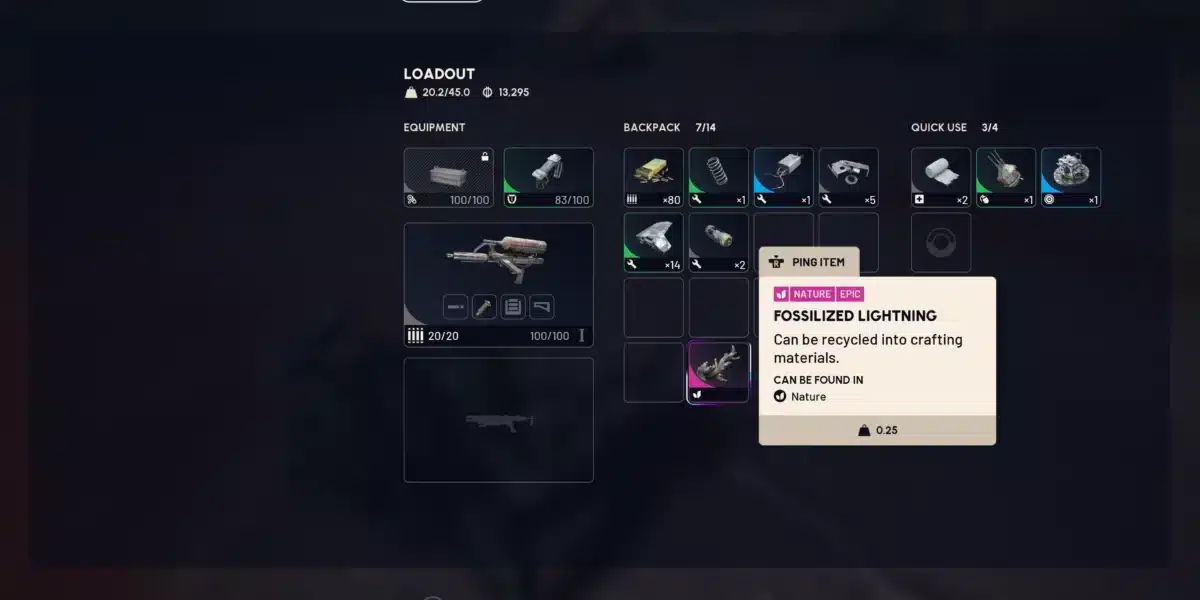
ARC Raiders exploded in popularity after its October 2025 launch, and that success came with a price. Server capacity struggled to keep up with demand, and many raiders still run into connection trouble today.
If you keep getting kicked mid raid or stuck in an endless queue, ARC Raiders server issues are usually not your fault. Embark Studios’ infrastructure has been under constant strain since launch, and network conditions on your end can make things worse.
The good news: most ARC Raiders server issue reports have clear causes, from overloaded matchmaking to packet loss on your route to Speranza. Once you understand what is actually happening, you can fix your side of the problem and get back into raids faster.
This guide covers the real, current state of ARC Raiders connectivity, the specific error codes you might see, and practical steps to reduce disconnects. We will also cover what Embark has done to address outages and how to protect your loadouts going forward.
Why Are There So Many ARC Raiders Server Issues Right Now?
ARC Raiders launched on October 30, 2025 for PC, PlayStation 5, and Xbox Series X/S. Within days, the game surpassed 350,000 concurrent players on Steam alone, which is far more than Embark’s early infrastructure planned for.
That rapid growth caused real strain. Long login queues, matchmaking failures, and mid-raid disconnects became common complaints across Steam forums and social media shortly after release.
The Launch Week Outage
One of the most notable incidents involved players losing loadouts even after successfully extracting. Embark confirmed the outage impacted a large number of players and issued a one-time exception, returning lost items where possible.
Embark’s community team stressed this was not standard policy. Under normal circumstances, item loss during technical issues is not automatically compensated, so treat every raid as if your gear is not guaranteed.
Current Status Heading Into Mid 2026
As of July 2026, ARC Raiders generally runs stable, with Embark’s servers reported as fully operational most days. That said, players still report intermittent desync, packet loss, and short-lived regional hiccups during peak hours.
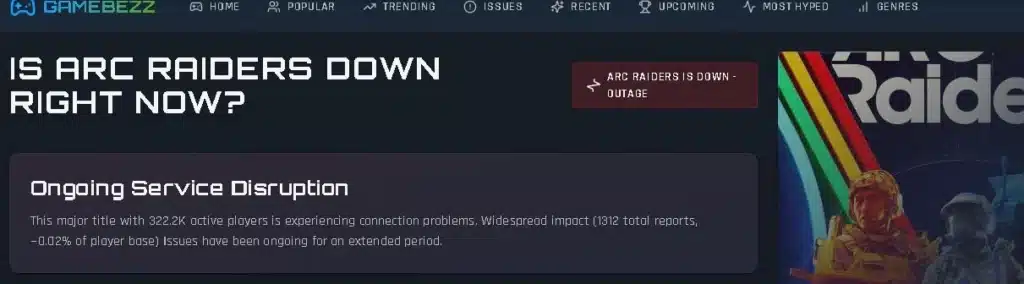
Embark does not run a dedicated public status page. Instead, players rely on:
- Third-party trackers like ArcStatus and similar outage monitors that ping servers continuously.
- The official ARC Raiders channels on X and Discord for maintenance announcements.
- Steam Community discussions, where players report issues in near real time.
- In-game notifications, which sometimes lag behind actual server conditions.
What Do the ARC Raiders Error Codes Actually Mean?
Understanding your error code narrows down the fix considerably. Here are the ones you are most likely to encounter.
| Error Code | Meaning | Typical Cause |
|---|---|---|
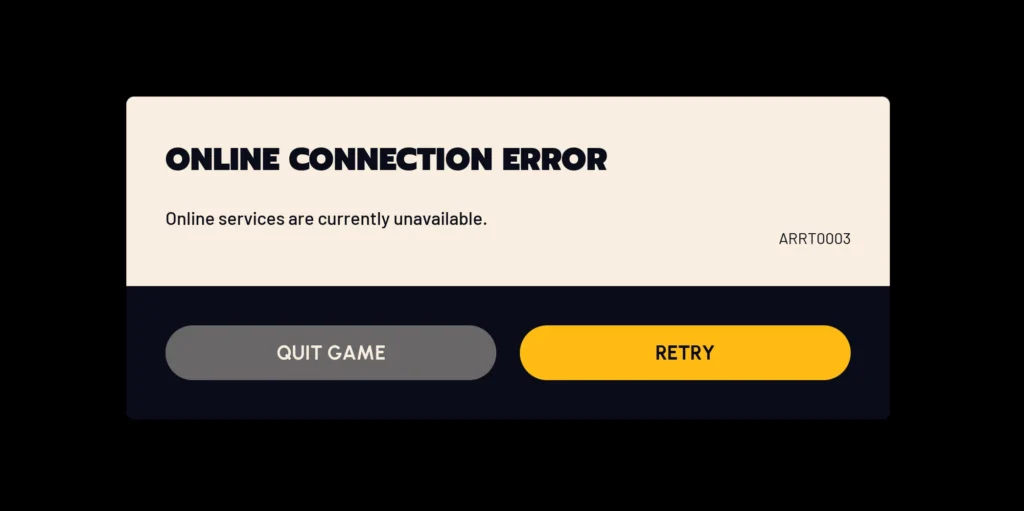
| AREX0003 | Connection to game server lost | Dropped connection mid-session, handshake failure |
| AREX0024 | Connection to game server lost | Client lost communication while connecting or in-raid |
| ARMR0002 | Matchmaking has failed | Server overload or regional matchmaking pool issues |
| Queue Timeout | Stuck in login queue | High concurrent player volume at peak hours |
Notice that two separate codes, AREX0003 and AREX0024, both point to the same underlying problem: a broken connection between your client and Embark’s servers. Therefore, the fixes for both overlap significantly.
Is It Your Network or ARC Raiders’ Servers?
This is the question every raider asks after a disconnect. Here is a quick way to tell the difference:
- Check a third-party status tracker first. If multiple players report the same issue at the same time, it is server-side.
- Test another online game or a speed test site. If everything else runs fine, the problem is likely specific to ARC Raiders’ servers or matchmaking.
- Run a ping test to Embark’s regional servers. Consistent spikes or packet loss point to your route, not the game itself.
- Watch the in-raid behavior. Sudden teleporting enemies or rubber-banding usually indicates desync rather than a full outage.
- Check Steam Community discussions for the exact error code you received. Shared reports confirm a widespread issue quickly.
Why Does Desync Happen Mid-Raid?
Desync in ARC Raiders often shows up as enemies teleporting, delayed hit registration, or loot that disappears after pickup. A large number of players report this happens more often during high-population hours.
One workaround the community found useful: manually selecting the closest server in settings instead of leaving it on auto. Auto-selection does not always pick the lowest latency option available.
How Can You Fix ARC Raiders Connection Problems Yourself?
Server-side issues are out of your hands, but plenty of connection problems come from your own setup. Working through this checklist resolves most ARC Raiders server issues that are not tied to an actual outage.
- Switch to a wired Ethernet connection. Wi-Fi introduces variable latency and packet loss that a cable simply does not have.
- Power cycle your router for at least three minutes. This clears outdated routing records and forces a fresh handshake with your ISP.
- Flush your DNS and switch to a public DNS server. Google (8.8.8.8) or Cloudflare (1.1.1.1) often resolve faster than your default ISP DNS.
- Enable UPnP or manually forward the required ports. A strict NAT type is a common trigger for dropped connections during matchmaking.
- Verify your game files through Steam or your platform client. Corrupted files can mimic a connection issue that is actually local.
- Update your GPU drivers, but roll back if problems start after an update. Some newer drivers have caused conflicts with Easy Anti-Cheat.
Console Versus PC Troubleshooting
PC players have more control over their network stack, but console raiders are not without options. Both platforms benefit from closing background bandwidth-heavy apps like cloud backups or streaming services before queuing.
Furthermore, restarting in the correct order matters. Close the game first, then the platform client (Steam, Epic, PSN, or Xbox), and finally restart your router before trying again.
Pro Tips: Reducing ARC Raiders Server Issues
- Queue during off-peak hours. Server load drops noticeably outside evening prime time in your region, which reduces both queue length and desync risk.
- Avoid alt-tabbing during loading screens. This can interrupt the handshake process and trigger a false disconnect on some systems.
- Keep a stable, dedicated connection during raids. Downloading updates or streaming on another device in your household competes for bandwidth exactly when you need it least.
- Manually select your closest server region. Auto-selection does not always route you optimally, and a shorter physical path usually means fewer desync moments.
- Track official channels before queuing into a raid. A quick check of Discord or X can save you from losing a loadout during a known outage window.
Common Mistakes ARC Raiders Players Make
- Ignoring the server status before a high-stakes raid. Fix: check a status tracker or official channel first, especially before carrying expensive loot.
- Blaming their PC for every disconnect. Fix: rule out server-wide issues through community reports before spending hours reinstalling or changing hardware settings.
- Leaving NAT type on strict without adjusting router settings. Fix: enable UPnP or forward the necessary ports to reduce matchmaking failures.
- Staying on Wi-Fi despite frequent packet loss complaints. Fix: switch to Ethernet, which removes an entire category of connection instability.
- Assuming lost loadouts will always be refunded. Fix: treat every extraction as final, since Embark has stated compensation is the exception, not the rule.
Can ExitLag Help With ARC Raiders Server Issues?
ExitLag is not a VPN. It is a game connection optimizer that analyzes multiple network routes in real time and automatically picks the fastest, most stable path between your PC or console and the game servers.
It does not encrypt your traffic, does not mask your IP, and does not affect any apps outside supported games. ExitLag currently supports over 4,000 titles across PC and Mobile, with more than 1,500 servers spread across 190+ countries, trusted by over 30 million users processing 18 million+ optimizations weekly.
For a game where packet loss and desync during extraction runs are common complaints, a few specific features matter most:
- Multipath Technology: sends your packets through multiple routes simultaneously, so if one path fails, others keep your connection alive instead of dropping you mid-raid.
- Real-time Optimization: continuously adjusts your route to reduce delay and packet loss, which directly targets the desync issues many raiders report.
- Multi-Internet: combines up to 4 simultaneous internet connections with automatic failover, useful if your primary connection is unreliable during peak hours.
- Traffic Shaper: prioritizes your game traffic and limits bandwidth from other apps, so background downloads do not compete with your raid.
- PC Boost: cleans RAM and reduces background processes for smoother, more consistent performance during intense fights.
ExitLag does not modify game files, does not inject code, and does not interact with anti-cheat systems, so it stays safe to use alongside Easy Anti-Cheat. One important note: avoid running it alongside a VPN, since the two can conflict and reduce ExitLag’s effectiveness.
If unstable routing keeps interrupting your extractions, grabbing the ExitLag Download and testing a more stable path takes only a few minutes and could be the difference between a clean extract and losing your loadout to a mid-raid drop.
Final Thoughts on ARC Raiders Server Issues
ARC Raiders has stabilized considerably since its rocky October 2025 launch, but arc raiders server issues have not disappeared entirely. Desync, occasional queues, and connection errors still surface, especially during peak hours.
Knowing your error codes, checking status trackers before high-value raids, and optimizing your own network route all reduce your exposure. Combined with a stable setup, these steps mean fewer disconnects and safer extractions the next time you head into Speranza.
All game images used in this blog post belong to Embark Studios. They are used for informational and educational purposes only and do not imply endorsement or affiliation with the rights holders.
Got questions or want to connect with other players? Join the conversation at the ExitLag Forum!