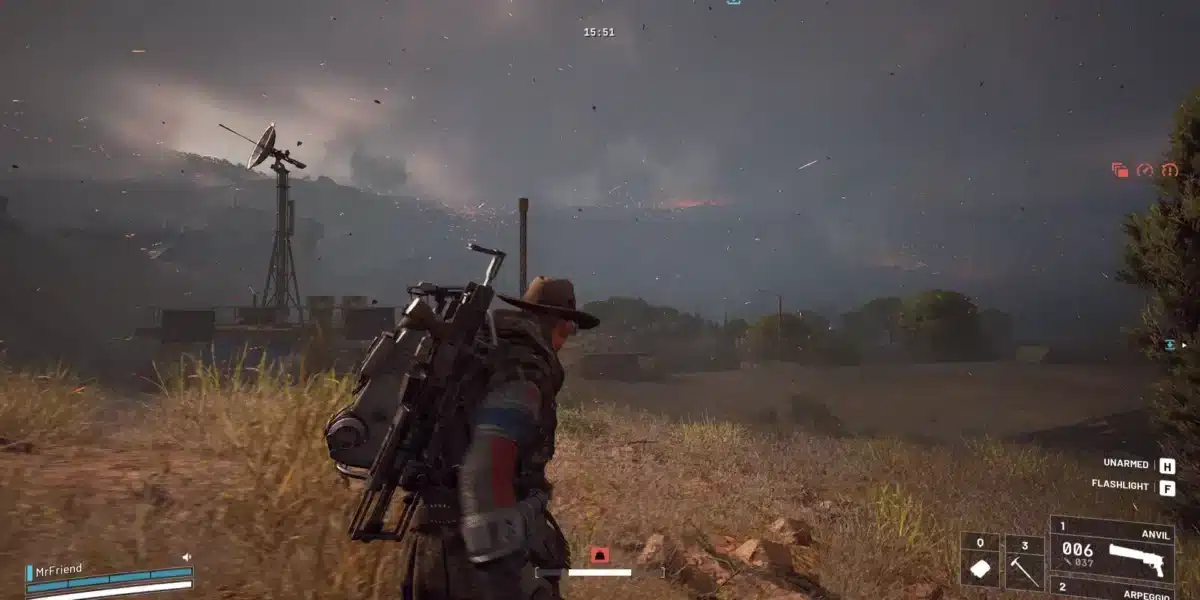
Arc Raiders Search Computers is one of the trickiest Weekly Trials in the game right now. Raiders spend entire runs sprinting between terminals, only to find half of them empty. Furthermore, the scoring system rewards speed and route knowledge over raw luck.
This guide breaks down exactly where to search, how many terminals you actually need, and which maps waste your time. Arc Raiders Search Computers challenges are currently active in the Weekly Trials rotation, and understanding the mechanic properly saves you dozens of minutes per session.
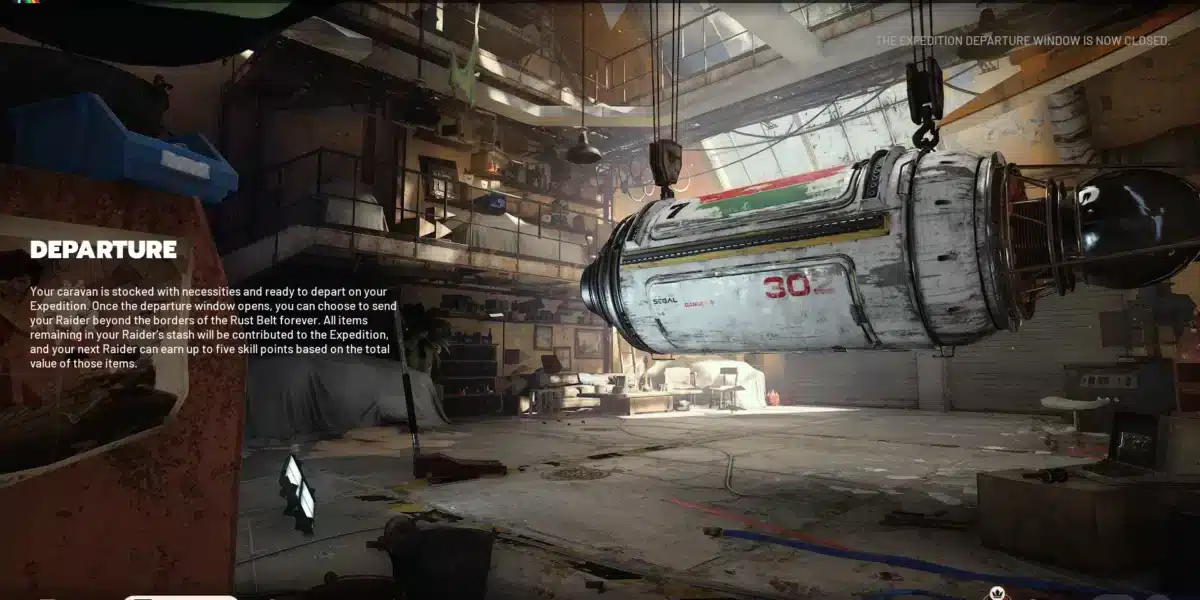
If you are wondering where the best place to search computers Arc Raiders offers really is, the short answer is Acerra Spaceport. Its launch tower and Departure buildings consistently spawn more interactive terminals than any other location, making it the most efficient stop for this Trial today.
What Is The Arc Raiders Search Computers Trial?
The Search Computers Trial asks players to interact with lootable computer terminals scattered across the surface maps during a single raid. Each successful search grants points toward a three-tier star reward. Therefore, players who plan a tight route consistently outperform those who wander randomly.
How The Objective Actually Works
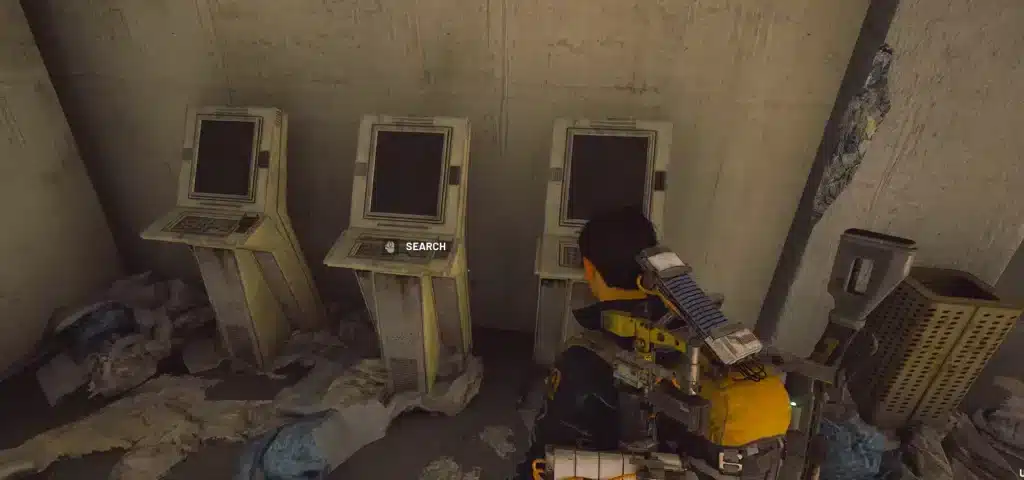
Not every terminal on the map counts. Only the freestanding, desktop-style computers that produce an interaction prompt qualify for credit. Consequently, raiders should ignore wall-mounted screens, decorative monitors, and anything without a visible loot icon.
- Freestanding desktop terminals with a container prompt: count toward the objective
- Wall-mounted or decorative screens: never count, skip immediately
- Server racks and locked panels: not part of this Trial, ignore them
- Terminals inside ARC-controlled rooms: count, but carry higher risk
Current Scoring Requirements
Each computer searched currently awards points toward three milestones. Reaching the top milestone typically requires searching somewhere between 19 and 25 terminals in a single raid, depending on point weighting that week. Indeed, community trackers have reported slightly different numbers across recent Trial rotations, so treat the exact figure as a target range rather than a fixed rule.
- One star: roughly 1,000 points, achievable with a handful of quick searches
- Two stars: roughly 2,000 points, requiring a committed mid-map route
- Three stars: roughly 3,000 points, needing a near full-map sweep on a dense spawn map
Search Computers Arc Raiders: Best Maps To Farm
Not all maps are built the same for this objective. Some maps are dense with terminal spawns near spawn points, while others force long detours for a handful of computers. Choosing the right map before you even queue is the single biggest time saver.
Why Acerra Spaceport Leads The Pack
Acerra Spaceport currently has the highest density of computer spawns of any map in rotation. The bottom floor of the launch tower and the Departure buildings reliably produce multiple terminals almost every match. As a result, most experienced raiders treat Spaceport as their default queue for this Trial.
Alternative Maps Worth Considering
Buried City and Stella Montis both contain computer spawns, but noticeably fewer than Spaceport. However, Stella Montis rewards players willing to accept higher risk, since its endgame zone often has less player traffic competing for the same terminals.
- Acerra Spaceport: highest terminal density, safest and fastest option
- Stella Montis: fewer spawns but less competition from other raiders
- Buried City: moderate spawn count, decent backup when Spaceport queues are full
- Dam Battlegrounds: lower priority, spawns are scattered and inconsistent
Best Place To Search Computers Arc Raiders: Route Breakdown
Knowing the map is only half the job. Furthermore, the actual order you visit locations determines whether you finish your sweep before extraction timers force you out. A structured route beats improvisation every single time.
Building A Spaceport Sweep Route
Start at the nearest point of interest after spawning in, rather than beelining for the map center. Next, move progressively outward, hitting the launch tower interior first before rotating toward Departure. Finally, work the edge of the map back toward your chosen extraction point.
- Land near your spawn POI and clear the closest one or two terminals first
- Push into the launch tower bottom floor, which almost always has multiple spawns
- Rotate to the Departure buildings and search every freestanding terminal
- Sweep along the map edge toward extraction, picking up stragglers along the way
- Call extraction early if ARC activity spikes, since survival outranks a missed star
Solo Versus Squad Strategy
Running with a squad changes the math considerably. In a party, splitting the map into zones lets each player cover separate terminal clusters simultaneously, which roughly doubles or triples your total search count per raid.
- Solo runs: prioritize the single densest zone and avoid unnecessary detours
- Duo runs: split the map into two halves and meet near a shared extraction
- Trio and above: assign zones by POI cluster, then regroup before the timer closes
- Always communicate ARC sightings immediately, since a firefight can end your run early
Map Comparison For The Search Computers Trial
| Map | Terminal Density | Risk Level | Recommended For |
|---|---|---|---|
| Acerra Spaceport | High | Low to Moderate | Fastest 3-star attempts |
| Stella Montis | Moderate | High | Experienced raiders avoiding crowds |
| Buried City | Moderate | Moderate | Backup when Spaceport is full |
| Dam Battlegrounds | Low | Moderate | Not recommended for this Trial |
| Riven Tides | Low | Moderate | Situational, newer map with fewer spawns |
Where Do You Find Computers To Search In ARC Raiders?
Computers spawn inside indoor structures rather than open terrain. Therefore, raiders should always prioritize buildings over courtyards when scanning a new area. Office-style rooms, control stations, and administrative wings tend to hold the highest concentration.
Recognizing A Valid Terminal On Sight
A valid computer glows faintly and produces an on-screen interaction prompt as you approach. If nothing appears within a couple of seconds, move on immediately rather than wasting time circling the object.
Why So Many Terminals Are Empty
Out of the roughly 100 visible computer-shaped objects across a busy map like Spaceport, only about 20 to 25 actually contain lootable data on any given raid. This is intentional design meant to reward map knowledge over blind searching, so memorizing which specific terminals hit consistently pays off over repeated runs.
Pro Tips: Arc Raiders Search Computers
- Learn the launch tower layout cold: repeated runs on Spaceport teach you exactly which rooms hold terminals, cutting search time dramatically on future attempts.
- Carry mobility gear over combat gear: extra stamina items and light loadouts let you cover more ground before the extraction window forces a decision.
- Skip terminals inside contested rooms: if ARC units are already engaged near a computer, the risk rarely outweighs the points on offer.
- Track your point pace at the midpoint of the raid: if you are behind the three-star threshold by the halfway mark, adjust your route rather than hoping for a late rally.
- Use Seeker Grenades to scout ahead: throwing one into an unexplored room reveals threats before you commit to searching its terminal.
Common Mistakes Arc Raiders Search Computers Players Make
- Searching decorative screens instead of real terminals. Fix: only interact with freestanding desktop units that show a clear container prompt.
- Choosing a low-density map out of habit. Fix: default to Acerra Spaceport unless queue times or squad strategy genuinely favor an alternative.
- Circling back for missed terminals instead of moving forward. Fix: commit to a linear route and accept a small number of missed spawns rather than losing time on backtracking.
- Ignoring extraction timers while chasing the last few points. Fix: set a hard extraction cutoff before the raid starts and stick to it regardless of your current star count.
Staying Connected While You Search: Why Route Consistency Matters
Extraction shooters punish desynced movement harder than almost any other genre. A stutter or a rubber-band moment while sprinting between terminals can mean walking into an ARC patrol you never actually saw coming. Consequently, connection stability becomes part of your search strategy, not just a background concern.
This is where ExitLag fits naturally into a raider’s toolkit. ExitLag is not a VPN. Instead, it analyzes multiple real-time network paths between your PC and the game server, then automatically routes your connection through the fastest and most stable option available.
For a fast-paced objective like Arc Raiders Search Computers, that stability matters during exactly the moments you cannot afford to lose them: sprinting through Departure buildings, pushing into a contested launch tower, or making a last-second extraction call. ExitLag’s Multipath Technology and real-time optimization work to reduce the kind of desync and rubber-banding that can turn a clean terminal sweep into a wasted raid.

The tool does not modify game files, does not inject code, and does not interact with anti-cheat systems in any way, which keeps it safe to run alongside a raiding session. It supports more than 4,000 titles across PC and Mobile, with over 1,500 servers spread across 190-plus countries, and it is trusted by more than 30 million users processing upward of 18 million optimizations every week. Just remember never to run it alongside a VPN, since the two tools compete for the same routing decisions.
If your searches keep ending in an unexpected disconnect or a rubber-banded death right before extraction, it is worth downloading ExitLag and testing the difference on your own connection before your next Spaceport run.
Whether you are chasing three stars on Acerra Spaceport or experimenting with Stella Montis for less competition, Arc Raiders Search Computers rewards preparation over luck. Learn the routes, respect the extraction timer, and keep your connection as stable as your route planning, and those three stars become a routine reward rather than a grind.
All game images used in this blog post belong to Embark Studios. They are used for informational and educational purposes only and do not imply endorsement or affiliation with the rights holders.
Got questions or want to connect with other players? Join the conversation at the ExitLag Forum!