Every Dead By Daylight player hits the same wall sooner or later. You load in with the same four perks, you play the same loop, and the trial ends the way the last fifty did. A DBD Randomiser breaks that cycle by picking your build for you.
The idea is simple. A DBD Randomiser rolls a random killer or survivor, four random perks and sometimes add-ons, items and offerings, and you play whatever comes out. No swapping, no "just one more reroll" when Lightborn shows up on a stealth killer.
So what is it, in one line? A DBD Randomiser is any tool or rule set that picks your character, perks or full loadout at random, either through a fan-made website, a Discord bot, or the official Chaos Shuffle modifier from Behaviour Interactive. You roll, you accept the result, and you try to win with it.
What Is a DBD Randomiser and Why Do Players Use It?
There are two kinds of randomness in this game. One comes from Behaviour itself, through modifiers and certain tome challenges. The other comes from the community, through websites, bots and stream overlays that build random loadouts on demand.
Both land in the same place: with any DBD Randomiser, you stop playing on autopilot.
Where the Randomizer DBD Idea Comes From
Players were rolling random builds on fan sites long before Behaviour made it official. The official version arrived as Chaos Shuffle, a limited-time modifier that fills every loadout with random perks.
Over in the Archives, the Remix Tome challenges use the same mechanic. Some quests force a randomised perk set for that one trial, and you have to finish the objective with it.
Why a Random Build Is Worth Your Time
We think every player past their first hundred hours should run a DBD Randomiser build at least once a week. Here's what it does for you:
- It forces you to read perks you've ignored for months.
- It exposes how much you lean on one second chance perk.
- It makes you learn killers and survivors you'd never pick.
- It's the most fun way to grind Bloodpoints on a character you don't care about.
- It gives streamers and friend groups an instant content idea.
Remember the Lightborn-on-a-stealth-killer example from the intro? That's the honest downside. Some rolls are just bad, and you'll lose with them.
How Does Chaos Shuffle Work as an Official Dead By Daylight Perk Randomizer?
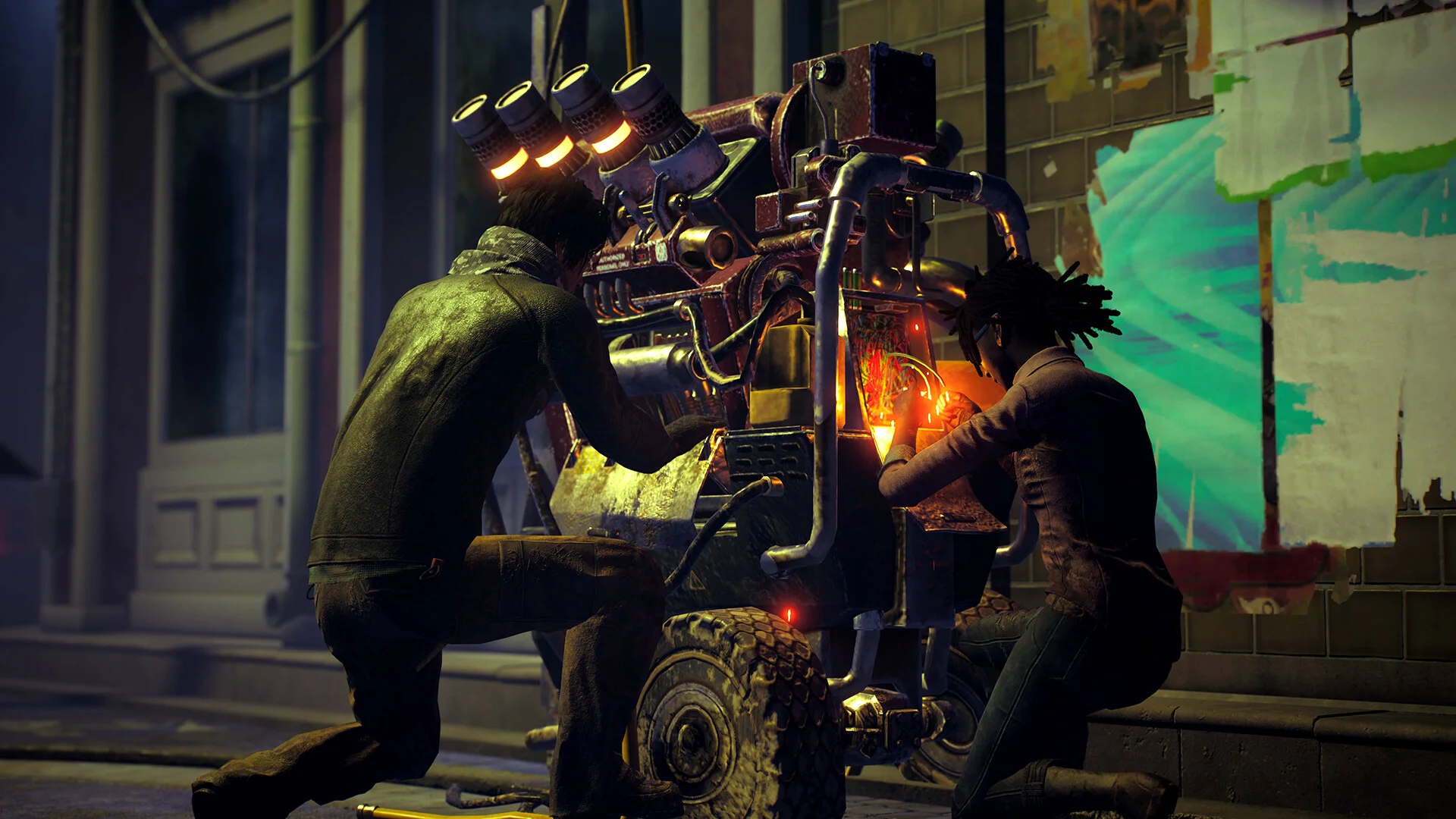
Chaos Shuffle is the closest thing to an official Dead By Daylight Perk Randomizer. According to the official Chaos Shuffle announcement from Behaviour Interactive, the modifier pulls your build at random from a pool of every perk in the game, and each perk in that pool is Tier III.
That last part is big. You get perks you don't own yet, at full strength, on characters you haven't levelled.
Chaos Shuffle Rules at a Glance
Here's how the modifier plays out in practice:
- Queue into the Chaos Shuffle mode while it's live in the rotation.
- Pick your killer or survivor as usual.
- Enter the trial with four random Tier III perks assigned by the game.
- Check the match details screen during the trial if you don't recognise a perk.
- Play it out and collect the event rewards tied to that run.
The rewards themselves are fixed, even if the perks aren't. Earlier runs gave a player badge, a banner and a charm.
When Does Chaos Shuffle Come Back?
It rotates in and out. The most recent run was part of Summer Screams, and the community wiki lists a Darkest Dungeon themed version as the next one, with no confirmed dates yet.
Until Behaviour announces dates, keep an eye on:
- The official Dead By Daylight news page
- In-game event banners on the main menu
- Behaviour's social channels before each mid-chapter patch
If Chaos Shuffle isn't live, a fan-made DBD Randomiser is the only way to get the same experience.
How to Use a DBD Perk Randomizer Website
Fan-made DBD Randomiser tools do more than Chaos Shuffle ever did. A good DBD Perk Randomizer website can roll the character, perks, add-ons, items and offerings in one click.
Sites like DBD Rando, for example, let you build configs that include or exclude specific killers, perks and add-ons before you roll. Logged-in users can save configs, share a roll through a code, and push results to an OBS overlay for streaming.
Step-by-Step: Rolling Your First Random Build
- Open the randomizer of your choice and pick killer or survivor.
- Filter out perks you don't own yet, unless you're playing Chaos Shuffle rules.
- Decide whether add-ons, items and offerings get randomised too.
- Hit roll and screenshot the result before you touch it.
- Equip the exact build in the loadout screen.
- Queue, play the trial, and log the result if you're tracking a challenge.
Step 4 sounds silly for a DBD Randomiser session. Do it anyway. Without a screenshot, "I swear I rolled Dead Hard" turns into a running joke in every friend group.
Should You Filter by Owned Perks?
It depends on why you're using the DBD Randomiser. Here's how we see it:
- Filter to owned perks if you're playing normal public matches and want a build you can equip.
- Leave the pool open when you just want to theory craft, since you can't equip unowned perks outside Chaos Shuffle anyway.
- On a new account, filtering is pretty much required, since you won't have most teachables yet.
The catch is that the owned-perk filter on most sites needs manual setup. If your list is out of date, you'll roll perks you can't equip and waste a queue.
DBD Build Randomizer Challenges the Community Plays

A DBD Build Randomizer gets more fun once you add rules on top. These are the formats you'll see in friend groups, Discord servers and stream challenges. None of them are official; they're house rules, so agree on them before the first roll.
Popular Challenge Formats
| Challenge | What Gets Randomised | Difficulty | Best For |
|---|---|---|---|
| Classic Roll | Four perks only | Low | First-time randomizer players |
| Full Chaos | Character, perks, add-ons, item, offering | High | Friend groups and streams |
| Killer Roulette | Killer plus four perks | Medium | Players who only main one killer |
| No Reroll Gauntlet | Perks, kept until you escape or 4K | High | Streamers and challenge runs |
| Team Shuffle | Each SWF member rolls for another | Medium | Four-stack survivor squads |
| Survivor Lottery | Survivor plus perks plus item | Medium | Grinding Bloodpoints on alts |
The No Reroll Gauntlet is the one we'd recommend if you want a real test. You keep the same build until you either escape or get a 4K, however many trials that takes.
House Rules Worth Writing Down
Arguments ruin a DBD Randomiser night faster than bad rolls. Settle these before anyone queues:
- How many rerolls each player gets per session (we'd say one)
- Whether duplicate-effect rolls count, like two exhaustion perks on one survivor
- What happens when a perk doesn't work on the map or killer
- Whether a disconnect resets the build or keeps it
- Who checks the loadout screen before the trial starts
Write the rules in your Discord channel or stream panel. Then nobody can change them after a rough match.
Picking the Right Dead By Daylight Randomizer Settings for Killers and Survivors
A Dead By Daylight Randomizer feels very different on each side. Killer rolls can tank a whole match because you're alone. Survivor rolls get softened by three teammates.
Killer Side: Where Randomness Hurts Most
Some killers are built around their power more than their perks, and those handle random rolls better. Others depend on a perk combo to function. If you want a refresher on each killer's kit before rolling, the Dead By Daylight characters guide covers who does what.
Killers that usually handle bad rolls well:
- Killers with strong chase powers, since perks matter less in a 1v1 chase
- Killers with map pressure built into their power
- New arrivals like Art the Clown from the Terrifier chapter, which launched on November 24, because nobody has a meta build for him yet
Survivor Side: Playing Around a Weak Build
Survivors get away with worse DBD Randomiser rolls. Still, four perks that do nothing in chase means you play the whole match on stealth and gens. That's fine. It's actually a good lesson in how much the meta perks were carrying you.
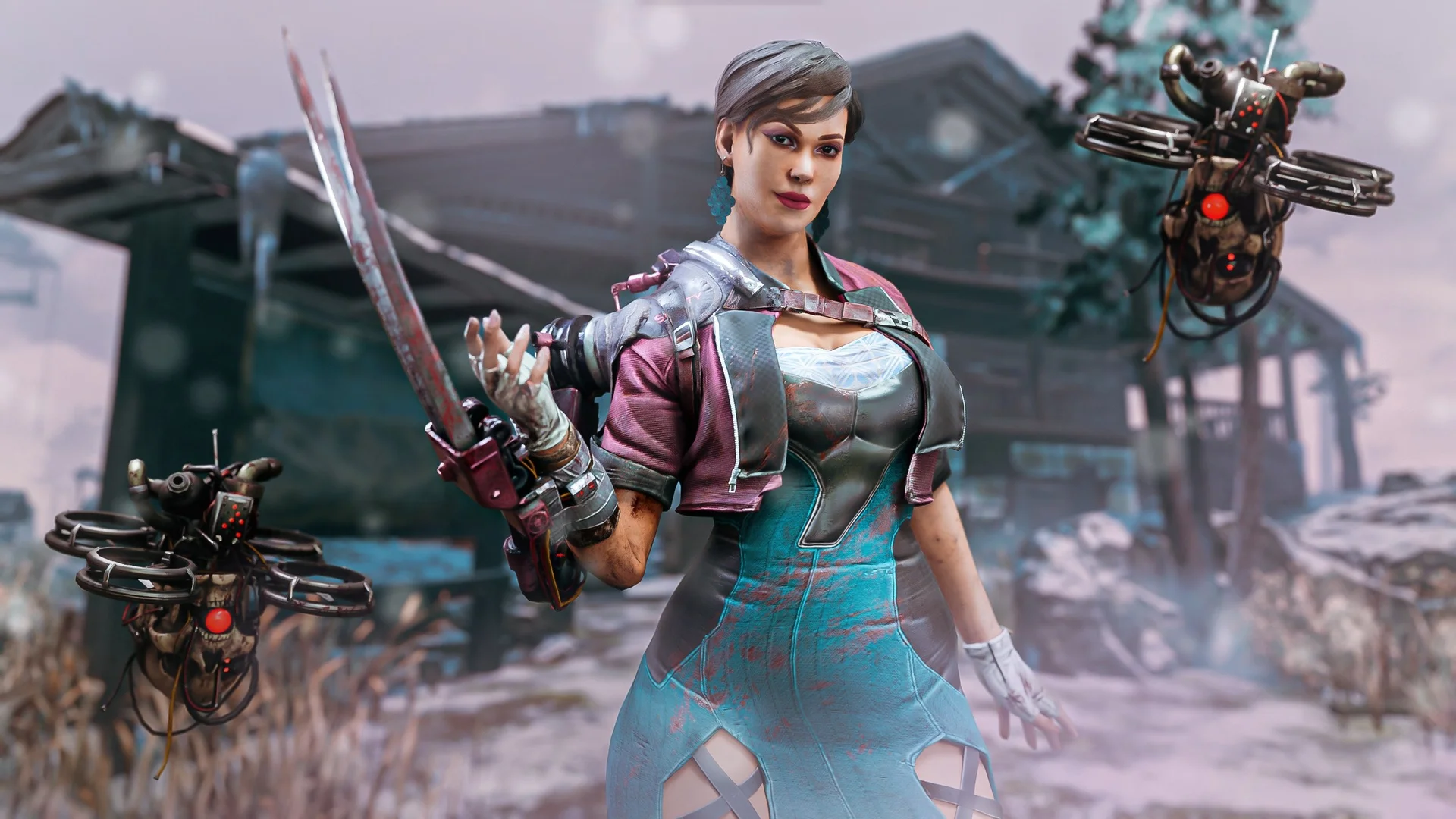
Sienna Shaw also came with the Terrifier chapter, bringing Best Gift Ever, Shared Trauma and Valkyrie's Rage into the survivor perk pool. Expect to roll them more often as more players level her up and spread her teachables.
Is a Perk Randomizer DBD Tool Safe to Use?
Yes. A Perk Randomizer DBD website runs in your browser or on a separate device. It doesn't touch the game client, doesn't read memory and doesn't change any files, so there's nothing for anti-cheat to flag.
That's very different from tools that modify the game. If you're unsure where the line is, our breakdown of Dead By Daylight cheats and why they get accounts banned explains what Behaviour actually punishes.
Randomizers vs. Mods: What Gets You in Trouble
| Tool Type | Touches Game Files? | Ban Risk |
|---|---|---|
| Browser randomizer website | No | None |
| Discord randomizer bot | No | None |
| OBS stream overlay | No | None |
| Client mods or injected tools | Yes | High |
The same logic applies to so-called performance mods. Before installing anything that promises smoother matches, read about the DBD mod to reduce lag and why most of them aren't worth the risk.
Does Randomness Change Your Matchmaking?
No. The game doesn't know your build came from a DBD Randomiser. Your matchmaking works the same as always, so a terrible roll in a normal queue still puts you against equal-skill opponents.
That's the trade-off people forget. A random build in public matches affects your teammates too, so:
- Tell your SWF group before you roll
- Avoid going full chaos in solo queue if teammates are trying hard
- Use Chaos Shuffle when it's live, since everyone in that lobby signed up for randomness
Pro Tips and Common Mistakes With a DBD Randomizer
These come from running a lot of random builds on both sides. A DBD Randomizer challenge is supposed to be fun, so most mistakes come from taking it too seriously or not seriously enough.
Pro Tips: Getting the Most Out of Random Builds
- Read every perk before the trial: Spend the loading screen reading the four perks you rolled. Half the "useless" perks are only useless because the player didn't know what triggers them.
- Build your play style around the strongest perk: Pick the one perk that does something and play to it. If you rolled one aura perk and three duds, play an information game.
- Track results in a spreadsheet: Log the build, the character and the result. After 20 rolls you'll see which perk types you struggle without.
- Use Custom Games first for killers you've never played: A random killer you've never touched plus random perks is two problems at once. Learn the power first.
- Keep the roll honest with screenshots: Every challenge falls apart once someone "forgets" what they rolled.
Common Mistakes DBD Randomiser Players Make
- Rerolling until the build looks good: That's just picking a build with extra steps. Fix: allow one reroll per session and stick to it.
- Ignoring owned-perk filters: You roll perks you can't equip and lose a queue. Fix: update your owned-perk list after every new teachable.
- Going full chaos in solo queue: Teammates didn't agree to your challenge. Fix: save full chaos for SWF or Chaos Shuffle lobbies.
- Blaming the build for connection issues: Some losses aren't the perks. If you're rubber-banding in chase or hits look late, it's your connection or your frame rate, and checking for FPS drops in Dead By Daylight is a good first step.
Why Your Connection Still Decides Random Build Matches
A DBD Randomiser build already puts you at a disadvantage. Adding lag on top of a weak loadout makes the trial almost unwinnable, especially in chase where every vault and pallet stun depends on timing.
Dead By Daylight runs on dedicated servers, so the route your traffic takes to those servers affects hit validation, pallet timing and how often you see "phantom" hits.
How ExitLag Helps in Dead By Daylight
ExitLag is a game connection optimizer, not a VPN. It tests multiple network paths in real time and sends your game traffic through the fastest, most stable route to the Dead By Daylight servers.
Here's what's relevant for DBD players:
- Multipath Technology sends packets through more than one route at once, so a single bad hop doesn't cause a desync mid-chase.
- Multi-Internet supports up to 4 simultaneous connections, with a backup taking over if your main one drops.
- Traffic Shaper puts game traffic ahead of downloads and streams on your network.
- PC Boost clears RAM and background processes for steadier frame rates.
ExitLag doesn't modify game files, doesn't inject code and doesn't interact with anti-cheat. It supports more than 4,000 titles across 1,500+ servers in 190+ countries. Don't run it alongside a VPN, though, since that cuts its effectiveness.
Getting Set Up
- Install the client and log in.
- Search for Dead By Daylight in the game list.
- Pick your server region or let the AI routing choose.
- Launch the game through your usual platform.
Dead By Daylight is on PC and consoles, so grab the ExitLag Download and give your next DBD Randomiser build a fair fight on a stable connection.
Final Thoughts on the DBD Randomiser
A DBD Randomiser won't make you a better player overnight. What they do is show you which perks you depend on and which characters you've been avoiding.
Use Chaos Shuffle when it's live, run fan-made tools when it isn't, and keep the house rules simple. One reroll, screenshots, and nobody argues after the match.
Our pick for a first try? Run the DBD Randomiser for one random trial a night this week, then step up to a full No Reroll Gauntlet once the bad rolls stop scaring you.
All game images used in this blog post belong to Behaviour Interactive. They are used for informational and educational purposes only and do not imply endorsement or affiliation with the rights holders.