Escape from Tarkov download is one of the most searched topics among hardcore FPS players, and for good reason. This tactical extraction shooter delivers an intense, realistic experience that punishes mistakes and rewards preparation. However, unlike most modern shooters, downloading Escape from Tarkov is not as straightforward as clicking a button on Steam.
If you’re new to the game, the process can feel confusing at first. There’s a dedicated launcher, multiple editions, and a few important things you must know before installing. Understanding how the Escape from Tarkov download works will save you time, avoid common errors, and help you start your raids without frustration.
In this guide, you’ll learn what Escape from Tarkov is, where to download it safely, how the launcher works, and what to expect from the download size and system requirements. This is the essential first step before stepping into the brutal city of Tarkov.

What Is Escape from Tarkov?
Escape from Tarkov is a hardcore first-person shooter developed by Battlestate Games. It combines realistic gunplay, survival mechanics, RPG-style progression, and high-risk extraction gameplay. Each raid puts you in a hostile map where you must loot, fight AI and real players, and extract alive to keep your gear.
Unlike traditional shooters, death in Tarkov is permanent for the items you carry. That makes every decision matter-from weapon choice to movement and positioning. Because of this design, connection stability and low latency are crucial, especially during firefights or extraction moments.
Escape from Tarkov is a PC-only game. There is no console version, and the game is distributed through Battlestate Games’ own platform rather than mainstream digital stores.
Escape from Tarkov Download – Where to Download Safely
When searching for Escape from Tarkov download, it’s important to understand that there is only one official and safe source.
Official Escape from Tarkov Website
Escape from Tarkov can only be downloaded through the official Battlestate Games website. After purchasing the game, players gain access to the Battlestate Games Launcher, which is required to install, update, and play the game.
Key points to remember:
- Escape from Tarkov is not available as a direct standalone installer
- The launcher is mandatory
- You must own a valid game edition to download
Any website claiming to offer a free Escape from Tarkov download or a cracked installer is unsafe and should be avoided. These versions often contain malware, outdated files, or modified clients that can result in permanent account bans.
Is Escape from Tarkov on Steam?
Escape from Tarkov is not traditionally distributed on Steam like most FPS games. Even when listings or announcements appear, the core installation and account system still rely on Battlestate Games. Players must create an account on the official website and use the official launcher.
In short, if you’re wondering where to download Escape from Tarkov, the answer is always the same: directly from Battlestate Games.
How to Download Escape from Tarkov Step by Step
Downloading Escape from Tarkov is simple once you know the correct order of steps.
Create a Battlestate Games Account
Before you can download anything, you need an account on the official Escape from Tarkov website. This account is used for:
- Purchasing the game
- Downloading the launcher
- Managing updates and profiles
Make sure to use a valid email address, as account verification and security confirmations are required.
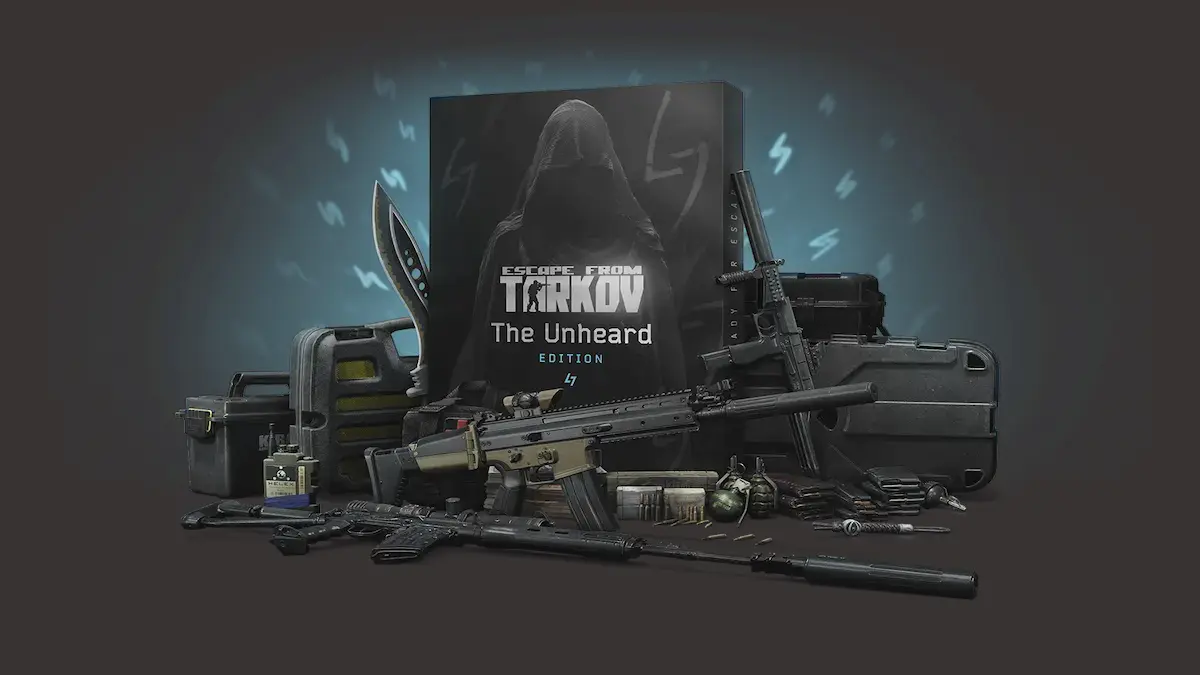
Choose Your Game Edition
Escape from Tarkov is sold in multiple editions, each offering different stash sizes and bonuses. Regardless of the edition you choose, the download process is the same.
Once purchased, your account will unlock access to the game files.
Download the Escape from Tarkov Launcher
After logging into your account:
- Go to your profile page
- Download the Battlestate Games Launcher
- Install the launcher on your PC
The launcher handles the Escape from Tarkov download, updates, and integrity checks. You cannot play the game without it.
Escape from Tarkov Download Size and Storage Requirements
One of the most common questions players ask is about the Escape from Tarkov download size.
How Big Is the Escape from Tarkov Download?
The initial download size can vary depending on the current version, but players should expect:
- Initial download: approximately 25-40 GB
- Full installation with updates: 70-90 GB or more
Because Tarkov receives frequent updates, additional storage space is strongly recommended.
System Requirements for Installation
Before starting the Escape from Tarkov download, ensure your PC meets at least the minimum requirements:
- Windows PC (64-bit)
- SSD strongly recommended
- At least 80 GB of free disk space
- Stable broadband internet connection
An SSD is not optional for a smooth experience. Installing Tarkov on an HDD significantly increases load times and can cause in-raid stutters.
Escape from Tarkov Free Download – Why It Doesn’t Exist
Many players search for Escape from Tarkov free download, but it’s important to be clear: Escape from Tarkov is not free-to-play.
The game uses a premium purchase model, and every legitimate download requires an active license. Free download claims usually fall into one of these categories:
- Scams designed to steal account data
- Pirated clients that don’t connect to official servers
- Malware disguised as installers
Using unofficial versions can result in security risks and permanent bans. If you want the real Tarkov experience, the only safe path is purchasing the game and downloading it through the official launcher.
Why a Stable Connection Matters When Downloading and Playing Tarkov
Downloading Escape from Tarkov is only the first step. The game’s online structure means connection quality directly affects gameplay.
Lag, packet loss, or unstable routing can cause:
- Desync during firefights
- Delayed hit registration
- Failed extractions
- Rubberbanding during raids
This is why many competitive Tarkov players rely on ExitLag. ExitLag optimizes your network route in real time, reducing ping spikes and stabilizing your connection to Tarkov servers worldwide. Even with powerful hardware, poor routing can ruin raids-and ExitLag helps eliminate that risk.
Escape from Tarkov Not Downloading – Common Problems and Fixes
After starting the Escape from Tarkov download, many players run into issues that stop the installation or slow it to a crawl. This usually happens because Tarkov relies entirely on its own launcher and servers, which behave differently from platforms like Steam.
Understanding the most common problems helps you fix them quickly and avoid reinstalling the game from scratch.
Launcher Stuck at 0 MB or Not Progressing
One of the most reported problems is the launcher showing 0 MB downloaded with no visible progress. In most cases, the launcher is failing to establish a stable connection with Battlestate Games servers.
Common causes include:
- Temporary server congestion
- Corrupted temporary files
- Firewall or antivirus interference
The first steps you should always try are:
- Close the launcher completely and reopen it
- Restart your PC
- Run the launcher as administrator
If the download still doesn’t move after several minutes, clearing the launcher cache usually resolves the issue.
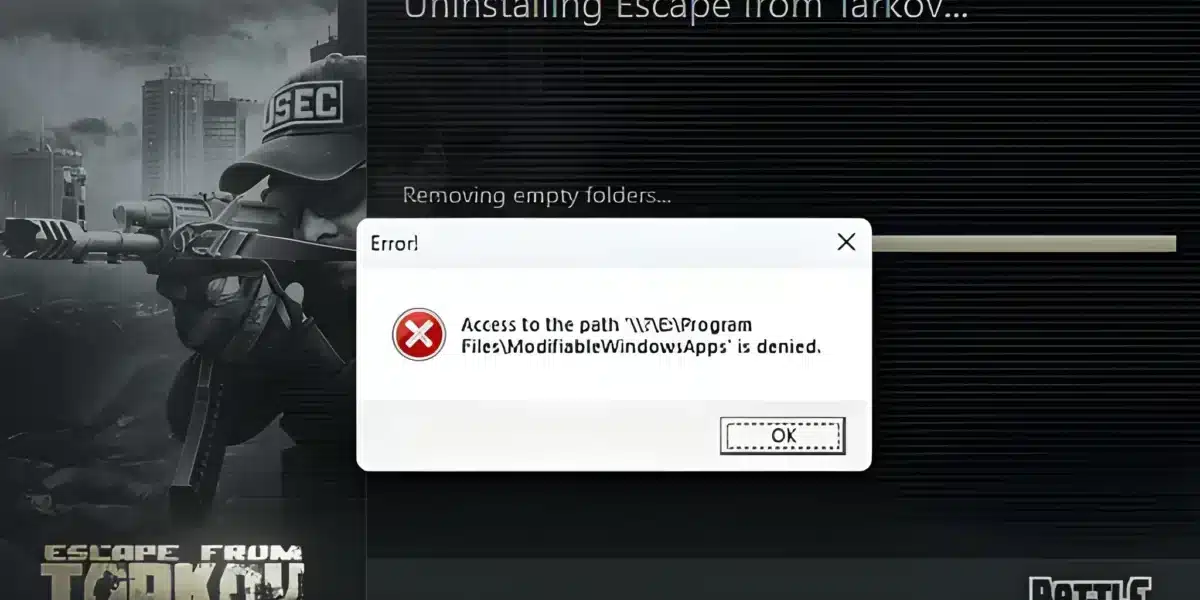
Download Errors and Failed File Messages
Another frequent problem appears as repeated error messages such as “unable to download file” or endless retries. These errors often happen when the connection drops briefly during large file transfers.
In this situation, Tarkov doesn’t always resume correctly, forcing the launcher to loop the same failed step. This is why a stable network route is essential during installation.
Battlestate Games Launcher Issues Explained
The Battlestate Games Launcher is mandatory for Escape from Tarkov, but it can be sensitive to system restrictions and background software.
Clearing Launcher Cache and Temporary Files
Over time, the launcher stores temporary data that can become corrupted. Clearing this data forces the launcher to rebuild clean download paths.
To fix this:
- Close the launcher
- Navigate to the launcher’s temporary folders
- Delete cache and temp files
- Restart the launcher and resume the download
This process does not delete your game files and is one of the safest fixes available.
File Locked or “In Use” Errors
Some players encounter errors indicating that files are already in use. This usually happens when:
- Antivirus software scans files mid-download
- Background processes lock installation folders
- Windows permissions block file access
Temporarily disabling antivirus software and ensuring the launcher has full folder permissions often solves this issue instantly.
Reinstalling the Launcher Safely
If errors persist across multiple attempts, reinstalling the Battlestate Games Launcher may be necessary. This resets configuration files without requiring you to repurchase the game.
Make sure you:
- Fully uninstall the launcher
- Restart your PC
- Download the latest launcher version from the official site
Escape from Tarkov Update and Patch Download Problems
Even after installing the game, updates and patches can sometimes fail. Tarkov updates are frequent and often large, which increases the chance of interruption.
Slow Updates or Stuck Patch Downloads
Patch downloads may appear extremely slow or freeze near completion. This is usually caused by:
- Peak server traffic after wipes or updates
- Unstable routing between your ISP and Tarkov servers
Waiting a few minutes sometimes allows the download to continue, but repeated failures often require a connection reset or launcher restart.
Corrupted Update Files
When a patch fails repeatedly, corrupted files may remain on your system. The launcher can detect these inconsistencies and may require you to retry the update.
Ensuring enough free disk space is critical here, as patches often need temporary storage before installation.
Where Escape from Tarkov Updates Are Downloaded
All Escape from Tarkov updates are delivered exclusively through the Battlestate Games Launcher. There are no official manual patch downloads or mirrors.
Automatic Updates via Launcher
Each time you open the launcher, it checks for new updates automatically. If an update is available, the download begins immediately.
Why Manual Downloads Are Not Supported
Unlike some PC games, Tarkov does not offer standalone patch files. Manual downloads bypass integrity checks and are intentionally blocked to prevent file manipulation.
This design protects the game environment but makes launcher stability even more important.
Best Practices for a Smooth Escape from Tarkov Download
Before starting or retrying a download, make sure your system is prepared:
- Use a wired internet connection if possible
- Avoid running heavy background downloads
- Ensure at least 80-100 GB of free disk space
- Install the game on an SSD
These steps reduce the risk of interrupted downloads and corrupted files.
How ExitLag Improves Escape from Tarkov Download and Gameplay Stability
Many Escape from Tarkov download problems are not caused by your PC, but by unstable routing between your connection and Battlestate servers.
ExitLag solves this by optimizing your network path in real time. Instead of relying on a single unstable route, ExitLag uses multipath connections to ensure consistent data flow.
This helps with:
- Preventing download timeouts
- Reducing failed patch installations
- Stabilizing launcher connections
- Eliminating packet loss during raids
Once installed, ExitLag continues working during gameplay, reducing desync, rubberbanding, and latency spikes-critical advantages in Tarkov’s high-risk firefights.
Escape from Tarkov Download Overview
| Topic | Details |
| Platform | PC only |
| Download Source | Official Battlestate Games website |
| Launcher Required | Yes |
| Free Version | No |
| Average Install Size | 70-90 GB |
| Connection Optimization | ExitLag |
All game images used in this blog belong to Battlestate Games. They are used for informational/educational purposes only and do not imply endorsement or affiliation with the rights holders.
Got questions or want to connect with other players? Join the conversation at the ExitLag Forum!