Phasmophobia is one of the most popular cooperative survival horror games today, challenging players to investigate haunted locations and identify the paranormal entities within. One of the ghost types that stands out for its unique evidence requirements and specific interaction mechanics is Goryo Phasmophobia — a camera-related specter that haunts investigators and tests their detection skills.
In this in-depth guide, we’ll dive into everything you need to know about the Phasmophobia Goryo, how to run a Goryo test Phasmophobia to confirm its presence, and pro-level strategies to survive your investigation. This includes evidence mastery, behavior patterns, weaknesses, strengths, and how connectivity tools like ExitLag can help enhance your multiplayer experience when communicating and coordinating with your team.
What Is Goryo Phasmophobia?
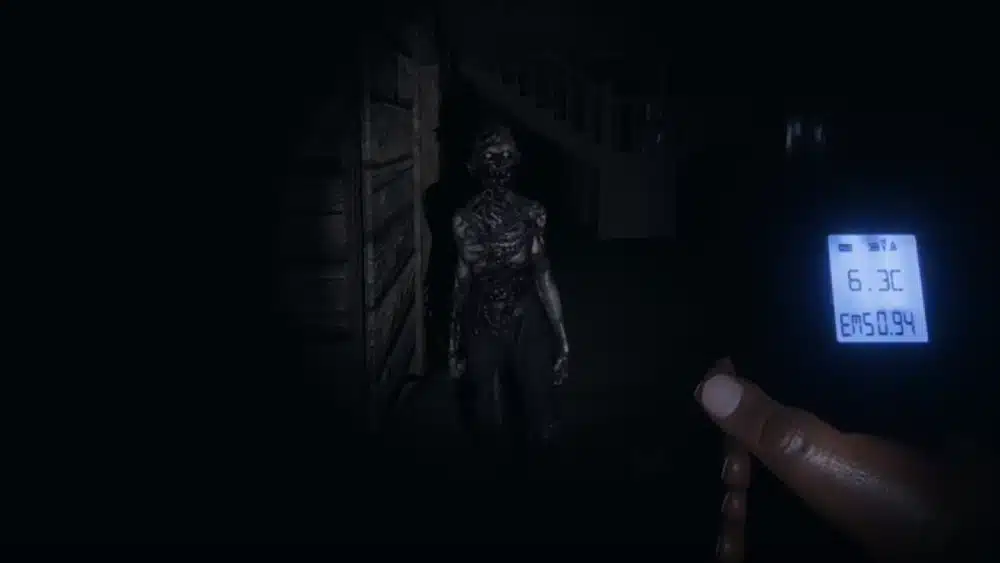
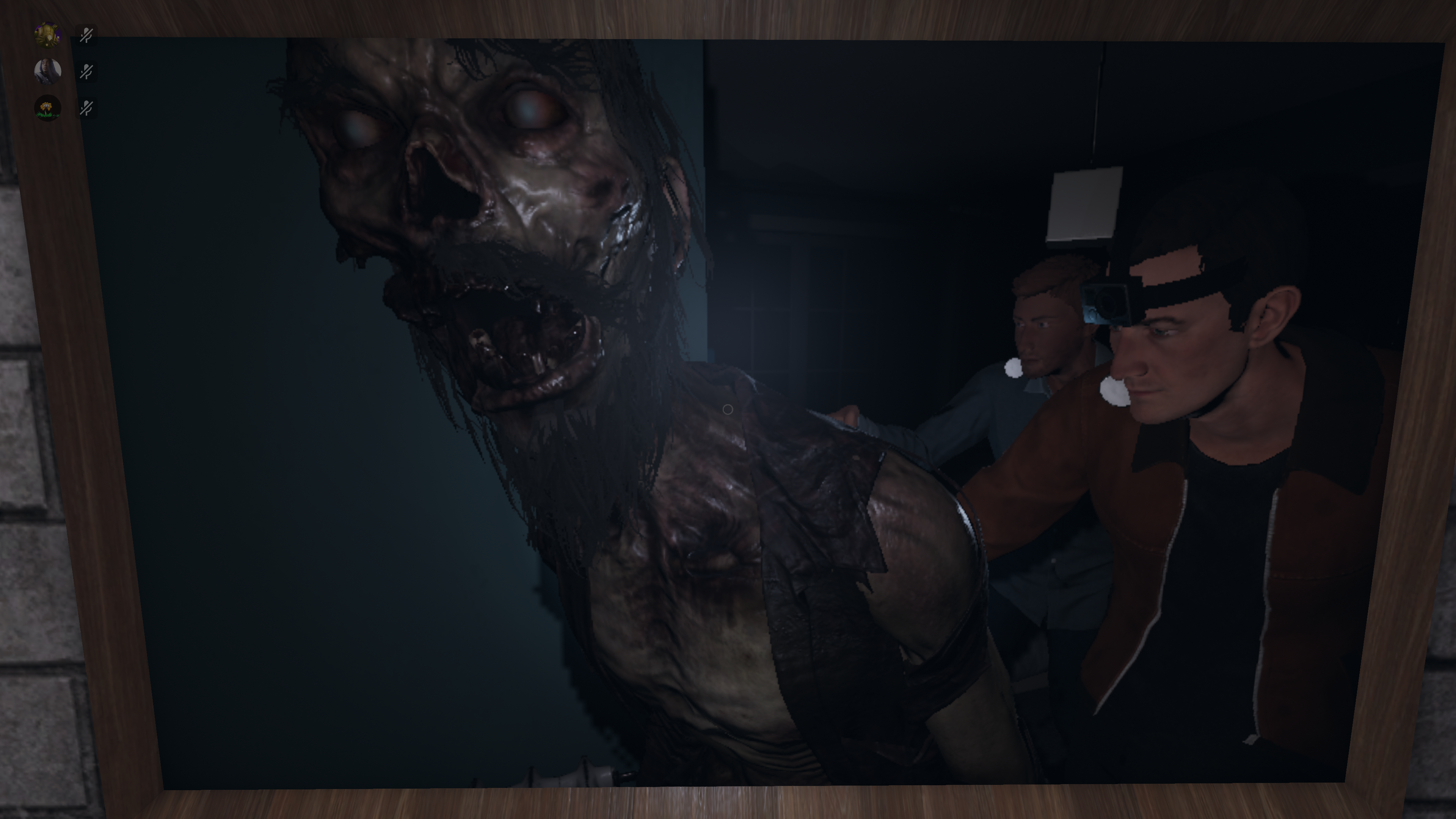
The Goryo is a ghost type found in Phasmophobia known for its camera-linked evidence and its relative confinement to its ghost room. It behaves differently from many other ghosts in the game, which makes identifying it a unique challenge.
In short:
- Unique evidence set: EMF Level 5, Fingerprints, and D.O.T.S Projector.
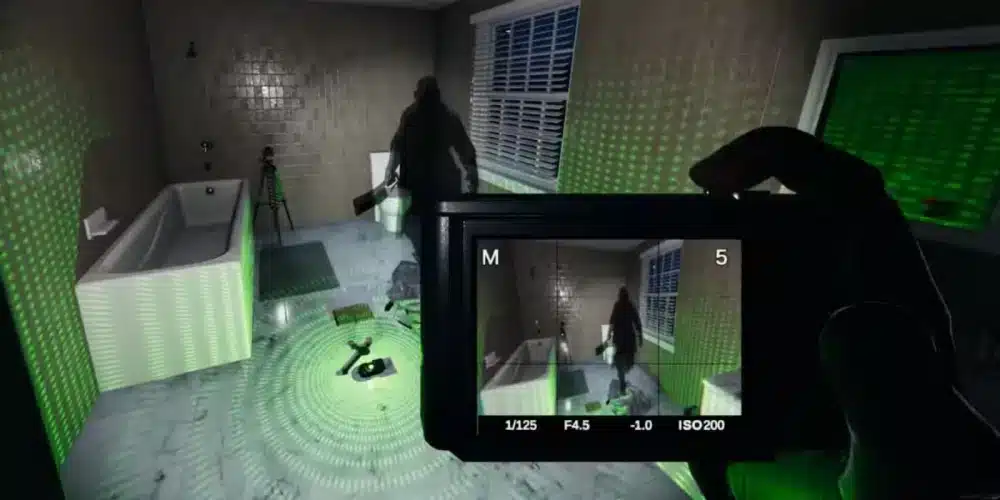
- Signature trait: D.O.T.S silhouette can only be seen through a video camera when no players are in its room.
- Behavior: Rarely far from its favorite room and does not change favorite rooms.
Here’s a quick overview:
| Trait | Goryo Behavior |
|---|---|
| Evidence | EMF Level 5, Fingerprints, D.O.T.S Projector |
| Visibility | D.O.T.S silhouette only via video camera when no players are in the room |
| Roaming | Limited roaming; tends to stay near favorite room |
| Room Change | Cannot change favorite rooms |
This ghost’s mechanics make it particularly tricky for both new and veteran investigators.
Why the Goryo Ghost Phasmophobia Stands Out
Unlike more aggressive ghosts that attack or interact often, the Goryo’s evidence and visibility are tied specifically to video cameras, making it unique in how evidence must be collected.
Key Differences from Other Ghosts
The following table compares Goryo with other common ghosts in Phasmophobia:
| Ghost | Visibility | Typical Behavior | Unique Detection |
|---|---|---|---|
| Goryo | Camera D.O.T.S only (no players nearby) | Limited roaming | D.O.T.S silhouette via camera |
| Wraith | Visible normally | High roaming | Orbs & spirit box |
| Oni | Visible normally | Active interactions | Increased interactions |
| Mare | Visible normally | Light-based behavior | Light influence |
| Yokai | Visible normally | Sound-linked behavior | Sound & orbs |
Understanding these differences helps you eliminate other ghosts when trying to confirm a Goryo test Phasmophobia.
How to Perform a Goryo Test Phasmophobia
Identifying a Goryo requires specific steps because one of its key evidence traits behaves differently from all other ghosts.
Here’s how to conduct an effective Goryo test Phasmophobia:
- Deploy a D.O.T.S Projector in a suspected ghost room.
- Place a Video Camera facing where movement is likely.
- Leave the room with teammates — the Goryo will only show its D.O.T.S silhouette when no players are in the room and observed via a camera.
- Monitor the camera feed from the truck looking for the ghost’s silhouette in the D.O.T.S grid.
- Record evidence: If the silhouette shows only on the camera feed, you’re likely tracking a Goryo.
- Remember: If you see D.O.T.S in person (not through the camera), then it’s not a Goryo.
✔ Tip: Increase your in-game brightness or use night vision while watching camera feeds — it can help catch subtle silhouettes.
Practical Equipment Checklist
To locate and confirm a Goryo ghost Phasmophobia, you’ll want the right tools on hand. Here’s a bullet list of essentials:
- D.O.T.S Projector — Key to catching the Goryo’s signature evidence.
- Video Cameras & Tripods — Needed to view the ghost on D.O.T.S. feed.
- EMF Reader — Detects EMF Level 5 evidence.
- UV Flashlight — Used to find fingerprints.
- Thermometer — Not required for Goryo evidence but helpful for general ghost hunts.
- Spirit Box — Useful to rule out ghosts that require it.
Getting comfortable with this equipment makes your Goryo test Phasmophobia much faster and safer.
Understanding Goryo Behavior & Strategy
The Goryo doesn’t behave randomly. Its patterns are bound by specific rules you can exploit:
- Strong Room Attachment: The Goryo tends to stay in or close to its favorite room and cannot change favorite rooms.
- Limited Roaming: Its roaming range is shorter and more confined compared to other ghosts.
- Camera-Only Evidence: The D.O.T.S silhouette is only visible through a camera and when no players are in the same room.
Use these strategies for successful identification:
- Start by checking rooms with evidence potential.
- Place projectors and cameras immediately upon suspecting Goryo.
- Spend time monitoring from the van to catch the silhouette.
- Confirm with two other pieces of evidence (EMF Level 5 & Fingerprints).
Stay patient — the Goryo’s evidence mechanics are part of what makes it a unique ghost.
Goryo Test Phasmophobia: Behavior Quiz
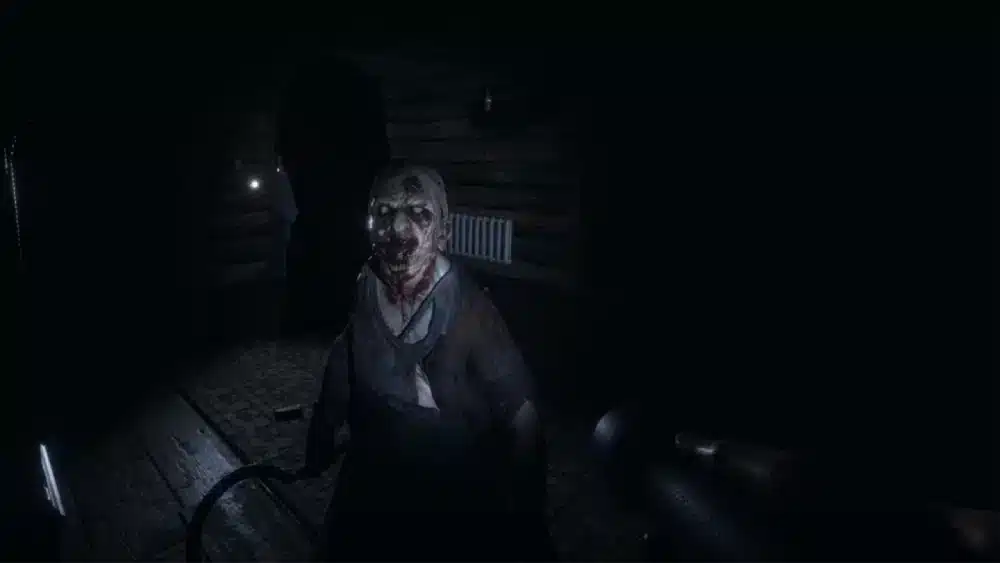
Here’s a quick 5-step numbered checklist to help you run your best Goryo test Phasmophobia during a live investigation:
- Enter the ghost room and identify possible projector placement zones.
- Place the D.O.T.S Projector in the room.
- Deploy a Video Camera facing expected movement paths.
- Exit the room with your team and monitor the feed.
- Observe any D.O.T.S silhouette — if it only appears on the camera, it’s likely a Goryo.
Tips & Tricks From Expert Investigators
To raise your Phasmophobia investigation skills and consistently spot a Goryo ghost, here are expert tips:
- Always pair projectors with cameras. The evidence is only confirmed via camera.
- Coordinate with teammates so at least one player leaves the room — a required condition.
- Watch your sanity levels. Goryo hunts can trigger like other ghosts if sanity drops.
- Use motion sensors to track activity if D.O.T.S isn’t yielding immediate results.
How ExitLag Enhances Phasmophobia Multiplayer
Playing Phasmophobia with friends is thrilling, but it can also be chaotic without a stable connection — especially when you’re trying to coordinate a Goryo test Phasmophobia in real time.
ExitLag offers optimized routing and lag reduction so your voice communication, synchronization, and teamwork are smoother. With faster packet routing and lower ping, your team can:
- Share positioning faster.
- Coordinate camera monitoring and evidence checks with minimal lag.
- React quickly when the Goryo appears or initiates a hunt.
- Maintain communication without interruptions during high-stress moments.
ExitLag’s proprietary Multipath Connection and Traffic Shaper technologies ensure low latency and stable connections — essential in intense quests like identifying the elusive Goryo ghost.
Common Mistakes to Avoid
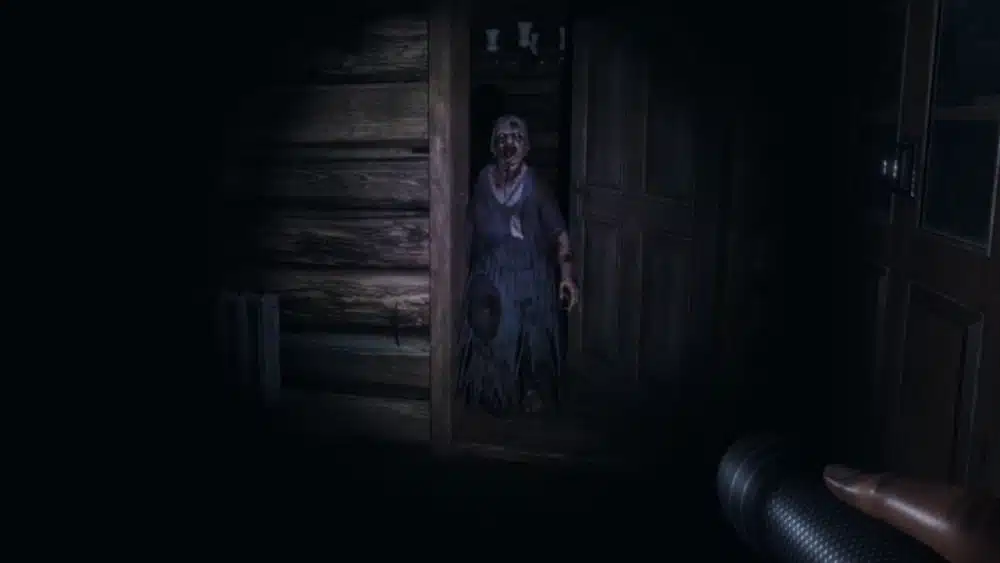
Here’s what many players get wrong during a Goryo test Phasmophobia:
Trying to spot the D.O.T.S silhouette while inside the room. That won’t work — it only appears when no players are nearby.
Assuming it’s not a Goryo if it briefly exits its favorite room during a hunt — it still could be, as it can briefly wander nearby.
Forgetting to use a video camera at all — without it, you’ll miss key evidence.
FAQ: Goryo Phasmophobia
The Goryo’s silhouette through a D.O.T.S Projector can only be seen through a video camera and when no players are nearby.
It stays near its favorite room and cannot change favorite rooms, though it can briefly step outside into adjacent areas.
The evidence set is EMF Level 5, Fingerprints, and D.O.T.S Projector.
Without a camera, it’s extremely difficult to confirm — the unique trait is tied to camera observation. Other evidence alone can suggest it but not confirm.
Yes — Goryo hunts can trigger like other ghosts if sanity gets low enough.
Got questions or want to connect with other players? Join the conversation at the ExitLag Forum!