
Figuring out how to make an armor stand in Minecraft is one of the fastest ways to level up any build. It only takes a handful of common materials and one trip to the crafting table.
Once you know how to make an armor stand in Minecraft, the stand becomes a permanent fixture you can pose, dress, and rotate. It works the same way in survival, creative, and on almost every multiplayer server.
To make an armor stand in Minecraft, place 6 sticks and 1 smooth stone slab on a crafting table in a specific T-shaped pattern. The result is a single stand that can hold armor, mob heads, and even an elytra once its arms are enabled.
This guide walks through the exact recipe, placement rules, posing options, and the small details most tutorials skip. It also covers the mistakes that make new players waste materials or wonder why their stand will not hold an item.
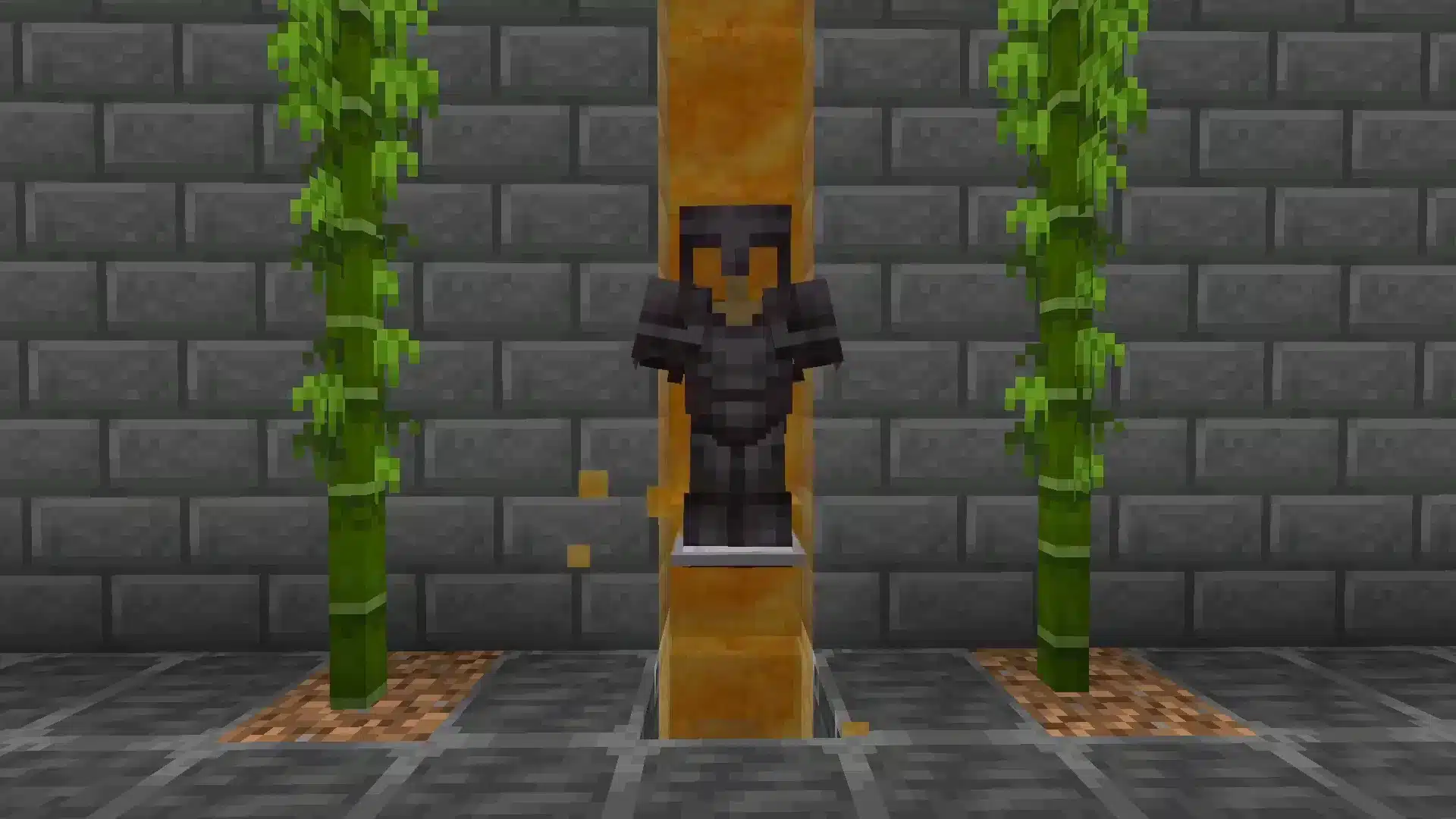
How To Make An Armor Stand In Minecraft: The Exact Recipe
To craft an armor stand in Minecraft, arrange 6 sticks and 1 smooth stone slab in a T-shaped pattern on a crafting table. This recipe is identical across Java Edition and Bedrock Edition, so it works the same way no matter which version is installed.
Before opening the crafting table, gather the raw materials first. Neither ingredient requires rare resources, which makes this one of the cheaper decorative crafts in the game.
Players searching for how to craft an Armor Stand in Minecraft on a keyboard and mouse setup will follow the exact same grid, since how to make a Armor Stand in Minecraft PC uses no different ingredients than console or mobile.
Materials needed:
- 6 sticks (made from planks, which come from any log)
- 1 smooth stone slab (made by smelting stone in a furnace, then crafting it into slabs)
- Access to a crafting table
Crafting Table Grid Layout
The 3x3 crafting grid must match this exact layout, according to the official Minecraft Wiki, the reference site maintained in coordination with Mojang Studios:
- Top row: place a stick in each of the three cells
- Middle row: place a single stick in the center cell only
- Bottom row: place a stick, then the smooth stone slab in the center, then a final stick
If the layout is off by even one cell, the crafting table will not output an armor stand. Double-check that the slab sits centered in the bottom row before pulling the item out.
Required Materials Breakdown
Sticks are cheap, but the smooth stone slab trips up newer players because it needs an extra smelting step. Cobblestone alone will not work in this recipe.
| Ingredient | How To Obtain It | Quantity Needed |
|---|---|---|
| Stick | Craft from 2 planks (any wood type) | 6 |
| Smooth Stone Slab | Smelt cobblestone into stone, smelt that stone into smooth stone, then craft 2 slabs from it | 1 |
| Crafting Table | Craft from 4 planks | 1 (reusable) |
Armor Stand Minecraft Basics: Placement And Rotation
Placing an Armor Stand Minecraft builders rely on works differently from placing a block, because it is technically a living entity rather than a block. It needs open space and obeys gravity the same way a mob does.
Understanding this distinction early prevents confusion when a stand will not go where expected. Here is what actually controls where it lands.
Where You Can Place It
An armor stand cannot be placed inside solid blocks or wherever another entity already stands. It can, however, rest on partial blocks like slabs, stairs, and carpets, which makes tight indoor displays much easier to design.
- Needs roughly 2 blocks of vertical clearance to spawn upright
- Falls if placed over an edge with no solid block underneath
- Can be placed in water or lava, though it floats or burns accordingly
- Cannot be pushed around by most mobs once it is placed
Rotating And Positioning Options
An armor stand rotates into 8 fixed directions simply by clicking different spots around its base while placing it. Sneaking while placing it enables fine rotation instead of snapping to the nearest angle.
For most builds, fine rotation with the sneak key produces a far more natural look than the default snap angles. Try facing two stands toward each other for a guard-post effect at a doorway.
Why Won't Your Armor Stand Hold Items?
An armor stand will not hold or swing a hand item in Java Edition until its arms are enabled through a command, because the default model has no arm geometry to hold anything.
Bedrock Edition shows arms automatically, so the same stand behaves differently depending on platform.
This single detail causes more confusion than any other part of the recipe or placement process. Once the fix is known, correcting it takes seconds.
Enabling Arms In Java Edition
On Java Edition, right-clicking a stand with most items still equips helmets, chestplates, leggings, boots, mob heads, and pumpkins directly onto the body slots, arms or not. Arms only matter for an item held in the hand, like a sword or a shield.
Equipping the body slots remains the most reliable route on vanilla survival, since it does not require any command knowledge or creative mode access.
Equipping Armor, Heads, And Elytra
Right-click the correct body section with the item to attach it. Helmets and mob heads go on the head, chestplates and elytra go on the torso, and boots go on the feet.
- Right-click the head area with a helmet or any mob head, including a carved pumpkin
- Right-click the torso with a chestplate or an elytra
- Right-click the legs with leggings
- Right-click the feet with boots
How Do You Make A Armor Stand In Minecraft Pose Naturally?
Posing an armor stand means sneaking and right-clicking its limbs in Bedrock Edition, which cycles through a set of preset arm and leg positions. Java Edition instead requires a /data merge command targeting the stand's pose values.
Bedrock's system is friendlier for beginners because it needs zero commands. Java's system gives finer control once basic entity commands feel comfortable.
Bedrock Edition Poses
Bedrock includes a rotating set of preset poses cycled through by sneaking and clicking a limb repeatedly. These presets cover dramatic stances that suit themed builds like statues or guard scenes.
- Default standing pose
- Solemn and honor poses for statue-style displays
- Salute and riposte poses for combat scenes
- Cancan and entertain poses for playful builds
Java Edition Poses Via Commands
Java Edition players adjust limb rotation through data commands that set exact degree values for the head, arms, and legs. This method is more precise but has a learning curve for anyone new to command syntax.
Many builders study the Minecraft Armor Stand poses available on Bedrock first, then replicate similar angles manually in Java through commands to match a specific look.
Creative Uses For Your Minecraft Armor Stand
Beyond storing spare gear, an armor stand is one of the most flexible decoration tools in the game. Builders use it for everything from museum displays to functional redstone triggers.
Anyone still working through the basics of surviving the first few nights should lock down core survival steps in a beginner survival guide before investing time into decorative builds like this one.
Display And Decoration Ideas
Armor stands shine in any build meant to show off collected gear rather than hide it inside a chest. They also work as low-cost mannequins for shops on multiplayer servers.
- Line up multiple stands wearing full armor sets as a personal trophy room
- Use invisible stands (spawned through commands) for floating item displays
- Pair a stand with item frames for a combined weapons-and-armor showcase
- Place small variants inside dollhouses or model builds for scale
Players designing elaborate homes to hold these displays can browse creative house layouts first to decide where a dedicated display room actually fits.
Redstone And Interactive Builds
Armor stands can trigger and interact with redstone in specific ways, which opens up puzzle rooms and interactive museum exhibits. A pressure plate placed near a stand, for example, can activate a hidden mechanism once a player walks close enough.
- Redstone-linked stands can gate secret rooms behind a themed puzzle
- Stands holding specific items can act as visual clues in adventure maps
- Small stands fit neatly into 1-block-tall spaces for compact builds
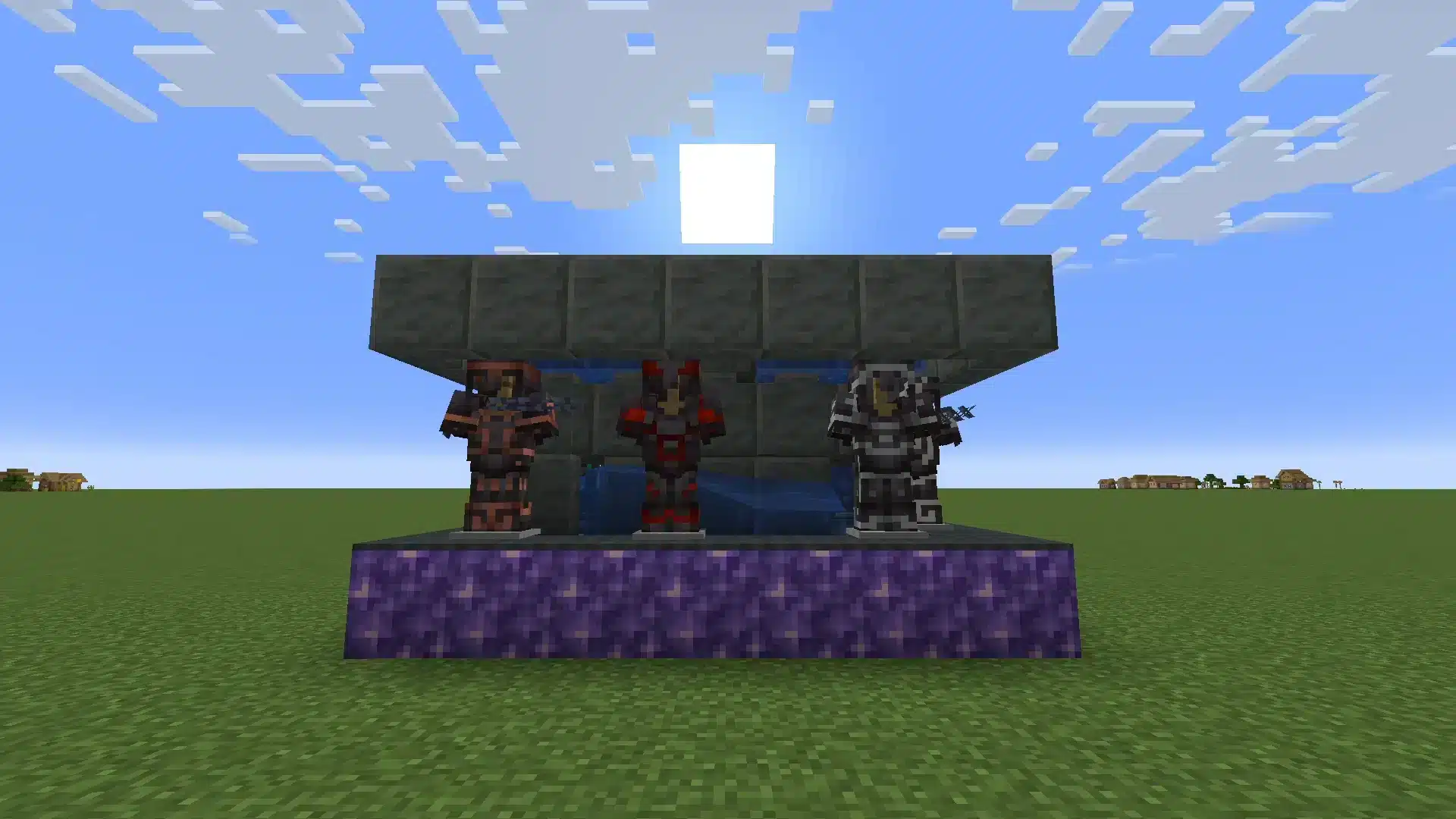
Armor Stand Types And Variants Compared
Not every stand behaves the same way, and picking the wrong variant for a project wastes time and materials. This reference breaks down the main variants and when to use each one.
Comparing Every Stand Type
The table below consolidates the differences between the standard crafted stand and the command-only variants seen in advanced builds.
| Stand Type | How To Get It | Holds Items | Can Be Attacked | Best Use Case |
|---|---|---|---|---|
| Standard | Craft with 6 sticks + 1 smooth stone slab | Yes, with arms enabled | Yes | General decoration and gear storage |
| Small (Baby) | Set via command (Small:1b tag) | Yes | Yes | Compact builds, model scenes |
| Invisible | Set via command (Invisible:1b tag) | Yes | Yes | Floating item effects |
| Marker | Set via command (Marker:1b tag) | No physical model | No, only /kill removes it | Precise redstone or map decoration |
Choosing The Right Variant For Your Build
Standard stands cover almost every survival use case and are the only variant available without commands. Reach for a marker or invisible stand only when a build specifically needs a hidden or hitbox-free anchor point.
- Pick standard for trophy rooms and general armor storage
- Pick small for scale models or child-sized character scenes
- Pick invisible for floating item effects in adventure maps
- Pick marker for pure redstone logic with zero collision
Practical Tips And Mistakes For Armor Stand Minecraft Builds
Knowing the recipe is only half the job. The details below separate a clean display from a frustrating one.
Pro Tips: Armor Stand Minecraft Builds
- Use fine rotation every time: Hold sneak while placing so the stand snaps to smooth angles instead of the 8 default directions. It makes even a single stand look far more intentional.
- Smelt smooth stone in bulk: Since the recipe needs a smooth stone slab, smelt extra stone whenever the furnace is already running so a project never stalls mid-build.
- Group stands for storytelling: Two or three stands posed together, holding matching weapons, read as a scene rather than clutter, a favorite trick among server builders.
- Test poses in creative first: If Java Edition commands are part of the plan, experiment in a creative world before touching a survival save to avoid overwriting an existing stand by mistake.
- Keep a spare crafting table nearby: Because this recipe is common in decoration-heavy projects, a dedicated crafting table near the build site saves repeated trips back to base.
Common Mistakes Minecraft Players Make With Armor Stands
- Using regular stone instead of a smooth stone slab: The recipe fails silently if the center bottom item is not a smooth stone slab. Fix: smelt cobblestone into stone, then smelt that stone again into smooth stone before crafting the slab.
- Expecting arms by default on Java Edition: Many players assume a Java stand can swing a sword right away. Fix: remember that hand-held items need arms enabled through commands, while armor pieces attach directly regardless of arms.
- Placing stands too close to hostile mobs: Combat nearby can sometimes damage an unprotected stand and scatter its equipped gear. Fix: place display stands inside enclosed rooms rather than open areas near spawnable ground.
- Forgetting the difference between editions: Assuming Bedrock's interactive posing works the same in Java leads to frustration. Fix: confirm which edition is being played before following a posing tutorial, since armor stand minecraft controls differ noticeably between them.
Is Minecraft Cross-Platform For Armor Stand Builds?
Armor stands work the same on every platform since the crafting recipe is universal, but posing behavior and command syntax differ between Java and Bedrock.
This matters when a display is built on one edition and friends on the other edition expect identical poses.
Players who regularly swap between platforms benefit from understanding these edition gaps early, especially before spending hours on a themed build.
Where Posing Differs Between Editions
Bedrock allows sneak-and-click posing with zero commands, while Java requires typed data commands for the same result.
For a deeper breakdown of how the two versions diverge, this comparison of Java and Bedrock differences covers crossplay, controls, and content gaps.
Keeping Displays Consistent Across Platforms
Groups that mix consoles, PC, and mobile should agree on one edition's pose set as the reference before building a shared display. Checking a full rundown of the game's item catalog also helps decide what gear is worth displaying versus keeping in active use.
New players who still ask how do you make an Armor Stand in Minecraft on a friend's world should confirm the host edition first, since the answer to that question changes only in posing controls, never in the crafting recipe itself.
- Confirm which edition hosts the multiplayer world before designing poses
- Screenshot Bedrock poses to replicate manually with Java commands
- Avoid command-only variants (marker, invisible) on servers where Bedrock players need to interact with the stand directly
Fix Your Connection Before Your Next Build Session
Building elaborate armor stand displays on a multiplayer server is far more enjoyable without lag interrupting placement clicks or command inputs.
ExitLag is a connection optimizer, not a VPN. It works by analyzing multiple real-time network paths and routing traffic through the fastest, most stable option available.
How ExitLag Works For Minecraft Multiplayer
Placing precise poses or triggering redstone-linked stands often depends on quick, consistent server responses. A laggy connection can turn a simple right-click into a missed interaction or a desynced pose.
ExitLag supports 4,000+ titles for PC and Mobile, backed by 1,500+ servers across 190+ countries. It does not modify game files, inject code, or interact with anti-cheat systems in any supported title.
Its Multipath technology keeps a session alive even if one route drops, which matters during long building sessions on a shared server.
Download ExitLag For Your Platform
Players building on a home network can grab the ExitLag Download to stabilize routing before their next Minecraft session. It works well whether they are placing armor stands solo or building alongside friends on a shared server.
Since Bedrock display builds often carry over to phones and tablets, mobile players can pick up ExitLag for Android or ExitLag for iOS to keep the same connection quality on the go.
Master How To Make An Armor Stand In Minecraft Today
Learning how to make an armor stand in Minecraft comes down to one recipe, a bit of practice with rotation, and knowing the edition-specific quirks around arms and posing. None of it requires rare materials or advanced commands to get started.
Quick Recap Of The Recipe
- Gather 6 sticks and 1 smooth stone slab
- Arrange them in the T-shaped pattern on a crafting table
- Place the stand, rotate it while sneaking, then equip armor or accessories
Where To Take Your Build Next
Once the basics click, an armor stand becomes a reusable tool for trophy rooms, shop displays, puzzle builds, and themed scenes.
How to make an armor stand in Minecraft stops being a mystery the moment the T-shaped recipe and slab requirement are locked in memory.
All game images used in this blog post belong to Mojang Studios. They are used for informational and educational purposes only and do not imply endorsement or affiliation with the rights holders.


