If you have spent any time in the server browser, you have probably seen the tag and wondered what it does. Infantry Mode WarDogs servers promise a more grounded fight, but the label hides a few details that most players miss.
Understanding Infantry Mode WarDogs before you join saves you from wasted matches and surprise vehicles. Moreover, knowing WarDogs Infantry Only rules helps you pick the right server for the kind of fight you actually want.
In short, Infantry Mode is a server setting that shifts the match toward boots-on-the-ground combat by taking the heaviest vehicles out of the sandbox. It is mostly found on community servers, and the exact rules can differ from one host to another, so always read the server name and rules first.
This guide explains the basics, shows how to find the right lobby and covers the playstyle changes. Furthermore, you will get practical tips and a few connection fixes for smoother gunfights.
What Is Infantry Mode WarDogs All About?
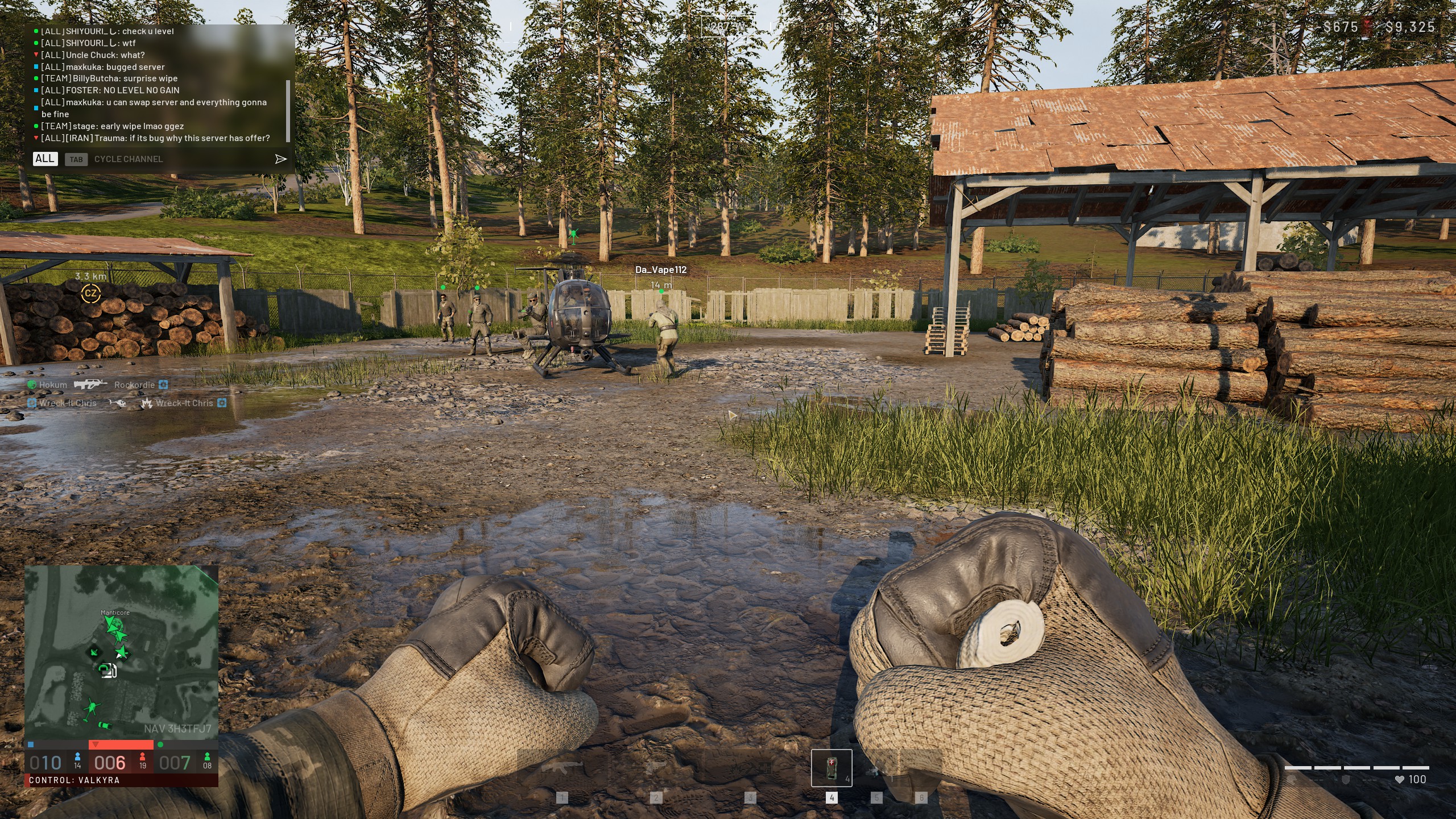
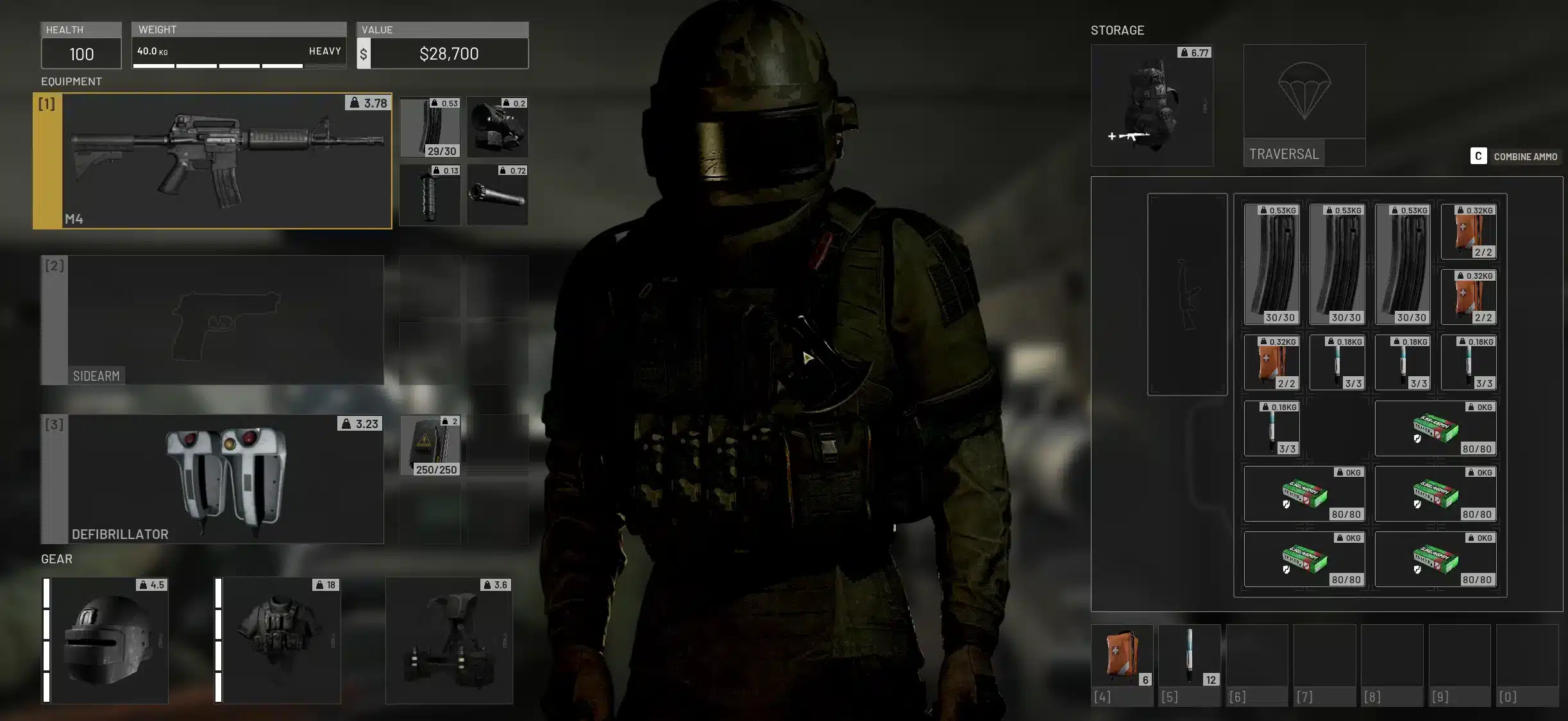
WARDOGS is a tactical all out warfare shooter from the developer BULKHEAD and the publisher Team17. It supports up to 100 players split across three teams that fight over control zones on a destructible battlefield. The game is currently in Early Access, which means features and server options keep evolving. Therefore, details about this mode can change as updates arrive.What Is Infantry Mode WarDogs In Simple Terms?
Answering What Is Infantry Mode WarDogs briefly: it is a preset that reduces the weight of combined arms combat. In practice, that means tanks and other heavy hitters stop dominating the map, and rifles, grenades and teamwork matter more. Here is what players usually expect from it:- Fewer armored vehicles chasing squads across open ground.
- More fights around buildings, trenches and control zones.
- Greater value for squad coordination and communication.
- A slower, more tactical pace in many matches.
WarDogs What Is Infantry Mode Not?
With WarDogs What Is Infantry Mode searches on the rise, many players assume the setting is a complete ban on vehicles. However, community sources describe it as a shift in emphasis, and some support assets such as light transport or logistics vehicles may still appear depending on the host. Because hosts can add their own custom rules, treat the name as a starting point. Consequently, a quick look at the server description is always worth the ten seconds.WarDogs Infantry Only: How Do You Find And Join Servers?
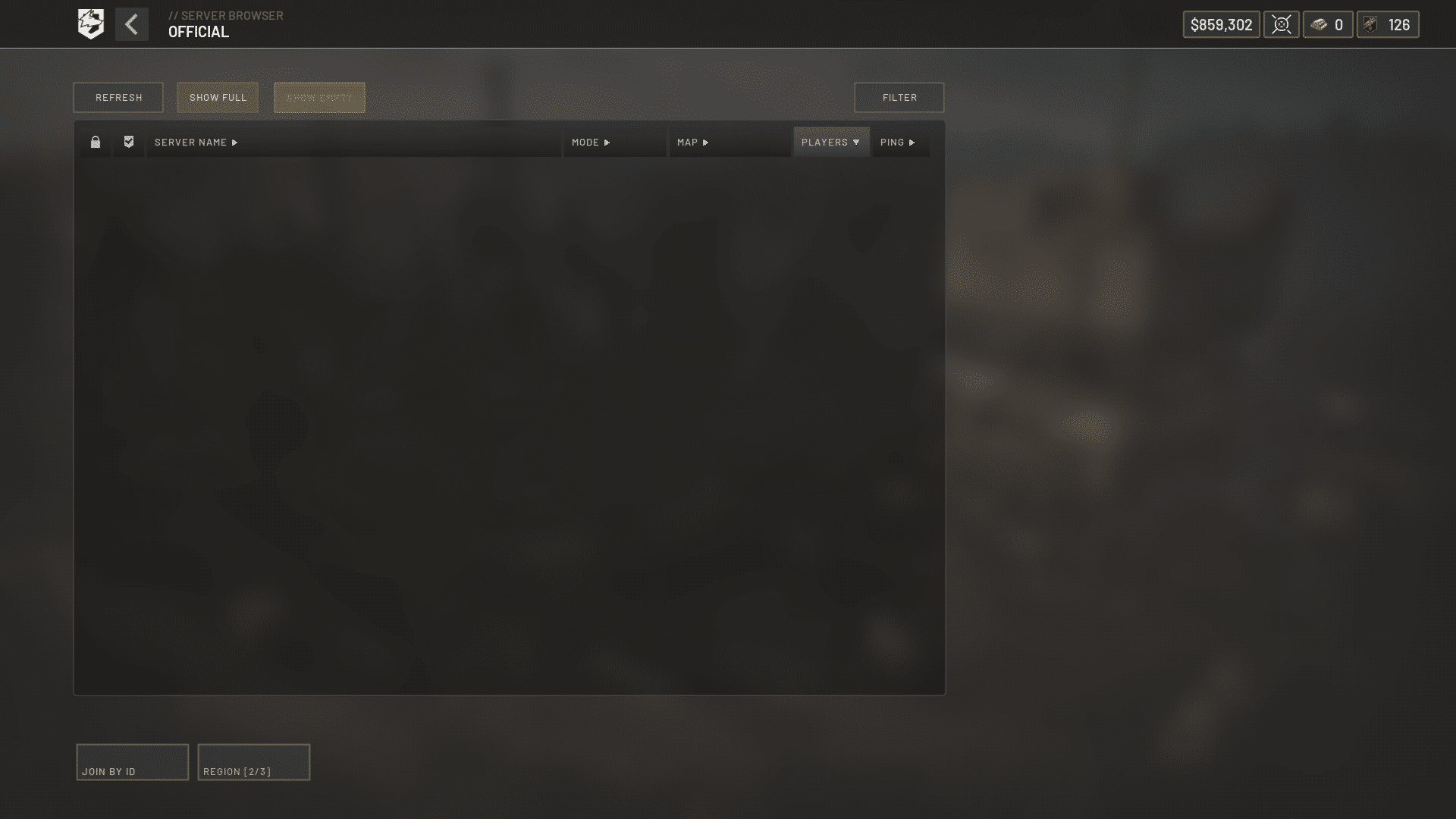
The game separates official and community servers in its browser. Infantry servers are mainly a community option, so you will look in the community tab first. Interestingly, for WarDogs Infantry Only play the developers have publicly acknowledged that relying only on community hosts has not worked perfectly. They have said they are looking at ways to bring the mode to official servers, although you should check current patch notes for what is live.Step By Step: Joining A Server
- Open the server browser from the main menu.
- Switch to the Community section.
- Search for "Infantry" in the text filter.
- Compare player counts and ping before you click.
- Read the rules in the description, then join.
Why Are Some Infantry Servers Empty?
Players on the Steam forums have mentioned that populated infantry lobbies can be hard to find in some regions. Prime time hours and popular regions fill faster, so be flexible. If nothing looks good, try these quick moves:- Search again at a busier hour for your region.
- Use the filter for a lower ping range.
- Join with friends so the lobby fills faster.
- Avoid servers with vague rules or odd reward claims.
How Does War Dogs Infantry Mode Change Your Playstyle?
With War Dogs Infantry Mode active and no heavy armor hunting you, you can move through open ground more freely. Still, you must respect long sight lines and coordinated pushes. The match becomes a game of positioning, timing and information, rather than who has the biggest gun on wheels.Loadouts And Roles
Since you are not worried about armor as much, your kit choices change. Support and anti-vehicle tools matter less, while sustained rifle fire, utility and healing matter more. If you want to compare roles before you commit, check the class roles in the game. That said, the best role is always the one your squad actually needs.What Can Still Show Up On The Map?
Depending on the server, some air and indirect fire assets may still exist. For example, our guides on the Stingray Drone, the SPH-2 Artillery and the Helicopter Settings explain how those tools work in standard matches. Whether they appear in an infantry lobby is up to the server rules. Therefore, confirm the restrictions before you plan around them.Standard Match Versus Infantry Match
| Factor | Standard Match | Infantry Match |
|---|---|---|
| Heavy vehicles | Common | Reduced or removed |
| Main threat | Armor and air | Other squads |
| Pace | Fast, chaotic | Slower, tactical |
| Key skill | Combined arms | Positioning and aim |
| Server type | Official and community | Mostly community |
Who Should Try This Mode?
Infantry lobbies suit players who enjoy gunplay more than vehicle management. Likewise, newer players often find them easier to learn, since fewer threats compete for attention. Consider this mode if you:- Want to practice aim, recoil control and map knowledge.
- Prefer squad tactics over solo vehicle play.
- Feel overwhelmed by armor and air pressure in standard matches.
- Enjoy slower fights around control zones.
Pro Tips: Infantry Matches
- Move in pairs: Two players cover more angles than one, and a teammate can revive or trade for you, which keeps your squad alive longer.
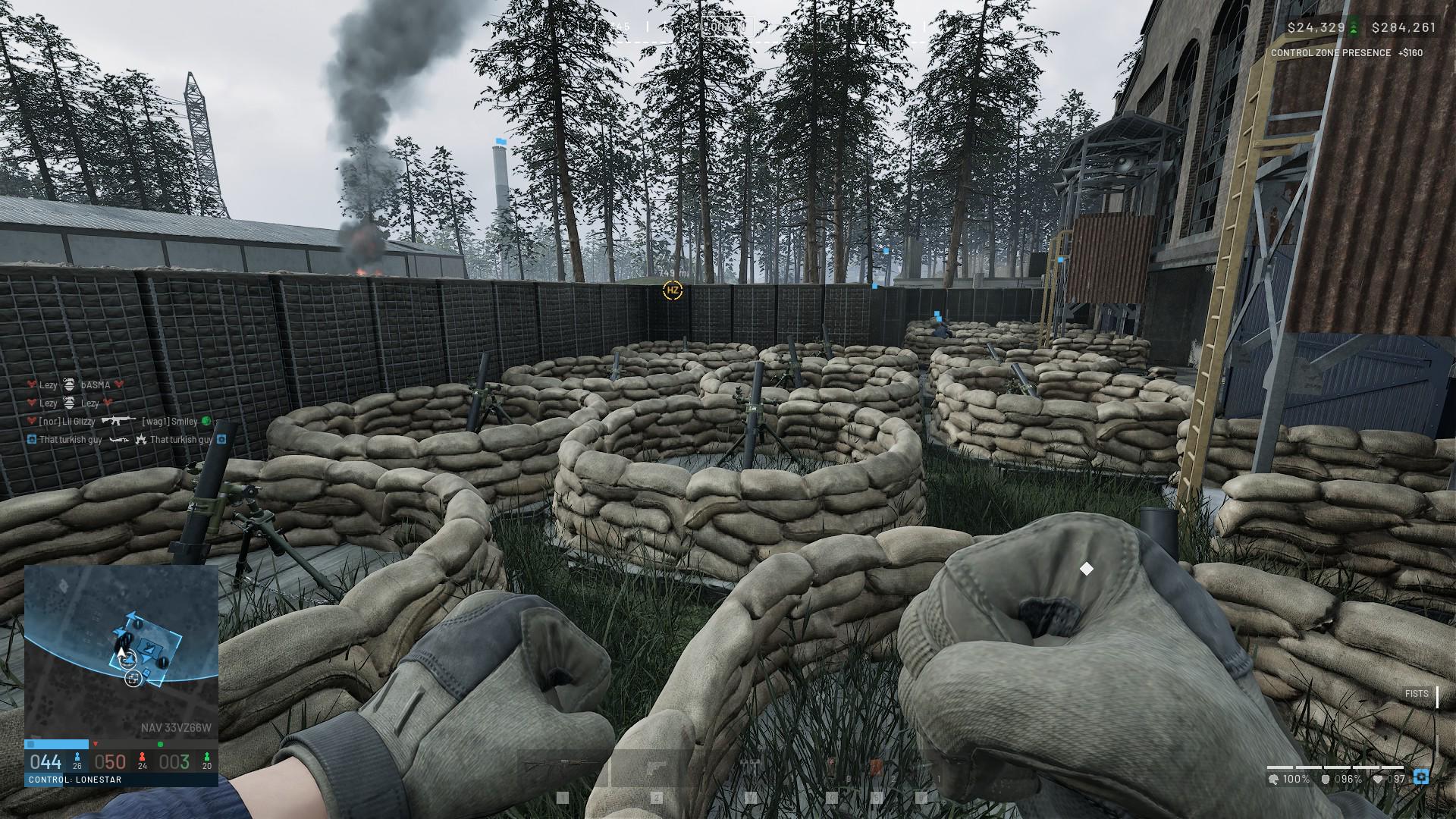
- Hold interior cover: With fewer vehicles, buildings become the main strongholds, so clearing and holding rooms gives you a lasting advantage.
- Use sound first: Footsteps and gunfire reveal pushes early, so good headphones and proximity voice help you react before you see anyone.
- Pick fights near objectives: Control zones drive the match, and fighting around them earns more value than chasing kills in empty fields.
- Check ping before joining: A server far from you adds delay to every shot, which costs fights even when your aim is perfect.
Common Mistakes Infantry Players Make
- Assuming no vehicles exist: Players run across open ground and get caught by a leftover asset. Fix: read the server rules and stay near cover until you know what is allowed.
- Solo pushing: Lone players get picked off without support. Fix: stick with a squad and push together.
- Ignoring the connection: Players blame aim when the real problem is ping or packet loss. Fix: test your route and server distance before the match.
- Joining the first lobby: Low quality servers can have strange rules. Fix: compare two or three options first.
Why Does Connection Quality Matter In Infantry Fights?
Close range fights are decided in fractions of a second. Consequently, a small spike in latency can turn a won duel into a loss. Infantry matches have a lot of peek fights and corner trades, so delay and lost packets show up more clearly than in long range vehicle battles.Signs Your Connection Is Hurting You
- Enemies appear to teleport around corners.
- Your shots land late or seem to miss clean hits.
- You die behind cover after you already moved.
- Voice chat stutters during pushes.
Quick Fixes Before You Queue
- Close background downloads and streaming apps.
- Use a wired connection instead of Wi-Fi when possible.
- Pick a server close to your region.
- Restart your router if ping keeps climbing.
How ExitLag Helps You In Infantry Mode WarDogs Matches
ExitLag is a game connection optimizer, not a VPN. It analyzes multiple network paths in real time and picks the fastest and most stable route between you and the game server. It does not encrypt traffic, does not mask your IP and does not touch game files or anti-cheat systems.Features That Matter For Close Fights
- Real-time Optimization: Cuts delay and packet loss so your shots register faster.
- Multipath Technology: Sends packets through several routes, so if one path struggles, another keeps you connected.
- Multi-Internet: Supports up to 4 connections at once, which helps if one drops mid push.
- Traffic Shaper: Prioritizes game traffic over other apps on your network.
How To Set It Up
- Download and install ExitLag, then sign in.
- Search for WARDOGS in the game list.
- Choose the region closest to your server.
- Let the AI pick the best route, or adjust it manually.
- Launch the game and join your infantry lobby.