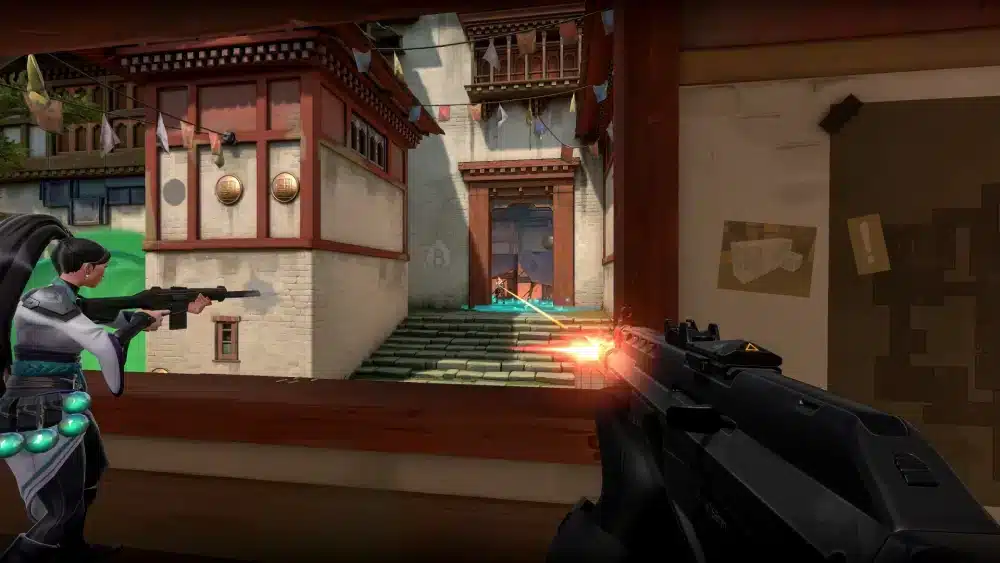
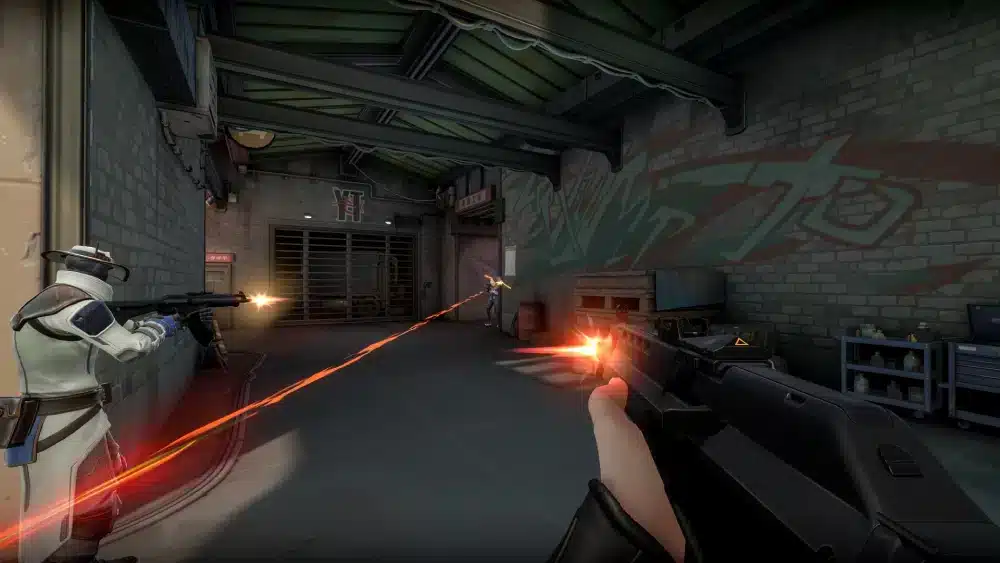
Valorant Premier is the most structured competitive experience the game offers outside of professional play. It gives coordinated teams a real tournament format, with scheduled weekly matches, a map pick-and-ban phase, and a playoff bracket to fight for the title of Division Champion. If you have ever wanted to compete as a true team rather than a random five-stack, Premier is exactly where that journey starts.
How To Create A Premier Team Valorant is one of the most common questions new players have when they first discover the mode. The process itself is straightforward inside the client, but the preparation that makes a Premier team actually competitive goes well beyond clicking a few buttons. You need the right roster, the right zone, and a clear understanding of how the format works before your first match locks everything in.
The short answer: open the Premier tab in the Valorant client, verify your account via SMS, click “Create a Team,” choose your team name and tag, customize your logo, invite five to seven players, select your geographic zone, and enroll before the deadline. That sequence gets you registered. This guide covers everything that makes your team competitive once you are in.
Premier runs on a Stage format that aligns with a Valorant Act. Each Stage consists of weekly scheduled matches followed by a Playoff Tournament for teams that qualify. Understanding this structure before you build your roster is what separates teams that last the whole season from those that fall apart after week two.

How To Create A Premier Team Valorant: Step-By-Step Setup
The technical side of How To Create A Premier Team Valorant takes less than ten minutes if every player on your roster is already eligible. Here is exactly what to do.
Eligibility Requirements for Every Player
Before touching the Create Team button, make sure every intended roster member meets these requirements:
- SMS Verification: Every player must have a verified phone number linked to their Riot account. This is non-negotiable and blocks participation if missing.
- Competitive Placement: Every player must have completed at least one ranked placement match to earn a Competitive rank on their current account.
- No Active Bans: Any player with a behavior penalty or account restriction becomes ineligible for 30 days from the start of that penalty. Check this before committing to a roster.
- Single Team Only: A player can only be on one Premier team roster at a time. Confirm that your recruits are not already on another team.
How to Create the Team in the Valorant Client
Follow these steps in order:
- Open the Valorant client and navigate to the Premier tab in the top navigation bar.
- Confirm your SMS verification status. If your account is verified, you will see the “Create a Team” option instead of the “Verify” prompt.
- Click “Create a Team” and choose your team name (5 to 15 characters) and team tag (1 to 5 characters). Choose both carefully: you cannot change them after leaving the creation window.
- Customize your team logo and colors. These are visible to opponents during the map pick-and-ban phase and can be edited later by the Team Owner.
- Invite your roster. Premier teams hold 5 to 7 players. Slots 6 and 7 are substitute players, and having at least one substitute is strongly recommended.
- Select your geographic zone. Your zone determines which opponents you face and locks in permanently after your first match. Pick the zone where most of your team members play.
- Enroll before the deadline. Enrollment windows open at the start of each Stage. You cannot add players after enrollment closes.
Understanding Team Roles: Owner vs. Captain
When you create the team, you become the Team Owner automatically. Here is what each role controls:
| Role | Invite Players | Remove Players | Queue for Matches | Delete Team | Transfer Ownership |
| Team Owner | Yes | Yes | No (party leader queues) | Yes | Yes |
| Team Captain | Yes | Yes | No | No | No |
| Standard Member | No | No | Can lead party queue | No | No |
Assign a Captain to help manage day-to-day roster tasks. However, the Team Owner is the one responsible for coordinating match times and ensuring the squad shows up for queue windows.
How Does Valorant Premier Work After You Create Your Team?
Understanding the format is essential before your first match, because several things lock in permanently once you start playing. A team that does not understand the structure often makes preventable mistakes in the first week.
The Stage Structure and Weekly Matches
Each Stage runs for most of a Valorant Act. A Stage consists of seven weeks of scheduled weekly matches, with each week featuring one designated map. Teams can play up to two matches per week on that map.
Points are earned as follows:
- Win: 100 Premier Points
- Loss: 25 Premier Points (in Open through Elite divisions)
- Bye (no opponent available): 100 Premier Points, no round score
The qualifying threshold to reach the Playoff Tournament is 600 Premier Points. A higher point total going into playoffs means a better seed, which leads to more favorable matchups in the bracket.
How Playoff Tournaments Work
Once weekly matches end, all teams with 600 or more points qualify for the Playoff Tournament. The format is single-elimination with 5 to 8 teams per division bracket. Each match is Bo1, but crucially, it begins with a map pick-and-ban phase similar to professional VCT matches.
Both teams ban maps from the active pool, then select a preferred map, with the opposing team choosing which side to start on. This is where preparation and game knowledge become major advantages. Teams that have studied the map pool and developed solid strategies for each map go into playoffs with a real edge.
Valorant Premier Teams and the Division System
Valorant Premier teams are placed into divisions based on the average MMR of the top five players on the roster. Divisions currently include Open, Intermediate, Advanced, Elite, Contender, and Invite.
Each time a team wins a Playoff Tournament, they earn a promotion. Contender and Invite divisions have stricter eligibility rules for roster additions: once you have played your first match in those divisions, you can only add players who meet specific Contender eligibility criteria. This is why roster planning before the season is so important.
What Makes a Valorant Premier Team Actually Competitive?
Creating the team is the easy part. Building a team that consistently qualifies for playoffs and eventually climbs divisions requires deliberate roster construction and good team management.
Building the Right Roster
A strong Valorant Premier team needs role coverage across all four agent categories. A five-stack of Duelists will get punished at any division above Open. Here is the role coverage every roster needs:
- 1 In-Game Leader (IGL): The player who calls strats, manages timeouts, and makes real-time decisions during rounds. This does not need to be your best mechanical player, but they must have strong game sense and composure.
- 1 Entry Fragger: The Duelist player who opens sites and takes first contact. They need confidence and the ability to trade properly.
- 1 Controller: Smokes are mandatory in organized play. A reliable smoke player on agents like Omen, Viper, or Brimstone gives your team map control on every execute.
- 1 Initiator: Flash, info, and setup. Agents like Sova, Fade, and Breach create the information and disruption your team needs to execute successfully.
- 1 Sentinel: Flank watch and site anchoring. Cypher, Killjoy, and Deadlock allow your team to play aggressively without worrying about what is behind them.
- 1-2 Subs with map-specific specialists: Use substitute slots strategically. A player who excels on certain maps gives you a genuine edge during weeks when those maps are scheduled.
How Is Valorant Premier Different From Ranked Solo Queue?
This is a question that catches many new Premier players off guard when they realize the mode demands a completely different approach.
The core differences are:
- Scheduled matches: You queue during a specific evening window, not whenever you feel like playing. Missing the window means missing the match entirely.
- Map pick and ban: You know the map before the match. This allows you to prepare specific agent compositions, practice lineups, and counter the opponent’s expected strategy.
- Fewer matches, higher stakes: Where a ranked player might play 10 matches in a day, a Premier team plays one or two per week. Every result carries significant weight on your point total and division standing.
- Team accountability: In solo queue, one player’s disconnect barely matters. In Premier, a no-show from any team member can force a forfeit.
Is Connection Quality Affecting Your Premier Team’s Performance?
Why Stable Connections Matter More in Premier Than in Ranked
In solo ranked queue, one high-ping player creates a bad match. In Valorant Premier, one high-ping player can cost your team a weekly match, 75 points of separation from opponents, and potentially the chance to qualify for playoffs.
Premier matches are high-stakes by design. Ability timing on coordinated executes relies on every player seeing the same game state at the same time. Desync from one player causes misaligned flashes, late smokes, and missed trades. The team takes the loss even if four players had perfect games.
How ExitLag Helps Premier Teams Perform Consistently
ExitLag is a game connection optimizer used by over 30 million players worldwide. It works by analyzing multiple network paths in real time and selecting the fastest, most stable route between your PC and Valorant’s servers, rather than relying on your ISP’s default routing.
For Premier teams specifically, the most relevant features are:
- Multipath Technology: Sends game data through multiple routes simultaneously. If one path degrades, the connection automatically continues through the others without interruption.
- Real-Time Optimization: Reduces ping spikes and packet loss, keeping your connection stable throughout the full match window, not just the first few rounds.
- Traffic Shaper: Prioritizes Valorant traffic over everything else on your network, preventing background apps or other devices from affecting your connection during a scheduled match.
- Multi-Internet: Supports up to 4 simultaneous internet connections. If your primary connection drops mid-match, a backup takes over instantly.
The best time to set up ExitLag for your team is before your first Premier match, not after your first loss to a connection issue. Start with a free trial atand test it across a few ranked matches before Premier week begins.
Pro Tips: Building and Running a Valorant Premier Team
- Lock your roster before enrollment closes: Once enrollment ends, you cannot add new players. If a teammate cannot compete mid-season, you have no way to replace them without losing their slot. Always enroll your substitutes before the deadline.
- Use practice match windows for scrimming: Premier offers off-day practice windows where matches do not count toward your score or division seeding. Use these to test new agent compositions and develop strategies for upcoming map weeks.
- Scout your opponents on Tracker.gg Premier: The Premier Tracker lets you look up opponent rosters, their agent usage, and recent match history. Reviewing this before a weekly match gives your IGL real information to build a game plan around.
- Queue early in the match window: Queuing as soon as the window opens increases your chances of being matched against teams of similar skill. Waiting until the last minutes of the window can result in uneven matchups or no match at all.
- Hold a post-match debrief after every game: A five-minute team conversation after each weekly match identifying one thing that went wrong and one thing that worked well compounds into significant improvement across a seven-week stage.
Common Mistakes Valorant Premier Teams Make
- Choosing the wrong zone: Many teams select a zone based on one player’s preference or convenience, without checking where the majority of the roster actually gets the best ping. Once your first match plays, the zone is locked permanently. Fix: test each player’s latency to each available zone and choose the one that gives the lowest average ping across all five starting players.
- Skipping substitute slots: Teams that enroll with exactly five players have no protection against real-life conflicts, hardware failures, or unexpected bans. One unavailable player means a forfeit. Fix: always enroll at least one substitute before the deadline. Use the sixth and seventh slots even if those players only step in for one match.
- Ignoring the map schedule: Premier assigns one map per week. Teams that have not practiced or developed strategies for that map are improvising against opponents who have. Fix: check the map schedule as soon as it is posted, run practice sessions on the upcoming map, and decide your agent composition before match day.

How To Create A Premier Team Valorant: The Complete Path Forward
Building your Valorant Premier team correctly from the start gives you the foundation to compete seriously. Verify accounts, choose your name and tag with care, build a roster with full role coverage, pick your zone thoughtfully, and enroll with substitutes in place.
The teams that consistently qualify for playoffs are not necessarily the most mechanically skilled. They are the most prepared. They know the map coming that week, they have their agent composition locked before warm-up, and every player on the roster shows up to the queue window on time.
Connection stability is part of that preparation. Make sure every player on your Premier team is starting each match with a stable, optimized route to Valorant’s servers.ExitLag supports 4,000+ titles across 1,500+ servers in 190+ countries, and getting your whole squad set up before the season starts is the kind of preparation that pays off when weekly matches actually matter.
All images used in this blog post belong to their respective owners and are used for informational and educational purposes only. They do not imply endorsement or affiliation with the rights holders.
Got questions or want to connect with other players? Join the conversation at the ExitLag Forum!