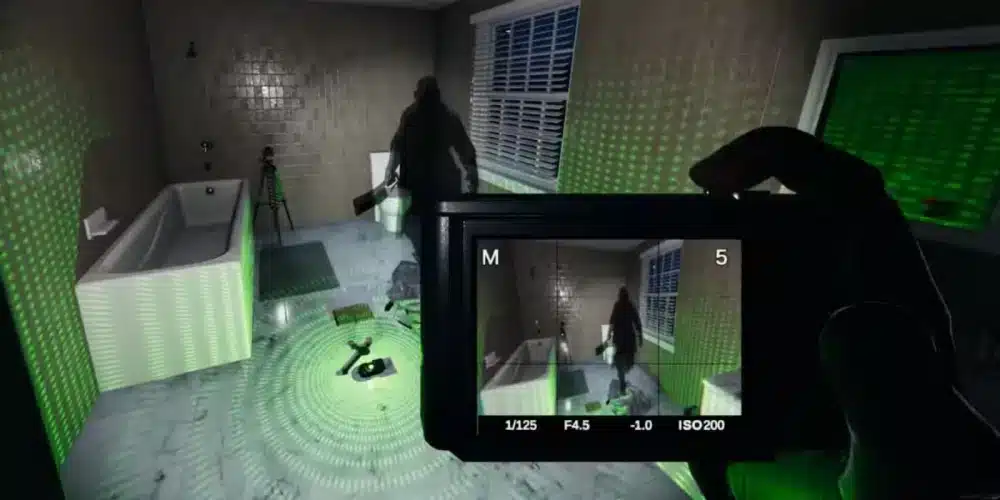
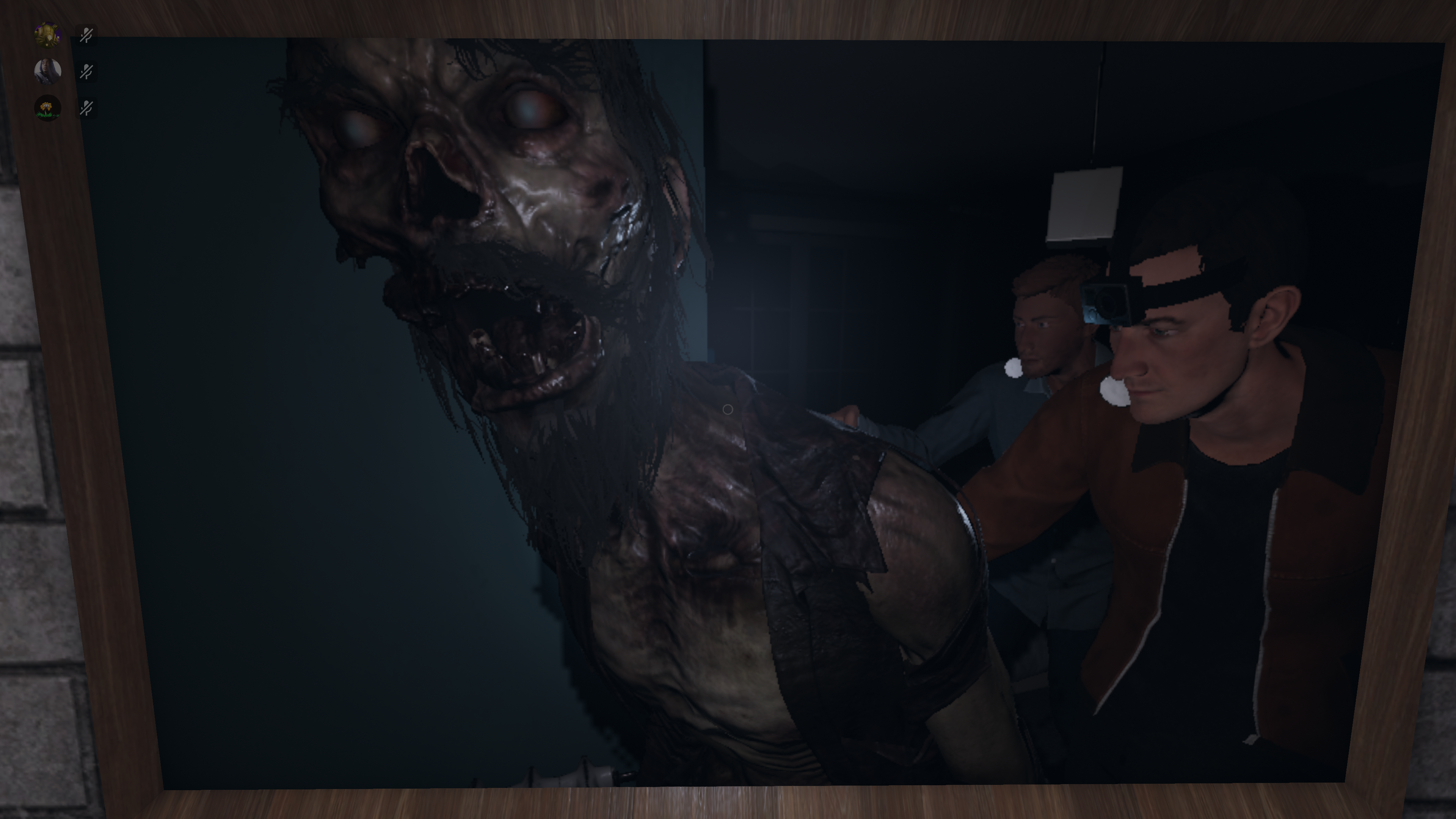
The Oni ghost is one of the most unique spirits you can encounter in Phasmophobia. Knowing how oni phasmophobia behaves, how to test and identify it, and what makes it different from other ghosts will drastically improve your chances of survival and success.
What Is Oni in Phasmophobia?
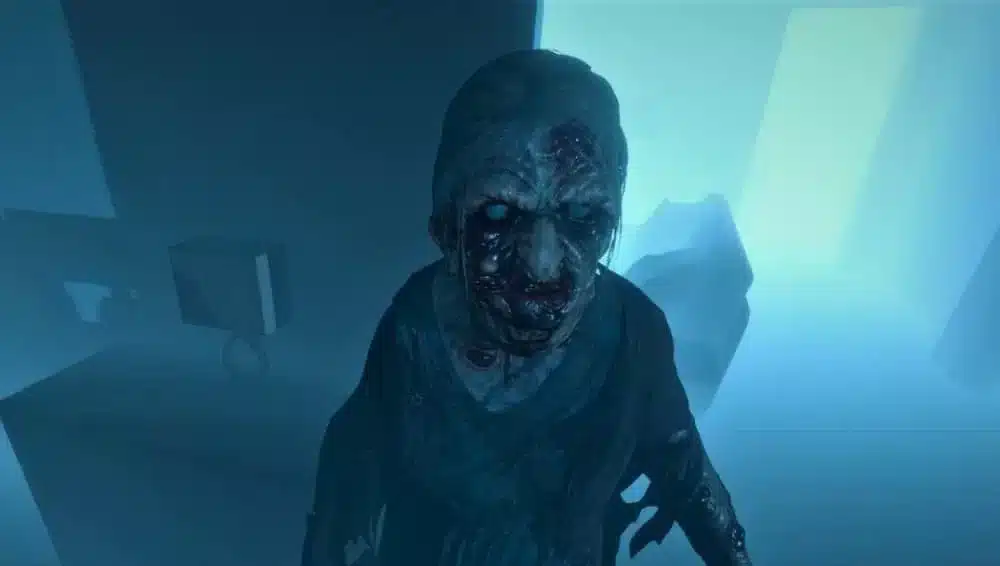
In Phasmophobia, the Oni is a ghost type that:
- Is much more active than most ghosts
- Interacts with objects frequently
- Increases activity when players are nearby
- Drains double sanity when a ghost event hits a player
- Appears more often in full visible form during ghost events
The name “Oni” comes from Japanese folklore, representing a powerful demon or ogre-like creature known for strength and aggression. In Phasmophobia, the Oni retains the concept of strength, but its behavior is uniquely suited for in-game identification and challenge.
Primary Evidence Required for Oni
To confirm oni phasmophobia in the Journal, you need these three pieces of evidence:
| Evidence Type | How to Identify | Notes |
| EMF Level 5 | EMF Reader reaches level 5 | Showcases high interaction with environment |
| Freezing Temperatures | Room goes below freezing | Indicates the ghost’s presence |
| D.O.T.S. Projector | Ghost silhouette on D.O.T.S. | Confirms movement through the projector |
Any combination of these three confirms an Oni when recorded in your Journal.
How Oni Behavior Differs
Oni Activity Characteristics
The Oni exhibits several traits that distinguish it from other ghosts:
- High environmental interaction — turns lights on/off, throws objects, triggers sensors
- Increased activity near players — especially when multiple investigators are close
- Never performs airball/mistball ghost events — if these occur, it’s not an Oni
- Shows full ghost model more often — opposed to shadow or invisible forms
These behaviors are key for performing a oni test phasmophobia successfully.
Understanding Oni Hunts and Blinking Phenomenon
One of the most unique parts of oni phasmophobia is how it behaves during hunts.
Blinking Pattern
Ghosts in Phasmophobia have animations called blinks, where their visibility flickers during a hunt. This is where terms like oni blinking phasmophobia and oni blink phasmophobia come into play.
| Ghost Type | Blink Frequency | Visibility |
| Oni | Less frequent | Longer visible phases |
| Average Ghost | Moderate | Typical flickering |
| Phantom | More frequent | Often invisible unless hunting |
An Oni stays visible longer and blinks less during a hunt. This means:
- You can see more of the ghost’s model
- It’s easier to track movement
- It’s easier to distinguish from other ghosts
If your team sees a ghost remain visible for longer periods during hunts, you might be dealing with an Oni.
Main Ghost Event Traits
Unlike many ghosts, the Oni:
- Cannot perform the airball/mistball ghost event
- Is more likely to manifest as a full 3D model
- Causes more frequent object interactions
This is extremely useful for a oni test phasmophobia. If you’ve seen airball or mist events, you can rule out Oni quickly.
Oni Strengths and Weaknesses
Understanding both sides helps you adapt your strategy.
Strengths
- Super high activity level
- Provides evidence quickly
- More likely to manifest physically
- Harder to ignore or avoid
Weaknesses
- More visible during hunts (less stealthy)
- Activity can give away its location
- Cannot use mist/air events
- Vulnerable to observation and documentation
Because the Oni interacts frequently with the surroundings, it is generally easier to collect evidence for it than for more passive ghosts.
Oni Test: How To Confirm With Behavior
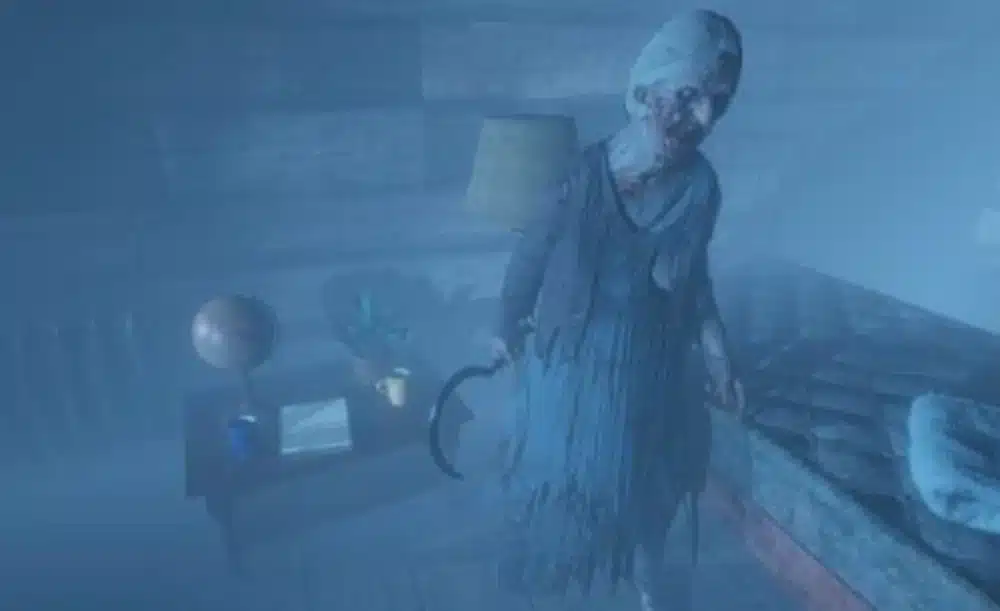
Here’s a step-by-step oni test phasmophobia that experienced players rely on:
- Collect all three key evidence pieces
- Observe ghost activity frequency
- Watch how objects behave when near players
- Look for full model manifestations
- Rule out mist/airball events
If all behaviors align, you’ve confirmed an Oni.
Tips for Dealing With Oni in High-Difficulty Runs
Playing higher difficulties like Nightmare or Insanity changes how evidence presents itself, making behavior recognition even more important.
- Bring video cameras to capture full visibility during hunts
- Use D.O.T.S. projectors early in rooms with high activity
- Position players to trigger interactions quickly
- Keep sanity levels high to reduce hunt frequency
Checklist — Oni in Phasmophobia
Before you start your investigation, use this checklist:
- EMF Level 5 evidence collected
- Freezing temperatures confirmed
- D.O.T.S. projector recording
- No airball/mist events seen
- Ghost remains visible longer during hunts
If all checkboxes are filled, you’re dealing with an Oni.
Quick Strategies During Hunts
Even if confirmed, handling an Oni ghost requires skill:
- Listen for footsteps and object interactions
- Use camera placement to track visibility
- Avoid crowded areas during investigations — it will spike activity
- Use Sanity Pills or Smudge Sticks when activity spikes
Example of Oni Behaviour in Action (Simplified)
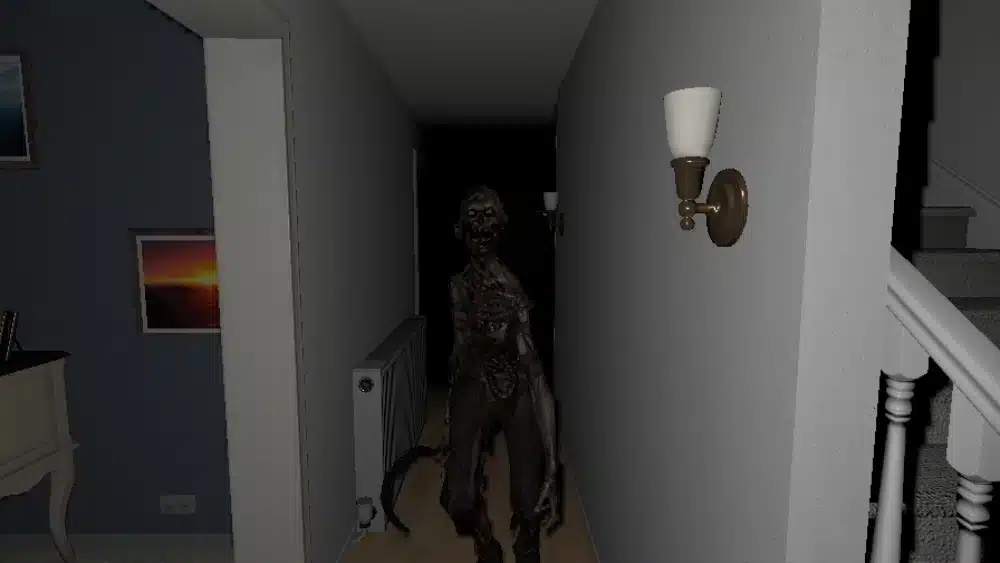
Imagine entering a haunted house:
- You place cameras and D.O.T.S. projectors
- Ghost activity spikes when players enter a room
- EMF Level 5 triggers quickly
- Freezing temperatures appear
- During hunts, the ghost remains visible — blinking slowly
- No airball/mist forms occur
This sequence matches oni phasmophobia behavior precisely.
Top Mistakes Players Make With Oni
- Waiting too long to place cameras
- Misinterpreting airball sounds as other events
- Ignoring activity spikes near players
- Not checking blinking patterns
- Failing to monitor sanity drops
Avoiding these mistakes will improve survival rates significantly.
List of Useful Gear for Oni Investigations
- EMF Reader
- D.O.T.S. Projector
- Video Cameras
- Thermometer
- Sanity Pills
- Smudge Sticks
These tools help you identify evidence and survive longer against Oni’s aggressive activity.
What Oni Doesn’t Do
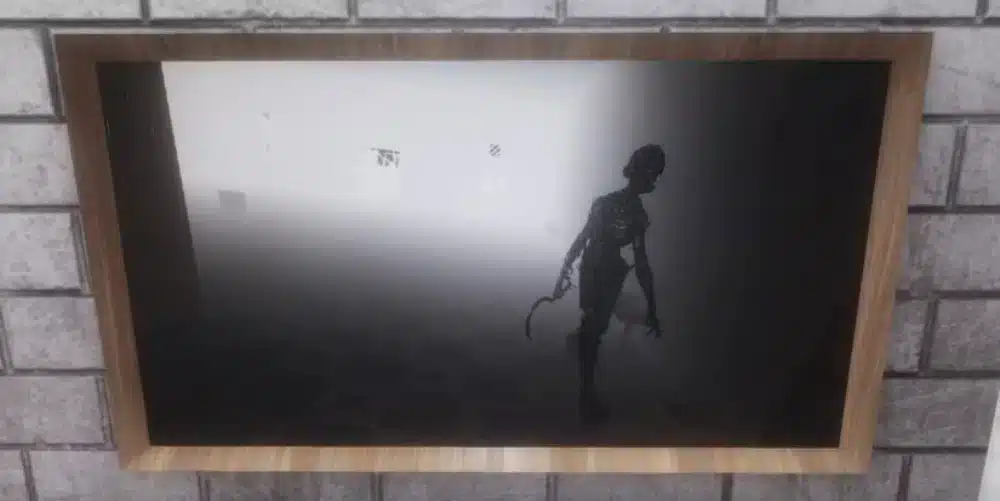
Here’s a quick list of things that will not occur with Oni:
- ❌ No airball / mistball ghost events
- ❌ No unusually silent hunts
- ❌ No avoidance of player presence
- ❌ No spectral-only appearances
- ❌ No distance-based invisibility
These traits help rule out Oni when they are missing.
Oni vs Other Ghosts
| Feature | Oni | Typical Ghost |
| Physical Form | High visibility | Varies |
| Activity Level | Very High | Normal |
| Airball/Mist | ❌ No | Often Yes |
| Blinking Frequency | Low | Medium / High |
| Sanity Drain | Double when a ghost event hits you | Normal |
| Evidence Speed | Quick | Moderate |
This comparison helps players distinguish Oni from other ghost types.
Final Tips — Master Oni
- Always pay attention to activity patterns
- Use cameras to observe blinking behavior
- Don’t ignore freezing temperatures early
- Prioritize evidence collection
Frequently Asked Questions (FAQ)
The Oni has higher activity, shows its full form more often, blinks less during hunts, and cannot produce airball or mistball events.
Collect all required evidence, confirm high activity near players, and rule out mist or airball events.
No. Oni blinks less frequently, staying visible longer during hunts.
Its behavior scales with player proximity, causing frequent interactions and higher apparent aggression.
Yes. Ghosts like Poltergeist or Mimic can appear similar if evidence and behavior are not fully verified. Always confirm all available indicators.
Got questions or want to connect with other players? Join the conversation at the ExitLag Forum!