Playing Legend of YMIR can become extremely frustrating when abilities fail to activate, enemies teleport, or your character rubberbands due to packet loss Legend of YMIR. Many players think their hardware or internet speed is the issue, but the real cause is often routing inefficiency. Therefore, understanding packet loss is essential to properly fix packet loss Legend of YMIR and avoid severe Legend of YMIR connection issues during exploration and combat.
However, packet loss happens when information fails to reach the game’s server, making commands feel delayed and unpredictable. Like this, even players with stable FPS experience Legend of YMIR connection issues, causing sudden freezes, lost actions, and broken combat flow. Because this MMORPG depends heavily on synchronized interactions, PvP, guild fights, raids, packet loss interrupts everything from dodging to spellcasting, often costing players valuable progress and in-game rewards.
Finally, solving packet loss requires more than restarting your router, as you need a stable and optimized network path that prevents Legend of YMIR lag. Understanding the factors behind packet loss and stabilizing your connection is essential for uninterrupted gameplay. Like this, you can avoid delays, freezes, and broken combat flow. With this guide, you’ll learn the causes, how to test them, how to reduce packet loss Legend of YMIR, and why ExitLag is the definitive solution for stable performance.

What is packet loss in Legend of YMIR
Packet loss occurs when data packets traveling between your device and the servers fail to arrive correctly. This data moves through multiple nodes during transmission, and if any of them become congested or unstable, packets are lost. In simple terms, imagine sending messages to a friend but some never reach their destination, your in-game actions disappear the same way.
When packet loss happens, abilities may not execute, enemies may appear in the wrong place, and interactions become inconsistent. This form of packet loss is especially disruptive in MMORPG environments where precise, real-time responses are required for combat, crafting, and trading.
How packet loss affects gameplay
Packet loss impacts Legend of YMIR in several specific ways:
- Ability delays where skills don’t trigger immediately
- Rubberbanding during movement or dashing
- Disconnected interactions, such as picking up items
- Hit registration failures in PvP encounters
- Teleporting enemies in dungeons
- Sudden disconnects when transitioning between zones
- Lost progress due to unsynchronized server communication
Main causes of packet loss
Inefficient routing
Packet loss often occurs when your connection takes long, unstable routes. Each node your data crosses increases the chance of loss. Therefore, optimizing your path is crucial.
Unstable connection
Modem issues, outdated routers, or ISP instability can introduce unpredictable packet drops.
Distance from servers
The farther you are from the game server, the more nodes you pass through, increasing the risk of packet loss.
Network congestion
Peak hours and overloaded networks can disrupt stable traffic. Like this, even fast plans can struggle.
Hardware issues
Damaged cables, faulty network cards, and old routers all contribute to data instability.
How to identify packet loss in the game
In Legend of YMIR, visual signs of packet loss include unpredictable movement, delayed commands, and rubberbanding even when FPS is stable. You can also use your OS terminal to run a ping test to the server region. When interpreting results, consistent spikes or incomplete returns indicate packet loss.
If you see normal ping but unstable gameplay, the issue is likely packet loss rather than latency. Monitoring these indicators helps differentiate between server problems and your own connection routing.
Packet loss level reference table
| Packet Loss % | Gameplay Impact | Severity |
| 0% | Smooth, stable | Low |
| 1–3% | Occasional delays | Medium |
| 3–8% | Skills fail, rubberbanding | High |
| 8%+ | Unplayable | Very High |
Basic solutions to reduce packet loss
Optimize your local connection
- Use wired ethernet for stability
- Close background applications such as streaming
- Update your network drivers
- Configure QoS on your router
- Test with different cables
- Restart your modem and router
Contact your isp
If your line experiences frequent interruptions, request a route check or line reset. However, ISP adjustments rarely fix complex routing issues permanently, which is why dedicated optimization tools become essential.
ExitLag: the ultimate solution to eliminate packet loss in Legend of YMIR
What is ExitLag?
ExitLag is a specialized software built to provide advanced connection optimization for online games. Through advanced technology, it eliminates packet loss and stabilizes latency by controlling your routing path.
How ExitLag reduces packet loss
ExitLag uses Multi-Internet routing to deliver stable, optimized data flow. See the full explanation of how it works.
ExitLag operates through:
- Real-time route analysis
- Multiple simultaneous routes
- Automatic selection of the best route
- Hop count optimization
- Persistent connection stabilization
Advantages for Legend of YMIR players
- Elimination of packet loss through optimized routes
- Reduced ping with direct, stable paths
- Consistent gameplay without random freezes
- Protection against unstable nodes and routing failures
- Easy setup with a clear interface
- Support for both regional and international servers
ExitLag ensures smoother PvP, better world exploration, and more reliable dungeon performance, critical for progression.
How to use ExitLag in Legend of YMIR
The process is extremely simple:
Step 1 – Access the official ExitLag website and download the application. There’s a free trial period for new users.
Step 2 – Install and open the program. Log in with your account.
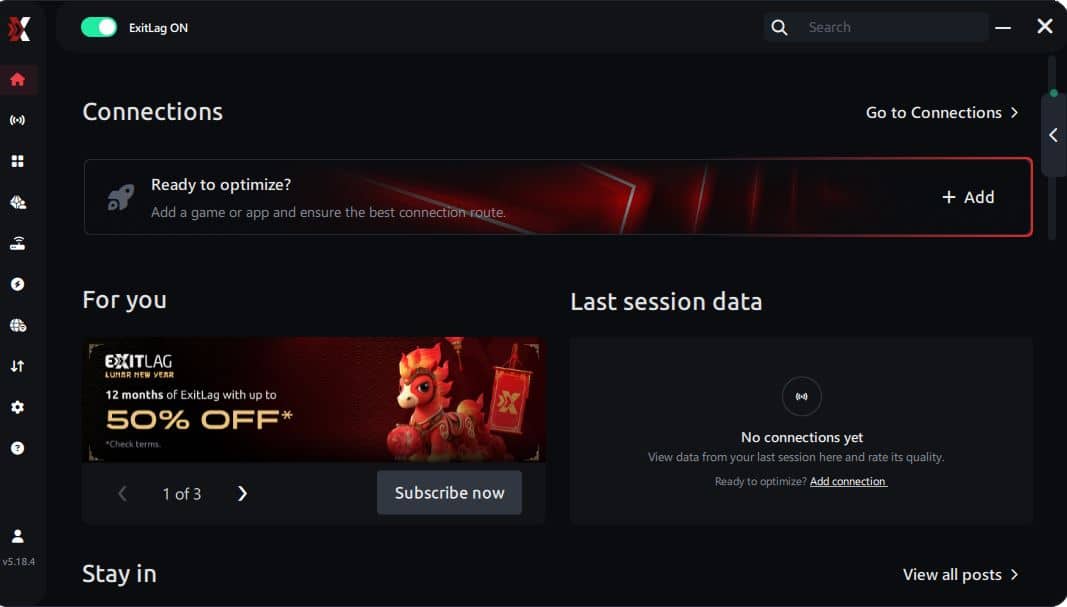
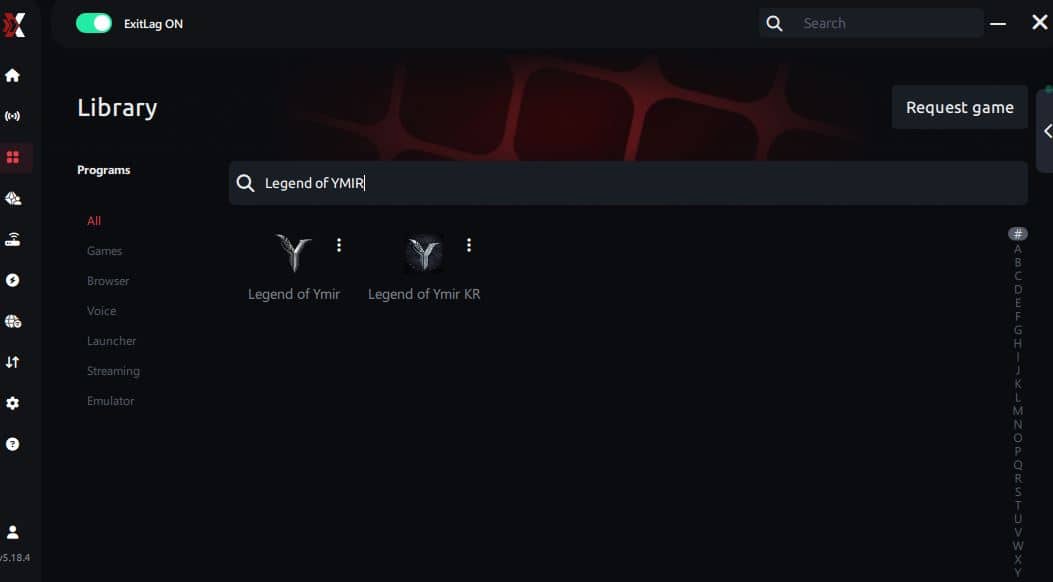
Step 3 – In the search bar, type “Legend of YMIR” and select the game from the list.
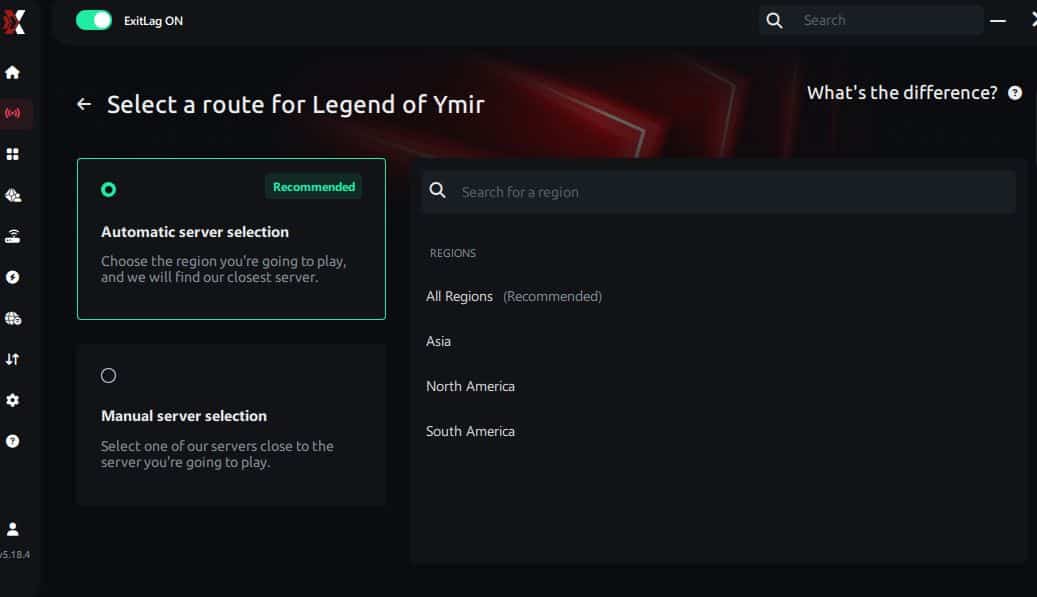
Step 4 – Choose between automated or manual route
Based on the results, you can let ExitLag automatically select the best route or manually choose the server that showed the lowest latency for your connection.
AI-optimized automated route
Based on the results, you can let ExitLag automatically select the best route through AI optimization. The system analyzes multiple connection paths in real time and automatically identifies the most efficient route for your connection, ensuring the lowest possible latency without requiring manual choices.
Manual route
If you prefer to have full control over your connection, you can manually choose the server based on the ping test results. Simply select the server that showed the lowest latency or the one that best meets your specific gaming needs, allowing complete customization of your experience.
Step 5 – Click “Legend of YMIR” or the play button. ExitLag will begin optimizing your connection automatically.
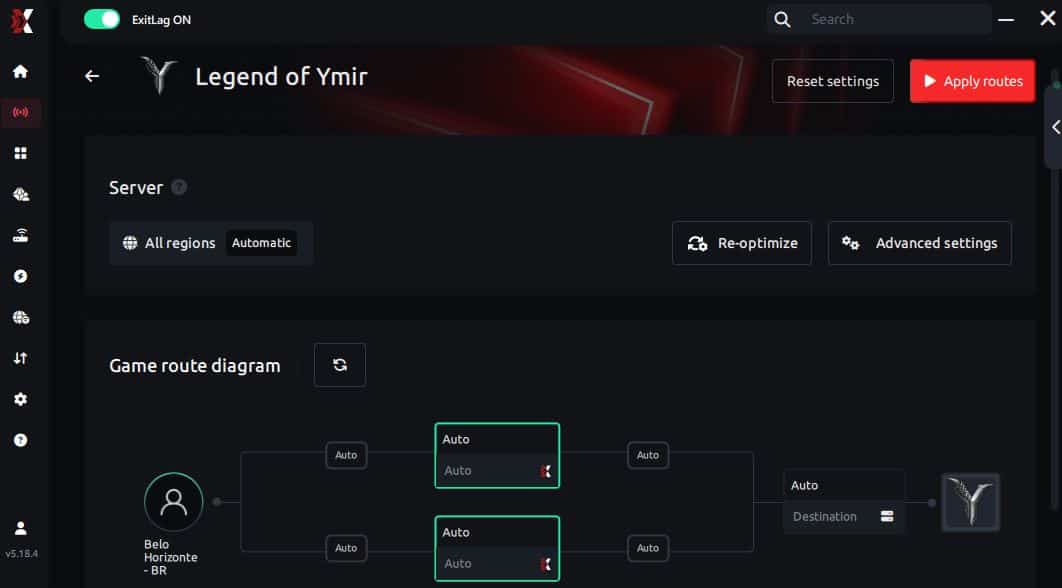
Step 6 – Wait a few seconds until optimization is complete. You’ll see ping indicators in the interface.
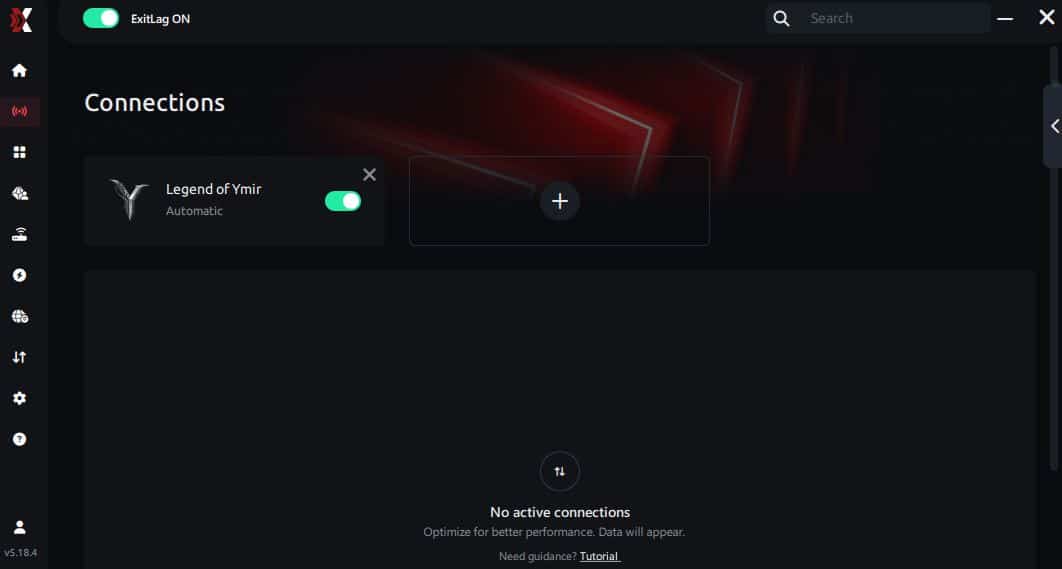
Step 7 – Launch Legend of YMIR normally. The optimization will already be active.
ExitLag runs in the background while you play, constantly adjusting routes to maintain the best possible performance.
FAQ about packet loss in Legend of YMIR
Is packet loss the same as lag?
No. Lag is often caused by high ping, while packet loss is the loss of data during transmission. You can have normal ping and still struggle with packet loss.
Why do I get packet loss only in Legend of YMIR?
Different games use different servers and routing paths. A specific node affecting YMIR may not affect other titles.

Can packet loss cause bans?
Packet loss itself does not result in bans. However, extremely unstable connections can trigger disconnects.
How much packet loss is acceptable?
For competitive play, 0% is ideal. Up to 1% may be tolerable casually, but anything above 3% disrupts gameplay.
Can my hardware cause packet loss?
Yes, broken cables, faulty network cards, or outdated routers can contribute to instability.
Does ExitLag work on private servers?
Yes, as long as you configure the correct server entry.
Does packet loss affect PvP more than PvE?
Yes. PvP relies on frame-perfect timing, making packet loss far more disruptive.
Eliminate packet loss and play Legend of YMIR without interruptions
Packet loss doesn’t need to ruin your adventures in Legend of YMIR. When your actions fail to register or combat becomes unpredictable, optimizing your connection becomes essential. By understanding the causes and using professional routing optimization, you can restore a smooth, stable gaming experience. ExitLag stands as the definitive solution to block packet loss, enhance stability, and ensure you enjoy every battle, dungeon, and exploration moment. For more technical guides, visit the ExitLag blog.