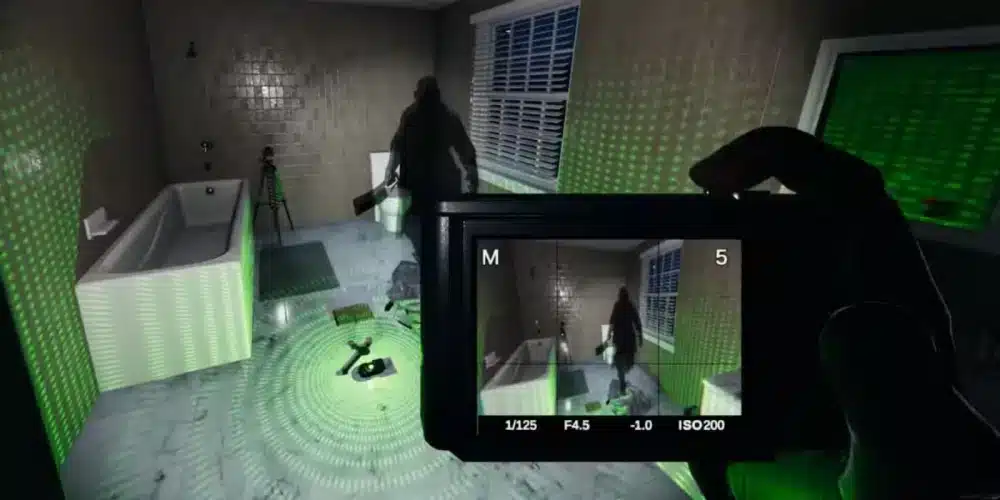
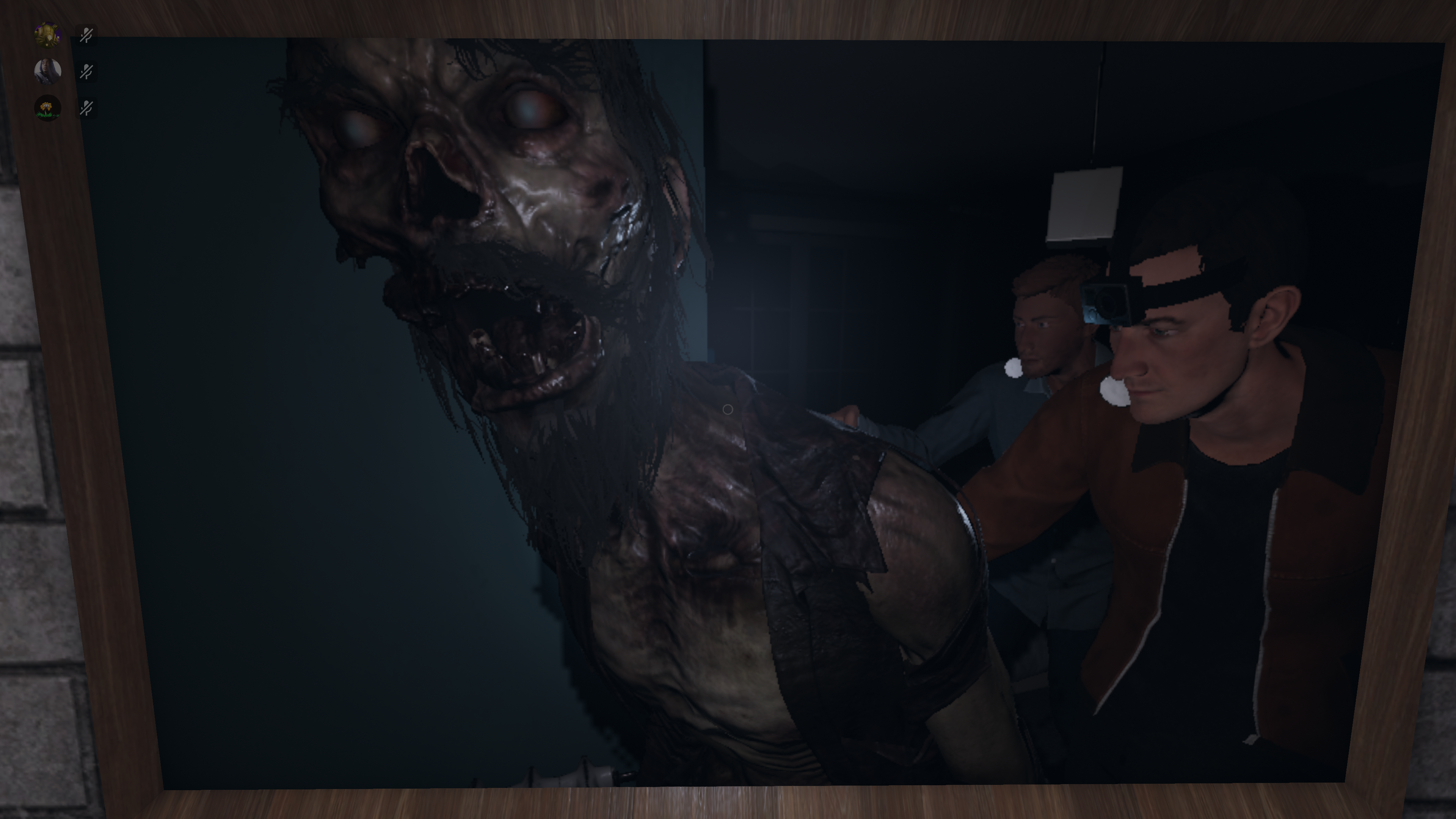
Phasmophobia has always stood out among cooperative horror games for one reason above all others: it listens to you. From its earliest PC builds, the game transformed players’ real voices into gameplay mechanics, allowing ghosts to react directly to spoken words. This design choice elevated immersion and fear, turning every question, joke, or scream into a potential risk.
For a long time, however, this defining feature was limited to PC. Console players had access to the same maps, ghosts, and tools, but without true voice recognition, interactions felt incomplete. The horror was still there, but the tension created by being heard was missing.
The phasmophobia update voice recognition changes that reality. With a major update released in early 2025, Kinetic Games finally introduced native voice recognition support for consoles, bringing the full Phasmophobia experience to PlayStation and Xbox players for the first time.

How Voice Recognition Works in Phasmophobia
Voice recognition in Phasmophobia is not cosmetic. The game actively processes spoken phrases and uses them to influence ghost behavior, evidence gathering, and hunt triggers. When players speak near an active ghost, the game interprets both what is said and where it is said.
This system creates constant tension. Remaining silent can be safer, but silence also slows investigation. Speaking provides information, but it may provoke a response.
Core Voice Recognition Mechanics
At its core, voice recognition connects player microphones directly to ghost AI. Ghosts can hear players during investigations and hunts, especially when they are nearby. Certain ghosts become more aggressive when spoken to, while others require verbal interaction to reveal evidence.
The game also differentiates between:
- Proximity voice – speech near the ghost affects behavior
- Global voice – team communication that does not always trigger ghost reactions
Understanding this distinction is essential for survival, especially on higher difficulties.
Tools That Rely on Voice Commands
Several investigation tools depend entirely on spoken phrases:
- Spirit Box – requires direct questions such as “Where are you?” or “How old are you?”
- Ouija Board – responds only to spoken commands and exact phrasing
- Monkey Paw – grants wishes based on verbal requests, often with dangerous consequences
Incorrect phrasing, background noise, or speaking at the wrong time can cause these tools to fail, increasing both difficulty and risk.
Phasmophobia PS5 Voice Recognition Update
The most significant part of the phasmophobia ps5 voice recognition update is that it brings console gameplay in line with the PC version. PlayStation 5 players can now interact with ghosts using their real voices instead of text prompts or quick-chat systems.
This update supports multiple hardware configurations, allowing players to choose the setup that works best for them.
Microphone Support on PS5 and PS VR2
Phasmophobia on PS5 supports:
- The DualSense controller’s built-in microphone
- Wired and wireless headsets
- PS VR2 integrated microphones
This flexibility ensures that most players can use voice recognition without purchasing additional equipment. However, microphone clarity directly affects recognition accuracy, making headset use preferable for serious investigations.
How to Enable Voice Recognition on PS5
Voice recognition is not always enabled by default. To activate it on PS5:
- Open the in-game settings menu
- Navigate to the Voice Recognition section
- Select Voice instead of Text or Push-to-Talk
- Confirm microphone input is detected correctly
Once enabled, the game will immediately begin reacting to spoken phrases during investigations.
Differences Between PC and Console Voice Recognition
While the functionality is largely the same, there are minor differences between PC and console voice recognition systems. Console versions may show slightly slower response times, especially in noisy environments, and can be more sensitive to background sounds.
Language support and accent recognition continue to improve, but clear pronunciation remains important for consistent results. These differences are small, yet noticeable for veteran PC players transitioning to console.
Crossplay Voice Behavior
In crossplay sessions, voice recognition works locally for each player. Console players using voice recognition can still trigger ghost responses even when grouped with PC teammates, ensuring fair and consistent gameplay across platforms.
Why Voice Recognition Changes the Horror Experience
Voice recognition transforms Phasmophobia from a standard co-op horror game into a psychological experience. Speaking during a hunt can reveal your location. Whispering might save you. Laughing at the wrong time can get you killed.
This mechanic forces players to think before they speak, increasing immersion and fear. Experienced teams learn when to stay silent and when to risk communication, turning voice itself into a skill.
Performance and Stability in Voice-Based Horror Games
Because Phasmophobia relies on real-time communication, network stability matters more than many players realize. Lag, packet loss, or unstable routing can affect voice processing, synchronization, and overall responsiveness during investigations.
For PC players who enjoy Phasmophobia alongside other online or cooperative games, ExitLag helps stabilize connections by optimizing routing and reducing network interference. While Phasmophobia is available on consoles, ExitLag remains a powerful option for PC horror fans looking for smoother sessions and more reliable communication.
Advanced Voice Commands in Phasmophobia
Voice recognition in Phasmophobia goes far beyond simple immersion. As difficulty increases, spoken phrases become strategic tools that can either save an investigation or end it instantly. Understanding which phrases are recognized – and how the game interprets them – is essential for advanced play.
Recognized Voice Phrases
Phasmophobia listens for specific categories of phrases rather than exact sentences. This gives players some flexibility, but clarity still matters. For example, the Spirit Box responds to common investigative questions such as:
- “Where are you?”
- “Are you here?”
- “How old are you?”
- “Are you friendly?”
The Ouija Board requires direct verbal interaction. Asking the ghost questions without speaking will produce no results. The Monkey Paw also depends entirely on spoken wishes, often twisting requests in dangerous ways.
Using correct phrasing increases response reliability, while unclear speech or background noise can prevent evidence from appearing.
Does Tone and Volume Matter?
While Phasmophobia does not analyze emotional tone, it does react to volume and proximity. Speaking loudly near an active ghost increases the chance of provoking activity, especially during hunts. Whispering or remaining silent can be a survival tactic when hiding.
Experienced players often coordinate short, intentional speech windows to gather evidence quickly before going quiet again. Silence becomes just as important as communication at higher difficulties.
Phasmophobia PS5 Voice Recognition Update: Known Issues
The phasmophobia ps5 voice recognition update is a major improvement, but early versions introduced some common issues, particularly on consoles.
Common Problems on PS5 and Consoles
Some of the most reported issues include:
- Microphone input not detected
- Ghosts ignoring valid questions
- Delayed responses after speaking
- Background noise triggering false reactions
These problems are usually related to system-level microphone settings rather than the game itself. Console updates following the initial release addressed many stability problems, but setup still matters.
Language and Accent Limitations
Phasmophobia currently supports a limited number of languages for voice recognition. Accents and pronunciation can affect accuracy, especially for non-native speakers.
Console players may notice stricter recognition compared to PC due to platform-level voice processing. Speaking clearly and avoiding overlapping voices improves consistency.
How to Fix Voice Recognition Not Working
If voice recognition fails, most issues can be resolved with a few checks.
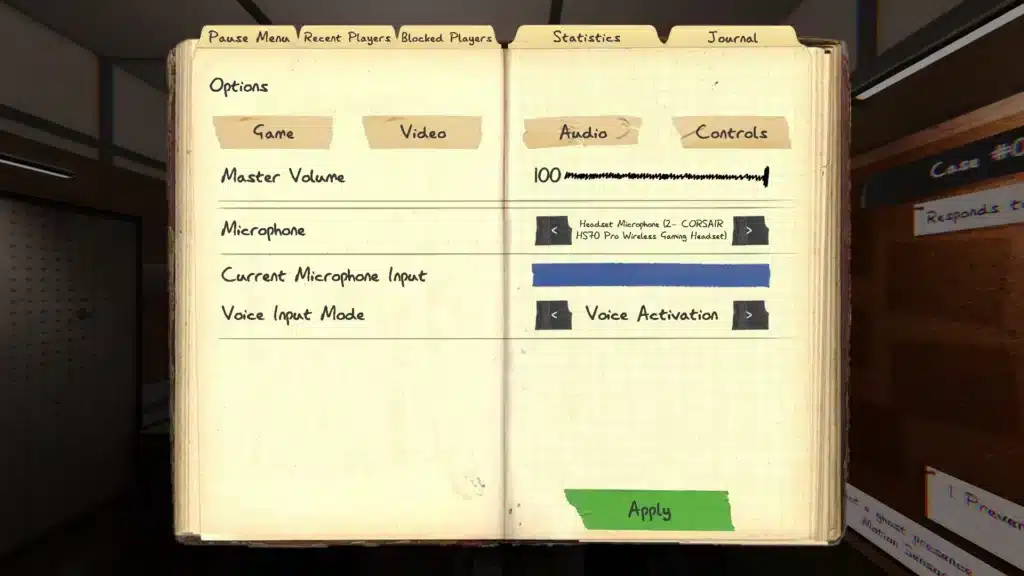
In-Game Settings Checklist
Before starting an investigation, confirm:
- Voice Recognition Mode is set to Voice
- Push-to-Talk is configured correctly or disabled if unnecessary
- Microphone sensitivity is not too low
- Correct input device is selected
Restarting the game after changing these settings is recommended.
Console and System-Level Fixes
On PS5, players should also:
- Verify microphone permissions at system level
- Ensure no other application is using the microphone
- Disconnect and reconnect headsets
- Restart the console to clear cached audio settings
These steps resolve most detection problems.
Voice Recognition Features by Platform
| Feature | PC | PS5 | PS VR2 | Xbox Series X|S |
| Voice Recognition | Yes | Yes | Yes | Yes |
| Spirit Box Voice | Yes | Yes | Yes | Yes |
| Ouija Board Voice | Yes | Yes | Yes | Yes |
| Push-to-Talk | Yes | Limited | Limited | Limited |
| Language Support | Full | Partial | Partial | Partial |
How Voice Recognition Affects Difficulty and Strategy
Voice interaction fundamentally changes how Phasmophobia is played at higher difficulties.
High Difficulty and Nightmare Mode
On Professional and Nightmare difficulties, speaking carelessly can immediately trigger hunts. Teams must decide who speaks, when, and for how long. Communication discipline becomes as important as equipment choice.
Solo vs Multiplayer Voice Strategy
Solo players rely heavily on voice tools, making timing critical. In multiplayer, teams often designate one player to interact verbally while others remain silent to reduce risk.
Performance, Latency, and Voice-Based Horror Games
Because voice recognition relies on real-time processing, network stability plays a key role in overall responsiveness. Delays can desynchronize ghost reactions, voice chat, and player movement.
ExitLag helps PC players by optimizing network routing, reducing packet loss, and maintaining stable connections during cooperative sessions. While Phasmophobia voice recognition is now available on consoles, ExitLag remains an effective solution for PC players who want smoother communication and consistent performance across multiplayer horror games.
All game images used in this blog belong to Kinetic Games. They are used for informational/educational purposes only and do not imply endorsement or affiliation with the rights holders.
Got questions or want to connect with other players? Join the conversation at the ExitLag Forum!