Song IDs for Roblox are one of the most popular ways players personalize their in-game experience. Whether you want to play music during social hangouts, roleplay sessions, or casual gameplay, music adds personality and atmosphere to Roblox worlds.
In this guide, you’ll learn what song IDs for Roblox are, how they work, where to use them, and how to avoid common mistakes when dealing with Roblox music IDs and audio content.
What Are Song IDs for Roblox?
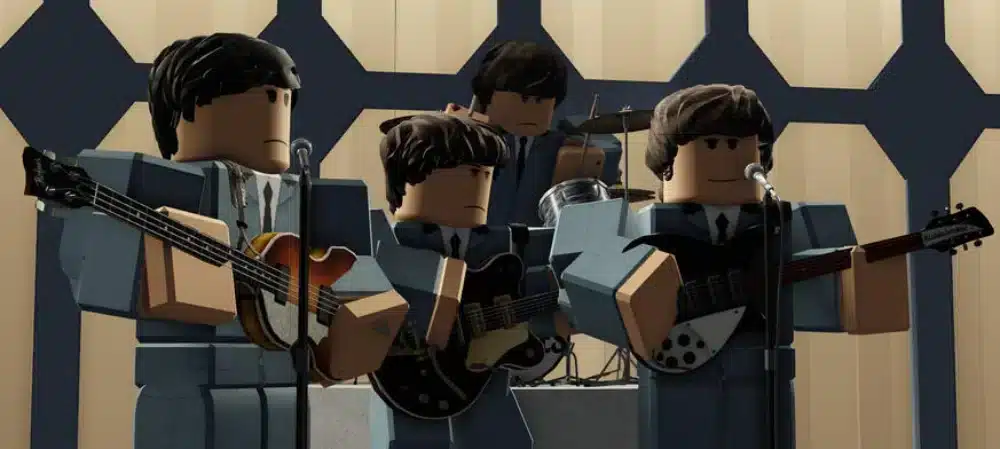
Song IDs for Roblox are numeric codes that represent audio files uploaded to the Roblox platform. When entered into compatible items or game systems, these codes allow players to play specific songs or sounds in-game.
These IDs are part of Roblox’s audio system and are commonly used with boomboxes, in-game radios, or custom scripts created by developers.
How Roblox Music IDs Work
Each audio file uploaded to Roblox is assigned a unique ID. When players enter this ID, the game retrieves and plays that audio.
Key points about Roblox music IDs:
- They are numerical codes;
- They must be approved by Roblox;
- Availability can change over time.
This system ensures audio content follows platform rules.
How to Use Song IDs for Roblox
Using song IDs for Roblox is straightforward, but it depends on where and how music is allowed in a game.
Using Music Codes in Boomboxes
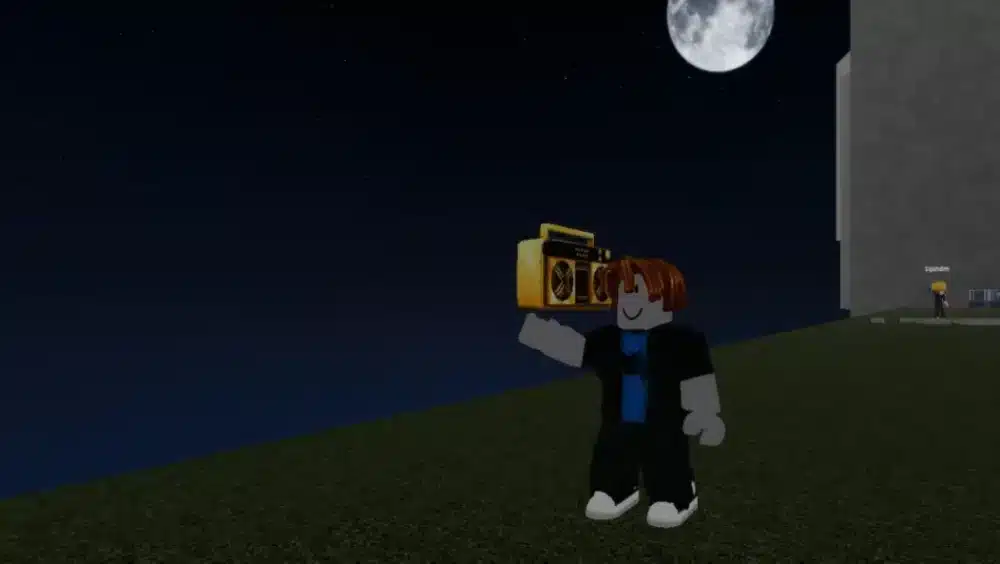
Many Roblox games allow players to use a boombox item.
Typical steps include:
- Equipping a boombox;
- Opening the music input field;
- Entering a valid song code.
Once entered, the selected audio will play for nearby players.
Using Audio IDs in Custom Games
Some Roblox games allow developers to integrate audio IDs directly into their environments. In these cases, music may play automatically when players enter certain areas.
Popular Songs and Music Codes in Roblox
Players often search for popular songs to use during gameplay. However, availability depends on copyright rules and Roblox moderation.
Why Some Songs Get Removed
Not all music codes remain active forever. Roblox regularly updates its audio library to comply with copyright policies.
Songs may be removed because:
- Copyright restrictions;
- Creator deletion;
- Policy changes.
This is why some older song IDs for Roblox stop working.
Song IDs for Roblox vs Other Audio Options
Before checking the table below, it’s important to understand that song IDs are just one way to use audio in Roblox. The table highlights how they compare to other options.
Roblox Audio Options
| Feature | Song IDs for Roblox | Built-in Game Audio |
| Custom Music | Yes | No |
| Player Control | High | Low |
| Availability | Varies | Fixed |
| Moderation | Required | Pre-approved |
This comparison shows why song IDs for Roblox remain popular for personalization.
Common Mistakes When Using Roblox Music IDs
Even though Roblox music IDs are relatively simple to use, many players still run into problems that prevent music from playing correctly. Most issues are not caused by bugs, but by misunderstandings about how song IDs for Roblox work and how game restrictions apply.
Knowing these common mistakes can save time and frustration when using music codes.
Using Outdated Song Codes
One of the most frequent issues happens when players try to use old or inactive song codes. Because Roblox regularly updates its audio moderation system, many popular songs are removed or disabled over time.
This usually happens due to:
- Copyright or licensing changes;
- Creator-deleted audio;
- Platform policy updates.
When a code no longer works, the audio will simply fail to play, even if the number is entered correctly.
Ignoring Game Restrictions and Permissions
Another common mistake is assuming that all Roblox games support custom audio. In reality, many experiences disable boomboxes or restrict audio IDs to maintain balance or immersion.
Before trying to play music, players should:
- Check if the game allows boombox usage;
- Read in-game rules or descriptions;
- Confirm whether Roblox music IDs are enabled.
Ignoring these restrictions often leads players to think the code is broken when the game simply does not support it.
Entering Incorrect Audio IDs
Small typing errors are more common than expected. Since audio IDs are numerical, even a single missing or extra digit can prevent the sound from playing.
Typical input mistakes include:
- Missing numbers;
- Extra spaces;
- Copy-and-paste errors.
Always double-check the music codes before assuming they no longer work.
Relying on Unofficial Song Lists
Some players also rely on third-party websites that share outdated or inaccurate song IDs for Roblox. These lists are not always updated and may include disabled or fake codes.
To avoid problems:
- Use trusted sources;
- Test codes in supported games;
- Avoid unofficial upload sites.
How to Avoid These Common Issues
By understanding how Roblox music IDs work and respecting platform rules, players can enjoy music without issues.
A smart approach includes:
- Verifying if the song code is still active;
- Checking game compatibility;
- Entering audio IDs carefully.
Avoiding these mistakes ensures a smoother and more enjoyable audio experience inside Roblox.
Safety and Rules Around Music Codes
Roblox enforces strict rules around audio usage. Players should never attempt to bypass moderation systems or use unauthorized uploads.
Important reminders:
- Only use approved music codes;
- Avoid third-party upload sites;
- Follow Roblox community guidelines.
Using audio responsibly ensures a safe experience for everyone.
Why Song IDs for Roblox Are Still Popular
Even after multiple policy updates, song IDs for Roblox continue to play an important role in how players interact and express themselves in the platform. Music has always been part of Roblox’s identity, and audio customization remains a powerful way to make experiences feel more personal and engaging.
Rather than being just background sound, music often becomes a social tool that connects players during shared moments.
Creative Expression Through Music Codes
One of the main reasons song IDs for Roblox are still widely used is creative freedom. By choosing specific Roblox music IDs or music codes, players can shape the mood of an experience without changing gameplay mechanics.
Music allows players to:
- Set the tone of a game or private server;
- Express personality through sound choices;
- Create memorable moments during gameplay.
This level of personalization keeps audio IDs relevant, even as rules evolve.
Social Interaction and Shared Experiences
Music also strengthens social interaction inside Roblox. Playing familiar or popular songs during hangouts, parties, or casual games encourages communication and shared reactions among players.
Players enjoy:
- Customizing social experiences with song codes;
- Sharing favorite popular songs with friends;
- Enhancing roleplay sessions and virtual hangouts.
These shared audio moments often become part of a group’s identity, reinforcing community bonds.
Roleplay and Immersion Benefits
For roleplay-focused games, song IDs for Roblox are especially valuable. Background music helps establish atmosphere, emotion, and pacing, making scenarios feel more immersive.
Common uses include:
- Ambient music for roleplay environments;
- Thematic tracks for events or scenes;
- Sound cues tied to storytelling moments.
This is why Roblox music IDs remain essential for creators and players who prioritize immersion.
Why Music Remains Central to Roblox Creativity
Despite restrictions, music continues to be a core element of Roblox’s community-driven creativity. Song IDs for Roblox support expression, collaboration, and fun without requiring advanced development skills.
As long as players value customization and social connection, music codes and audio IDs will remain an important part of the Roblox experience.
FAQ
They are numeric codes that play specific audio files in Roblox games.
In games that support boomboxes or custom audio systems.
Usually due to copyright or moderation changes.
No, only songs approved by Roblox can be used.
Yes, as long as they are official and approved.
Enjoy Roblox With Smooth and Stable Performance
While music adds fun to Roblox, smooth gameplay is just as important. Lag or connection instability can ruin social and interactive experiences.
ExitLag is not a VPN. It is a game connection optimizer that improves routing between your PC and game servers, helping reduce lag, high ping, and packet loss.
With ExitLag, you get:
- More stable Roblox sessions;
- Smoother interactions;
- Better overall performance.
Try ExitLag and enjoy Roblox with better stability and performance today!
Got questions or want to connect with other players? Join the conversation at the ExitLag Forum!