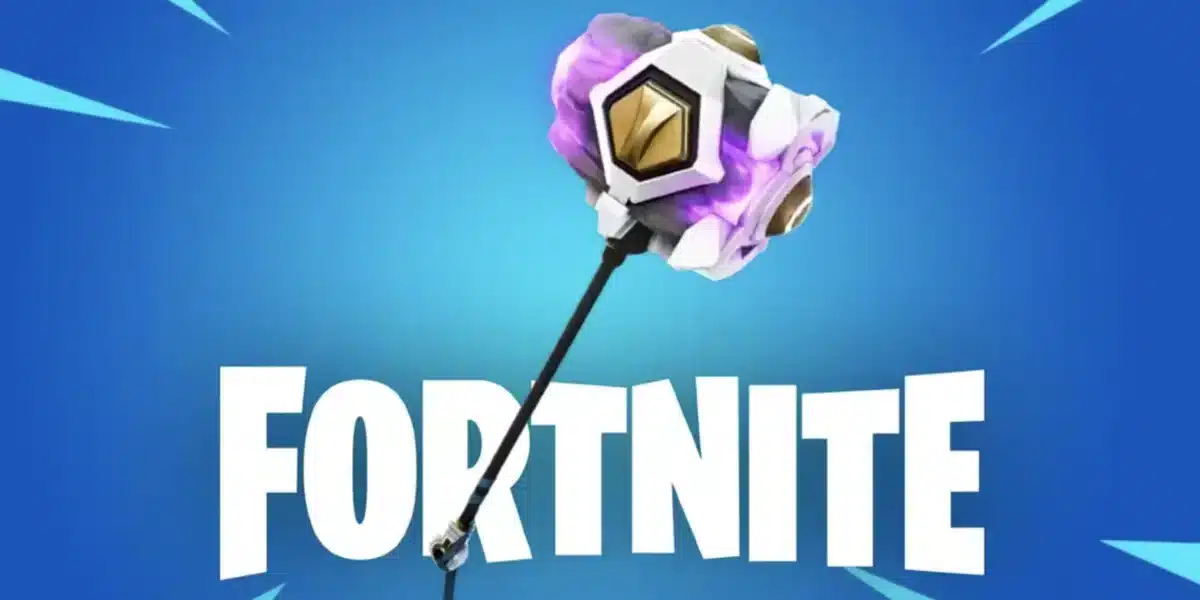
Striker Hour Fortnite has become one of the most talked about limited time windows in Chapter 7 Season 3. It ties directly into the soccer themed content Epic Games added around the Soccer Pitch, and it rewards players who move quickly. If you have ever logged in during a normal match and wondered why everyone was suddenly sprinting toward one specific field, this event is the reason.
This guide breaks down exactly what Striker Hour Fortnite means for your Locker, your Sprite collection, and your competitive edge. We will cover the mechanics, the fastest strategies, and the mistakes that cost players their rewards. Furthermore, we will explain how a stable connection changes your results during these high traffic windows.
So what exactly is Striker Hour? It is a scheduled boost period where Vini Jr. and Striker Sprites spawn more often across the map, and the Sprite XP you earn from them doubles. During this window, players race to level a Striker Sprite to its maximum rank and extract it before time runs out, unlocking soccer themed cosmetic rewards along the way.

Understanding The Striker Hour Fortnite Event
Striker Hour is part of the wider Sprites system introduced in Chapter 7 Season 3. Sprites are collectible companions that grant buffs, and each type has its own theme and drop location.
The Striker Sprite specifically ties into the Soccer Pitch, a blue rectangular field found southeast of Heatwave Harbor, near The Quackaway landmark. Scoring a goal there guarantees a Striker Sprite drop, though only once per visit per player.
Indeed, the entire event exists because Epic Games leaned into a football celebration by adding soccer mechanics, a dedicated pitch, and a rotating cast of themed cosmetics tied to real world sporting moments.
What Makes Striker Hour Different From A Normal Match
During Striker Hour, three things change compared to a standard session:
- Spawn Rate: Vini Jr. and Striker Sprites appear noticeably more often in chests, Vaults, and Guardian Cases.
- Sprite XP Multiplier: Leveling a Striker Sprite happens roughly twice as fast during the active window.
- Time Pressure: The boosted window typically runs for a set period, so players cannot simply wait until later to catch up.
Why Timing Matters So Much
Because the multiplier only applies while the event is live, arriving even ten minutes late can mean the difference between mastering a Sprite and missing the reward entirely. Therefore, checking the in-game event schedule before you queue up is essential.
Many players lose valuable minutes just loading into a lobby or dealing with a laggy queue. That time adds up fast when a boosted window is only open for a few hours.
How To Master A Striker Sprite Quickly
Mastering means leveling a Sprite to level 5 and then extracting it, which locks in the progress and grants Sprite Dust plus any linked reward. The process sounds simple, but execution under time pressure is where most players struggle.
Here is the direct answer players are searching for: to master a Striker Sprite during Striker Hour Fortnite, find or fight for one early, land kills and assists while it is equipped, open chests near the Soccer Pitch, and extract it the moment it hits level 5 rather than risking another fight first.
Fastest Route To Level 5
Follow these steps in order for the most efficient run:
- Land near the Soccer Pitch or a known Sprite chest location as soon as the match starts.
- Score a goal on the pitch if possible, since this guarantees a Striker Sprite drop.
- Equip the Sprite immediately so it starts collecting Sprite XP from your actions.
- Prioritize chests, knocks, and assists over long rotations, since these grant Sprite XP fastest.
- Head straight to the nearest Extraction Site or Portable Extractor once the Sprite reaches level 5.
Where To Find Striker Sprites Outside The Pitch
If the Soccer Pitch is contested or you land elsewhere, Striker Sprites can still appear from:
- Sprite Chests scattered around the Chapter 7 Season 3 map
- Boss Sprites guarded by tougher enemies
- Vaults and Guardian Cases in named locations
- Eliminated opponents who were already carrying one
What Rewards Can You Earn From Fortnite Striker Hour?
The Fortnite Striker Hour Rewards track has centered on soccer themed cosmetics and vehicle content tied to the Final Kickoff celebration. Mastering and extracting a Striker Sprite within the active window has been the main path to the marquee prize.
Notably, the standout reward has been a Hyundai Ioniq 6 N Line vehicle body, granted to the Locker the day after a player masters and extracts the Sprite. A Soccer Ball Toy has also been available simply for logging in during the correct window, no Sprite mastery required.
| Reward Type | How To Unlock It | Time Sensitivity |
|---|---|---|
| Soccer Ball Toy | Log in during the active event window | Low, automatic on login |
| Hyundai Ioniq 6 N Line Car Body | Master and extract a Striker Sprite to level 5 | High, must extract before window closes |
| Sprite Dust | Extract any Striker or Vini Jr. Sprite | Ongoing, but doubled during Striker Hour |
| Bonus Sprite XP | Play any match during the boosted window | High, only active for the event duration |
Are The Fortnite Striker Hour Challenges Worth Completing?
Yes, particularly if you already play Battle Royale regularly. The challenges usually require no extra grinding beyond normal match objectives, since actions like knocks, assists, and chest openings count naturally toward Sprite XP.
However, if you only log in occasionally, prioritizing the login based rewards first makes sense. Consequently, you secure guaranteed items before attempting the harder Sprite mastery task.
How Often Does The Fortnite Striker Hour Event Return?
Striker Hour follows the same rotation logic as the wider Power Hour system, which typically runs on a weekly schedule with dedicated Saturday windows. That said, special soccer themed instances tied to real world tournaments have appeared as standalone bonus windows outside the regular calendar.
Because scheduling can shift between seasons, always check the in-game news tab before planning your session around a specific time.

Pro Tips And Common Mistakes For Striker Hour Fortnite
Even experienced players leave rewards on the table when a boosted window is this time sensitive. The following tips and mistakes come from how the event has actually played out across recent sessions.
Pro Tips: Striker Hour Fortnite
- Land near the Soccer Pitch first: Scoring a goal guarantees a Sprite drop, so it removes the randomness of chest hunting entirely.
- Equip the Sprite the instant you find it: Sprite XP only accumulates while a Sprite is equipped, so delaying costs you free progress every match.
- Extract early rather than pushing for one more fight: A single bad fight can eliminate you before extraction, wiping your progress for that match.
- Track the event countdown in the news tab: Knowing exactly how much time remains lets you decide whether to start a new match or wait for the next window.
- Play modes with faster match pacing: Shorter game modes let you attempt more Sprite runs within the same Striker Hour window compared to slower, larger lobbies.
Common Mistakes Striker Hour Fortnite Players Make
- Queuing up after the window already started: Players often notice the event late and lose a chunk of the multiplier. Fix: enable in-game notifications or check the event schedule before your session begins.
- Ignoring the Soccer Pitch in favor of random looting: This wastes time when a guaranteed Sprite source is available. Fix: prioritize scoring a goal early, then loot normally afterward.
- Forgetting to extract before the match ends: A Victory Royale does count as extraction, but risky endgame fights can undo a leveled Sprite if you get eliminated first. Fix: extract manually the moment you hit level 5 rather than gambling on a win.
- Fighting unnecessary duels while carrying a leveled Sprite: Losing that fight erases unextracted progress. Fix: rotate away from contested areas once your Sprite is close to level 5.
Why Connection Stability Decides Your Striker Hour Results
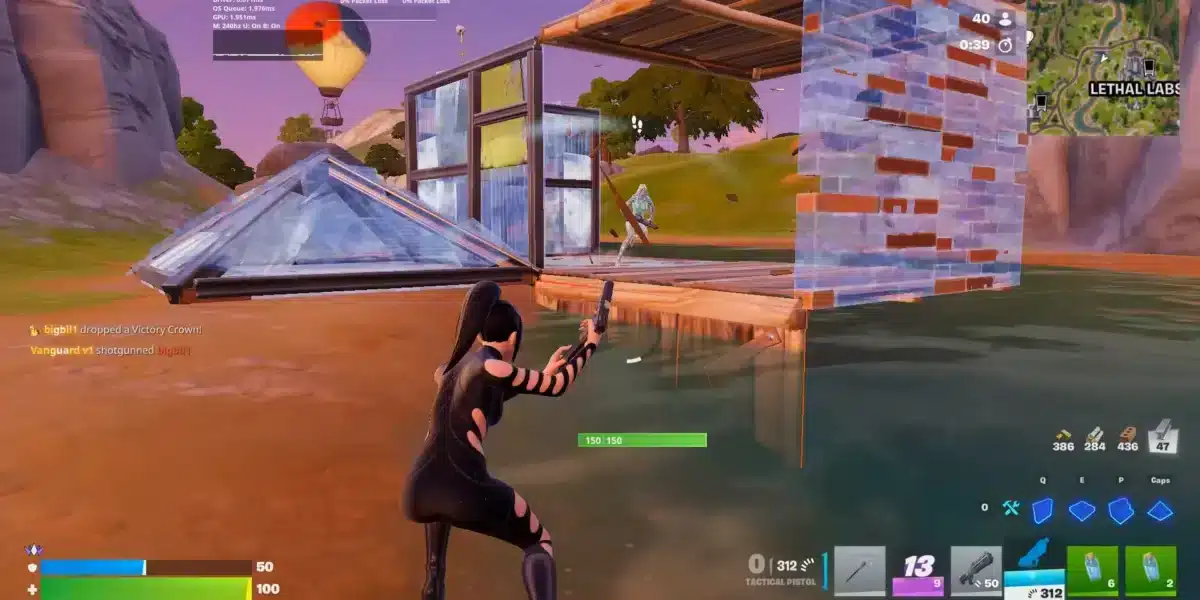
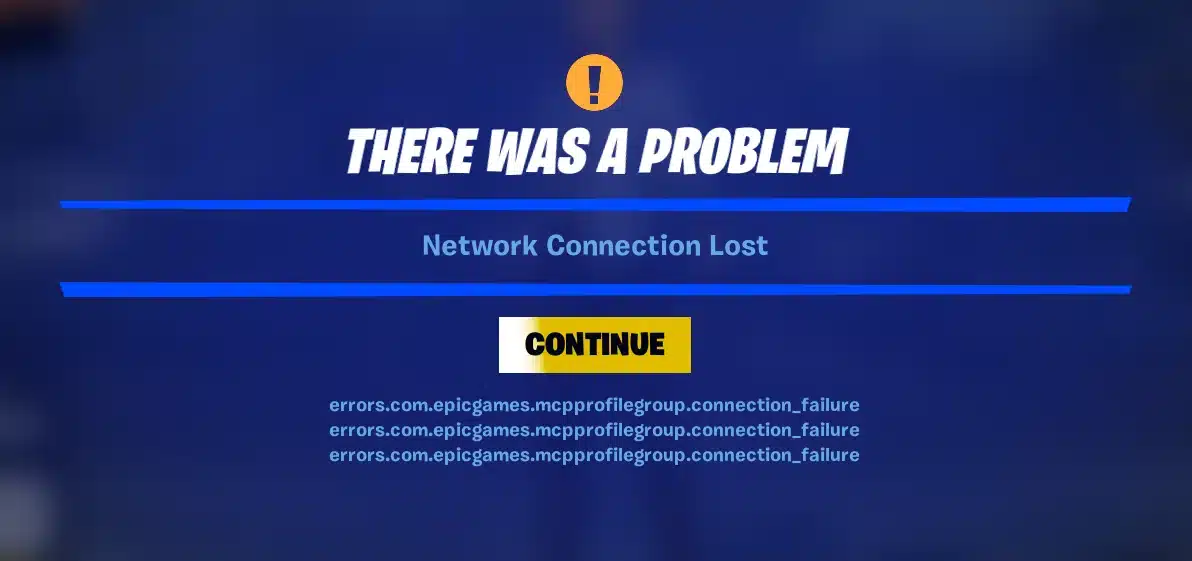
Striker Hour creates a surge of players rushing toward the same Soccer Pitch at once, which means server queues and match lobbies get busier than usual. Since Fortnite is a fast paced competitive Battle Royale, even small connection hiccups can cost you the fight that was protecting your leveled Sprite.
This is where ExitLag becomes genuinely useful. ExitLag is not a VPN. It is a game connection optimizer that uses Multipath technology and AI powered routing to find the fastest, most stable path between your device and Fortnite’s servers in real time.
For a Battle Royale like Fortnite, that consistent routing directly reduces rubber banding and desync during high traffic events like Striker Hour Fortnite. Your inputs land faster, your ping stays lower, and a fight near the extraction point does not turn into a coin flip caused by a spike.
ExitLag supports over 4,000 titles across PC and mobile, backed by more than 1,500 servers spread across 190-plus countries. Furthermore, it is trusted by over 30 million users who rely on it for smoother, more predictable connections during exactly these kinds of high stakes moments.
Because Striker Hour rewards go to whoever extracts first and survives longest, a stable route matters just as much as game sense. If you want your next Sprite run to feel less like a lag lottery, grabbing the ExitLag Download before your next session is a simple way to remove connection variance from the equation.
Final Thoughts On Striker Hour Fortnite
Striker Hour Fortnite rewards preparation more than raw skill. Players who know the Soccer Pitch location, understand the extraction process, and show up right as the window opens consistently walk away with more Sprite Dust and better cosmetics than those who log in casually.
Ultimately, the event is short, so every minute matters. Plan your landing spot, equip your Sprite immediately, and extract the moment you hit level 5 instead of pushing your luck.
Combine that strategy with a stable connection, and your next Striker Hour Fortnite session should end with a fuller Locker rather than a frustrating disconnect at the worst possible moment.
All game images used in this blog post belong to Epic Games. They are used for informational and educational purposes only and do not imply endorsement or affiliation with the rights holders.
Got questions or want to connect with other players? Join the conversation at the ExitLag Forum!