Twitch Drops Aion 2 campaigns have been running almost nonstop since the global launch on Steam. NCSOFT has used them for early access, launch week, Halloween and the Ludra raid, and each one handed out Bound gear, skins and upgrade materials.
The catch with Twitch Drops Aion 2 rewards is the setup. Link the wrong account and your progress bar fills while nothing reaches your mailbox. NCSOFT even posted a notice about account-linking bugs during launch week.
So, where do things stand? Twitch Drops Aion 2 campaign "Ludra Awakens" ran from November 4 to the morning of November 18 and gave 14 rewards for up to 14 hours of watch time. As of November 19 there's no active campaign, and NCSOFT hasn't announced the next one yet.
Twitch Drops Aion 2: Every Campaign So Far
NCSOFT runs two kinds of Twitch Drops Aion 2 campaigns. All-channel drops work on any stream in the Aion 2 category with the Drops tag, while creator drops only count on selected channels.
Which Campaigns Have Already Ended?
Every campaign below is over, and unclaimed rewards from them are gone:
| Campaign | Dates | Watch Time for Top Reward | Top Reward |
|---|---|---|---|
| Early Access | September 30 to October 4 | 8 hours | White Headset (Helmet) |
| Global Launch | October 5 to October 16 | 10 hours | Adorable Young Elim (Shoulder) |
| War for Atreia (creator series) | Three short windows between October 2 and October 15 | Up to 4 hours | Leather Crop Fit, Pet: Two |
| Halloween | October 28 to November 3 | 8 hours | Chubby Panda (Helm) |
| Ludra Awakens | November 4 to November 18 | 14 hours | Black Cone Hat (Helmet) |
Halloween was the one with a split deadline. Viewing closed on November 3 at 11:59 PM PST, but you had until November 17 to hit Claim in your inventory.
Is There an Aion 2 Twitch Drop Live Right Now?
No. The Ludra campaign was the last one, and no new Aion 2 Twitch Drops have been scheduled at the time of writing. Here's what to watch for:
- An announcement on the official AION 2 X account or the Steam news page. Both posted the Ludra drops before they went live.
- A new content patch. Every campaign so far lined up with a launch, a holiday or a raid release, so the next one will likely follow the same pattern.
- The Drops Enabled tag on streams in the Aion 2 category. If you see it, a campaign is running.
Aion 2 Drops From the Ludra Awakens Campaign
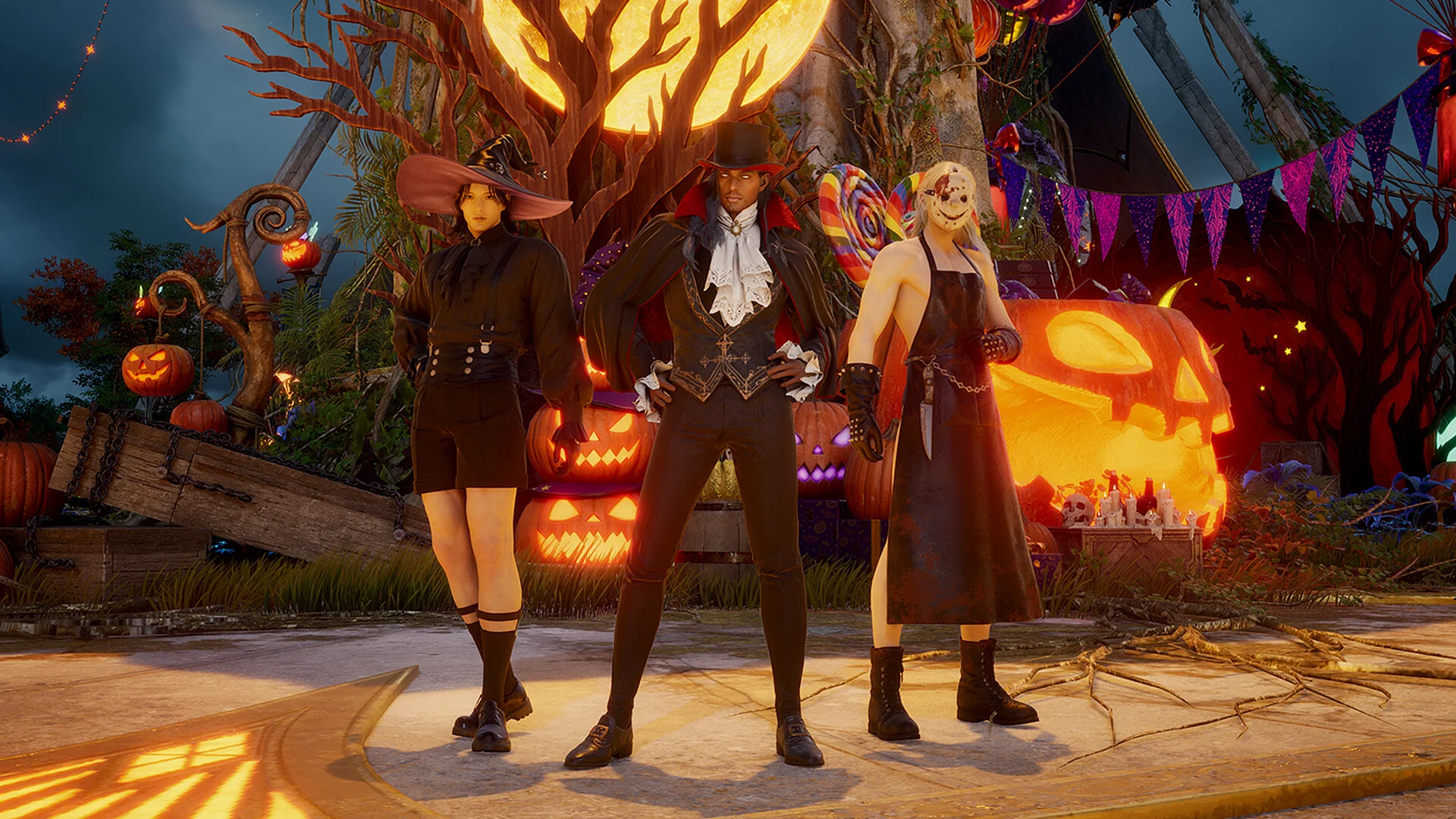
The Ludra campaign was the longest Twitch Drops Aion 2 event so far, with one reward per hour. Most items were Bound, which means you can't trade them on the market.
All 14 Ludra Rewards by Watch Time
| Watch Time | Reward | Quantity |
|---|---|---|
| 1 hour | Revival Spirit Stone (Bound) | 15 |
| 2 hours | Skin Chest x10 (Bound) | 3 |
| 3 hours | Mysterious Companion Chest (Bound) | 3 |
| 4 hours | Scroll of Combat Enhancement (Bound) | 10 |
| 5 hours | Customization Voucher (Bound) | 3 |
| 6 hours | Master's Fried Fogus (Bound) | 20 |
| 7 hours | Appearance Change Voucher (Bound) | 1 |
| 8 hours | Soul Codex (Bound) | 15 |
| 9 hours | Od Energy (Bound) | 6 |
| 10 hours | Content Usage Ticket Selection Chest (Bound) | 1 |
| 11 hours | Soul Codex: Reset (Bound) | 6 |
| 12 hours | Polka Dot Glasses | 1 |
| 13 hours | Rare Godstone Chest (Bound) | 2 |
| 14 hours | Black Cone Hat (Helmet) | 1 |
Item names vary a bit between translations. You'll see "Odyle Energy" or "Pixel Glasses" in some lists, and it's the same loot.
Which Rewards Were Worth the Hours?
We'd rank the first 10 hours above the last 4. At 10 hours, the Content Usage Ticket Selection Chest and the Od Energy at 9 hours put you straight back into dungeons, and that adds up faster than cosmetics.
The Rare Godstone Chests at 13 hours are the exception. Godstones still matter for gear, so if you had the time, it was worth pushing to 13. Here's how we'd split the rewards:
- Progression: Od Energy, Content Usage Tickets, Scrolls of Combat Enhancement and Godstones. These feed your gear for raids like Ludra.
- Cosmetic: Skin Chests, Polka Dot Glasses and the Black Cone Hat. The hat and glasses are the only tradeable items in the list.
- Convenience: Revival Spirit Stones, Customization and Appearance Change Vouchers. Nice to have, never urgent.
How To Link and Claim Aion 2 Twitch Drops
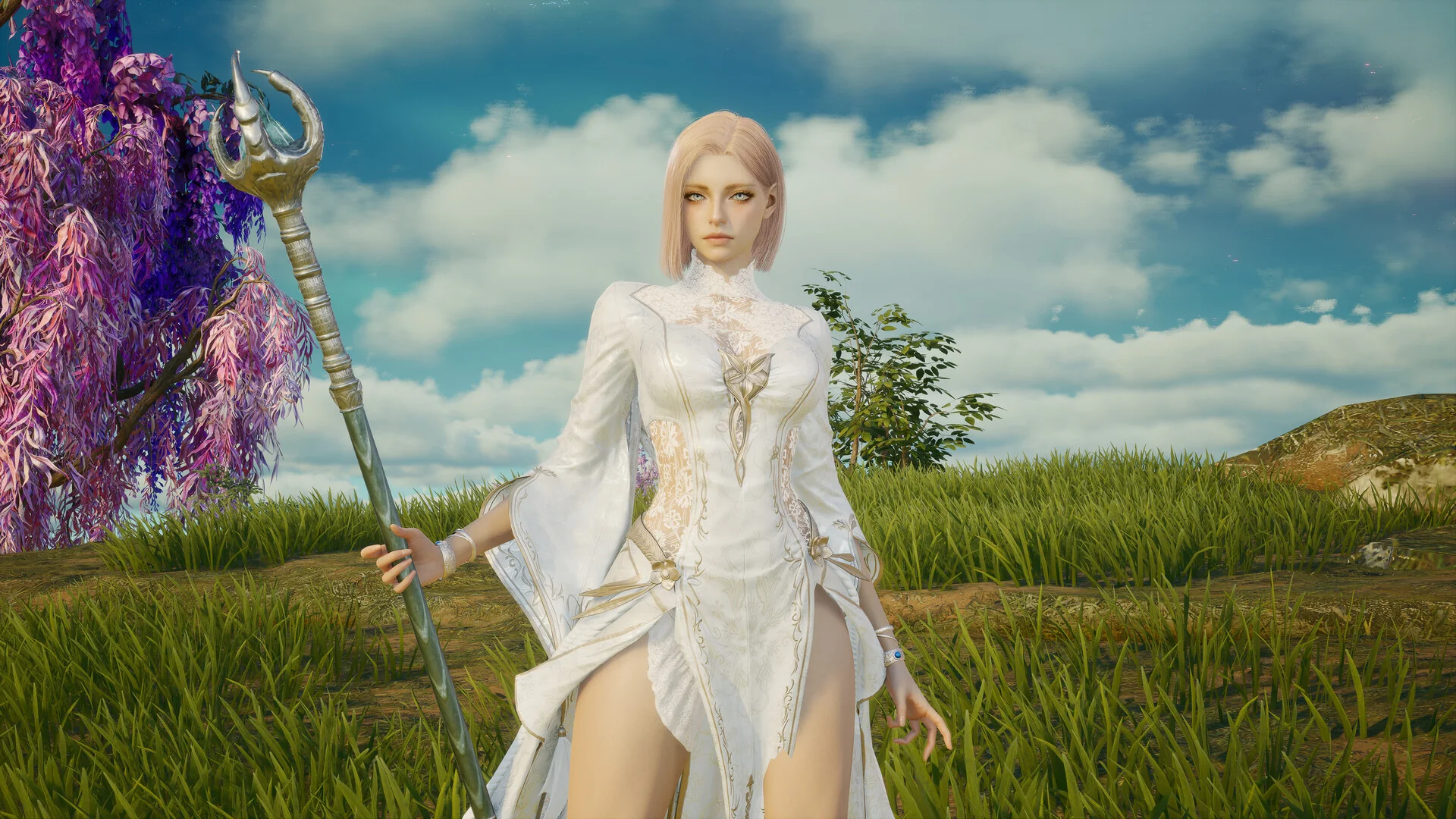
Most missing-reward complaints come from one step: linking. Get it right once and every future Aion 2 Drops campaign works with zero extra effort.
Linking Your Twitch Account the Right Way
- Open the official AION 2 Twitch Drops page on the plaync site while logged into Twitch in the same browser.
- Pick your login type. Steam players click the Steam icon, while PURPLE launcher players sign in with their NC account.
- Confirm the link, and check that it's the account your main character is on.
- Go to a live stream in the Twitch Aion 2 category with the Drops Enabled tag.
Only Global server characters can receive drops. If you play on the Korean or Taiwanese servers, the rewards won't reach you, no matter which account you link.
Claiming Drops and Finding Them In-Game
Watching only fills the progress bar. You still have to claim each tier by hand in your Twitch Drops Inventory, and claiming the 14-hour reward doesn't collect the 13 before it.
After that, the reward goes to your in-game mailbox, not straight into your bags. Restart the client if you don't see it. A few rules to keep in mind:
- VODs and replays don't count. The stream has to be live.
- Only one channel counts at a time. Opening five tabs won't speed anything up.
- Sound doesn't need to be on. A muted stream in a background tab still counts.
Pro Tips and Common Mistakes With Aion 2 Twitch Drops
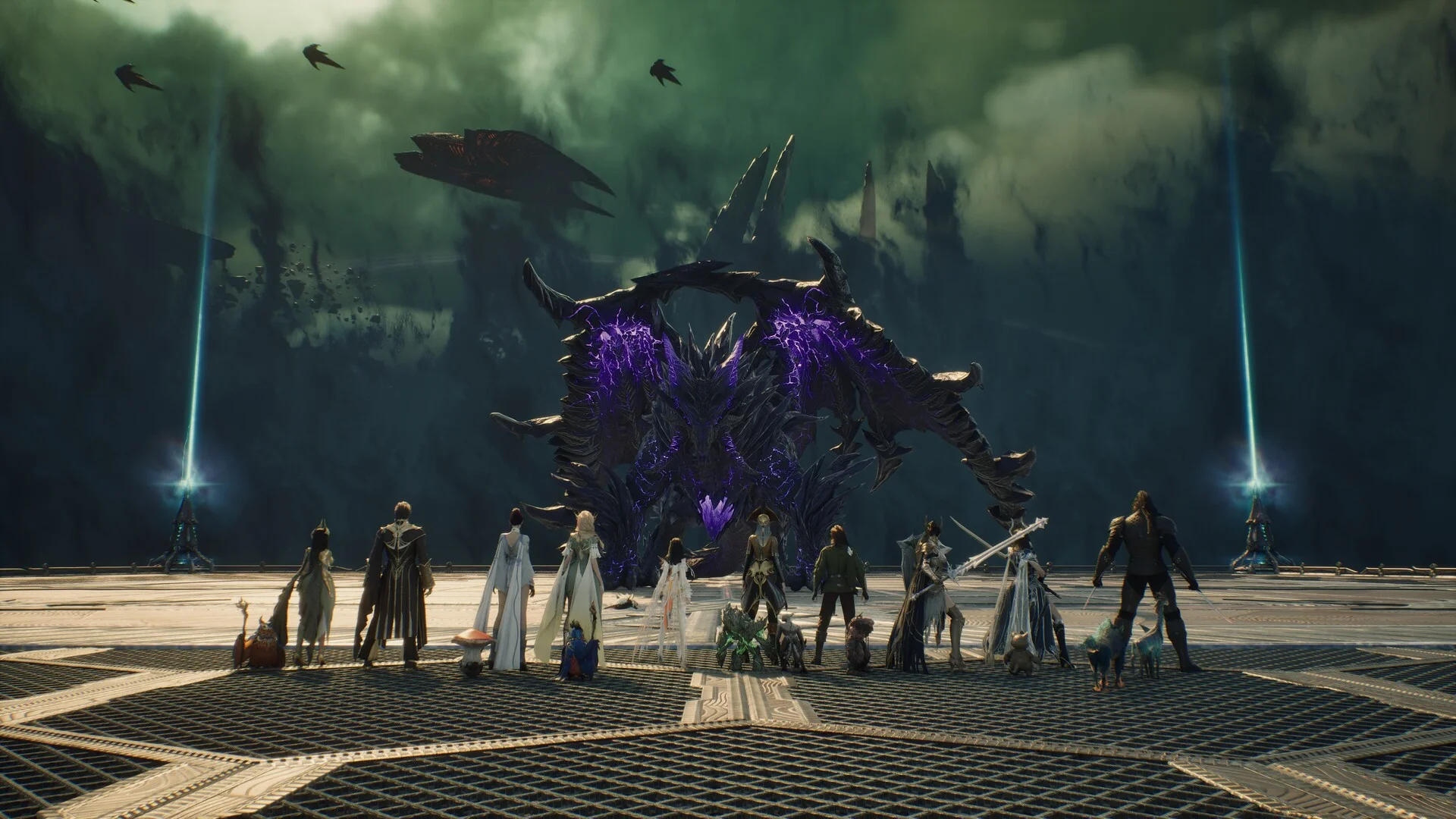
The Twitch Drops Aion 2 setup is simple, but small slips can cost you a full campaign. These come from NCSOFT's own warnings and player reports.
Pro Tips: Getting Every Aion 2 Twitch Drop
- Link before the campaign starts: Twitch Drops Aion 2 progress only goes to a linked account. Linking mid-campaign risks hours that never reach your character.
- Claim as you go: Hit Claim each time an Aion 2 Twitch Drop tier finishes. If something breaks later, the earlier rewards are already safe in your mailbox.
- Use the Twitch mobile app as a backup: Some players reported the desktop Claim button failing while the mobile app worked. It's a player fix, not an official one, but it costs nothing to try.
- Leave the stream on while you play: Muted drops streams keep counting while you grind. Just make sure your PC can handle both, which we'll get to below.
Common Mistakes Players Make With Aion 2 Twitch Drops
- Linking the NC account as a Steam player: Steam accounts have to be linked through the Steam icon. Fix: check which login your character uses before you connect.
- Re-linking to fix a problem: NCSOFT warns that re-linking may remove your current connection and lock you out of your character. Fix: contact NC Support first.
- Waiting until the end to claim: Unclaimed drops are lost when the campaign closes. Fix: claim within the same day you hit each tier.
- Watching a VOD: Rewatching a stream does nothing. Fix: only watch live channels with the Drops Enabled tag.
Keep Aion 2 Smooth While You Farm Drops With ExitLag
Running a stream in the background while you're in a 10-player raid puts real load on your connection. Ludra Normal asks for item level 2,800, and Hard asks for 3,000, so nobody wants to rubber-band during a mechanic after grinding that far.
Why Your Connection Shows Up in Raids
Aion 2 combat is fast and action-based. A packet loss spike during a Ludra phase can mean a late dodge, a missed heal or a disconnect. Having a Twitch stream pull bandwidth on the same line makes that more likely.
- Players far from the Global servers deal with long routes. A bad hop along the way adds even more ping.
- Home networks shared with other people get spikes in the evening. That's often the exact time raid groups form.
If your problem is more on the PC side, our guide on fixing FPS drops in Aion 2 covers settings, and you can compare your rig against the Aion 2 system requirements.
How ExitLag Fits Into Your Setup
ExitLag is a connection optimizer, not a VPN. It tests multiple network routes in real time and sends your Aion 2 traffic down the fastest, most stable one, without touching game files or anti-cheat.
- Install ExitLag and search for Aion 2.
- Pick the region of your Global server.
- Turn on Traffic Shaper so the game gets priority over your Twitch stream.
- Start the optimization, then launch Aion 2 from Steam or PURPLE.
Multipath sends packets through more than one route at the same time, so if one path drops mid-raid, the others keep you in.
It's not magic for a weak PC, and it won't fix Wi-Fi in another room. On routing, though, it makes a difference. Grab the ExitLag Download and set it up before the next drops campaign.
Twitch Drops Aion 2: Getting Ready for the Next Campaign
There's no Twitch Drops Aion 2 campaign live today, and that's the best time to sort your link out. Remember that launch-week linking notice? Steam players who linked an NC account were the usual victims.
What You Can Do Right Now
- Confirm your link on the official drops page. Do it today so the next campaign starts counting from minute one.
- Clear out your in-game mailbox. Old rewards and expired mail make new ones harder to spot.
- Finish the Ludra Hunt. That event runs until the November 25 maintenance, and the title deadline is December 2.
Other Ways to Get Free Loot
Drops aren't the only free rewards. The Conquest Check-In during Ludra gave a Lush Leaf Tiara for 7 logins.
For the basics of the game itself, our Aion 2 how to play guide is a good start, and the Aion 2 input lag guide covers control delay.
Patch info and news posts also show up on the AION 2 Steam page, so follow it there. Link once, claim as you go, and the next Twitch Drops Aion 2 campaign will hand you every reward without the launch-week headaches.
All game images used in this blog post belong to NCSOFT. They are used for informational and educational purposes only and do not imply endorsement or affiliation with the rights holders.