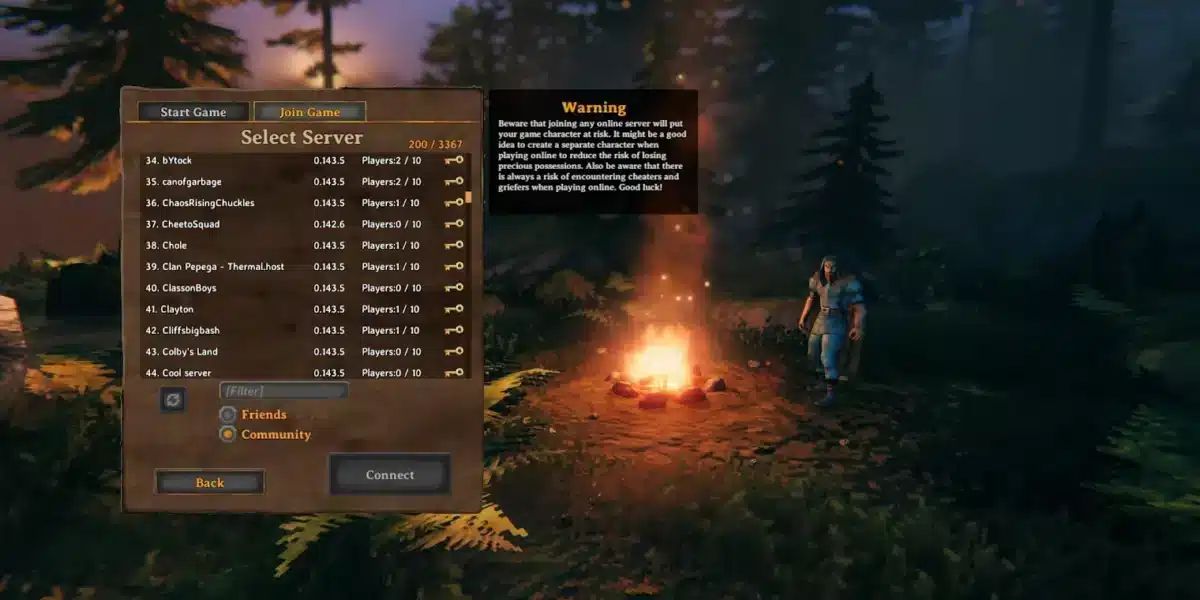
If you want to take your Viking adventure to the next level, exploring Valheim mods is one of the best ways to enhance your gameplay. Mods allow you to customize mechanics, visuals, and even core systems, creating a completely new experience.
From simple quality-of-life improvements to full gameplay overhauls, Valheim mods have become an essential part of the community. Whether you’re playing solo or on a server, modding opens up new possibilities that go far beyond the base game.
So, what are Valheim mods? They are community-created modifications that change or improve different aspects of the game, including building, combat, progression, and performance.
In this guide, you’ll learn everything about Valheim mods, including how to install them, the best options available, and how to optimize your experience.
Valheim mods: what they are and how they work
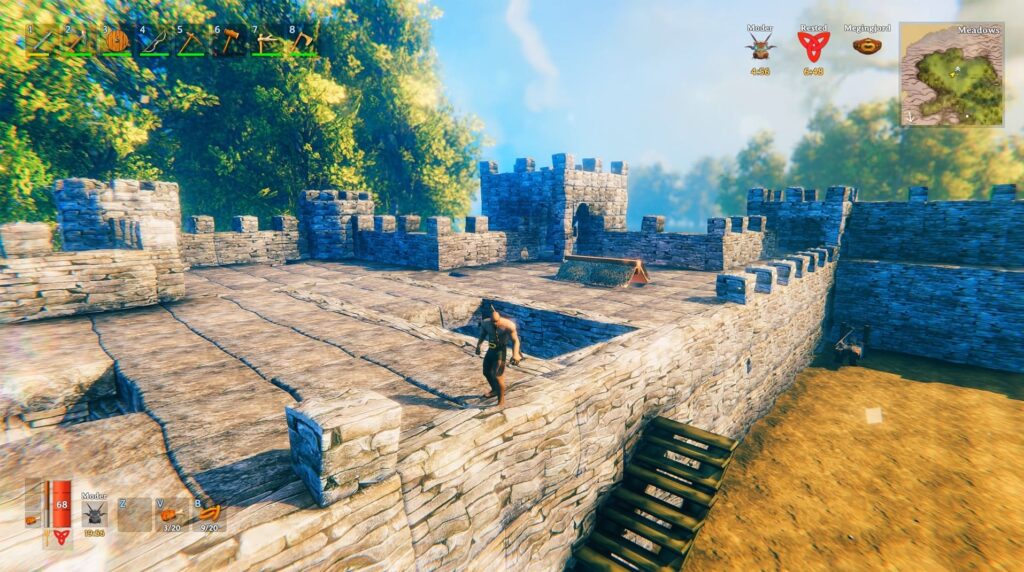
Before installing anything, you need to understand what you’re actually doing. Trust me, this will save you time (and frustration).
What is Valheim modding?
Valheim modding is the process of modifying the game using external tools, files, or frameworks. These modifications can range from small tweaks to full gameplay overhauls.
When people search for how to mod Valheim, they’re usually trying to:
- Remove limitations (like building restrictions);
- Improve performance or UI;
- Add new mechanics or content;
- Customize multiplayer servers.
In simple terms, mods let you take control of the experience instead of playing exactly as the game shipped.
Types of Valheim mods
Not all mods are the same, and understanding this helps you choose smarter.
Here are the main categories:
- Quality of life mods (inventory, stamina tweaks, UI improvements);
- Gameplay expansion mods (new enemies, mechanics, systems);
- Visual enhancement mods (lighting, textures, atmosphere);
- Server-side mods (multiplayer rules and customization).
Each type changes how you experience the game. And when combined correctly, they can completely redefine your journey.
Best Valheim mods to install right now
Now let’s talk about what you really want: the best mods.
Popular and recommended mods
If you’re starting now, these are the best Valheim mods you should look at first:
- Valheim Plus mod – This is basically the “all-in-one” solution. It lets you tweak stamina, building rules, crafting speed, and more.
- Valheim seasons mod – Adds seasonal changes, making your world feel alive and dynamic.
- Equipment and Quick Slots – Improves inventory management significantly.
- Better UI mods – Clean interface = better gameplay decisions.
These are perfect if you’re just getting into moder Valheim and want immediate results.
Why these mods stand out
Let’s be real: not all mods are worth your time.
These stand out because they:
- Improve gameplay without breaking balance;
- Are stable and frequently updated;
- Work well in both solo and multiplayer;
- Have strong community support.
If you start with these, you’re already ahead of most players.
How to mod Valheim step by step
If you’re thinking about using Valheim mods but feel a bit unsure where to start, don’t worry, you’re not alone. The good news is that learning how to mod Valheim is much easier today than it was a few years ago.
You don’t need technical skills, programming knowledge, or anything complicated. With the right tools and a clear process, you can have your game fully modded in just a few minutes.
Let’s break it down in the simplest way possible.
Basic installation process
If you’re starting your journey with Valheim modding, this is the easiest and safest method:
- Install a mod manager (Thunderstore is the most recommended);
- Search for the mods you want to use;
- Click install and let the manager handle everything;
- Launch the game directly through the mod manager.
That’s it, seriously.
This approach removes almost all the complexity and minimizes the chances of errors. If your goal is to quickly experience the benefits of Valheim mods, this is the path you should follow.
Manual vs mod manager: what’s the difference?
You might hear people talking about manual installation, especially in advanced setups or server environments. But what does that actually mean?
Here’s a simple comparison to help you understand:
| Method | Difficulty | Setup Time | Risk of Errors | Recommended For |
| Mod Manager (Thunderstore) | Easy | Fast | Low | Beginners and most players |
| Manual Installation | Medium | Moderate | Medium | Advanced users or servers |
| Server Modding (BisectHosting) | Advanced | Slower | High | Multiplayer server admins |
How to interpret this table:
If you’re just starting with how to mod Valheim, always go with a mod manager. It’s faster, safer, and removes most technical barriers.
Manual installation is useful if you want more control or if you’re following specific tutorials like installing Valheim mods bisecthosting for servers.
Server modding, on the other hand, requires more attention because even small mistakes can affect all players connected to your world.
So the rule is simple: Start simple. Scale complexity only when needed.
Common mistakes to avoid
Now let me save you from the most common problems beginners face when working with Valheim mods.
Avoid these mistakes:
- Installing too many mods at once (you won’t know which one caused issues);
- Ignoring dependencies required by certain mods;
- Mixing outdated mods with updated ones;
- Not backing up your game files before changes.
These errors are the main reason players think modding is “hard”, when in reality, it’s just a matter of process.
Pro tip: test before committing
Here’s something experienced players always do:
- Install 1–2 mods first;
- Test the game;
- Then gradually add more.
This simple habit makes your Valheim modding experience much smoother and prevents frustration later.
Installing Valheim mods with BisectHosting
If you’re playing solo, modding is easy. But servers? That’s where things get interesting.
How to install mods in BisectHosting for Valheim
If you’re using a server, understanding installing Valheim mods bisecthosting is crucial.
Here’s the simplified process:
- Access your BisectHosting panel;
- Upload mod files or use built-in tools;
- Configure settings properly;
- Restart the server.
Sounds simple, but details matter here.
Bissect hosting modding Valheim tips
When dealing with bissect hosting modding Valheim, keep this in mind:
- All players MUST have the same mods;
- Config files must match exactly;
- Always test before inviting players.
If not, you’ll face crashes, connection issues, or desync problems.
Advanced mods and gameplay features
Once you’re comfortable, you can start exploring more advanced features.
Valheim creative mode and customization
The Valheim creative mode is a game-changer.
It allows you to:
- Build without resource limits;
- Test structures freely;
- Create massive projects.
If you enjoy building, this alone makes modding worth it.
Valheim custom raids mod tutorial
Now, if you want more challenge, look into Valheim custom raids mod tutorial setups.
These mods can:
- Add new enemy waves;
- Increase difficulty dynamically;
- Create unpredictable gameplay.
This is where the game starts to feel completely different.
Valheim mods performance and connection stability
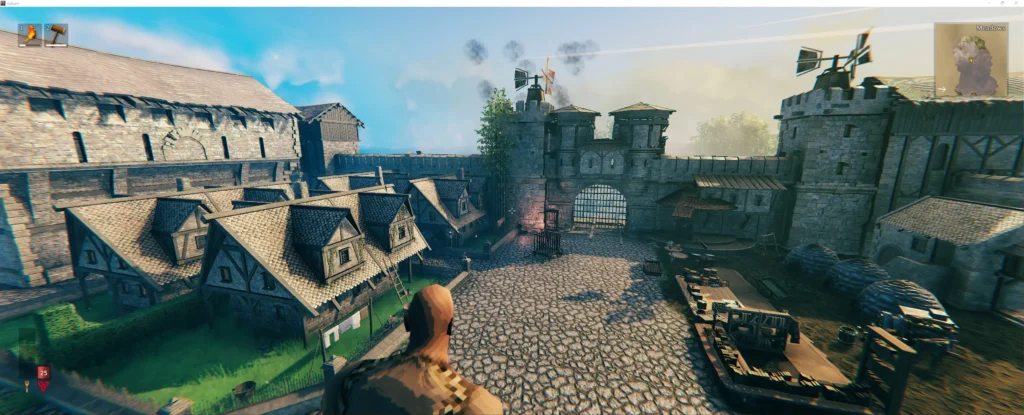
Here’s something most people ignore, until it becomes a problem.
How mods affect performance
Using too many Valheim mods can:
- Increase loading times;
- Reduce FPS;
- Cause instability;
- Create crashes.
So yes, mods are powerful, but they come with responsibility.
How ExitLag improves your experience
If you’re playing online or on servers, connection quality matters.
ExitLag works by:
- Optimizing routes between you and game servers;
- Reducing packet loss;
- Stabilizing your connection.
Important: ExitLag is NOT a VPN. It does not change your IP or location, it simply improves how your data travels.
And when you’re using multiple mods in multiplayer, that stability makes a big difference.
Valheim mods: final tips to get the best experience
Now let’s bring everything together.
If you want to truly enjoy Valheim mods, you need balance.
Best practices for modding
- Start small (3–5 mods max);
- Add mods gradually;
- Always check compatibility;
- Keep everything updated;
- Backup your files.
This keeps your game stable and enjoyable.
Habits for better gameplay
Here’s what experienced players do:
- Use trusted sources only;
- Monitor performance constantly;
- Test mods before committing;
- Avoid unnecessary mods.
Remember: more mods ≠ better experience.
Smart modding wins.
FAQ
They are community-created modifications that improve or change gameplay.
Valheim Plus, seasons mod, and UI improvements are among the most popular.
Use a mod manager like Thunderstore or install manually.
Yes, but all players must use the same mods.
Yes, especially if you install too many or incompatible ones.
Upgrade your gameplay now with ExitLag
Using Valheim mods is one of the best ways to transform your experience, but performance and stability are just as important.
With ExitLag, you get a smoother, more stable connection, especially in multiplayer sessions where every second matters.
Valheim mods become even more enjoyable when your gameplay runs without interruptions, lag spikes, or connection issues.
Try ExitLag now and experience smoother, more stable gameplay!
Got questions or want to connect with other players? Join the conversation at the ExitLag Forum!