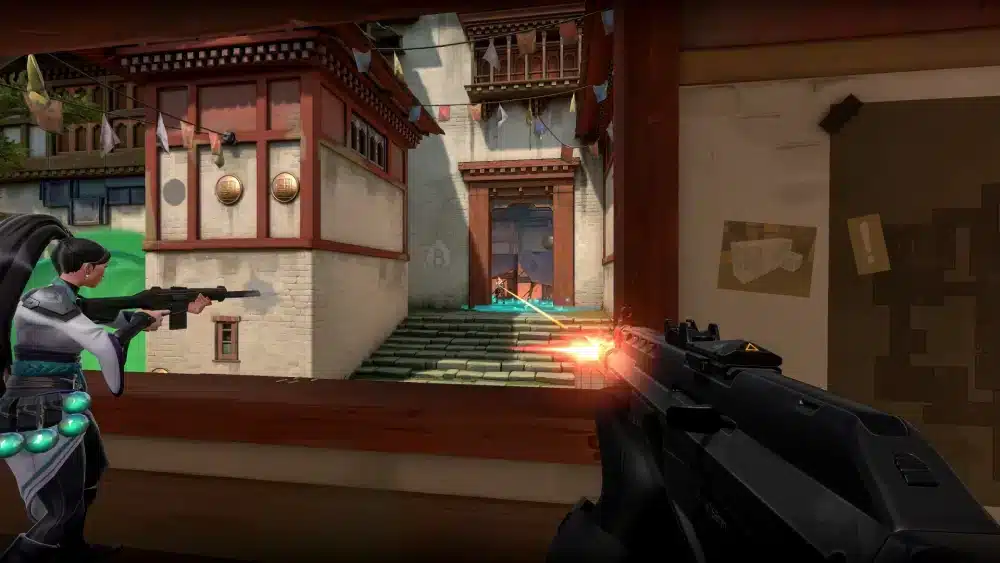
Valorant server issues can quickly turn a competitive match into a frustrating experience. Whether you’re unable to log in, facing matchmaking errors, or dealing with sudden spikes in latency, server-related problems can affect every aspect of gameplay. Knowing how to identify these issues is the first step toward determining whether the problem is on Riot Games’ side or your own network.
If you’ve recently searched for valorant server issues, chances are you’ve experienced connection errors, unexpected disconnects, or valorant server lag during an important match. While some interruptions result from scheduled maintenance or temporary outages, others are caused by local networking problems, ISP routing, or unstable internet connections.
So, what are valorant server issues? They refer to any disruption that prevents players from connecting to Riot’s servers or negatively impacts gameplay. These problems may involve login failures, server downtime, matchmaking interruptions, packet loss, or high latency. Because Valorant is a fast-paced tactical shooter where milliseconds matter, even small connection issues can significantly affect performance.
Riot Games operates dedicated regional servers around the world to provide low-latency gameplay. Even with this global infrastructure, occasional maintenance windows, unexpected outages, and periods of heavy player traffic can temporarily affect server availability.
Fortunately, not every connection problem is caused by Riot’s infrastructure. Many cases stem from home networks, ISP routing, Wi-Fi interference, or outdated hardware. Learning to distinguish between server-side and client-side problems helps you apply the right solution without wasting time troubleshooting the wrong issue.
In this guide, you’ll learn the most common causes of server issues, how to check Valorant’s server status, recognize symptoms of valorant server lag, and optimize your connection for more stable gameplay.
What Are Valorant Server Issues?
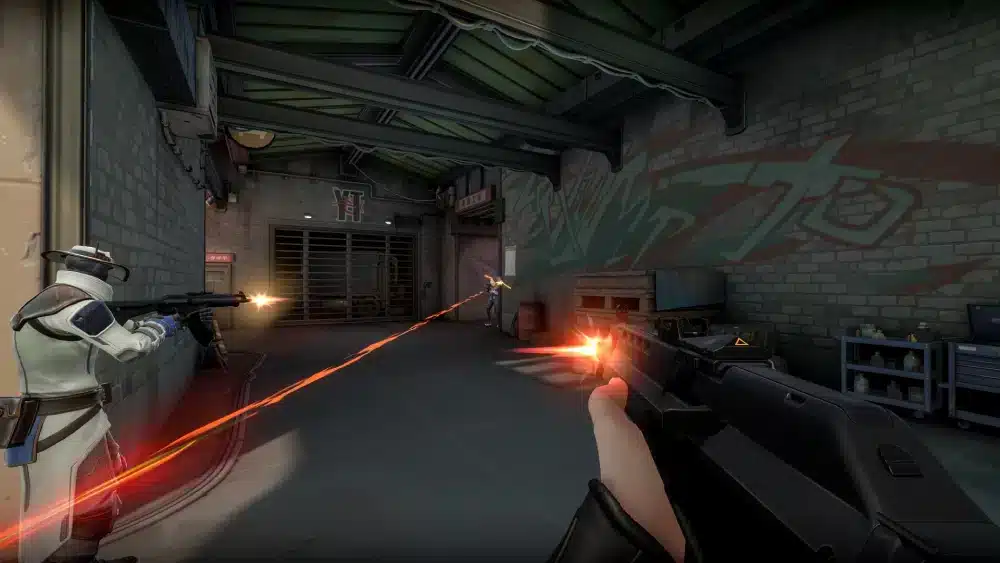
Server issues refer to any interruption that affects communication between your game client and Riot’s servers.
Some problems originate from Riot’s infrastructure, while others occur somewhere between your device and the game server.
Scheduled Maintenance
Routine maintenance is one of the most common reasons servers become temporarily unavailable.
During scheduled maintenance, Riot may:
- Deploy game updates.
- Apply security improvements.
- Fix server bugs.
- Perform infrastructure upgrades.
Players attempting to log in during these periods may encounter maintenance notifications or temporary matchmaking restrictions.
Unexpected Server Outages
Occasionally, technical issues occur without warning.
Unexpected outages may result from:
- Hardware failures.
- Network disruptions.
- Infrastructure incidents.
- Backend service problems.
These outages are generally resolved as quickly as possible by Riot’s operations team.
Regional Server Problems
Valorant uses multiple server locations worldwide.
Sometimes only one region experiences issues while others continue operating normally.
Regional problems may include:
- Higher latency.
- Login failures.
- Matchmaking delays.
- Connection timeouts.
Checking your selected server region can help determine whether the issue is isolated.
Riot’s Global Server Infrastructure
Riot maintains dedicated servers across numerous geographic regions.
This infrastructure helps deliver:
- Lower latency.
- Fair matchmaking.
- Consistent hit registration.
- Stable competitive gameplay.
Choosing the nearest server region usually provides the best experience.
Common Causes of Valorant Server Issues
Not every connectivity problem indicates a Riot outage.
Several different factors may contribute to connection instability.
Riot Server Maintenance
Scheduled maintenance temporarily limits server availability.
Maintenance usually occurs during periods of lower regional activity to minimize disruption.
Before troubleshooting your own network, always verify whether maintenance is currently in progress.
High Player Traffic
Major game updates, new Acts, agent releases, and esports events often increase server demand.
During these periods, players may notice:
- Longer login queues.
- Matchmaking delays.
- Temporary latency increases.
- Higher server load.
Most traffic-related issues improve as player activity returns to normal.
ISP Routing Problems
Sometimes the issue isn’t Riot’s servers at all.
Internet service providers determine how your connection travels across the internet before reaching Riot’s infrastructure.
Poor routing can increase:
- Ping.
- Packet loss.
- Network jitter.
- Connection instability.
These problems often affect only specific ISPs or geographic regions.
Network Instability
Home networking issues frequently resemble server outages.
Examples include:
- Weak Wi-Fi signals.
- Background downloads.
- Faulty routers.
- Congested local networks.
Testing other online services can help identify whether the issue is local.
Signs You’re Experiencing Valorant Server Lag
Recognizing the symptoms of valorant server lag helps determine the appropriate solution.
High Ping
One of the easiest indicators is increased latency.
High ping may cause:
- Delayed movement.
- Slower ability activation.
- Late hit registration.
- Reduced responsiveness.
Small increases may go unnoticed, while severe spikes can make competitive matches difficult.
Packet Loss
Packet loss occurs when data never reaches its destination.
Common symptoms include:
- Teleporting players.
- Delayed actions.
- Missed shots.
- Interrupted communication with the server.
Valorant includes built-in network graphs that help monitor packet loss during matches.
Rubberbanding
Rubberbanding happens when your character appears to move backward or suddenly changes position.
This usually results from unstable network communication rather than graphics performance.
Matchmaking and Login Errors
Some server issues occur before gameplay even begins.
Players may experience:
- Login failures.
- Queue errors.
- Matchmaking timeouts.
- Session disconnections.
If many players report the same problem simultaneously, a server-side issue is more likely.
How to Check Valorant Server Status
Before making changes to your PC or router, verify whether Riot has already identified a problem.
Riot Service Status
The official Riot Service Status page provides real-time information about:
- Server maintenance.
- Known outages.
- Login problems.
- Matchmaking disruptions.
This should always be your first troubleshooting step.
In-Game Notifications
Valorant also displays service alerts directly within the client.
These notifications often include:
- Maintenance schedules.
- Temporary service interruptions.
- Estimated recovery times.
Reading these alerts can save unnecessary troubleshooting.
Riot Support Channels
Riot Support regularly posts updates regarding ongoing incidents.
These announcements help players determine whether issues are widespread or localized.
Community Reports
Community forums and social media often reflect widespread outages within minutes.
While unofficial reports shouldn’t replace Riot’s status page, they can confirm whether many players are experiencing similar problems.
What to Check Before Troubleshooting
Before assuming Riot’s servers are responsible:
- Visit the Riot Service Status page.
- Restart your router and modem.
- Test your internet connection.
- Verify your selected server region.
- Close unnecessary background applications.
These simple checks resolve many connection issues without requiring advanced troubleshooting.
Why Stable Servers Matter in Valorant
Valorant rewards precision, communication, and split-second decision-making. Even minor interruptions can affect aim, movement, and reaction time during competitive matches. Whether you’re climbing the ranked ladder or playing casually with friends, stable server connectivity is essential for consistent performance.
How to Fix Valorant Server Lag
Experiencing valorant server lag doesn’t always mean Riot’s servers are down. In many cases, improving your local network or adjusting a few settings can significantly reduce latency and stabilize your connection.
Before making major changes, verify whether the issue is affecting only you or an entire server region.
Restart Your Network
One of the simplest fixes is restarting your modem and router.
Doing so refreshes your connection with your internet service provider and can resolve temporary networking issues.
For the best results:
- Turn off your modem and router.
- Wait 30–60 seconds.
- Power on the modem first.
- Turn on the router after the modem reconnects.
- Launch Valorant again.
This process often clears temporary routing problems.
Use a Wired Connection
Although Wi-Fi is convenient, Ethernet provides a more stable connection.
Using a wired connection helps reduce:
- Packet loss
- Network jitter
- Random latency spikes
- Wireless interference
Competitive Valorant players generally benefit from Ethernet whenever possible.
Select the Best Server Region
Valorant allows players to connect to different regional servers.
Choosing the closest available server typically results in:
- Lower ping
- Faster matchmaking
- Better hit registration
- More responsive gameplay
Avoid selecting distant regions unless you’re intentionally playing with friends located elsewhere.
Close Background Applications
Many applications consume bandwidth without you realizing it.
Before starting a competitive match, close programs such as:
- Cloud backup software
- Streaming services
- Large downloads
- File synchronization tools
- Unnecessary browser tabs
Reducing background traffic helps your connection remain consistent during gameplay.
Server Issues vs. Client-Side Problems
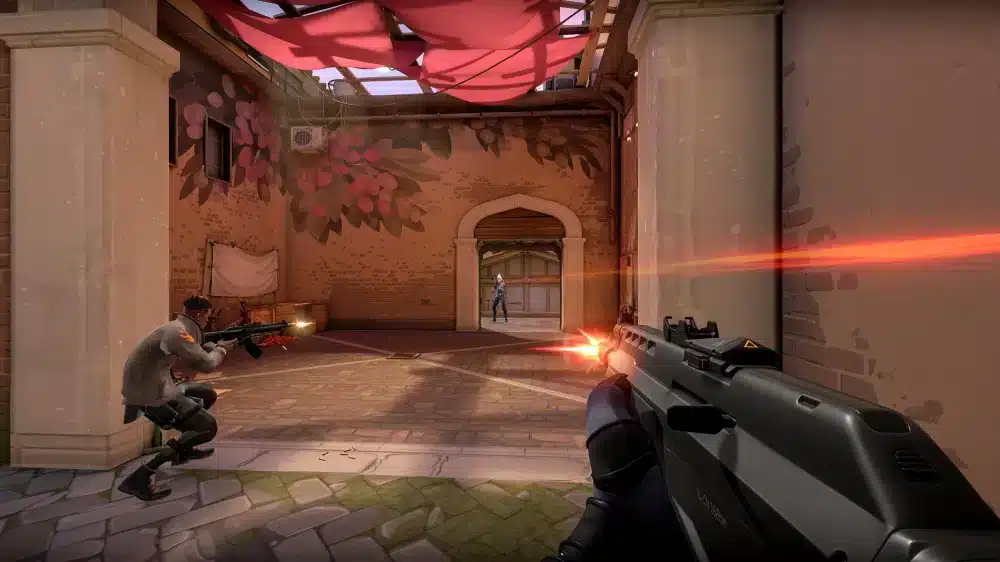
Knowing whether the problem is on Riot’s side or your own network saves valuable troubleshooting time.
Signs of a Riot Server Issue
Server-side problems often affect many players simultaneously.
Common indicators include:
- Login queues
- Matchmaking failures
- Widespread disconnects
- Official maintenance notices
- Regional outages
If multiple players report identical problems, Riot’s infrastructure is likely responsible.
Signs of a Local Network Problem
Issues isolated to your connection often include:
- High ping only on your network
- Packet loss affecting multiple games
- Slow internet outside Valorant
- Wi-Fi instability
- Router performance issues
Testing another online game or running an internet speed test can help identify local networking problems.
Riot Network Indicators
Valorant includes several built-in networking statistics.
Useful metrics include:
- Ping
- Packet loss
- Network RTT
- Server tick rate
- Frame rate
Monitoring these values helps determine whether gameplay issues originate from networking or hardware performance.
When to Wait Instead of Troubleshooting
Sometimes the best solution is simply waiting.
If Riot confirms:
- Scheduled maintenance
- Regional outages
- Backend service interruptions
there is little players can do until services are restored.
Avoid repeatedly reinstalling the game or changing network settings during confirmed outages.
Reduce Valorant Server Lag with ExitLag
Even if Riot’s servers are operating normally, the route your internet traffic takes before reaching those servers can still affect gameplay. Poor ISP routing, congestion between network providers, or unstable internet paths may increase latency and packet loss.
ExitLag is designed to optimize that route by intelligently selecting more efficient network paths to supported game servers.
Its core technologies include:
- Multipath Connection, sending traffic across multiple optimized routes simultaneously.
- Real-Time Optimization, continuously adapting routing based on current network conditions.
- Traffic Shaper, prioritizing gaming packets over less time-sensitive traffic.
- A global server infrastructure that helps improve route stability.
For Valorant players, ExitLag may help reduce:
- High latency
- Packet loss
- Network jitter
- Routing instability
- Sudden ping spikes
Getting started is simple:
- Create an ExitLag account.
- Download and install the application.
- Select Valorant from the supported games library.
- Apply the recommended optimization routes.
- Launch the game and join your preferred server.
Because ExitLag supports more than 3,000 online games, it can also optimize your connection across many other multiplayer titles.
Valorant Connection Troubleshooting Guide
| Issue | Possible Cause | Recommended Fix |
| Login error | Riot server maintenance | Check Riot Service Status and wait for maintenance to finish |
| High ping | ISP routing or distant server | Select the nearest server region and optimize your connection |
| Packet loss | Network congestion or unstable Wi-Fi | Switch to Ethernet and close background downloads |
| Rubberbanding | Connection instability | Restart your modem and router, then test your network |
| Matchmaking delays | Heavy server traffic | Wait a few minutes and retry matchmaking |
| Frequent disconnects | Local network issue or ISP instability | Restart networking equipment and verify internet stability |
Additional Tips for Stable Gameplay
For the most consistent Valorant experience:
- Keep your router firmware updated.
- Restart your networking equipment occasionally.
- Use Ethernet whenever available.
- Avoid large downloads while gaming.
- Connect to the closest Riot server.
- Monitor in-game network statistics.
These practices help minimize preventable connection problems.
Frequently Asked Questions
The quickest way to check is by visiting Riot’s official Service Status page, which reports maintenance, outages, and known service disruptions by region.
Lag may result from server maintenance, high player traffic, ISP routing issues, local Wi-Fi interference, or temporary network congestion.
Use the official Riot Service Status website or check in-game notifications for announcements regarding maintenance or ongoing incidents.
ExitLag cannot resolve server outages on Riot’s side. However, it can optimize the routing between your device and Riot’s servers, helping reduce latency, packet loss, and connection instability caused by inefficient internet routes.
High ping is commonly caused by long server distances, ISP routing, network congestion, Wi-Fi interference, background downloads, or temporary internet issues.
Stay Competitive with a Stable Connection
Understanding valorant server issues helps you quickly identify whether the problem is caused by Riot’s infrastructure or your own network. Checking the official server status, maintaining a stable home connection, and choosing the appropriate server region can resolve many common connectivity problems before they affect your matches.
If you’re dealing with persistent valorant server lag caused by inefficient routing rather than server outages, ExitLag complements your setup with Multipath Connection, Real-Time Optimization, and Traffic Shaper technologies. By optimizing the route between your device and Riot’s servers, ExitLag helps reduce latency, packet loss, and network instability, giving you a smoother and more consistent competitive experience.
All game images used in this blog belong to Riot Games. They are used for informational/educational purposes only and do not imply endorsement or affiliation with the rights holders.
Got questions or want to connect with other players? Join the conversation at the ExitLag Forum!