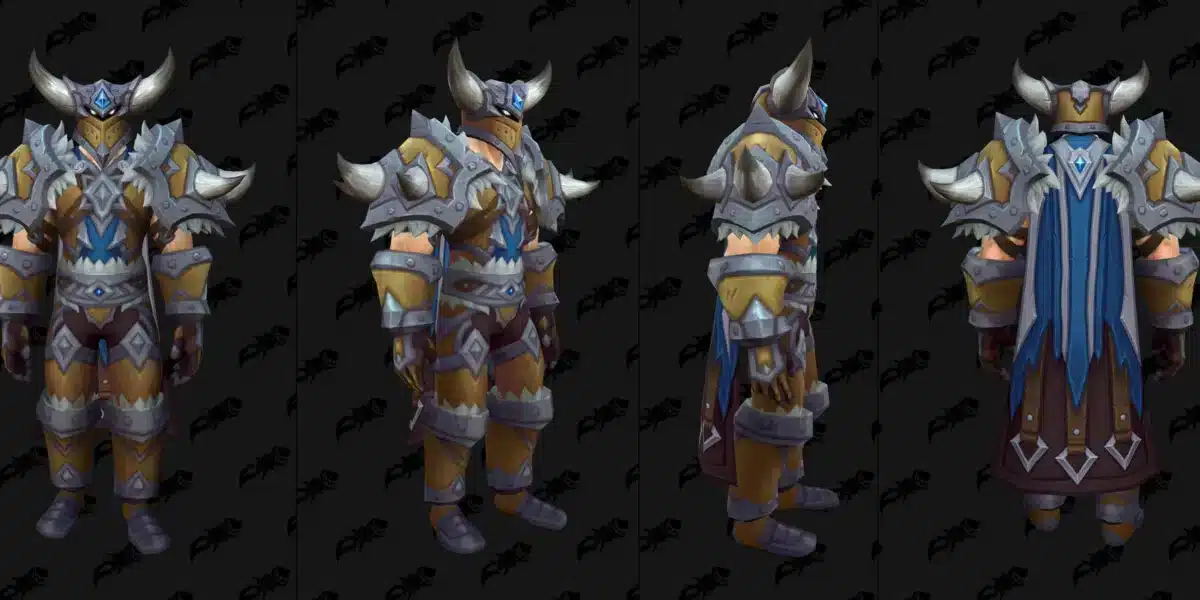
World of Warcraft: Forever is Blizzard’s official answer to years of Classic+ requests, and it launched into open testing on September 17, 2026. Thousands of players jumped in immediately, eager to see how the reimagined Azeroth handles quests, dungeons, and combat. Naturally, one of the first questions everyone asked was about Wow Forever Addons.
That curiosity makes sense once you realize how different Wow Forever Addons are from what most players remember. Unlike a typical Classic realm, this new mode runs on a modern client architecture, which changes what add-on developers can and cannot do. Furthermore, early beta testers quickly discovered that old favorites do not simply transfer over without adjustments.
So what exactly are Wow Forever Addons, and which ones are worth installing right now? In short, they are UI and quality-of-life modifications built specifically for this project’s modern API, and only a handful of the classic community’s most trusted tools have been rebuilt to work within it. Below, we break down what Blizzard allows, what actually functions today, and how to avoid the Lua errors that have frustrated early testers. By the end, you will know exactly which Wow Forever Addons deserve a spot in your setup.
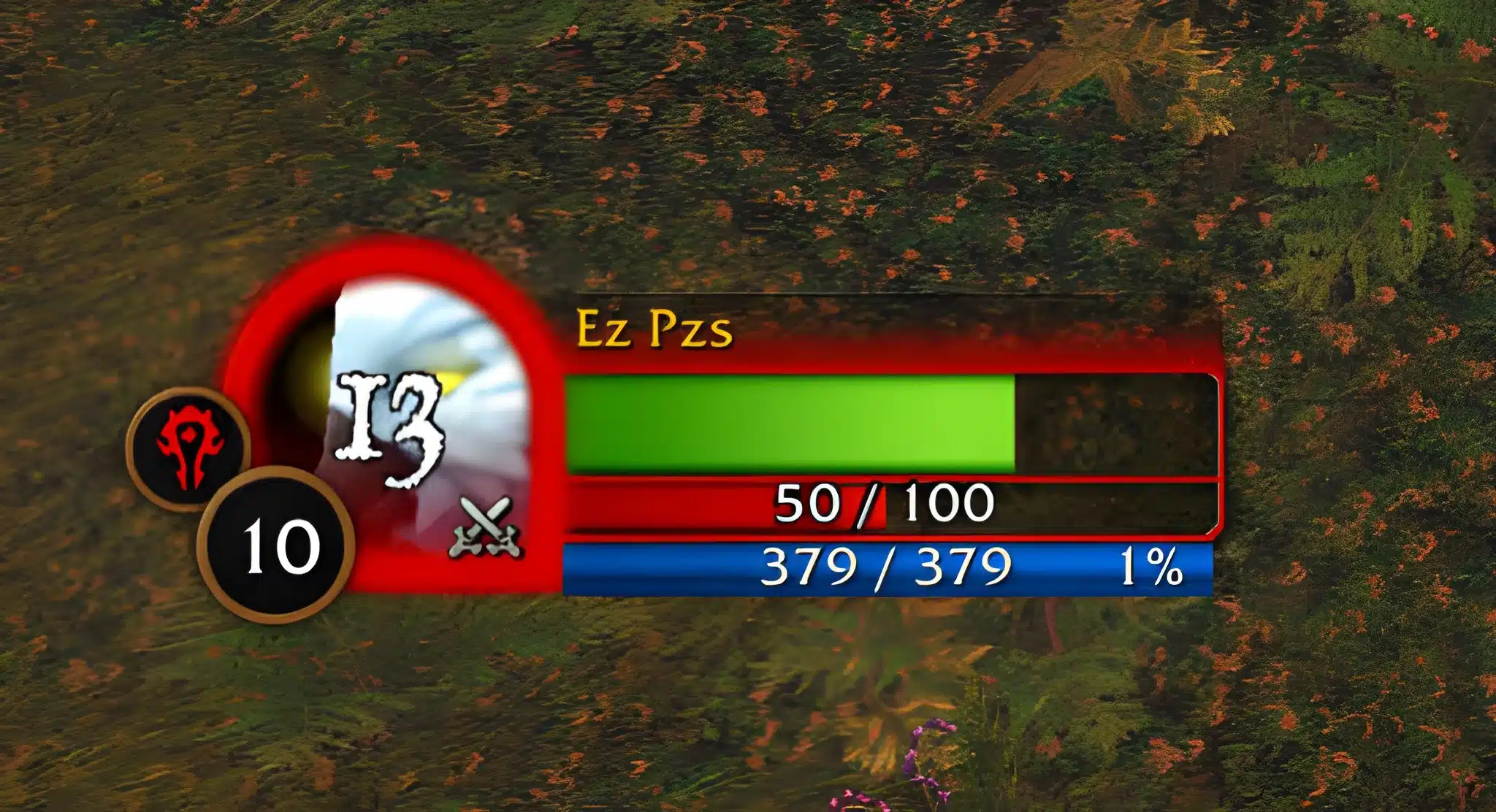
What Are Wow Forever Addons and Why They Matter Right Now
World of Warcraft: Forever was officially announced at BlizzCon 2026 as Blizzard’s take on Classic+. It takes the original Vanilla formula and expands it with new zones, a new playable race, and reworked class systems. The project runs as a permanent mode alongside Retail WoW rather than a limited-time event.
Because it is built on modern technology instead of the old Vanilla client, the way modifications work has changed completely. That is exactly why understanding Wow Forever Addons matters before you install anything from your old Classic folders.
The Official Project Behind Wow Forever
Blizzard confirmed that World of Warcraft: Forever launched its beta on September 17, 2026, with a full release scheduled for November 4, 2026. The game is free for anyone with an active subscription, and optional cosmetic bundles start at $29.99.
Early access includes several pieces of new content worth knowing before you plan your first sessions:
- The new Skyborne race, playable by both factions
- The Zephras Isle starting zone
- Two dungeons: Hall of Thanes and Ruins of Lordaeron
- A level cap that begins at 20 and rises to 30 as testing continues
- Additional zones and battlegrounds unlocking gradually through October 21
How the Addon API Differs From Classic and Retail
According to Blizzard’s own UI developers, World of Warcraft: Forever shares Mainline WoW’s UI architecture, including most of the application programming interfaces available in patch 12.1.5. That patch belongs to the Midnight expansion, not Classic.
In practice, this means Wow Forever Addons inherit the same restrictions Blizzard introduced for Midnight. The stated goal is to preserve creative customization while preventing any single tool from having too much control over a player’s moment-to-moment decisions.
Wow Forever Beta Addons: What Blizzard Currently Allows
Blizzard has been unusually direct about its philosophy here. Rather than banning addons outright, the team restricted specific categories of functionality while keeping general UI customization wide open.
As a result, Wow Forever Beta Addons fall into a narrower band than what longtime Classic players are used to. Some categories are fully supported, others are capped, and a few are blocked entirely. Understanding this split early saves you from wasted downloads later.
API Restrictions Carried Over From Midnight
The same limitations applied to Midnight now govern this project. Specifically, combat automation and certain forms of encounter forecasting are restricted so that addons cannot make split-second decisions on a player’s behalf.
However, cosmetic and organizational addons, such as bag management, unit frame replacements, and quest trackers, remain largely untouched. Consequently, most UI-focused Wow Forever Addons still function close to how they did in older versions of the game.
Built-In Damage Meter and Cooldown Manager
Interestingly, Blizzard baked a native damage meter and a Cooldown Manager directly into the client. This reduces the need for third-party combat-tracking tools that were once considered essential.
Many testers now treat these built-in options as their starting point. Only if a specific feature is missing do they reach for a dedicated add-on instead.
Which Wow Forever Beta Addons Actually Work Today?
Beta testing always produces a messy landscape for Wow Forever Beta Addons, and this launch is no exception. Some tools ported over almost immediately, while others have stalled entirely.
Below is a snapshot of where Wow Forever Beta Addons stand right now. Keep in mind that beta support changes weekly, so treat this as a starting point rather than a final verdict.
Addons That Made the Transition
Several long-trusted names adapted quickly to the new API restrictions:
- Questie: A dedicated Forever build shipped early, offering quest objective markers and route guidance without touching restricted combat data.
- Details!: The popular damage meter works within the new API limits, giving a more detailed breakdown than the built-in Cooldown Manager alone.
- ClassicUI Forever: A community project that restores familiar unit frames and action bars through the client’s Edit Mode system.
- Bagnon-style inventory tools: Bag and inventory management addons remain largely unaffected since they do not touch combat logic.
Addons Still Missing or Broken
On the other hand, some categories are simply not there yet:
- WeakAuras: Development on a full port has stalled, and no direct replacement ecosystem currently exists.
- Deadly Boss Mods: A limited version is in progress, but encounter timers are intentionally restricted, so expect fewer automated warnings than in Retail.
- Settings persistence tools: A known bug currently causes some saved layouts and keybinds to reset between sessions, which affects add-ons and native settings alike.
How Do You Install Wow Forever Addons Safely?
Installing modifications the wrong way is the single biggest source of early beta headaches. Fortunately, avoiding trouble only takes a few extra minutes of care.
Follow this sequence rather than copying files from an old install, and you will sidestep most of the common errors testers have reported.
Step-by-Step Installation
Setting up Wow Forever Beta Addons correctly the first time saves you from re-downloading everything later. The process below works whether this is your first add-on or your fifteenth.
- Start with a clean client. Do not copy an old Classic or Retail add-on folder directly into the Forever installation, since mismatched files are a leading cause of Lua errors.
- Use a dedicated add-on manager. Tools built for CurseForge-hosted packages make it easier to track which Wow Forever Addons have received compatible updates.
- Enable one addon at a time. This makes it far easier to identify which specific tool is causing an issue if the client throws errors.
- Check for a Forever-specific build. Many older addons only work once the developer has published a version tagged for this client, not the general Classic release.
- Restart fully after each install. A full client restart, rather than a simple reload, helps confirm that settings actually saved correctly.
Avoiding Lua Errors From Old Beta Addons
Some testers have reported that logging in with outdated Wow Forever Beta Addons still active can trigger a wave of Lua error pop-ups. Although reports vary, the safest approach is to disable or remove any leftover beta addons before your first login on a fresh patch.
If errors do appear, disabling all add-ons temporarily is usually the fastest way to confirm whether one of them is the cause. Afterward, you can reintroduce them individually.
Best Wow Forever Addons by Playstyle
Not every player needs the same Wow Forever Addons toolkit. A leveling-focused character benefits from very different modifications than someone pushing into endgame dungeons.
The table below breaks down popular Wow Forever Addons by category, current beta status, and whether a built-in Blizzard tool already covers similar ground.
| Addon | Category | Beta Status | Built-In Alternative?
|
|---|---|---|---|
| Questie | Questing/Navigation | Fully working | No |
| Details! | Combat Tracking | Working within API limits | Yes, native damage meter |
| ClassicUI Forever | UI Overhaul | Working | Partial, via Edit Mode |
| Deadly Boss Mods | Encounter Warnings | Limited port, in progress | Partial, encounter alerts |
| WeakAuras | Custom Automation | Not currently available | No |
UI and Quality-of-Life Addons
For most players, the highest-impact category is simple UI customization. Cleaner unit frames, better bag sorting, and streamlined menus make long sessions far more comfortable.
Because these tools rarely touch restricted combat systems, they tend to be the most stable category of Wow Forever Addons available during the beta. If you only install a handful of Wow Forever Addons this week, this is the category to prioritize.
Raid, Dungeon, and Combat Addons
Group content is where the API restrictions become most noticeable. Encounter-warning tools are intentionally limited, so groups need to rely more on communication and built-in alerts.
If you played Classic raids years ago, expect a slightly different rhythm: fewer automated callouts, and more reliance on your team’s own awareness.
Pro Tips: Wow Forever Addons
- Test built-in tools first: The native damage meter and Cooldown Manager cover a surprising amount of ground, so you may not need a third-party addon at all.
- Follow addon changelogs closely: Because the API is still evolving during beta, a working addon today can break after the next client patch.
- Keep a backup of your settings folder: Given the known settings-persistence bug, exporting your configuration regularly protects you from losing hours of setup work.
- Prioritize stability over feature count: A lightweight addon that works reliably beats a feature-packed one that crashes your UI mid-raid.
- Join a Forever-specific community hub: Compatibility information for Wow Forever Beta Addons changes weekly, so following dedicated Forever addon trackers keeps your list current.

Common Mistakes Wow Forever Players Make
These are the slip-ups that generate the most support requests around Wow Forever Addons right now:
- Reusing an old Classic addon folder wholesale: This mixes incompatible files and is one of the fastest ways to trigger Lua errors. Fix: install a fresh add-on folder and add tools back one at a time.
- Assuming every Classic addon has a Forever version: Not every popular tool has been ported yet, and some, like WeakAuras, may not return for a while. Fix: check for an explicit Forever-tagged release before installing.
- Ignoring the built-in tools entirely: Many testers skip the native Cooldown Manager out of habit, then wonder why third-party alternatives feel redundant. Fix: try Blizzard’s built-in options before downloading extra add-ons.
- Blaming lag for addon-related stutters: Combat log processing from heavy addons can look identical to network issues, leading players to troubleshoot the wrong problem. Fix: disable add-ons briefly to isolate whether the cause is client-side or connection-side.
You can find more general tips for managing modifications in ExitLag’s guide to the best World of Warcraft addons, which covers installation basics that still apply here. For details straight from the source, Blizzard’s own World of Warcraft: Forever beta announcement outlines the current testing schedule and content rollout.
Wow Forever Addons Run Better on a Stable Connection With ExitLag
Even a perfectly configured UI cannot fix a rough connection, and that becomes obvious fast once you are chain-pulling a dungeon or fighting for position in a battleground. Choppy input response during a pull, or a sudden spike right as a boss mechanic lands, has nothing to do with your addon list.
This is exactly where ExitLag comes in. It is not a VPN: it does not encrypt your traffic or mask your IP address. Instead, it analyzes multiple network paths in real time and routes your connection through the fastest, most stable option available between you and the game server.
What ExitLag Actually Does for Wow Forever
ExitLag supports more than 4,000 titles across PC and mobile, backed by over 1,500 servers spread across 190-plus countries. With more than 30 million users and roughly 18 million optimizations processed every week, it is built specifically for the kind of stability MMO raids and dungeons demand.
For a project still in active beta, that stability matters even more. Connection hiccups during early testing can compound with the client’s own rough edges, so a common issue like jitter in World of Warcraft becomes doubly frustrating when you are also debugging a new addon.
A few features are especially relevant once your setup includes several Wow Forever Addons running at the same time:
- Multipath Technology: Keeps multiple simultaneous routes active with automatic failover if one path degrades mid-raid.
- Traffic Shaper: Prioritizes your game data over background traffic competing for the same connection.
- PC Boost: Clears unnecessary background processes, which pairs well with a heavier UI running several Wow Forever Addons at once.
- AI-powered routing: Continuously reassesses available paths instead of locking in a single route for the whole session.
Just as importantly, ExitLag does not modify game files, inject code, or interact with anti-cheat systems in any way. It works safely alongside your existing add-on setup without touching anything inside the client itself. That said, running ExitLag together with a separate VPN is not recommended, since the two tools can interfere with each other’s routing.

Download Link for PC
Since World of Warcraft: Forever runs on PC, grab the ExitLag Download and let it optimize your route before your next dungeon queue. Setup takes only a couple of minutes, and you can toggle it on right before you log in without changing anything else about your client or your Wow Forever Addons setup.
Whether you are still deciding on your build for World of Warcraft: The War Within or fully committed to leveling through Forever’s new zones, a stable route makes every session smoother. Performance-focused players chasing extra frames may also want to check ExitLag’s dedicated guide on FPS boost in World of Warcraft, since network stability and frame consistency are more connected than most players realize.
In the end, Wow Forever Addons can only do so much if your connection keeps getting in the way. Combine a lean, stable add-on setup with a properly optimized route, and you will notice the difference the very first time you step into a contested dungeon pull.
All game images used in this blog post belong to Blizzard Entertainment. They are used for informational and educational purposes only and do not imply endorsement or affiliation with the rights holders.
Got questions or want to connect with other players? Join the conversation at the ExitLag Forum!