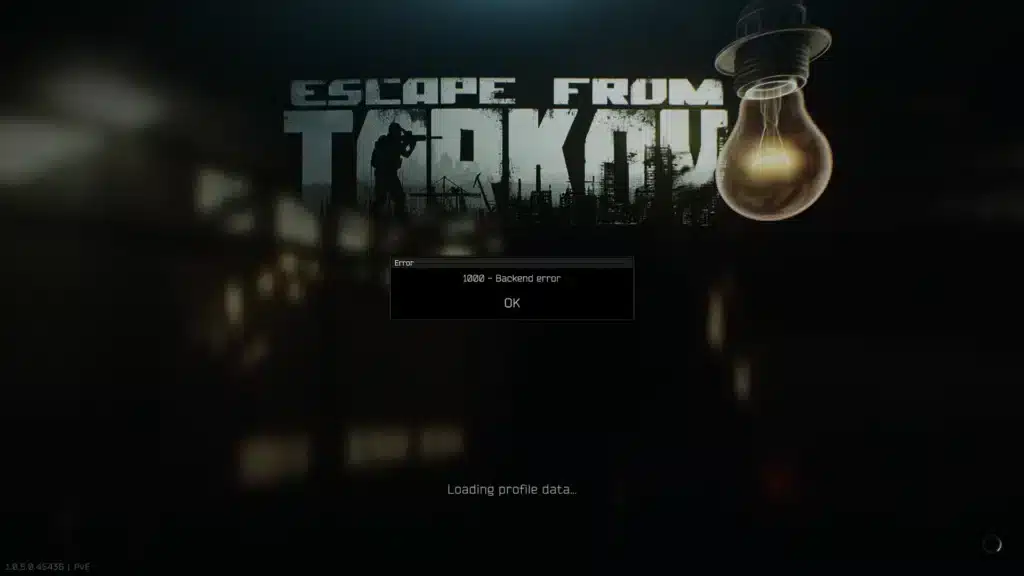
Few things kill momentum in a raid faster than a sudden pop-up that reads “1000 – Backend Error.” One second you are looting Interchange, the next you are staring at a frozen screen wondering if your progress just vanished.
This error has become one of the most searched issues since the Kord Breach season update rolled out, and it is not always your fault. Escape From Tarkov Backend Error 1000 can come from overloaded servers, a broken session token, or something as simple as an unstable home network fighting for bandwidth.
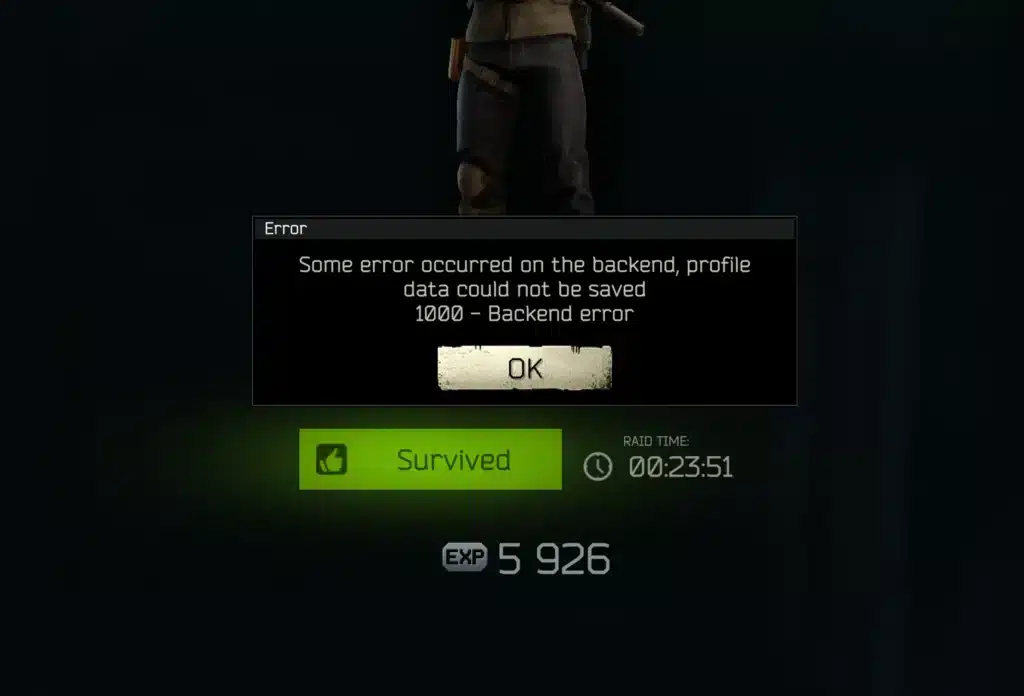
The short answer is that Escape From Tarkov Backend Error 1000 usually happens when the game client cannot save or retrieve profile data from Battlestate Games’ servers, and the most reliable fix combines checking server status first, then clearing your launcher cache, flushing your network stack, and stabilizing your connection route so the client stops dropping the handshake mid-request.
Today we are breaking down exactly why this error keeps showing up, how to tell if it is a server problem or something on your end, and the step-by-step fixes that actually work. We will also cover how routing optimization tools fit into the picture for players whose connection is the real culprit.
What Causes Escape From Tarkov Backend Error 1000?
The 1000 Backend Error is a generic label Battlestate Games uses whenever the client fails to complete a request with the profile server. It is essentially a broken conversation between your game and the backend that stores your inventory, quest progress, and raid state.
Because it is a catch-all error, the causes vary widely. Understanding which bucket your case falls into saves a lot of wasted troubleshooting time.
Server-Side Overload And Maintenance
Right after major updates, especially seasonal patches like Kord Breach, server load spikes hard. Thousands of players log in simultaneously, and the backend infrastructure that handles profile saves and matchmaking gets hammered.
During these windows, Escape From Tarkov 1000 Backend Error becomes the most common complaint on community forums. Battlestate Games has publicly acknowledged that some connection issues stem from network infrastructure entirely outside a player’s control, which means no amount of local troubleshooting fixes it until the servers stabilize.
Client-Side And Local Network Issues
Not every instance is a server problem. A corrupted launcher cache, an outdated patch file, or a firewall silently blocking the game executable can all trigger the same error message.
Unstable home networks are another common trigger. Packet loss, an overloaded Wi-Fi connection, or a poorly routed internet path can interrupt the handshake between your client and the profile server, producing the exact same 1000 Backend Error code even though your internet “looks” fine in a basic speed test.
Is 1000 Backend Error Tarkov A Server-Side Issue?
This is the question most players ask first, and the honest answer is that it depends on timing. If the error appears right after a patch, during peak evening hours, or alongside official downtime announcements, it is almost certainly server load.
However, if you are getting the error consistently while friends on the same patch are playing fine, the problem is more likely local. Here is a quick way to diagnose it:
- Check the official status page and social channels for any active incident reports.
- Ask in your squad or community Discord if others are experiencing the same error at the same time.
- Try logging in from a different network (mobile hotspot) to isolate whether it is your connection.
- Restart the launcher and attempt a fresh login after five minutes.
- If the error persists only for you while others play normally, treat it as a client or network issue.
How To Fix Escape From Tarkov Backend Error 1000
Once you know whether the issue leans server-side or client-side, you can skip straight to the fixes that actually apply instead of wasting time on the wrong ones.
Client And Launcher Fixes
Most client-side fixes revolve around clearing corrupted data and letting the launcher rebuild a clean connection profile. These steps resolve a meaningful share of cases without touching your network at all.
- Clear the launcher cache: Battlestate Games Launcher, Settings, Clear Cache, then relaunch. This removes stale session data that often triggers the error.
- Run the integrity check: the launcher can detect and repair corrupted files left over from a recent patch install.
- Log out and back in: this refreshes your authentication token, which fixes many transient Backend Errors instantly.
- Allowlist the game in your firewall: allow both the launcher and EscapeFromTarkov.exe through Windows Defender or any third-party antivirus that might be silently blocking outbound requests.
- Restart your PC: closing background processes that compete for memory or network handles can clear lingering conflicts.
Network And Connection Fixes
If the client-side steps do not resolve it, the issue is likely happening between your PC and the server, not inside the game files themselves.
- Flush your DNS and reset your network stack: run ipconfig /flushdns followed by netsh winsock reset in an elevated command prompt, then reboot.
- Switch to a wired connection: Ethernet consistently reduces packet loss compared to Wi-Fi, especially during peak hours.
- Disable any active VPN: a standard VPN can reroute you through distant nodes that increase latency and trip connection errors rather than solving them.
- Reduce network congestion: pause downloads, streaming, or other devices hogging bandwidth on the same router while you play.
- Power cycle your router: unplug it for twenty seconds before reconnecting to clear stuck routing tables.
Comparing Common Causes Of Backend Error 1000
The table below breaks down the most frequent triggers, how to spot them, and which fix category applies.
| Cause | Typical Trigger | Fix Category | Fix Difficulty |
|---|---|---|---|
| Server Overload After Patch | Login spikes post-update | Wait / Monitor Status | Easy |
| Corrupted Launcher Cache | Random errors across sessions | Client-Side | Easy |
| Firewall Or Antivirus Block | Consistent error on one PC | Client-Side | Medium |
| Unstable Home Network | Errors during peak local traffic | Network-Side | Medium |
| Poor Routing To Server Region | High ping, intermittent drops | Network-Side | Medium |
| VPN Interference | Errors only appear with VPN active | Network-Side | Easy |
Why Connection Stability Matters For Tarkov Backend Error 1000
Even when Battlestate Games’ servers are healthy, the path your data takes to reach them matters enormously. Escape From Tarkov sends frequent small packets to sync your position, inventory changes, and raid state, and any weak link in that path can produce a Backend Error even on a fast internet plan.
This is where a lot of players get confused. A high download speed does not guarantee a stable route, and ISPs often send gaming traffic through congested hops during peak hours, which increases the odds of a dropped handshake.
Diagnosing A Routing Problem
Consequently, the fix is not always “buy faster internet.” It is frequently about the quality and consistency of the route between you and the specific game server region you are assigned to.
- Run a traceroute during an active error: look for spikes in latency or packet loss at intermediate hops, not just the final destination.
- Compare ping across regions: if switching your in-game server region temporarily reduces errors, routing is likely the culprit.
- Monitor during peak hours specifically: if errors cluster around evenings or weekends, ISP congestion is a strong suspect.
Why Standard Troubleshooting Sometimes Falls Short
Basic fixes like flushing DNS or restarting your router address local issues, but they cannot fix a congested route several hops away on your ISP’s network. That gap is exactly why persistent 1000 Backend Error Tarkov cases sometimes survive every client-side fix.
Pro Tips For Avoiding Escape From Tarkov Backend Error 1000
Pro Tips: Staying Connected In Tarkov
- Log in during off-peak hours: fewer concurrent players means less server strain, which lowers your odds of hitting a save or authentication failure.
- Keep your launcher updated automatically: outdated client files are a frequent, avoidable cause of backend mismatches after patches.
- Avoid alt-tabbing during loading screens: some players report that minimizing the client mid-handshake increases the chance of a dropped connection request.
- Use a wired connection whenever possible: Ethernet removes an entire layer of interference that Wi-Fi introduces, especially in crowded apartment buildings.
- Monitor official channels before long sessions: checking for known incidents saves you from blaming your PC for a problem that is actually server-side.
Common Mistakes Escape From Tarkov Players Make
- Reinstalling the game immediately. Many players jump straight to a full reinstall when the error is actually server load. Fix: check the status page and community reports first before wiping your install.
- Ignoring firewall prompts. Dismissing a Windows security prompt without allowing the game can silently block backend requests. Fix: manually Allowlist both the launcher and the game executable.
- Blaming the ISP without testing. Players often assume their internet is broken without isolating the actual bottleneck. Fix: run a traceroute during the error and test on a different network before concluding it is your connection.
- Staying on the same overloaded route for weeks. Some players accept high ping and frequent errors as normal instead of addressing the routing itself. Fix: use a connection optimizer that actively finds a more stable path to the server.
Fixing Your Connection Route With ExitLag
If you have gone through the client fixes, confirmed the servers are online, and you are still seeing Escape From Tarkov Backend Error 1000 more often than friends on a similar setup, your routing path is worth a closer look. This is where ExitLag becomes genuinely useful.
ExitLag is not a VPN. It is a game connection optimizer that continuously analyzes multiple network paths in real time and automatically selects the fastest, most stable route between your PC and the Escape From Tarkov servers.
It does not encrypt your traffic, does not mask your IP, and does not touch any application outside the games you choose to optimize. That distinction matters, because unlike a generic VPN, ExitLag is built specifically to reduce the kind of routing instability that triggers connection and backend errors in the first place.
ExitLag is Always On
- Multipath Technology: tests several routes simultaneously and shifts your traffic away from congested or unstable hops before they cause a dropped handshake.
- Multi-Internet Routing: for players with more than one connection available, this blends paths to keep your session alive even if one route degrades mid-raid.
- Real-Time Optimization: continuously re-evaluates your route rather than locking you into one path for the entire session, adapting as network conditions shift.
- Traffic Shaper: helps prioritize your game traffic against other devices or downloads competing for bandwidth on the same network.
ExitLag supports more than 4,000 titles across PC and Mobile, runs on over 1,500 servers spanning 190-plus countries, and is trusted by more than 30 million users processing 18 million optimizations weekly. It does not modify game files, does not inject code, and does not interact with anti-cheat systems, so it stays safely outside anything Battlestate Games monitors for fair play. Just remember never to run it alongside a traditional VPN, since the two tools solve different problems and stacking them can actually undo the routing benefit.
If unstable routing keeps interrupting your raids, grabbing the ExitLag Download at https://www.exitlag.com/download and testing a session before your next Tarkov login is a quick way to see whether your connection path, not the servers, has been the real problem all along.
Final Thoughts On Escape From Tarkov Backend Error 1000
Backend errors are frustrating precisely because they can come from either side of the connection, the game’s servers or your own network path. The good news is that most cases fall into a predictable pattern once you know what to check.
Start by ruling out server-wide issues, then work through the client fixes, and finally address your routing if the problem keeps returning. Escape From Tarkov Backend Error 1000 is rarely permanent, and with the right sequence of checks, most players are back in a raid within minutes rather than losing an entire evening to troubleshooting.
All game images used in this blog post belong to Battlestate Games. They are used for informational and educational purposes only and do not imply endorsement or affiliation with the rights holders.
Got questions or want to connect with other players? Join the conversation at the ExitLag Forum!